
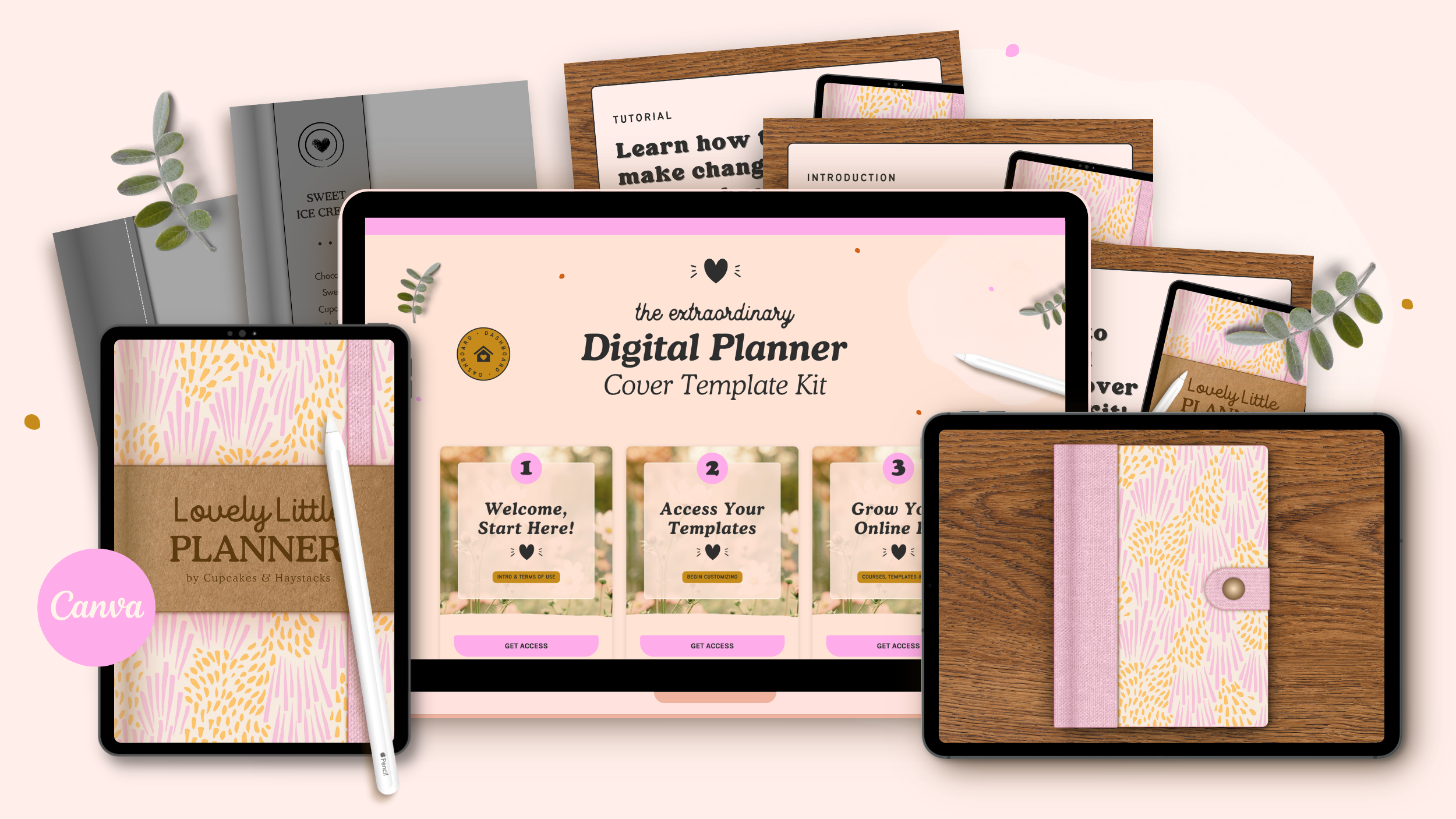
Add a bit of magic to your digital planner, journal, and notebook designs with this collection of beautiful cover templates—made for Canva!
People judge a book by its cover — and your digital planner is no different!
So much love goes into creating beautiful interior spreads. But your cover is what a buyer sees first. It sets the entire vibe for your design, and deserves just as much attention.
Whether you're designing a planner, journal, or notebook, a stunning cover is what makes your product feel truly complete — and this kit makes creating one so much easier!
What You Get...
Here’s a quick look at everything waiting for you inside your new template kit.
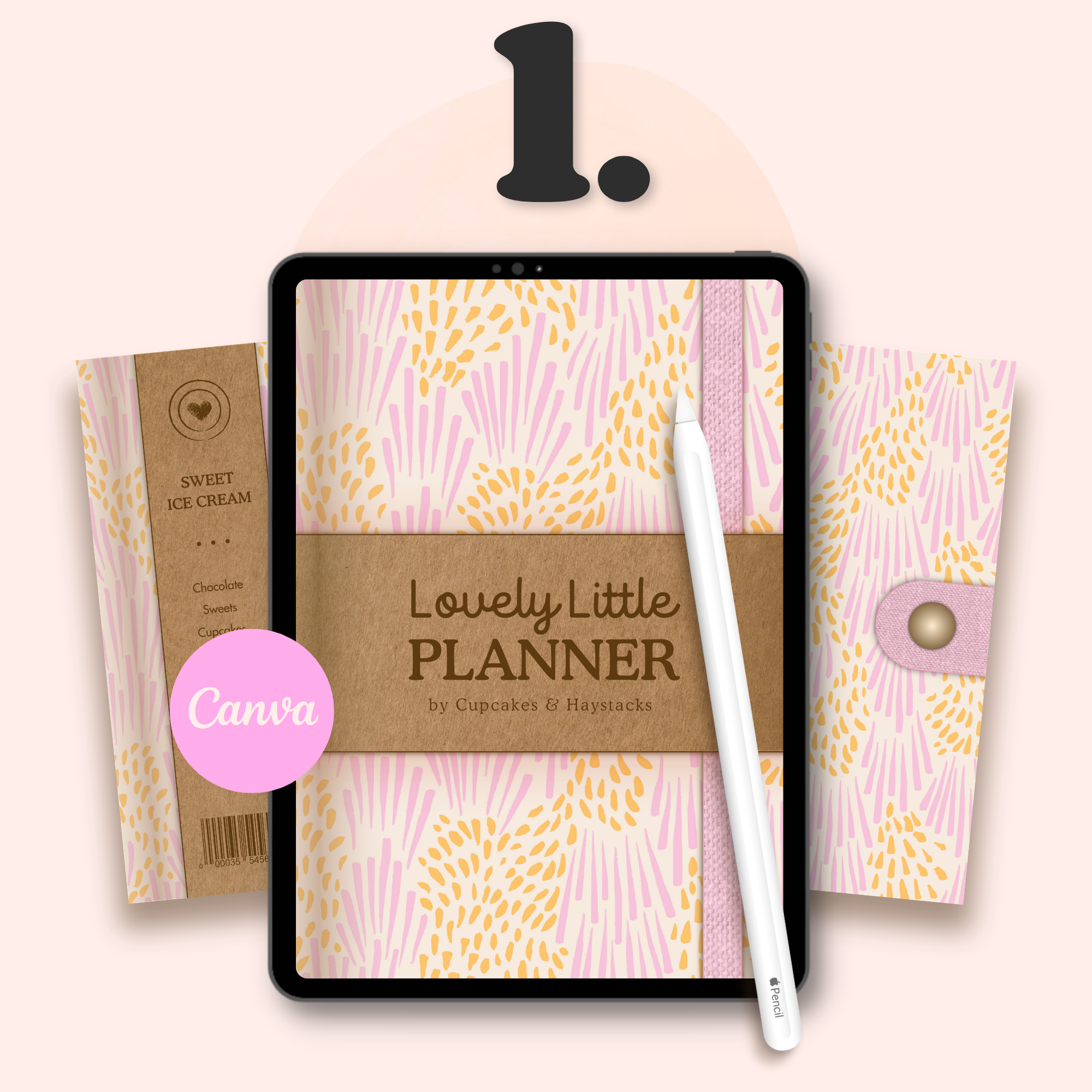
30 Digital Planner Cover Templates—Made for Canva
A complete set of Canva-based digital planner cover templates. Customize the colors, fonts, and details, then export as a PNG image that's ready to drop straight into your designs—on any platform you work in!
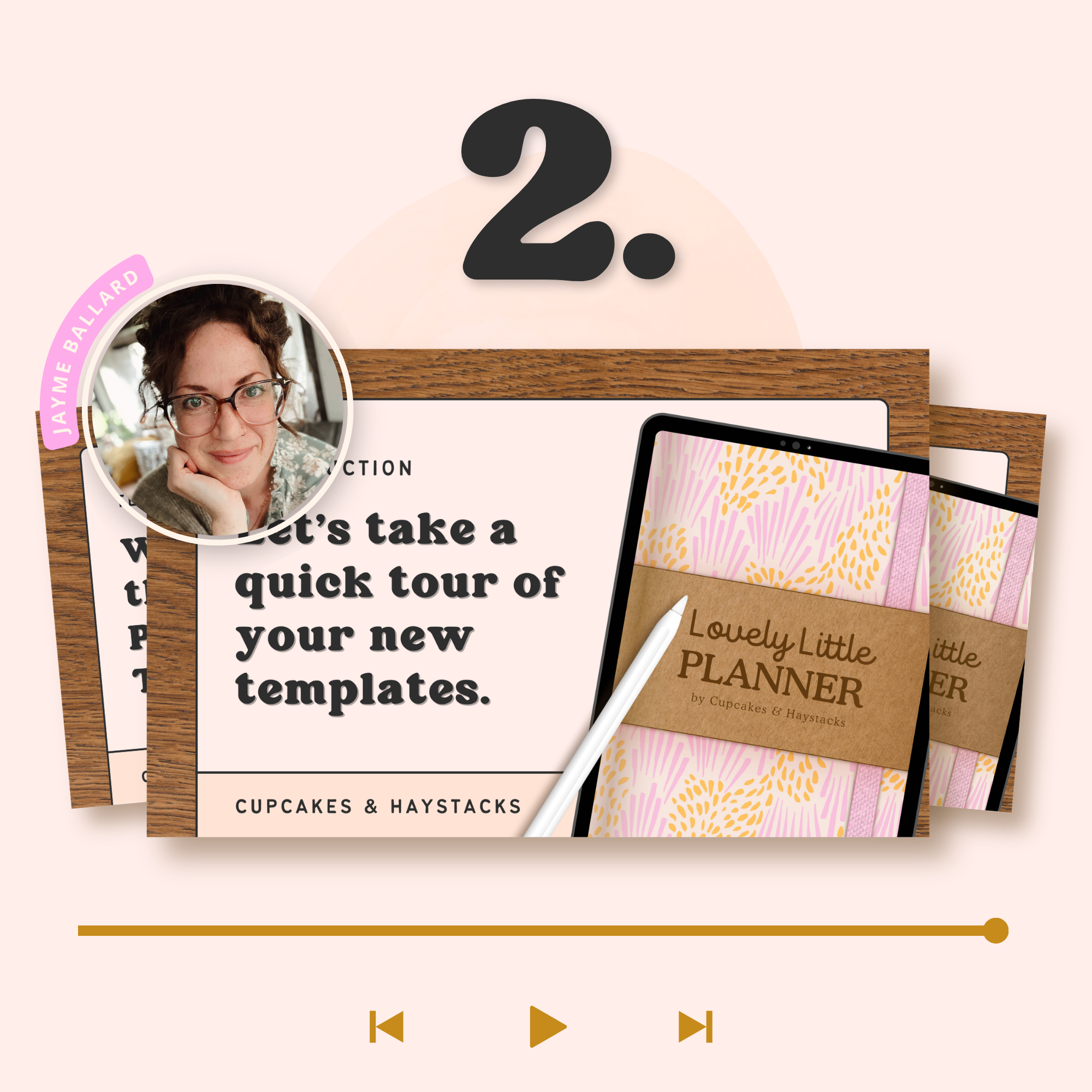
Step-by-Step Video Tutorials
I walk you through the whole customization process in real time, so you can work right alongside me from start to finish.
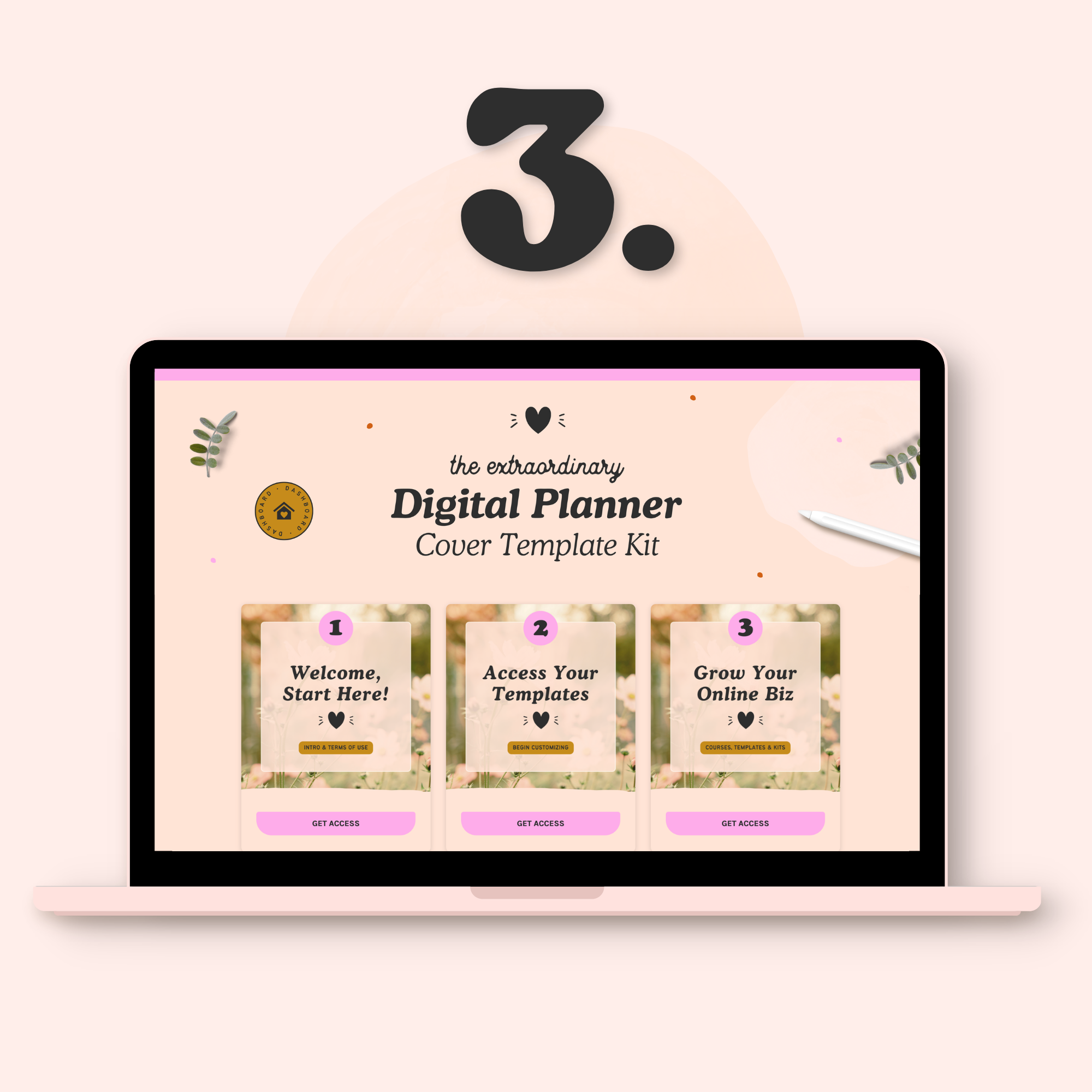
Lifetime Access to the Template Hub
Everything lives in one cozy hub that's yours to keep. Come back anytime to create a new cover or rewatch a tutorial—it's always right there waiting for you!
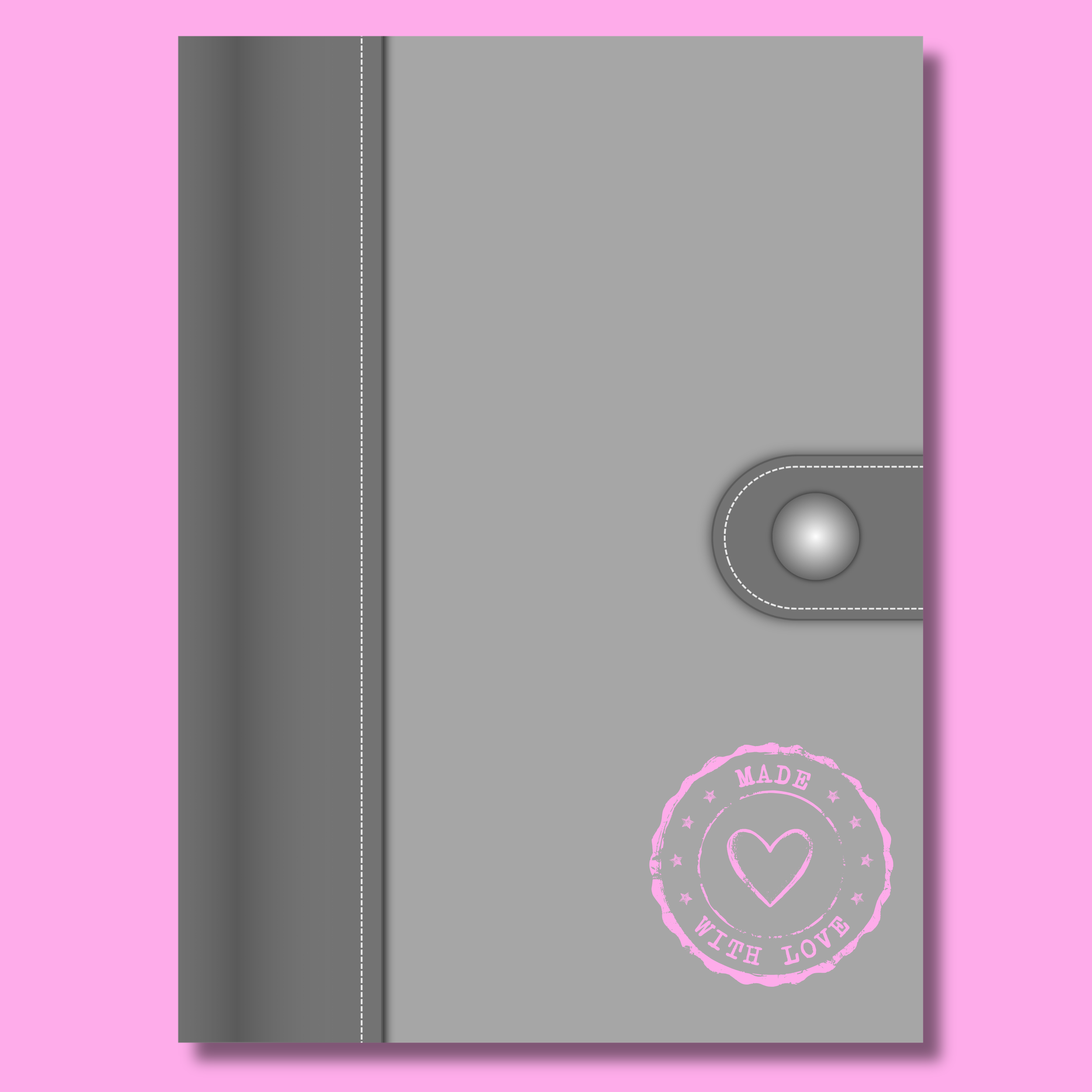
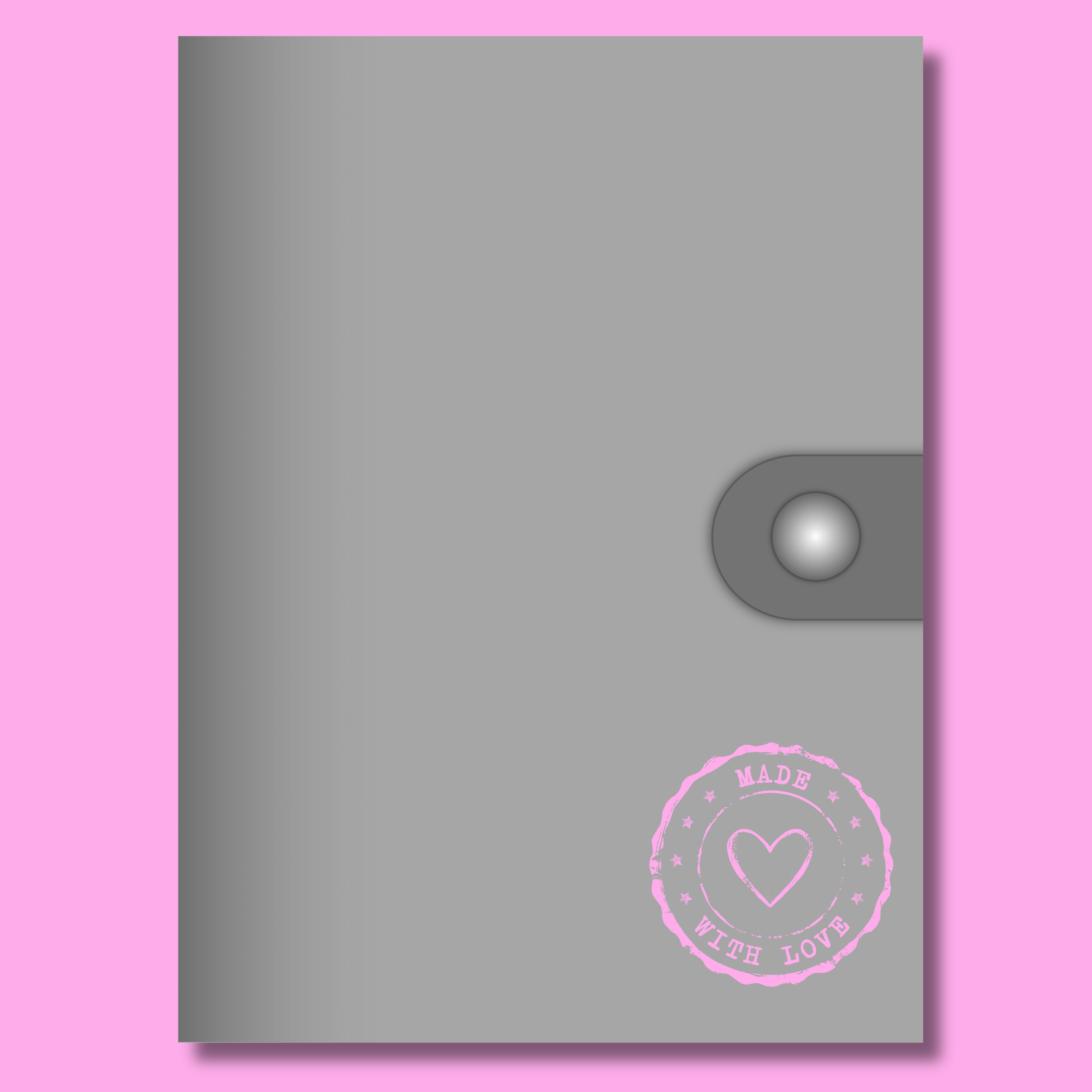


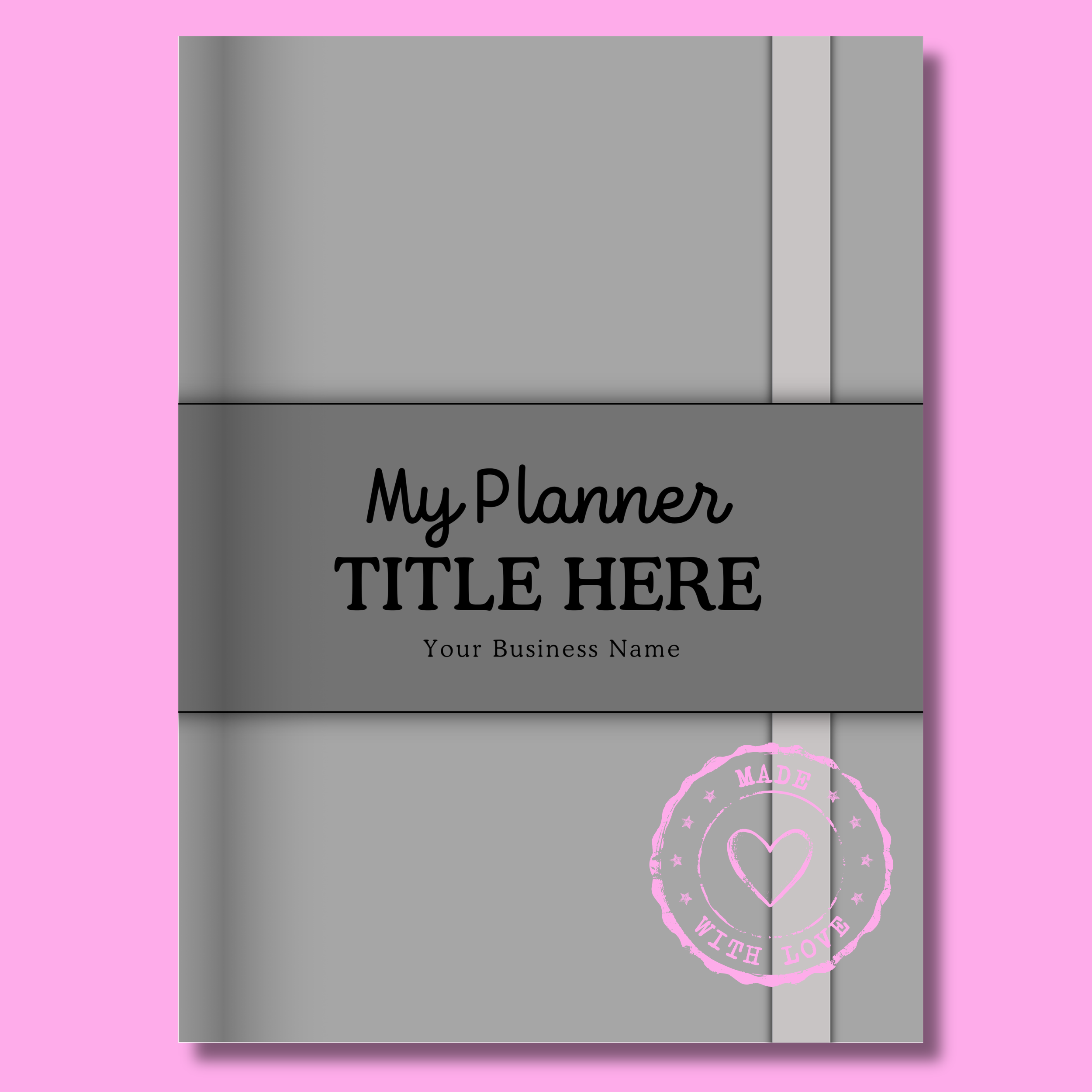
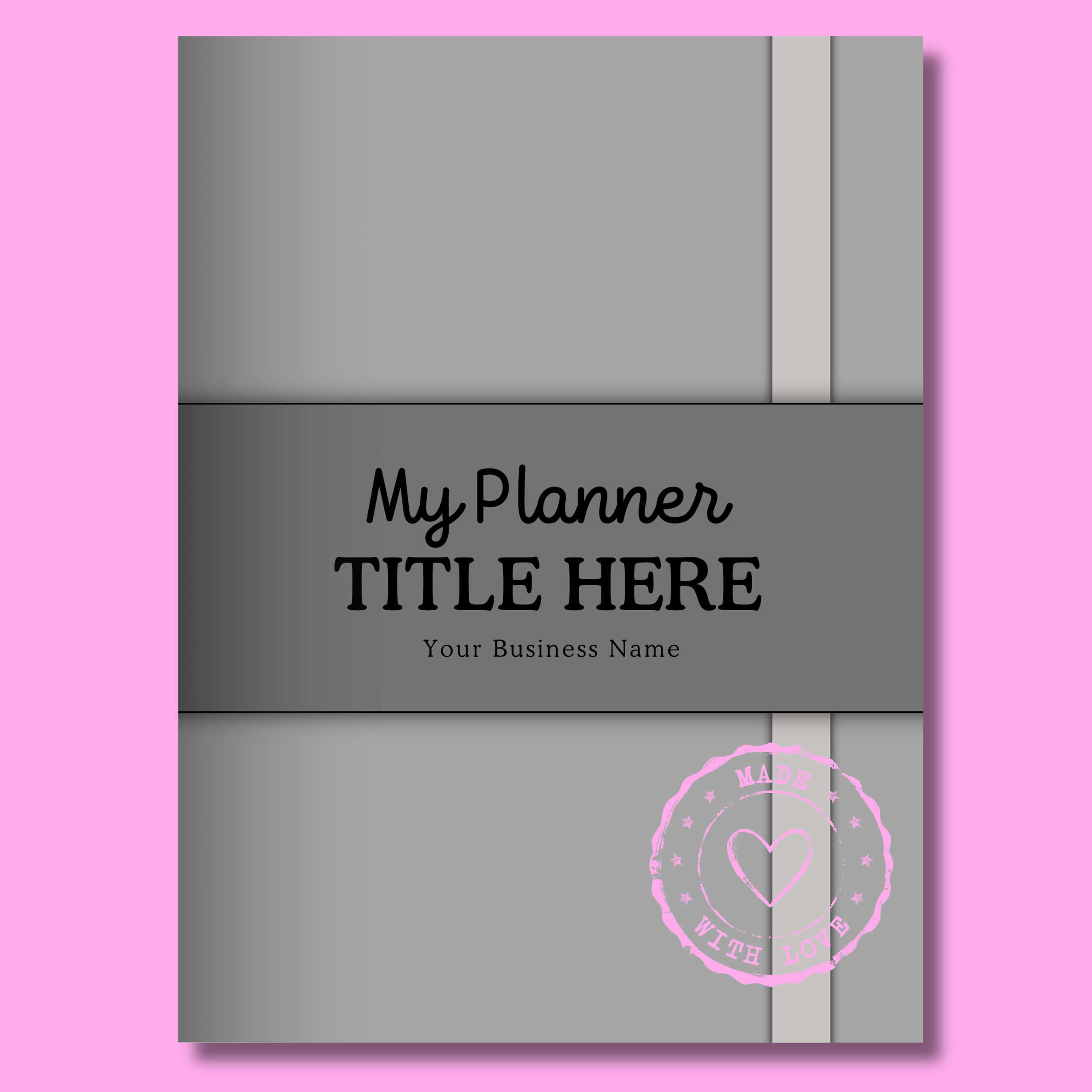
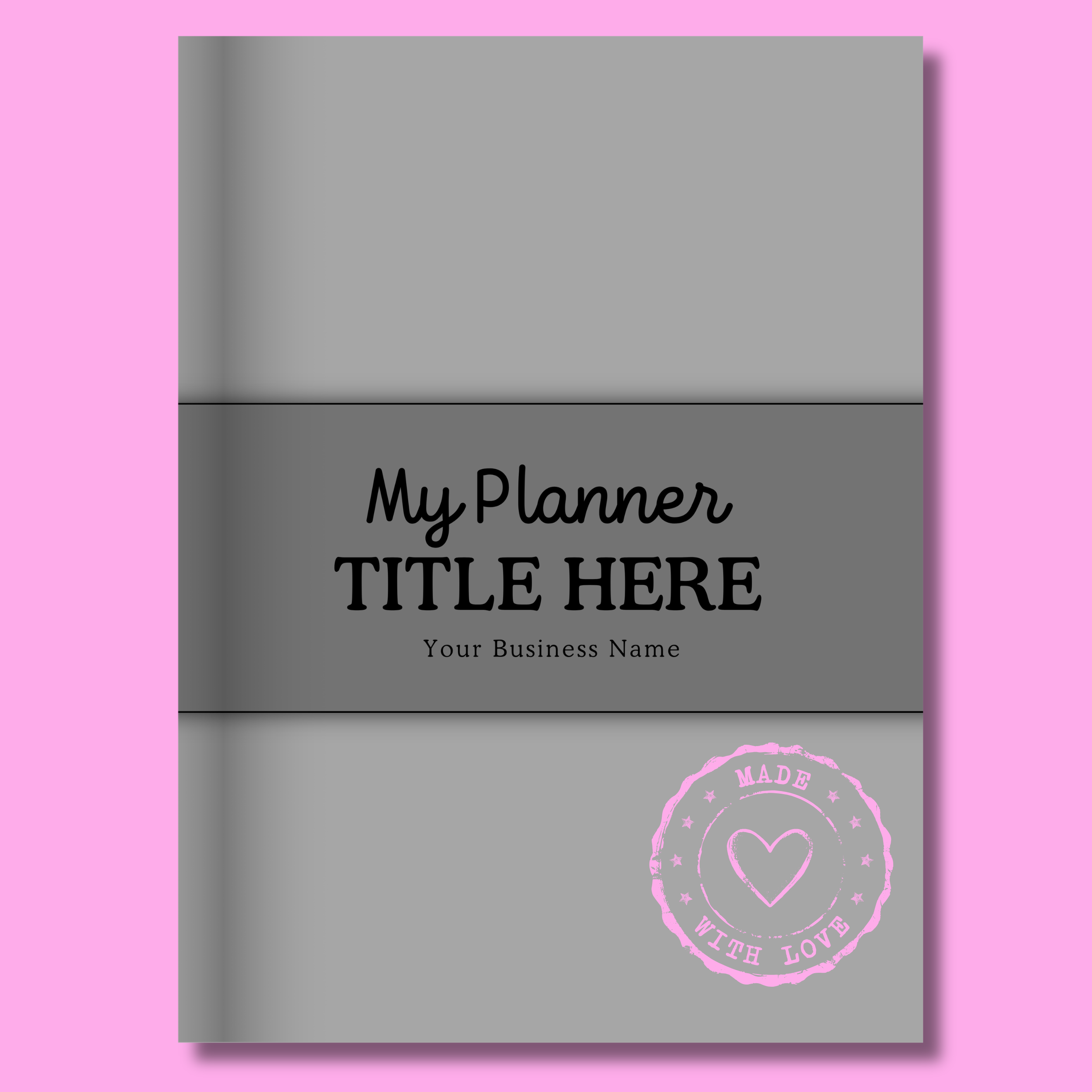
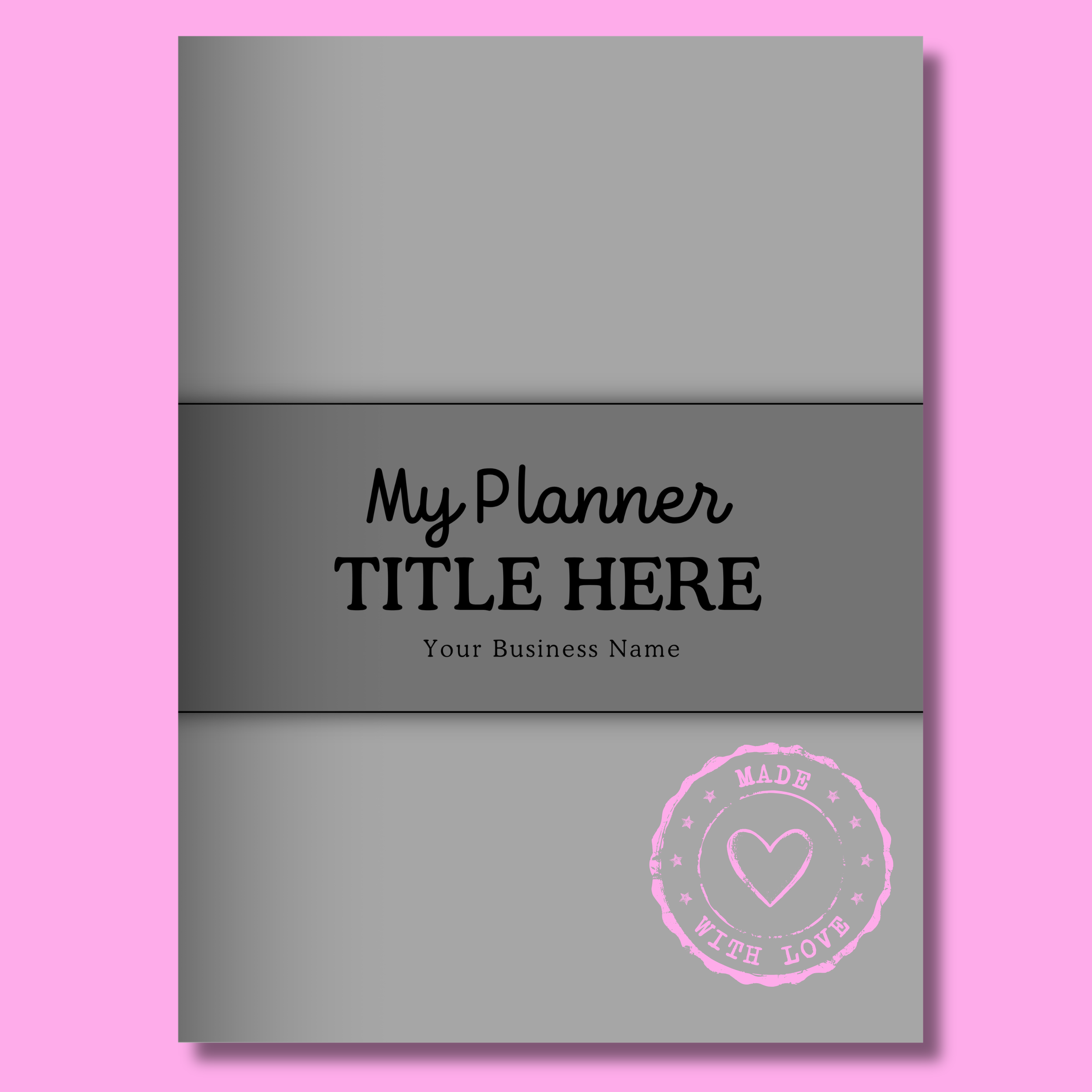
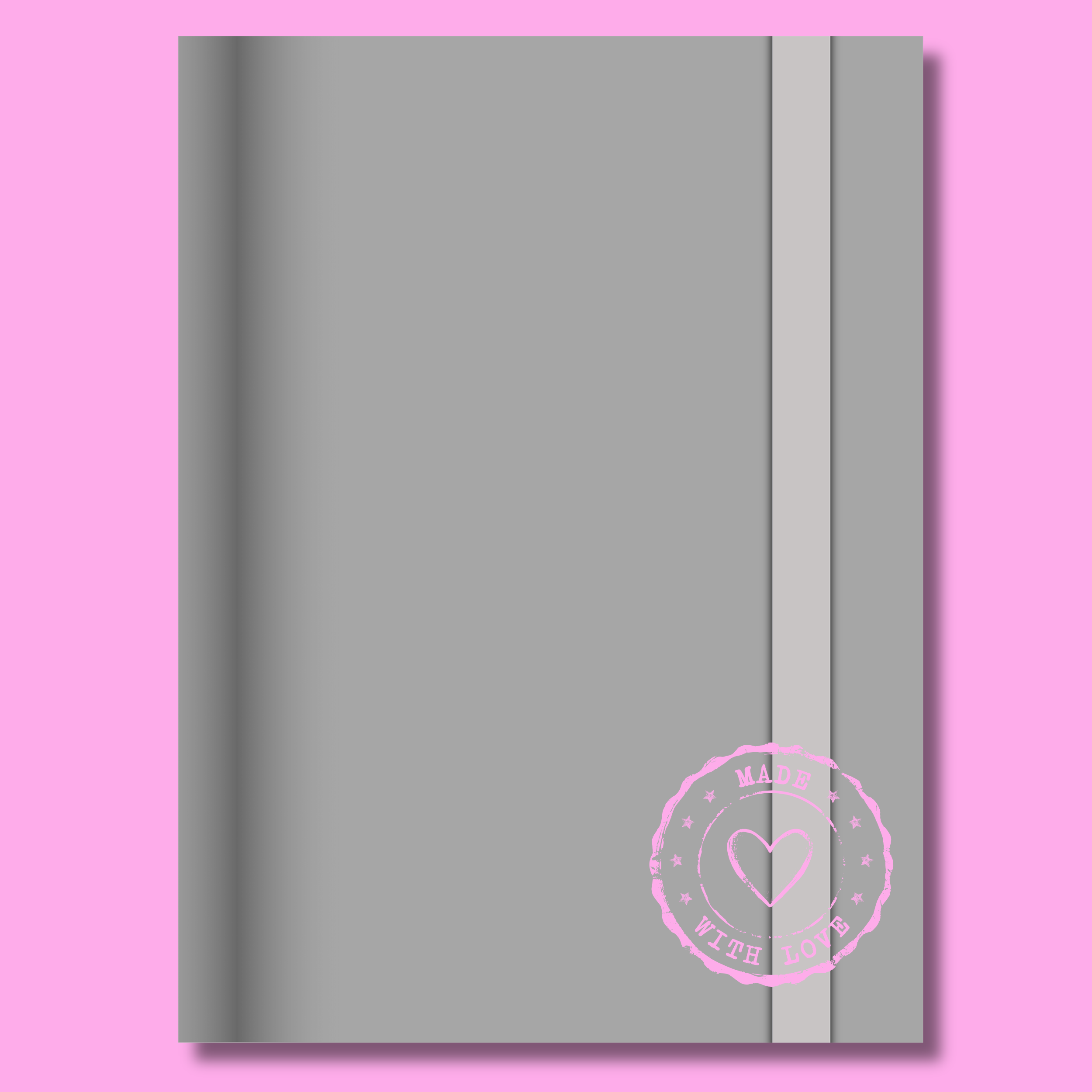
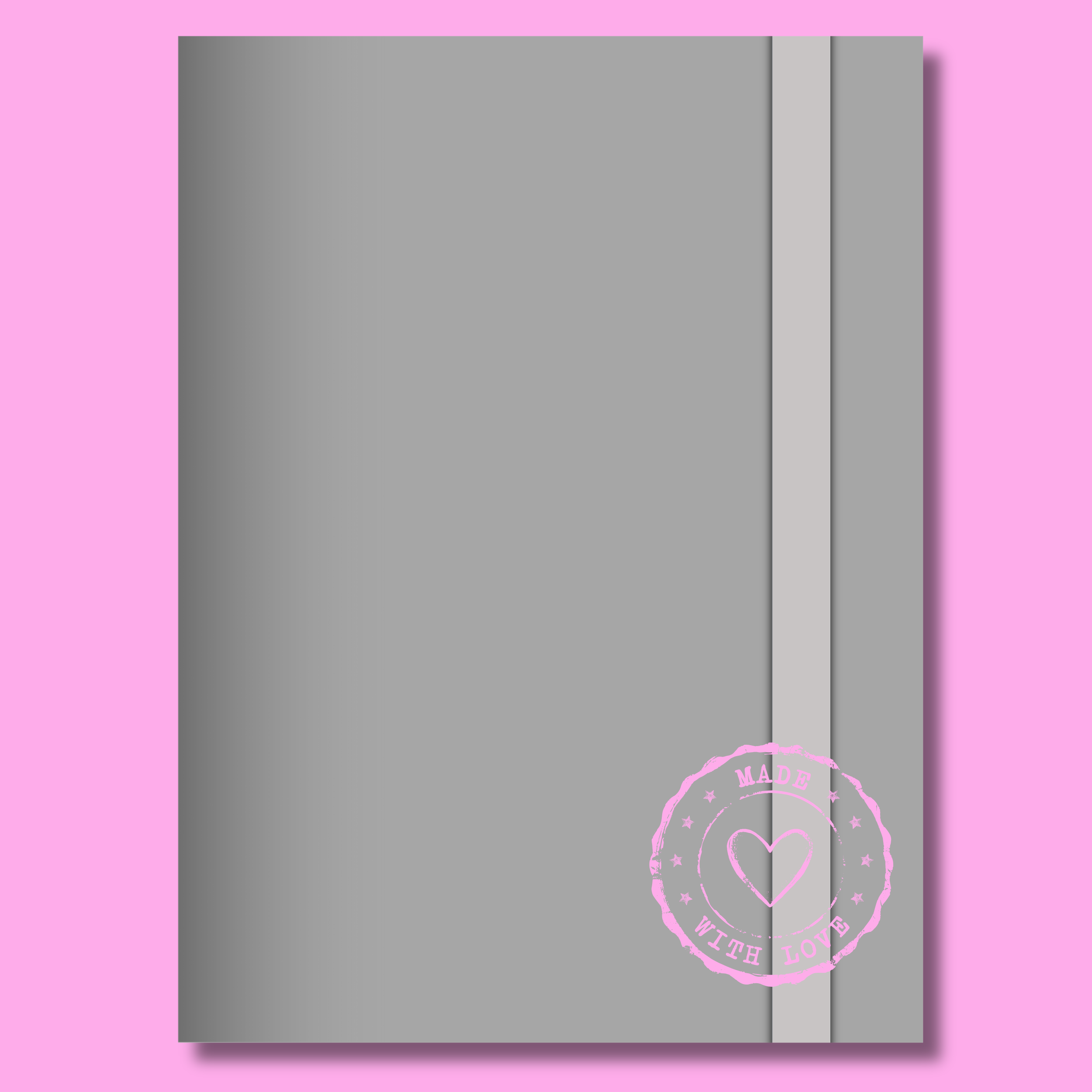
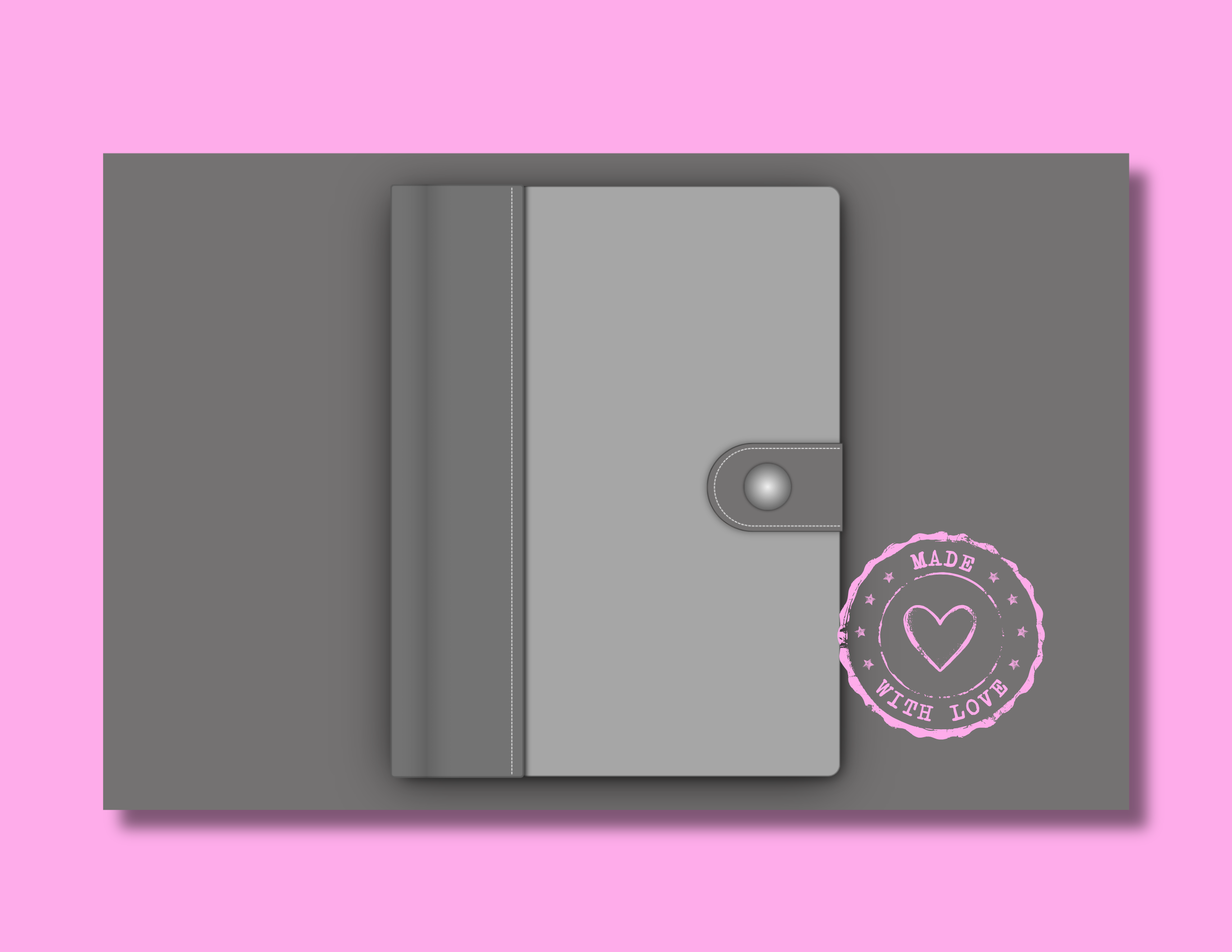
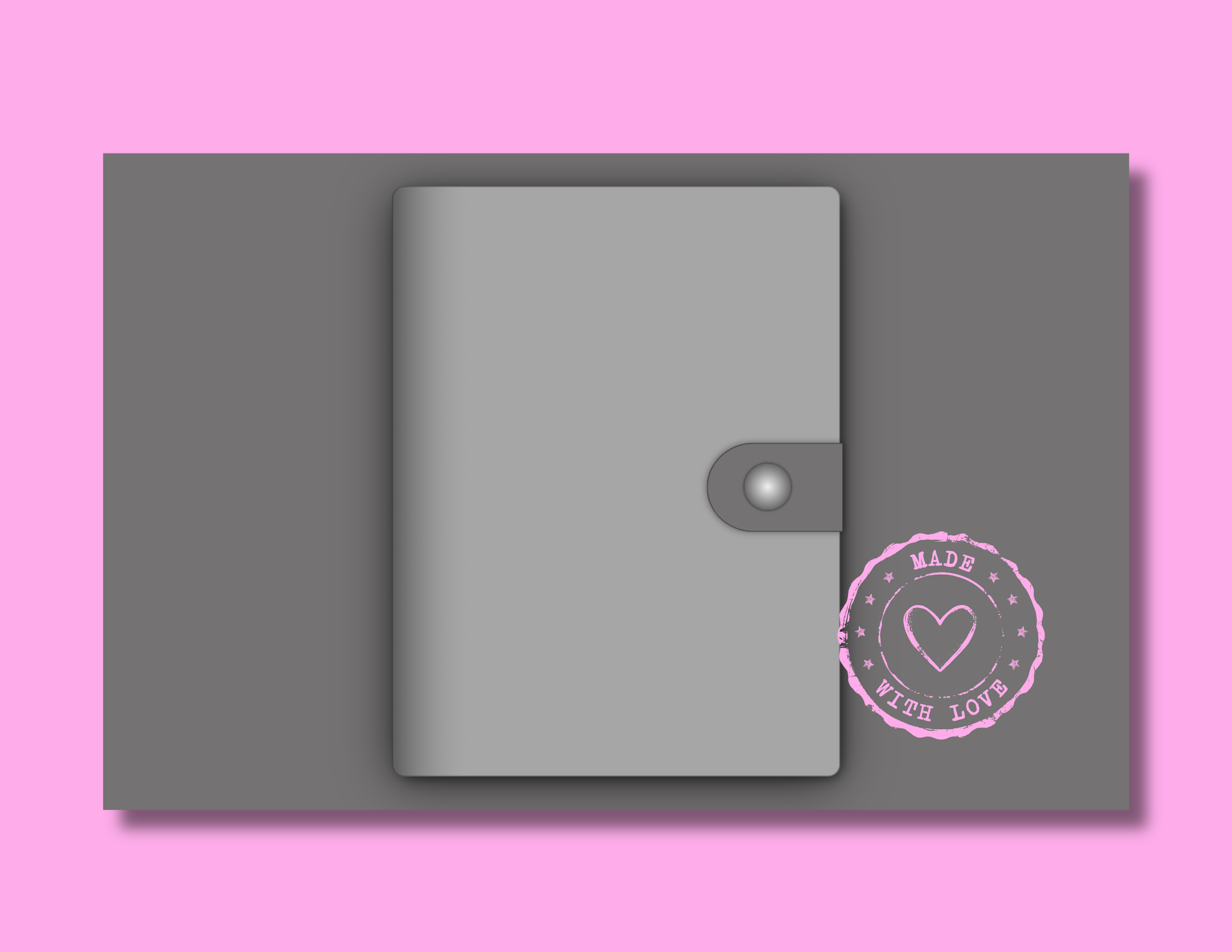
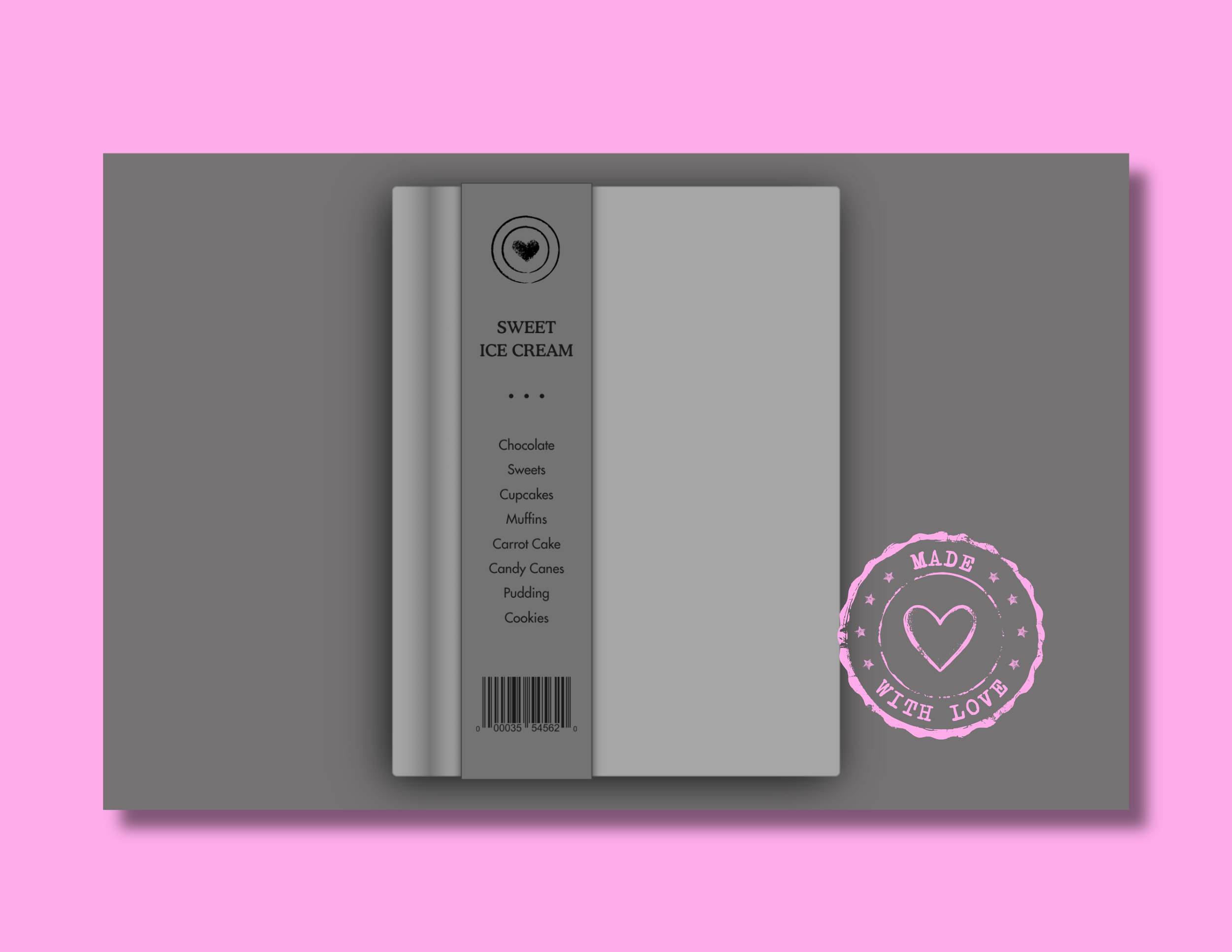
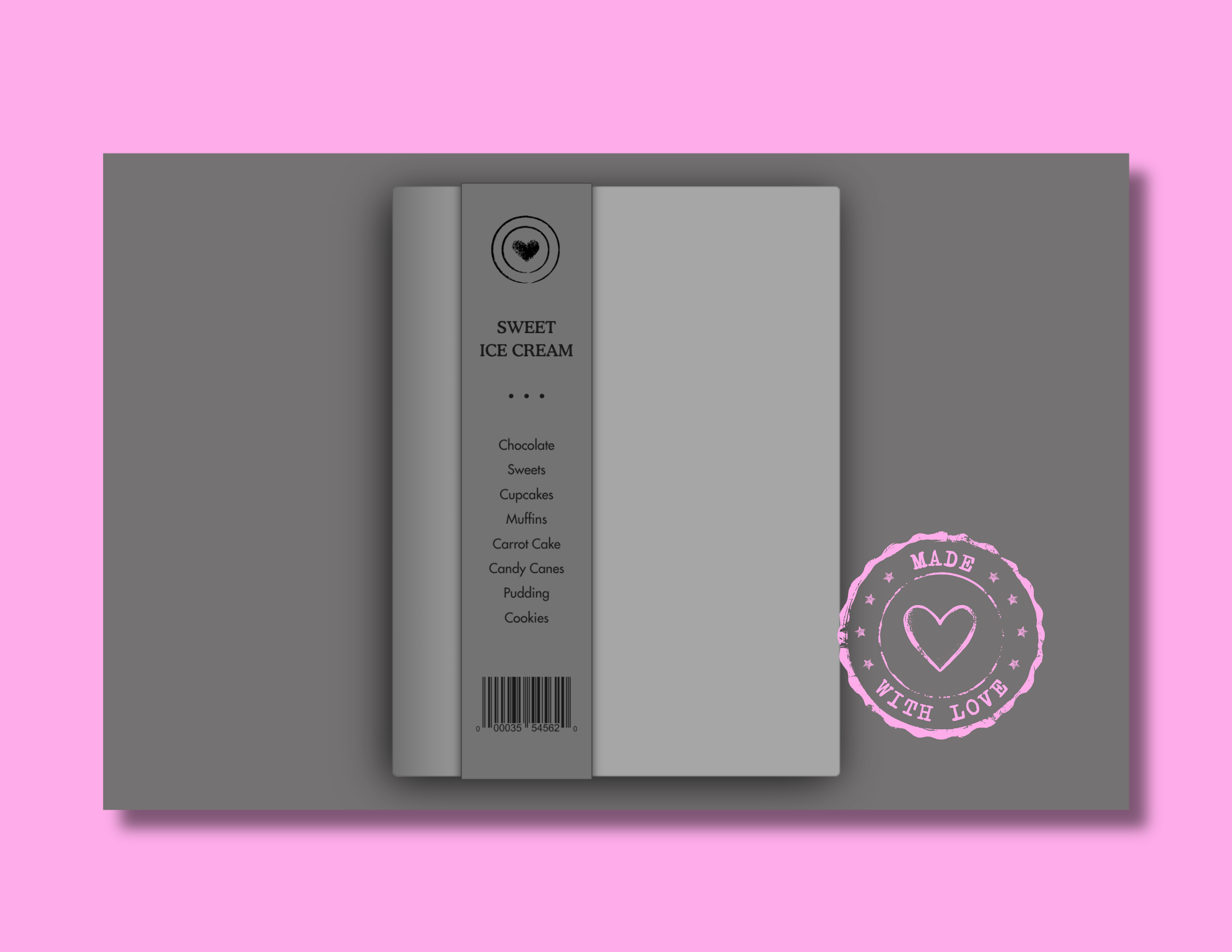
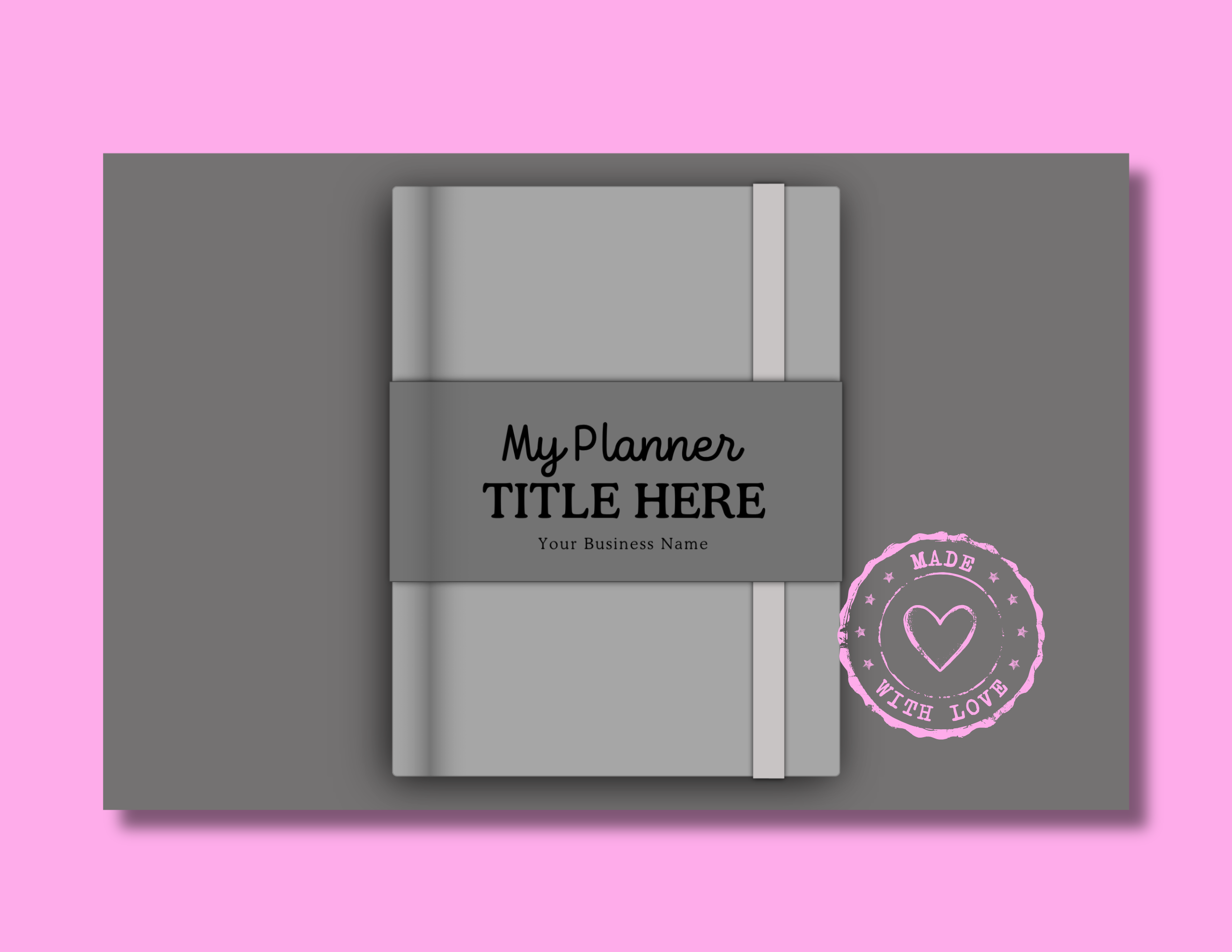
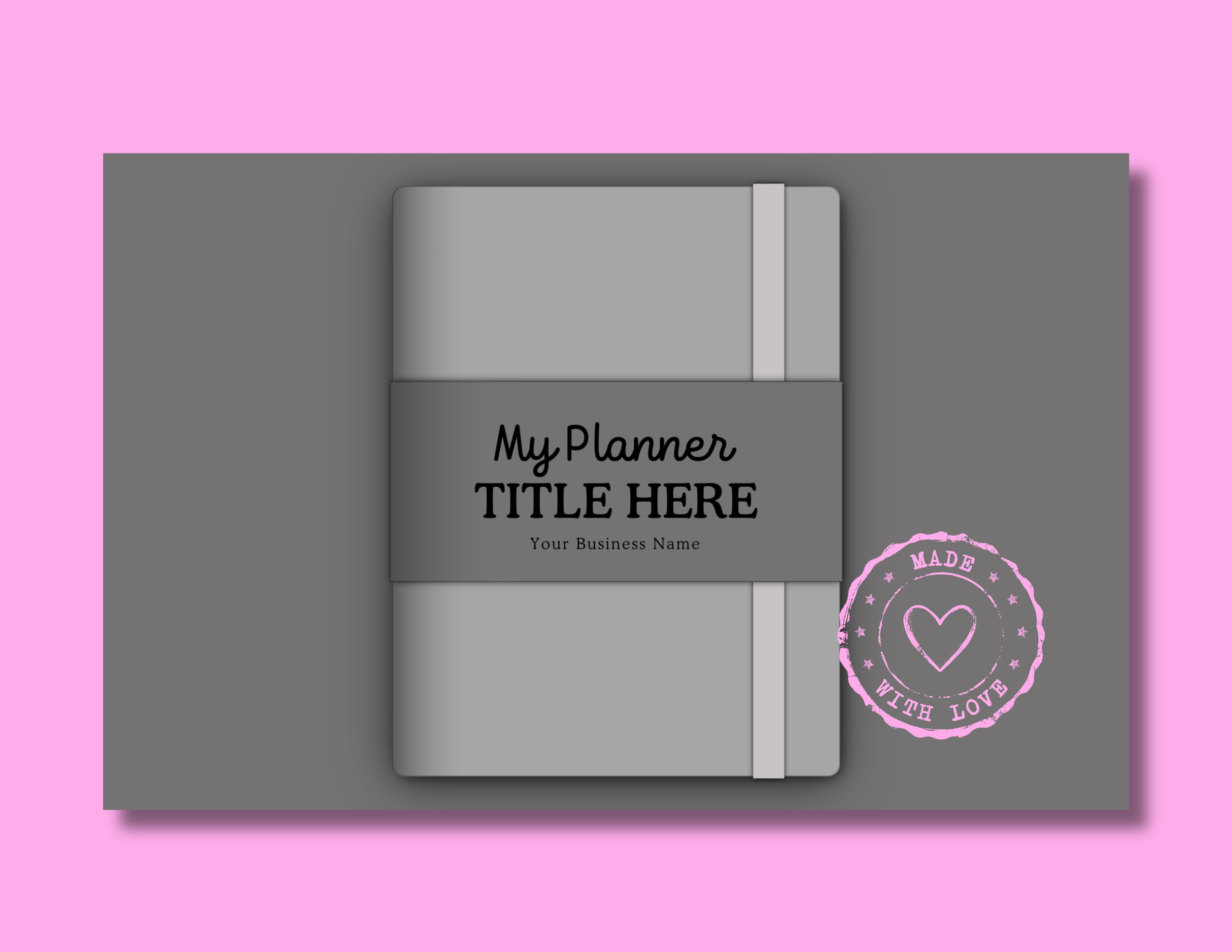
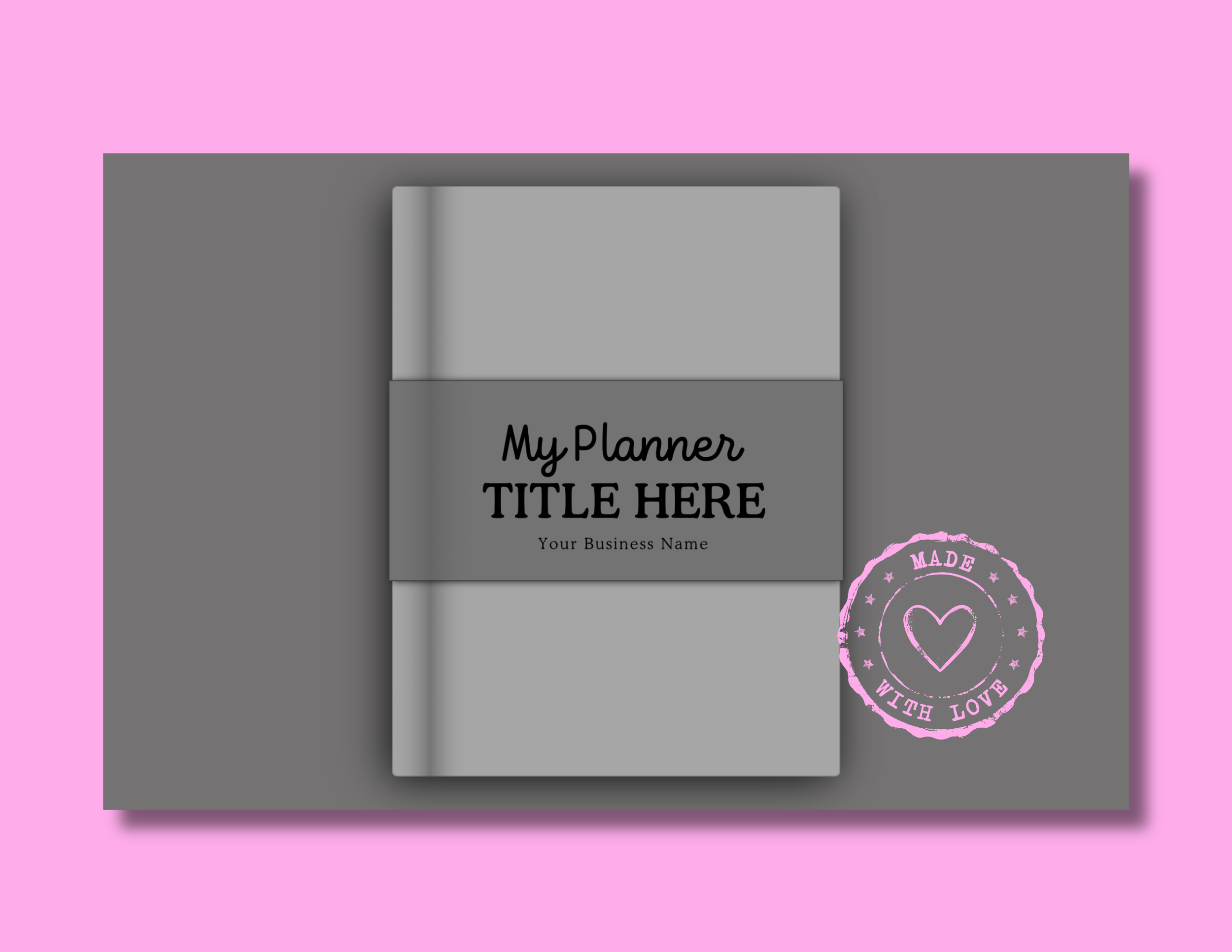
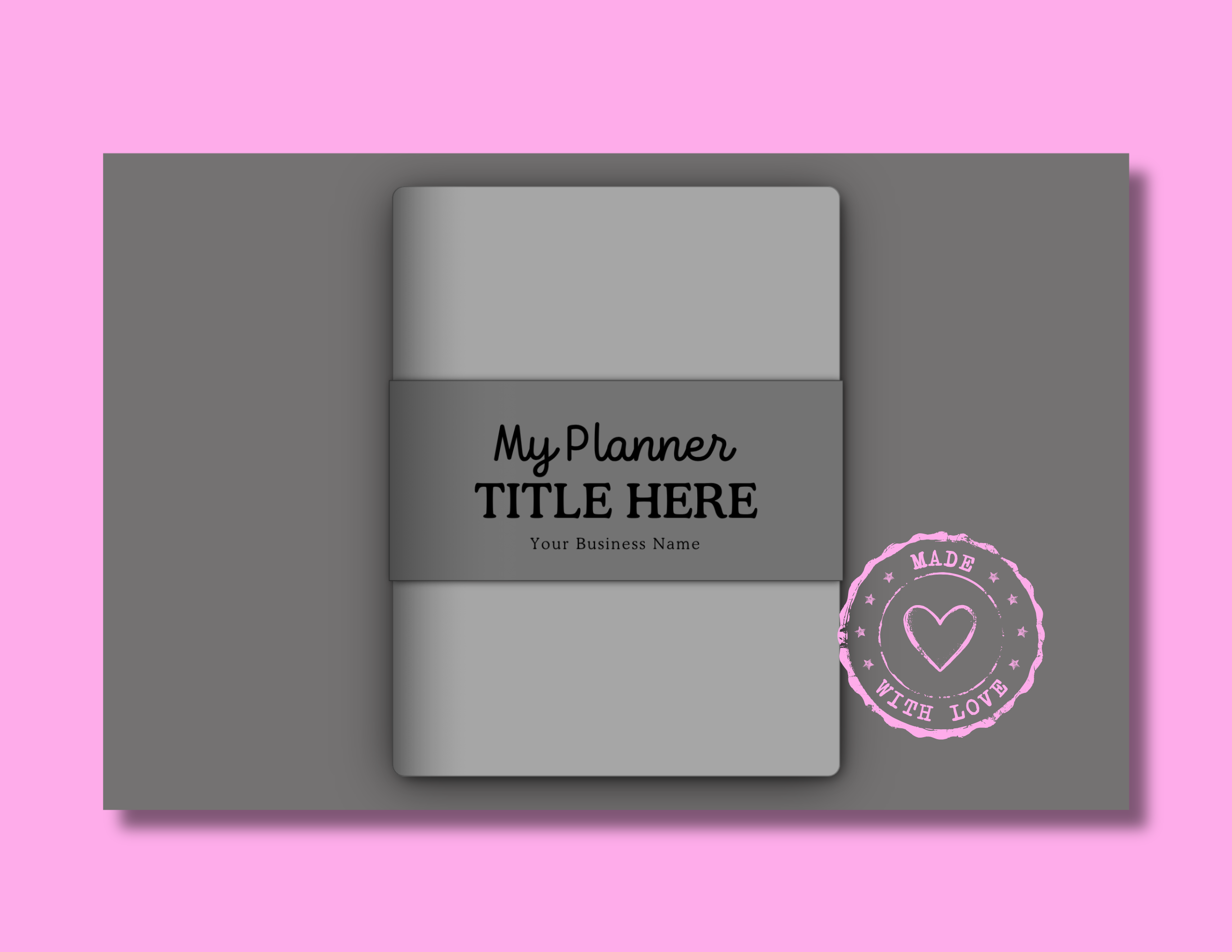
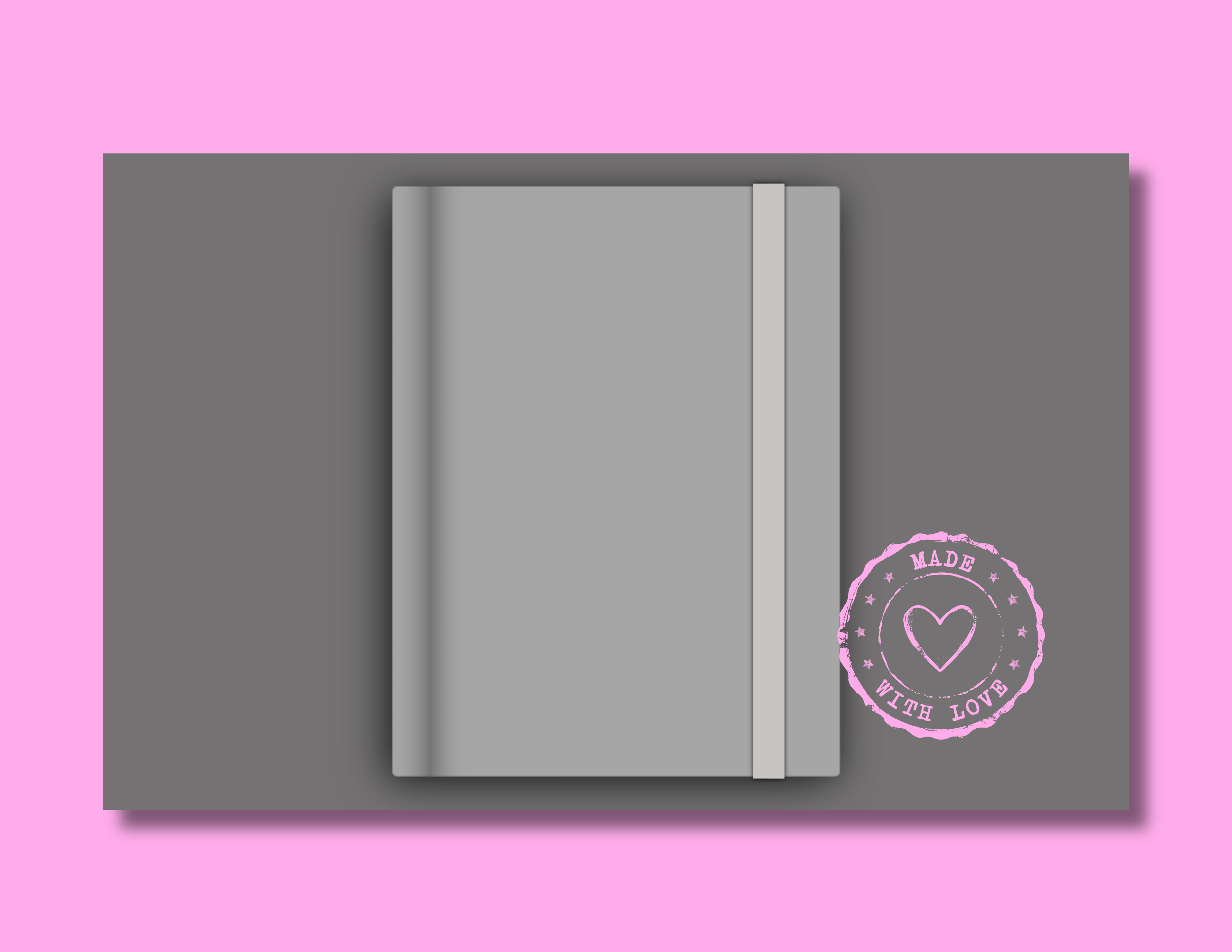
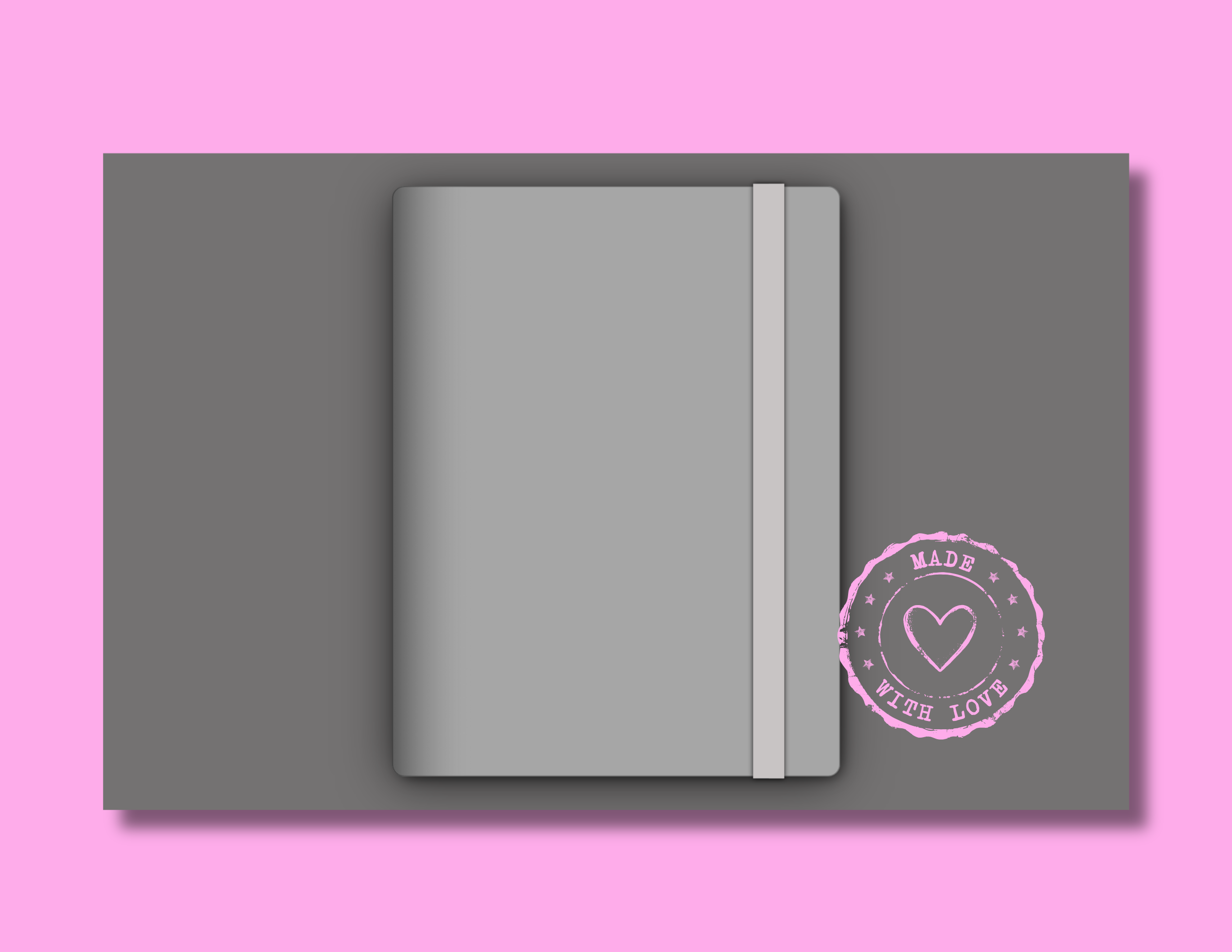
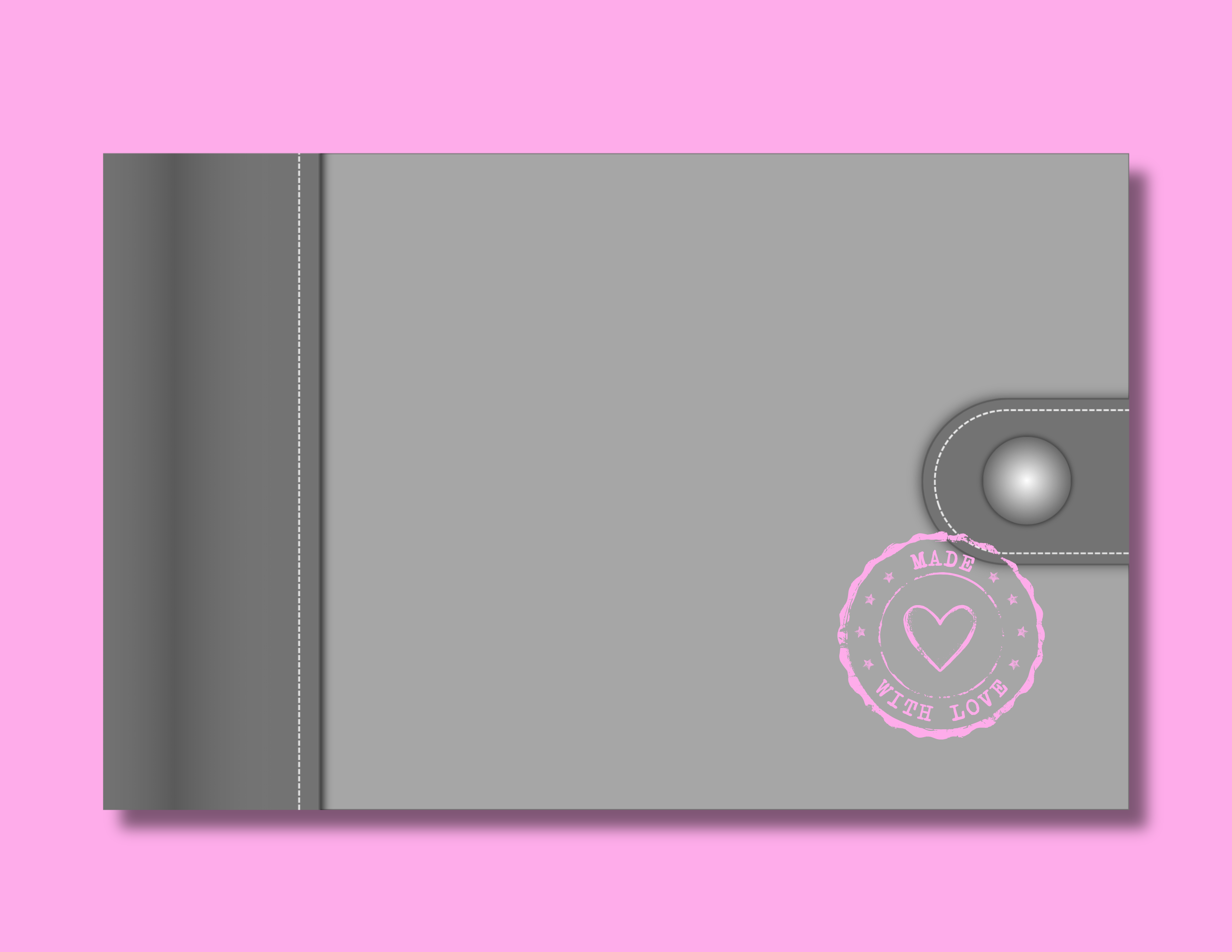
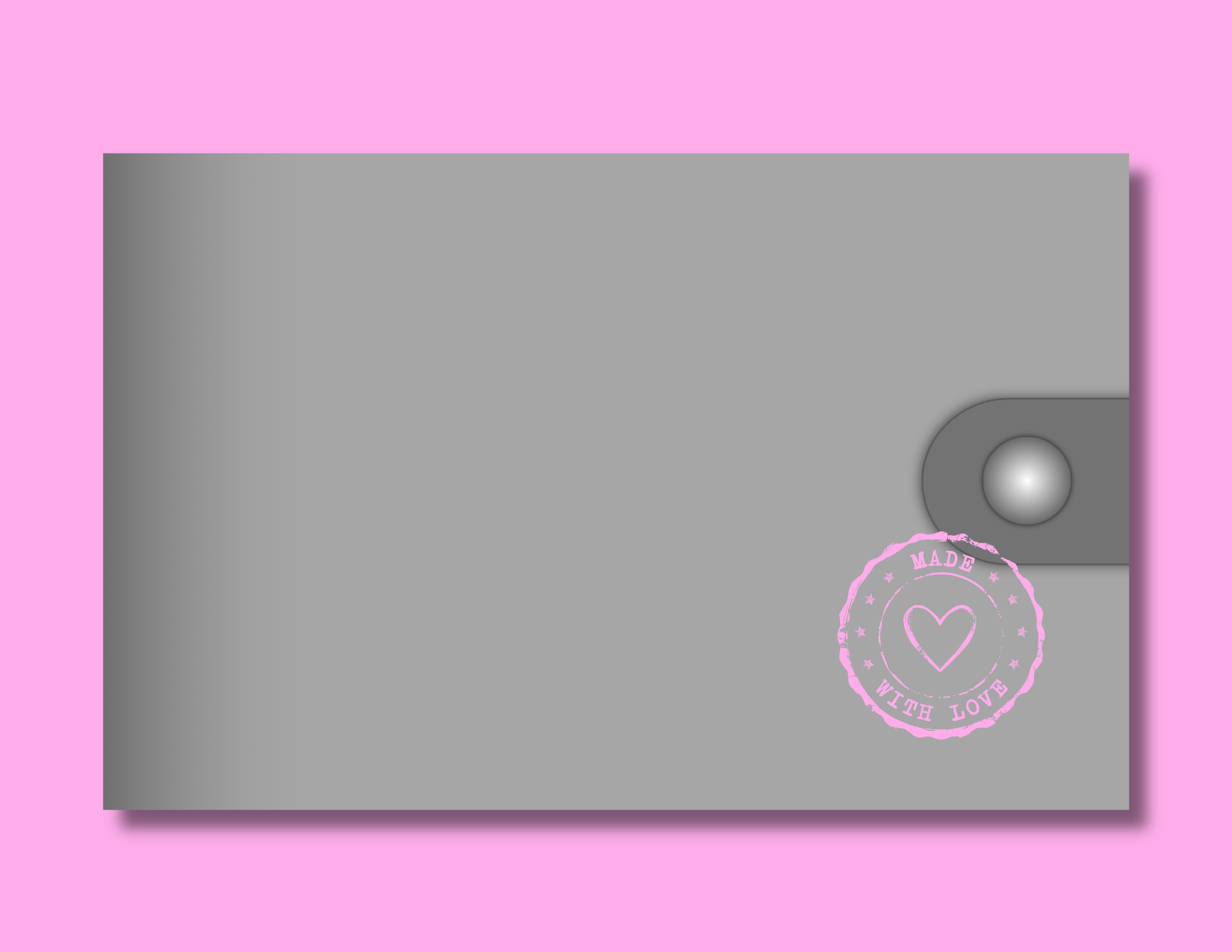
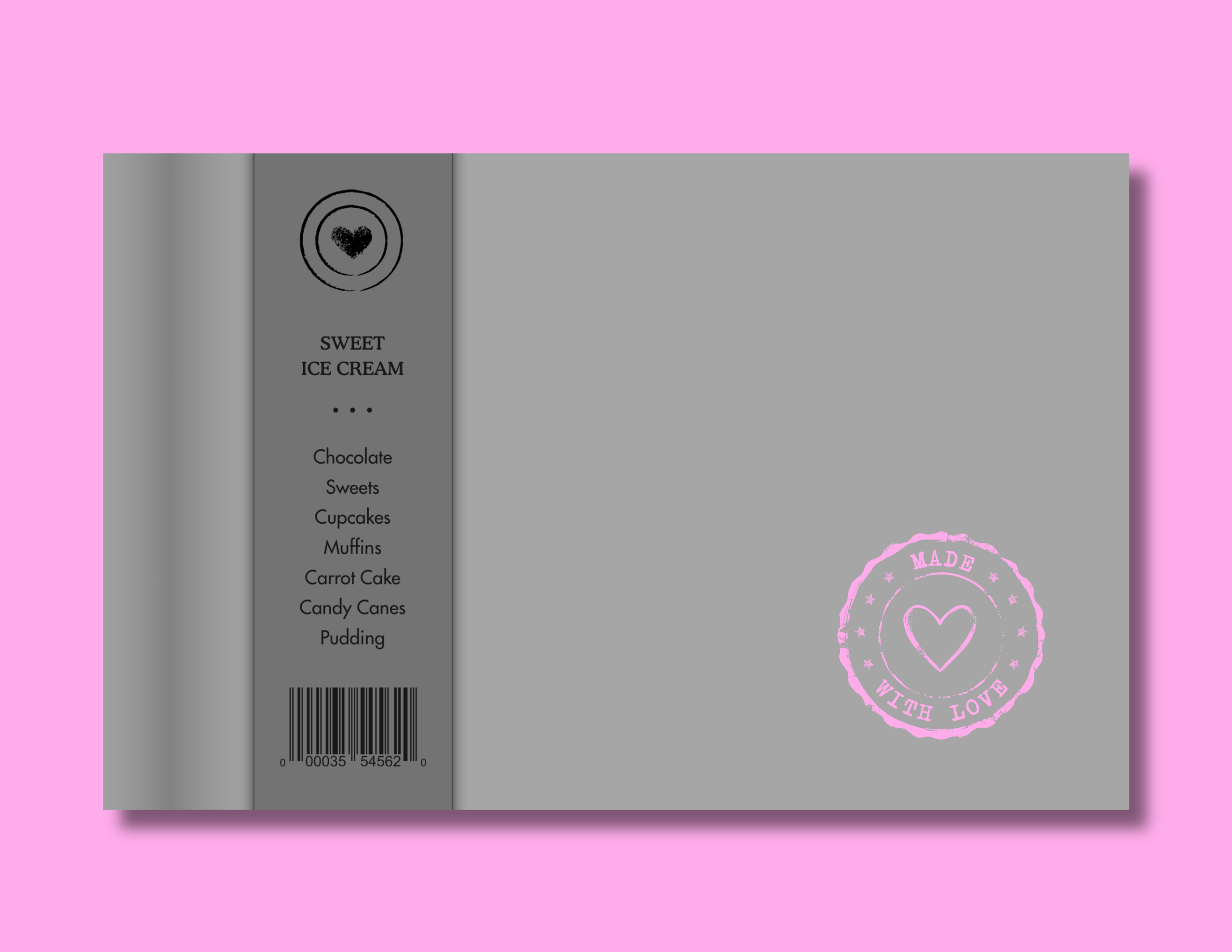
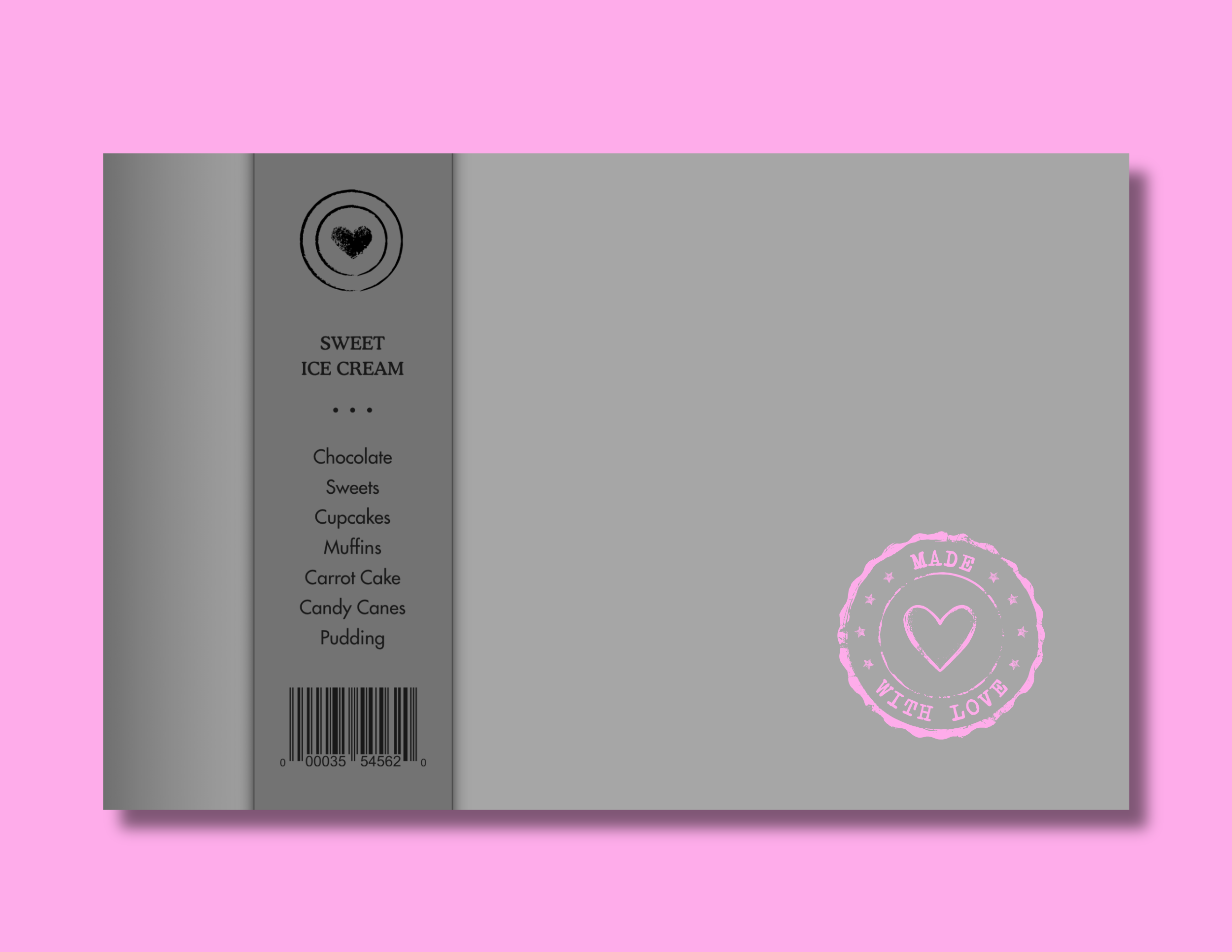
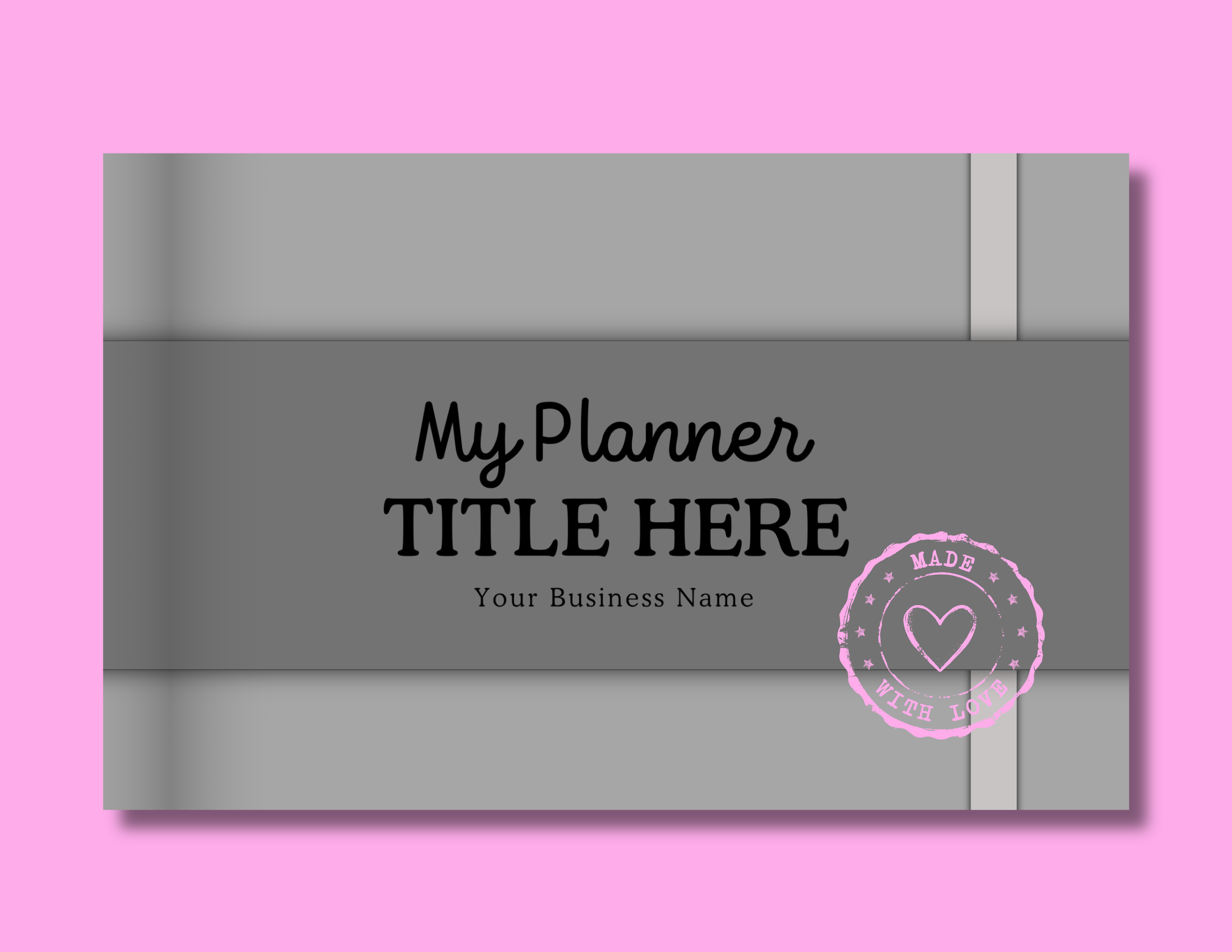
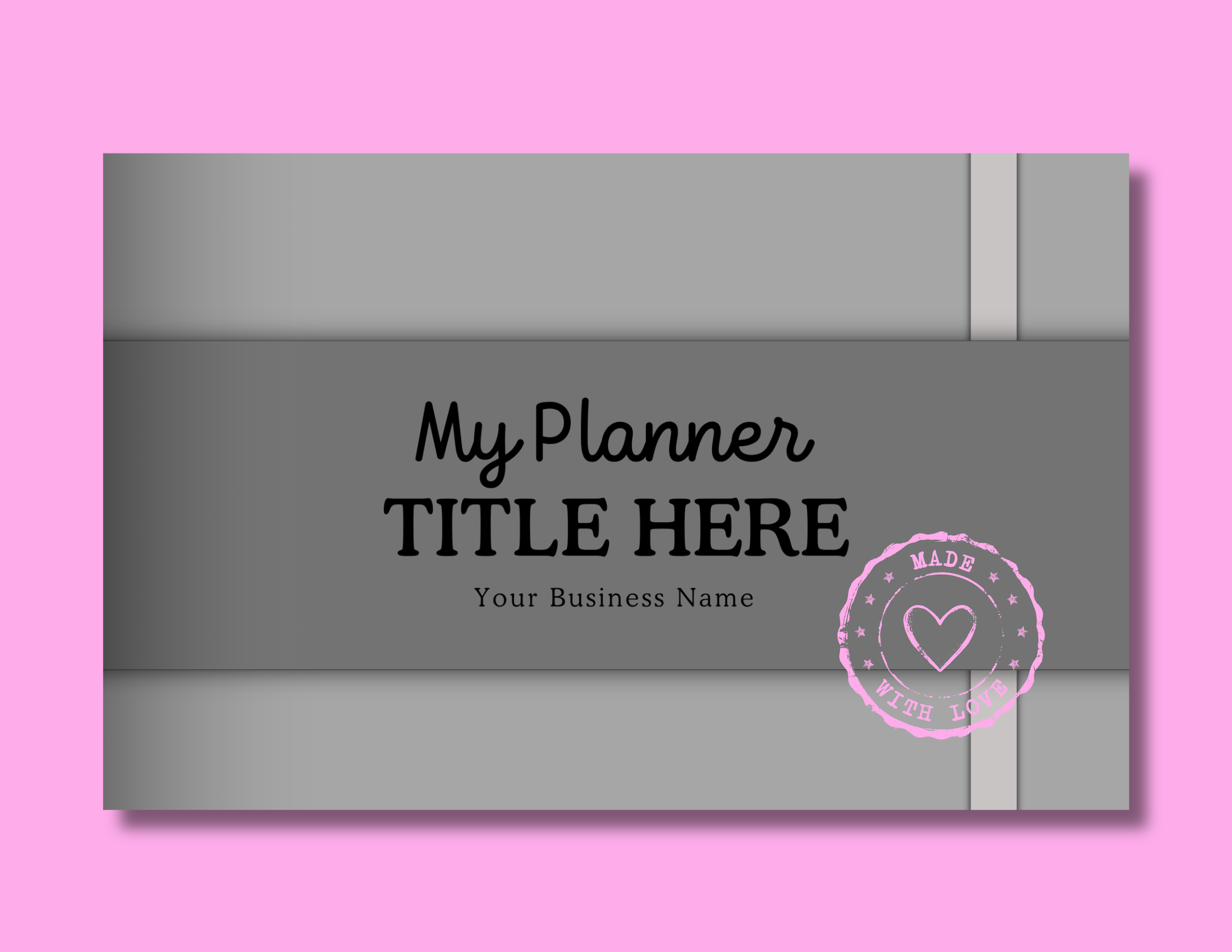
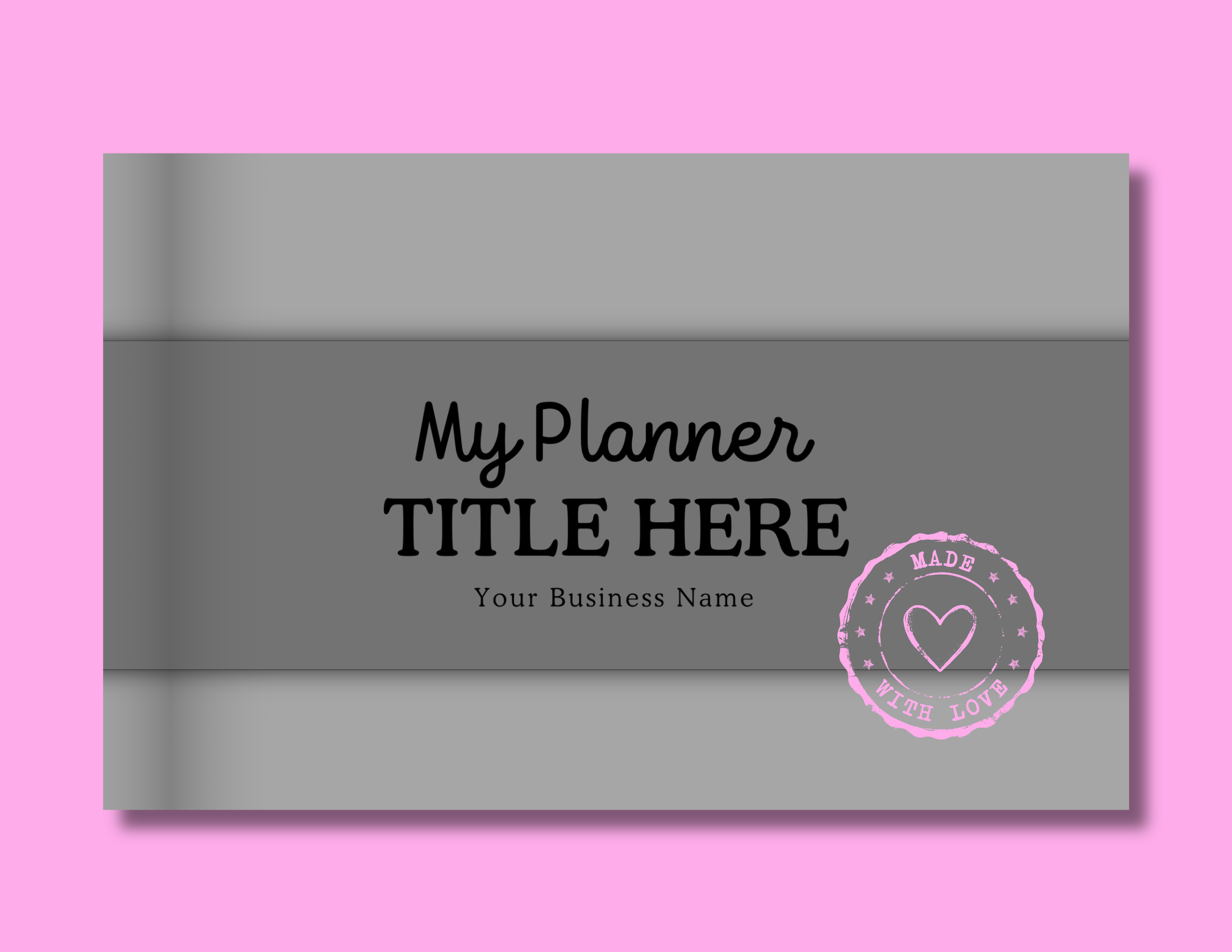
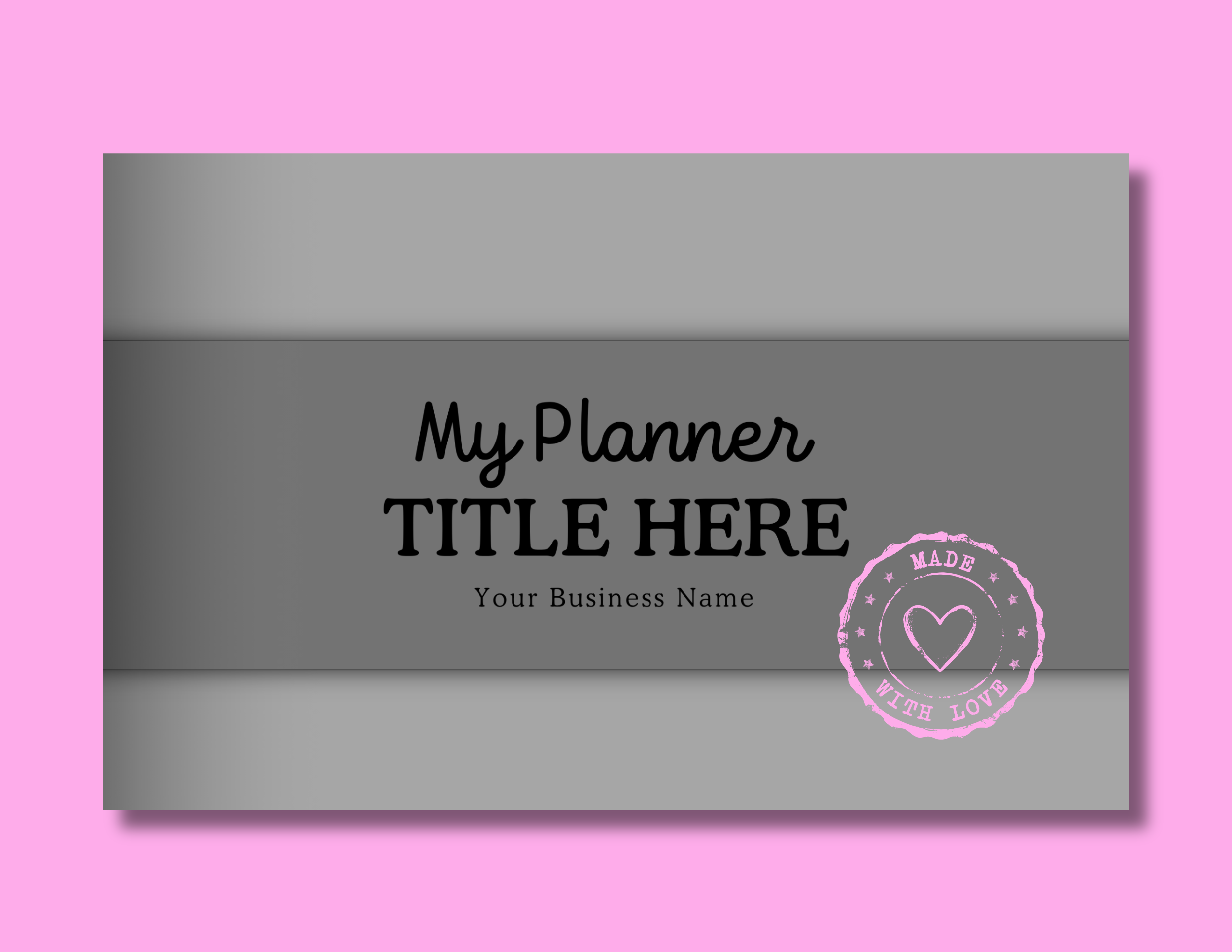
These are shown in their original grayscale format, ready for you to bring in your own colors, patterns, fonts, and pretty little details.
Template Features
These templates were made to look pretty and work beautifully—with all the lovely details already baked in.
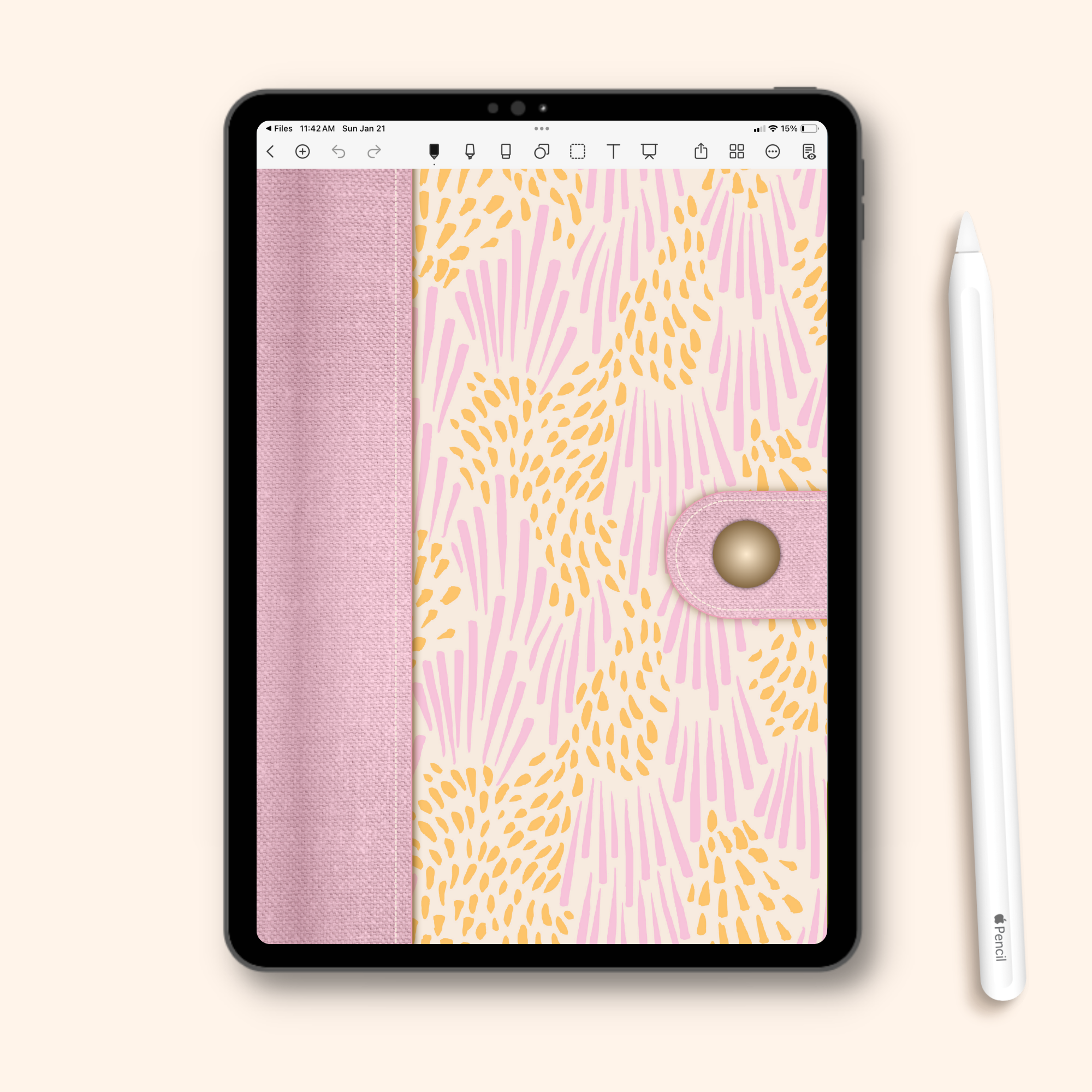
A beautiful portrait-style layout.
The classic cover orientation — perfect for digital planners and journals designed in a vertical format.
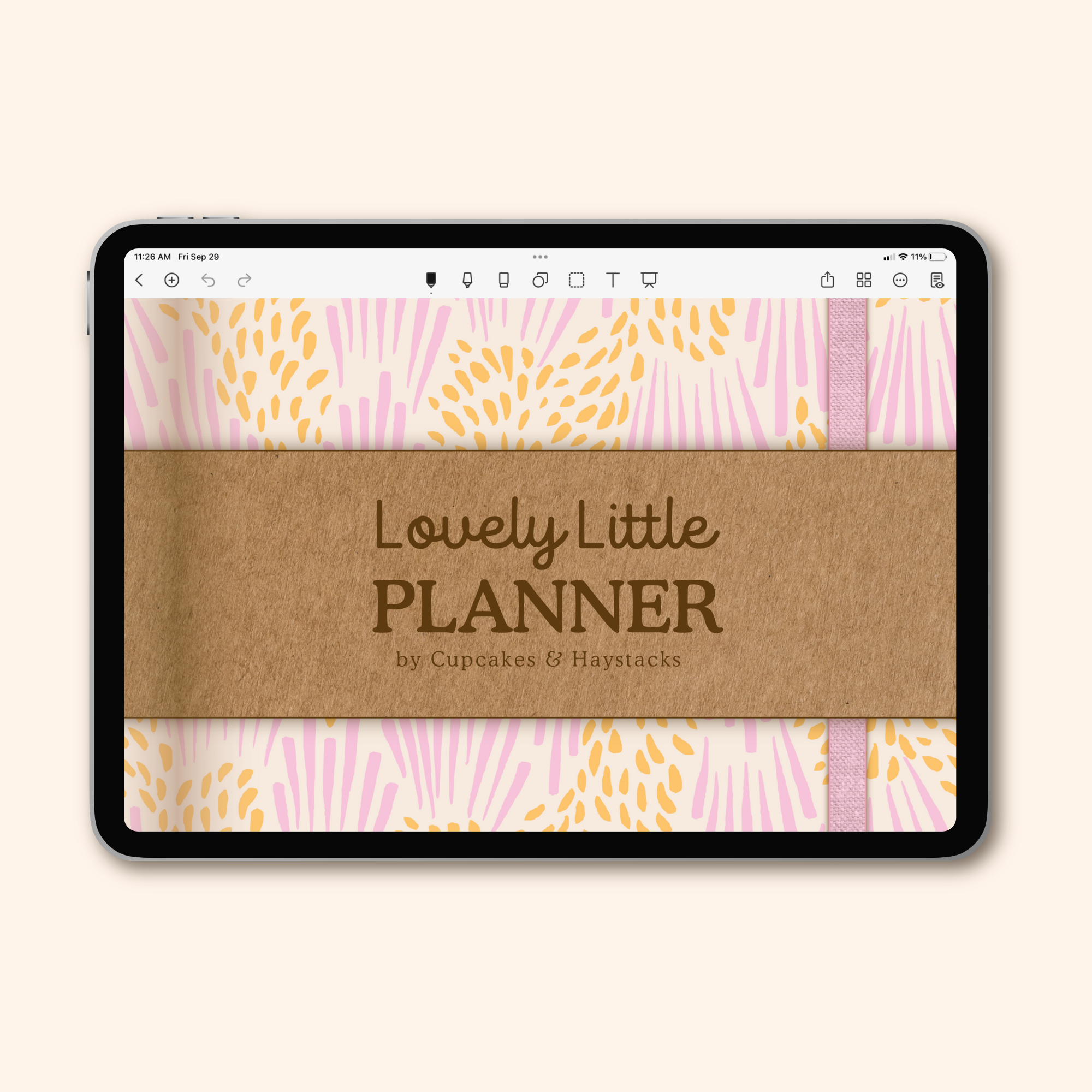
A single page landscape-style layout.
A wide, horizontal cover designed to fit single-page landscape planners and notebooks beautifully.
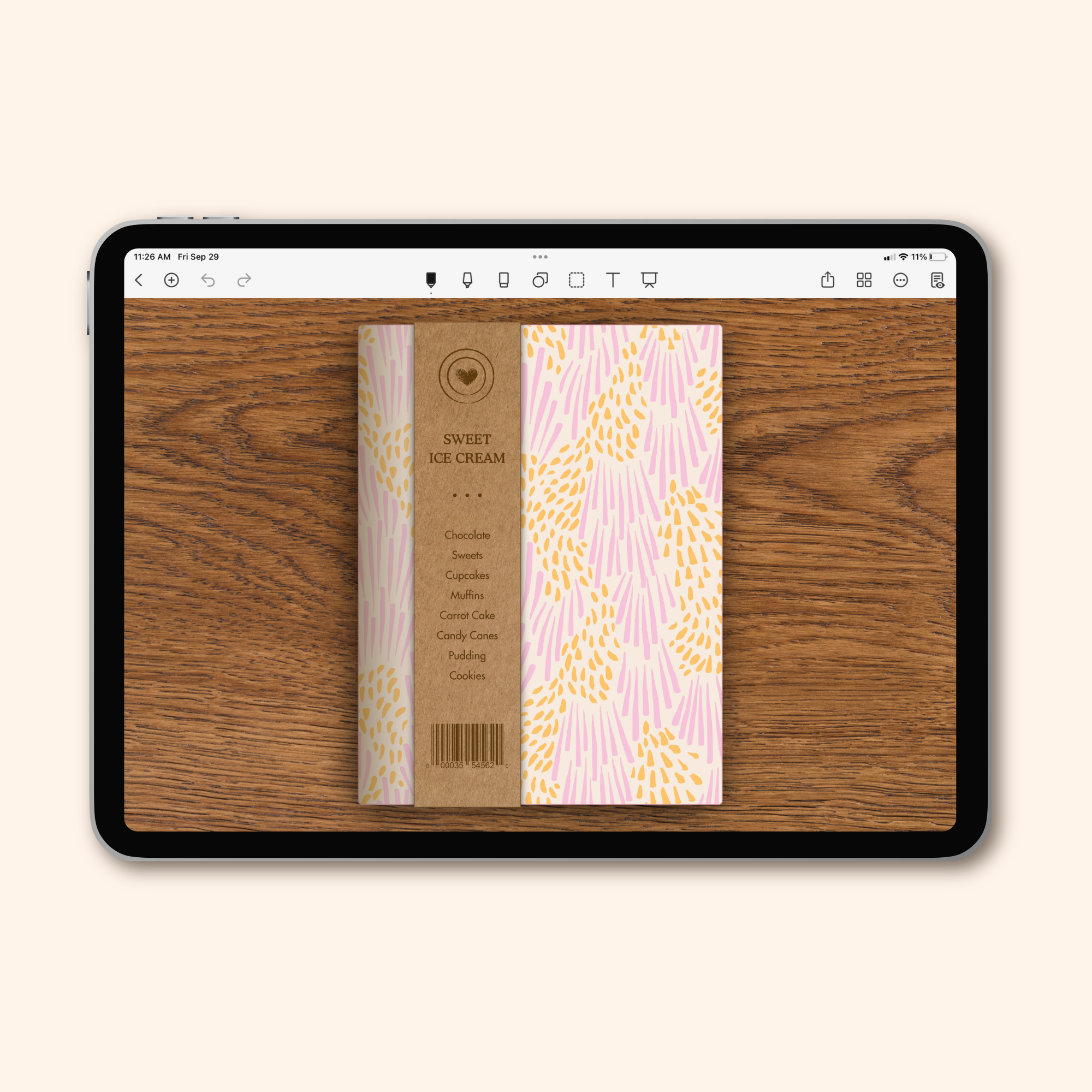
A two-page landscape-style layout.
Designed to complement digital planners with two-page interior spreads — same beautiful cover, perfectly proportioned for that wider format.
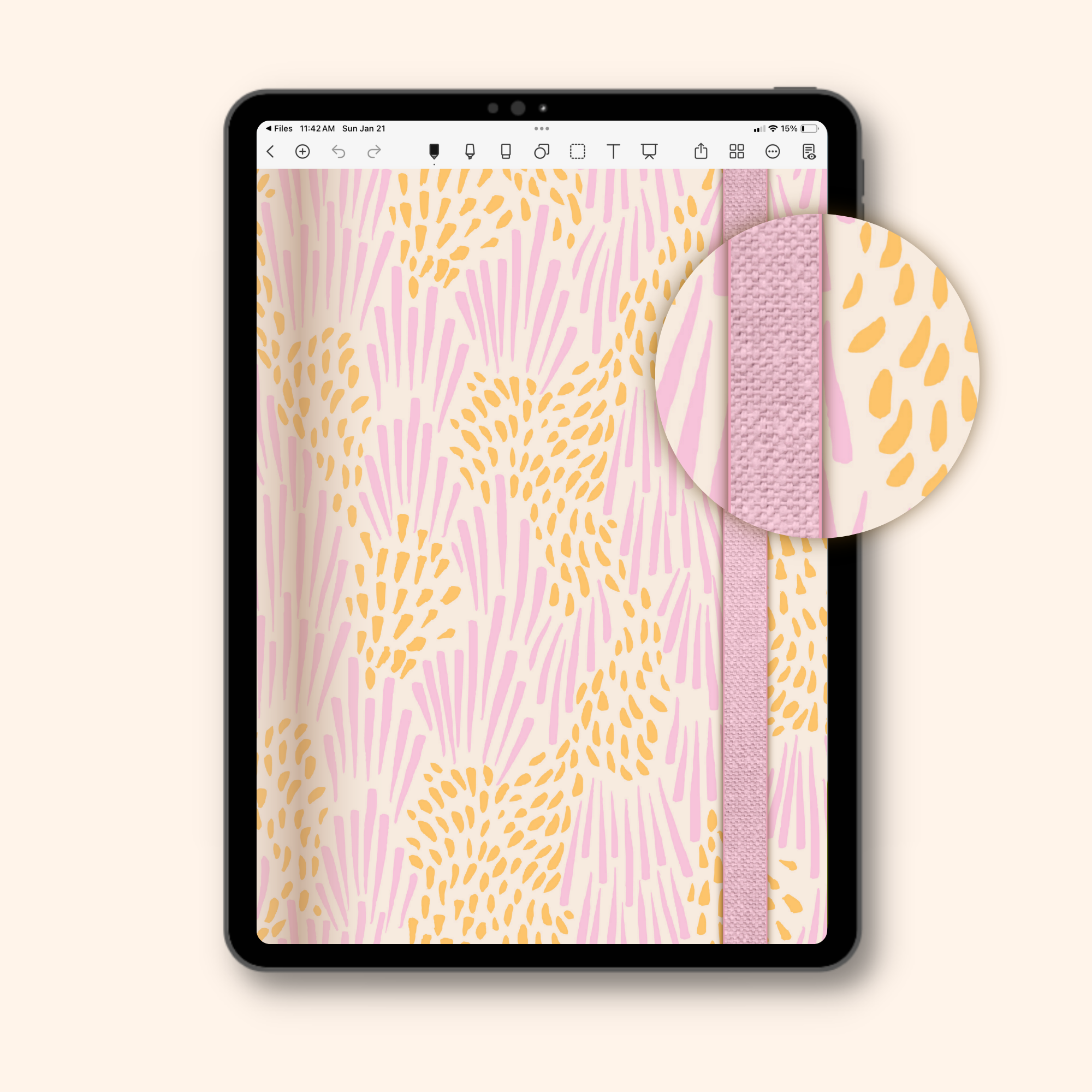
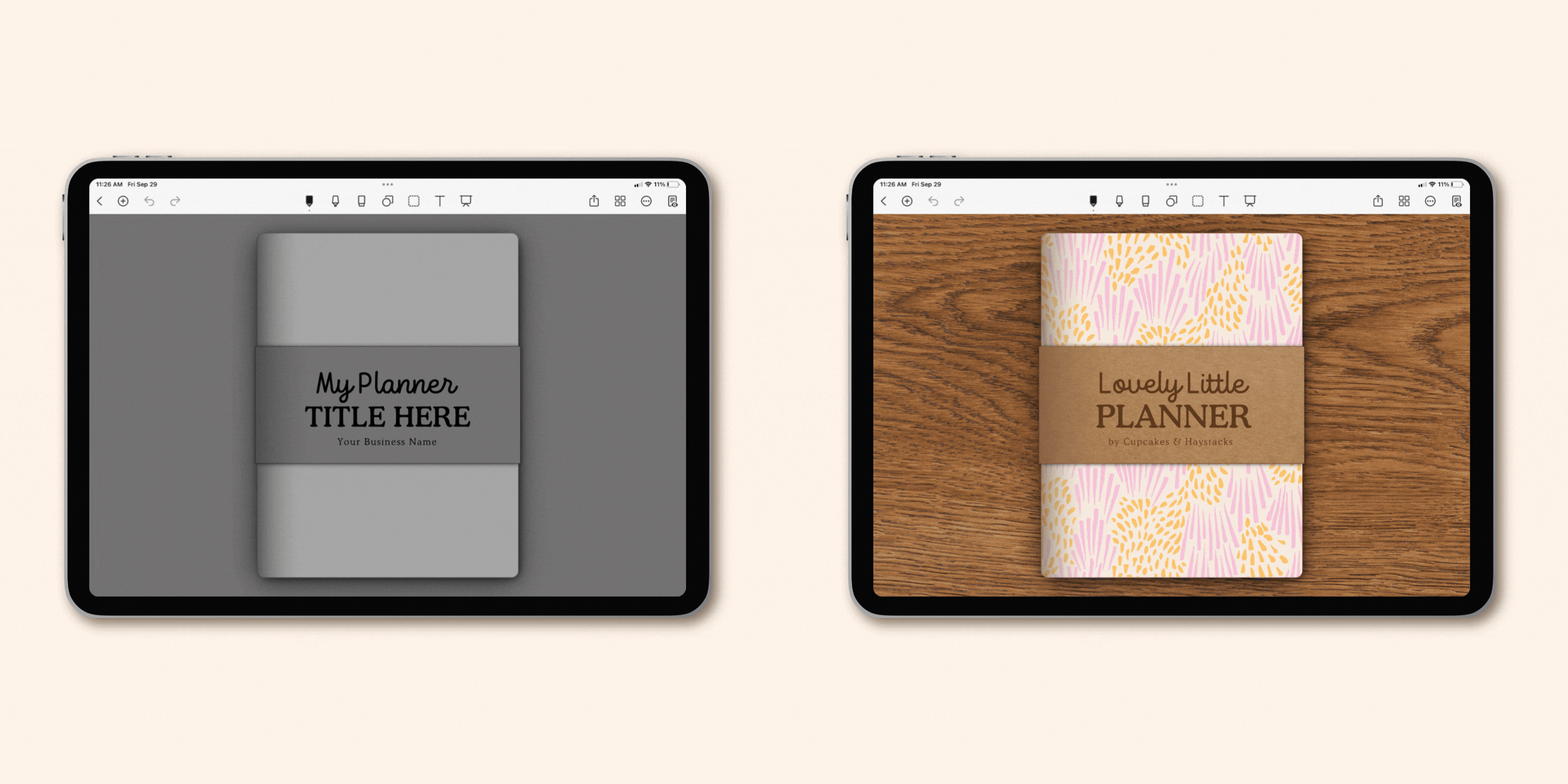
Thoughtful drop-shadows for a realistic, paper inspired look.
A small detail that makes a big difference—thoughtful drop-shadows add depth so your covers feel more realistic and paper-inspired.
Completely customizable in Canva.
Change colors, fonts, and wording—then bring in your favorite patterns, textures, and clipart to make a planner cover that fits your unique design style.
Before & After
Move the slider below to see a real-life example of how I like to edit these templates to reflect my own unique style!
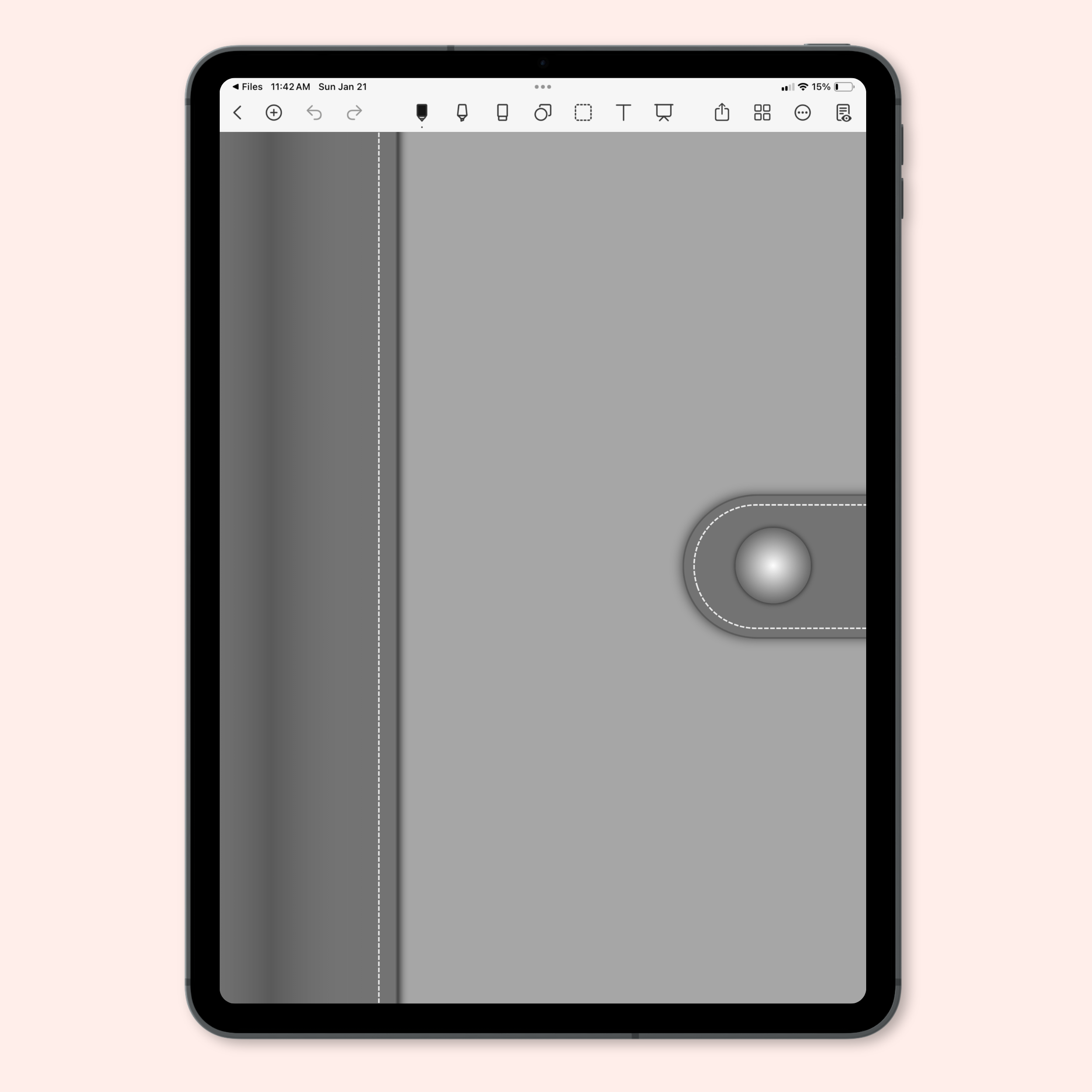


Growing your shop doesn't have to mean starting from scratch each and every time. With a beautiful set of cover templates ready to customize, creating additional versions of your digital planners, journals, and notebooks is easy as pie!
How do your templates work?
These templates were created specifically for Canva, so everything already feels natural and intuitive—no extra software, no complicated setup. Just a familiar place where you can create gorgeous covers for your digital planner, journal, and notebook designs!
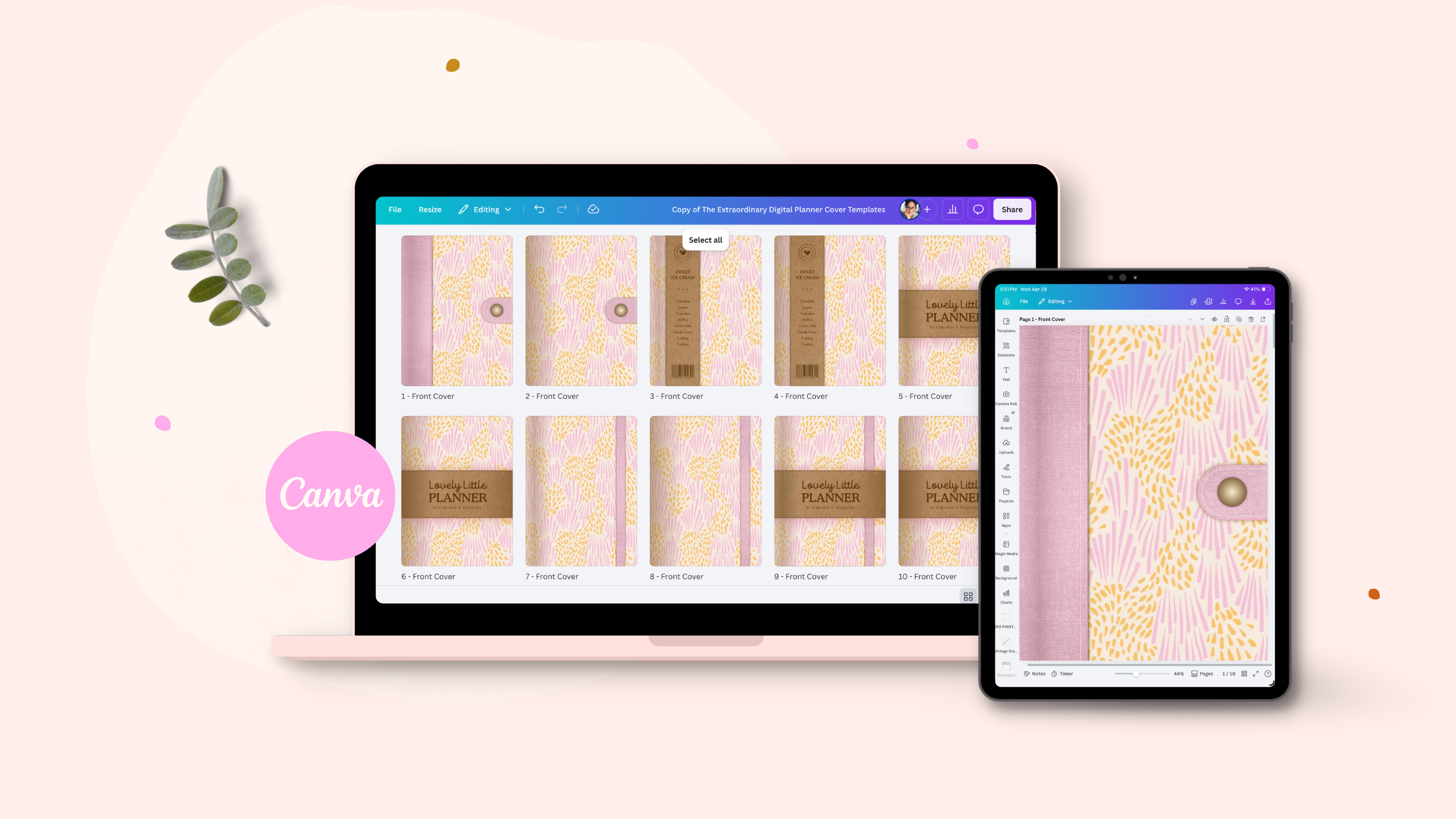
Create and use your digital planner covers in four simple steps:
- Open your templates in Canva (the free version works perfectly!)
- Customize your design with your favorite colors, fonts, patterns, and clipart (and don't worry — you'll have step-by-step tutorials guiding you every step of the way!)
- Export your digital planner covers as PNG images
- Drop your finished cover images into your digital planner, journal, and notebook designs (psst—even though you need to customize your covers inside Canva, you can totally insert your final PNGs into other platforms like Affinity, and Apple Keynote)
And that's it! Simple process, lovely outcome—customize in Canva, export your PNGs, and add to your designs!

Hi, I'm Jayme!
I'm the designer, digital product educator, and founder of Cupcakes & Haystacks.
I help creative women build online shops they’re proud of—with beautifully realistic digital planners, journals, and notebooks made for iPads, and printables that are just as lovely on paper.
I believe beautiful design is strategy. And that belief is what inspired this digital planner cover template kit — a simple, beautiful starting point for creating digital designs that are as lovely on the outside as they are on the inside.
When your designs are both lovely and intentional, your audience can’t help but be drawn in, and your products naturally shine!
Ready to dive in?
What's included in your purchase...
- 30 Digital Planner Cover Templates made to be customized inside Canva.
- Step-by-step Video Tutorials showing you how to easily customize your digital planner cover templates.
- Lifetime access to your Template Hub so you can revisit your cover templates anytime.
- A Commercial License to sell unlimited finished personal-use digital planners that include your customized covers.
REFUND POLICY:
Because you receive instant access to all materials—including the full template hub, Canva digital planner cover templates, and step-by-step tutorials—all sales are final.
Please read the details on this page carefully before purchasing. If you’re unsure whether the templates are right for you, feel free to reach out with any questions before you buy—I’m happy to help.
Frequently Asked Questions
Ready to create gorgeous covers for your digital planners, journals, and notebooks?
Your digital planner cover templates are ready when you are — simple to customize, beautiful by design, and built to help your products shine!