
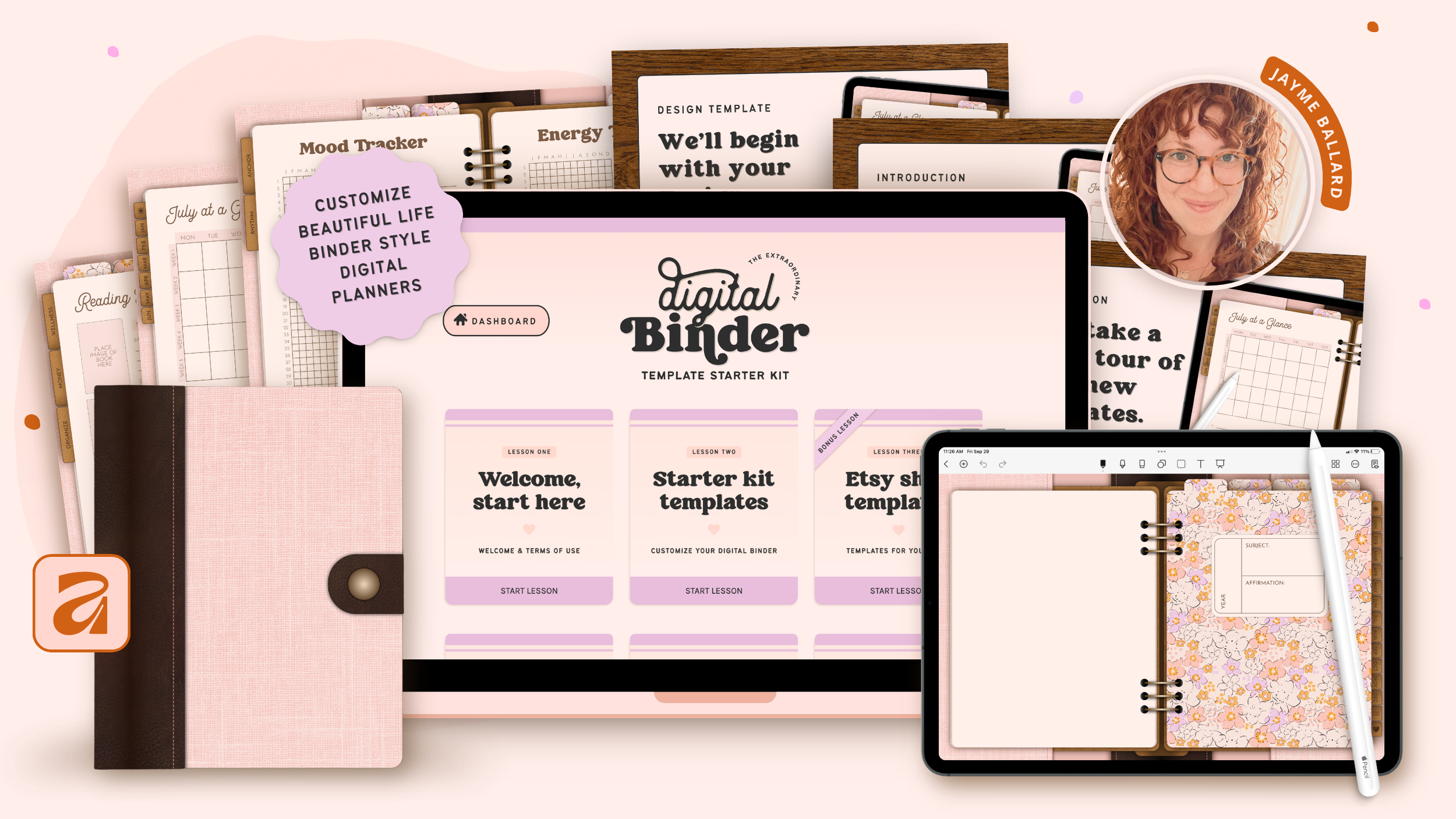
If you’ve been looking for a simple, beautiful way to start selling digital planners—this your perfect first step!
This Affinity-based Digital Binder Template Starter Kit gives you a fully built, customizable, life binder-style planner you can sell in your own shop!
Whether you're new to creating digital planners or already have a growing product line, this kit gives you a beautiful starting point that's ready for your creative touch.
What You Get...
Here's everything included with your Digital Binder Template Starter Kit.
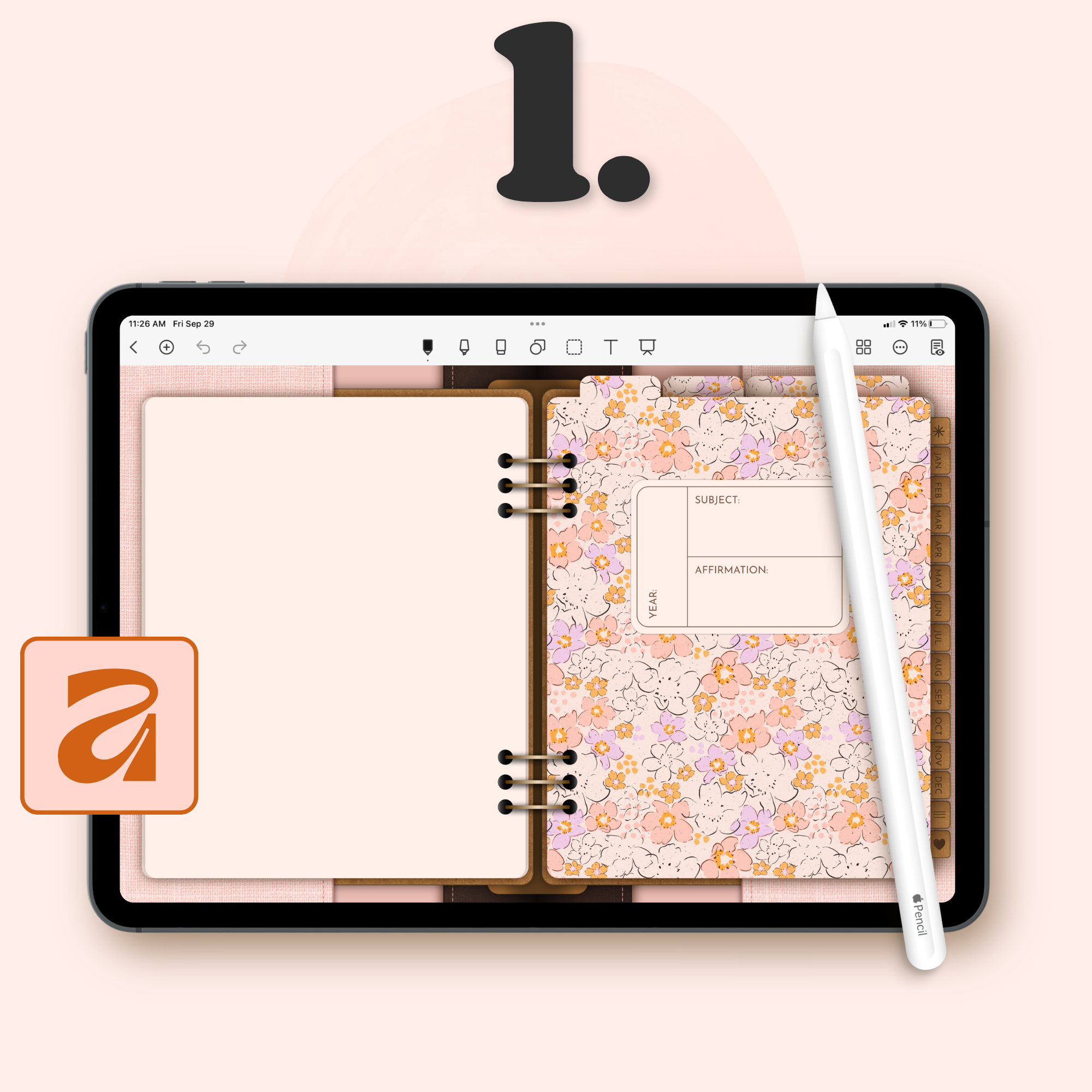
Life Binder-Style Digital Planner Templates
A complete set of digital planner templates made for Affinity. Customize the colors, fonts, and details, then export a finished, uneditable digital planner file you can sell in your own shop.
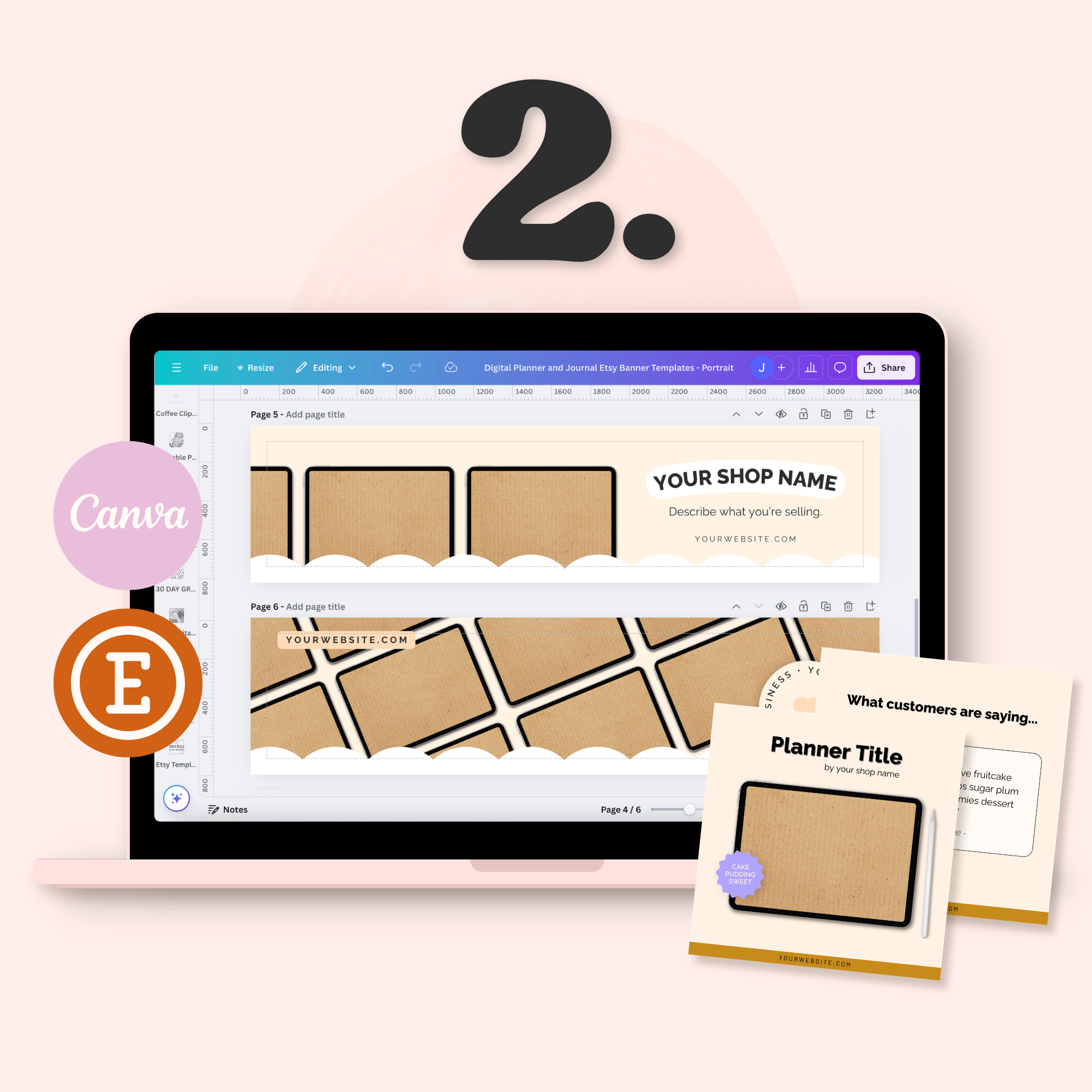
BONUS: Canva Etsy Shop Templates
A coordinated set of Canva templates to help you present your new planner beautifully, including shop banners, listing images, and download link PDFs for delivering your files to customers.
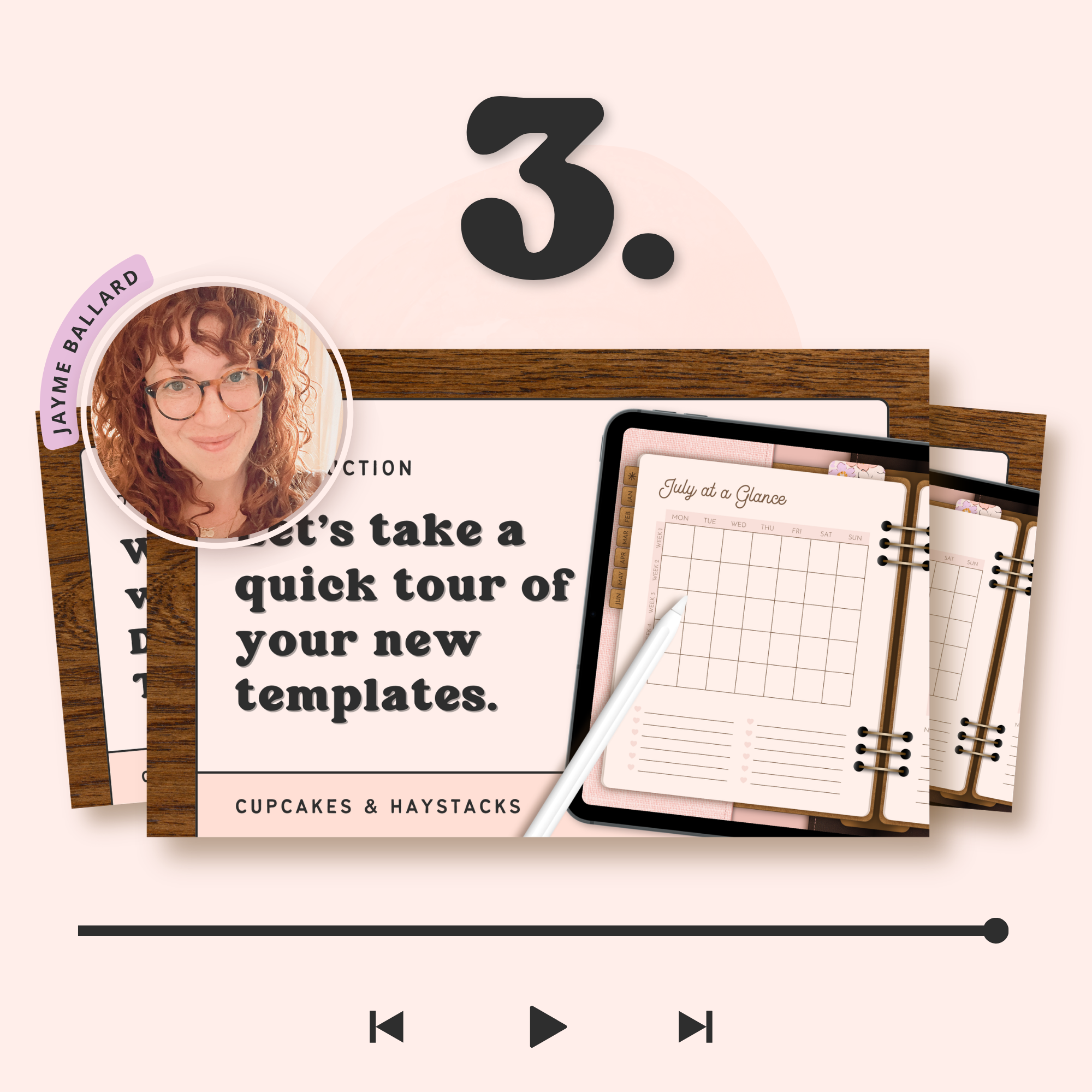
Step-by-Step Video Tutorials + Support
Detailed video walkthroughs that guide you through customizing your templates inside Affinity, from start to finish. Everything is clearly explained, and if questions come up along the way, you’ll have access to a private community for extra support.
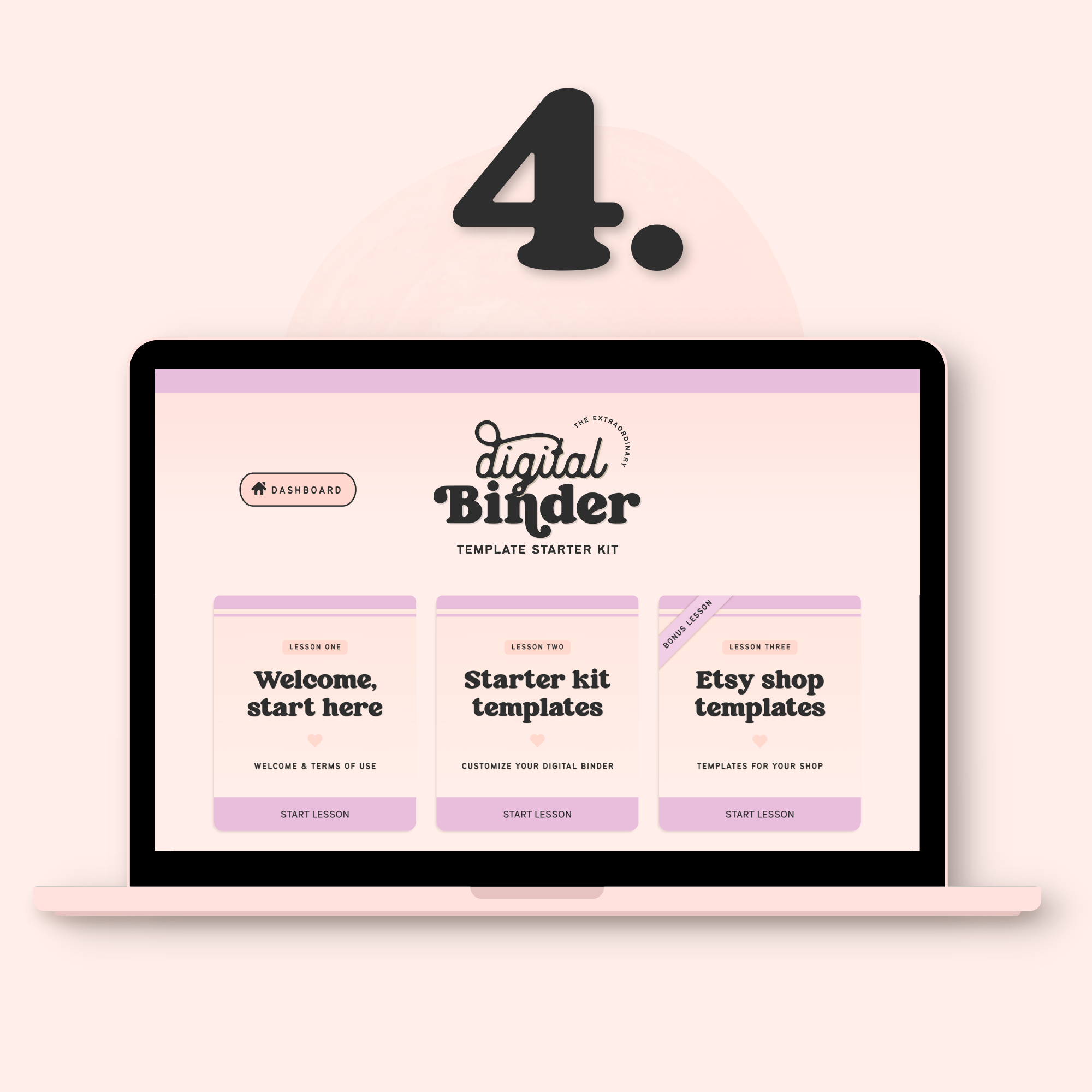
Lifetime Access to the Template Hub
Your templates, tutorials, and bonus resources are always just a few clicks away. Come back anytime to create a new planner, revisit a lesson, or access your Canva shop templates.
Other template shops charge hundreds for less — and still leave you to hunt down tutorials, figure out the tech, and piece together your shop graphics on your own. That's not how we do things at Cupcakes & Haystacks.
Everything you need to go from "just got this" to "just listed this" is right here, at a price that doesn't require a financial pep talk before you hit buy.
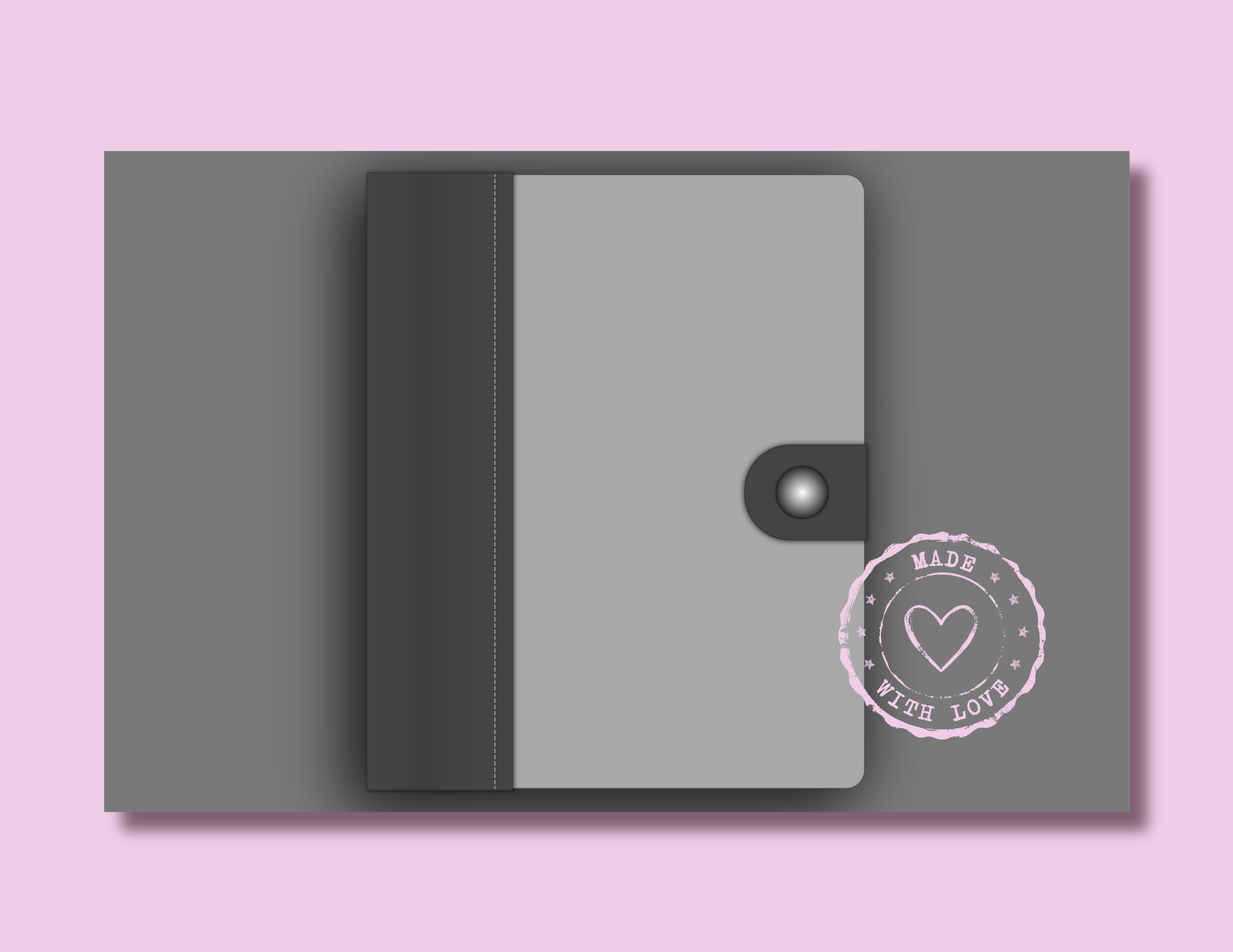
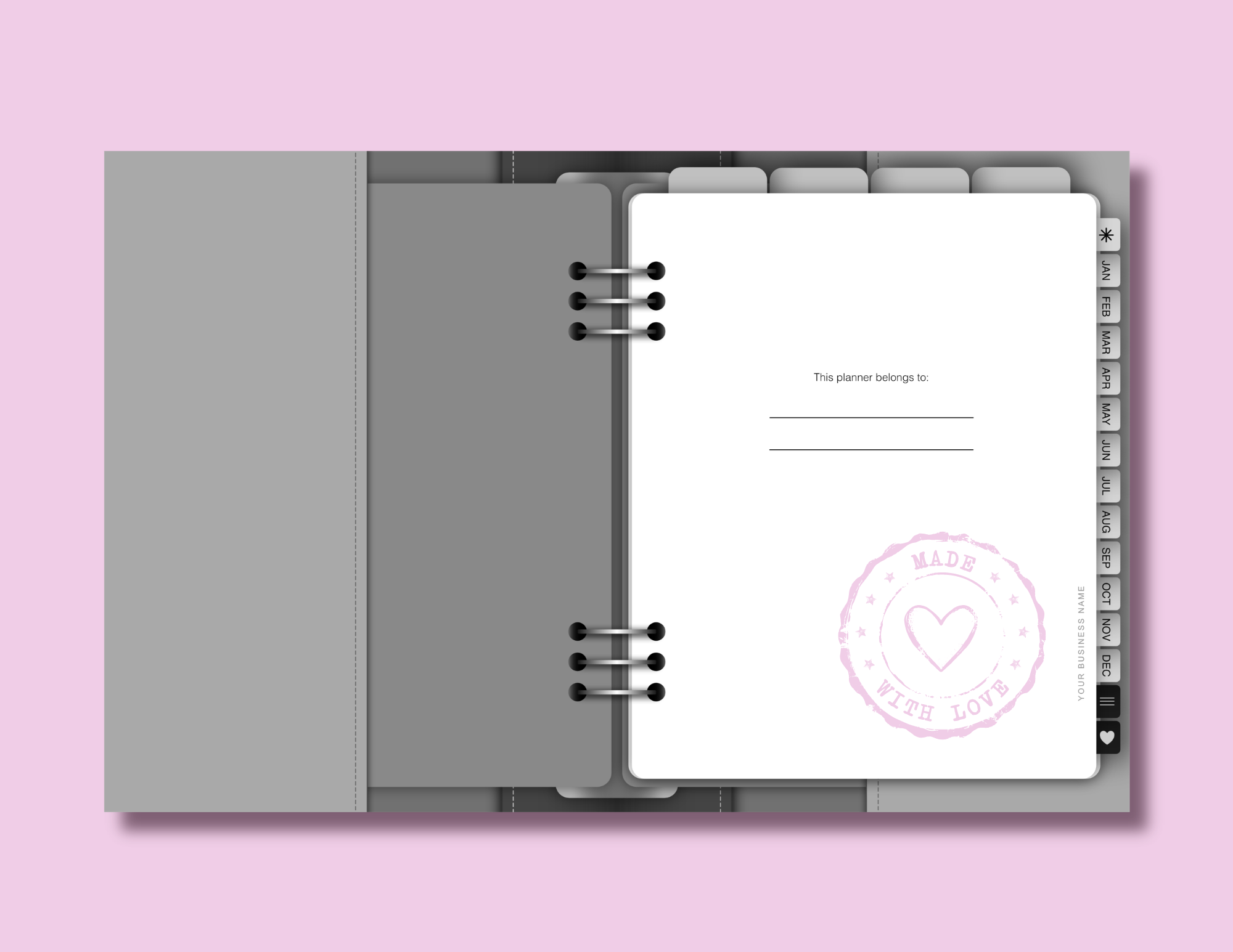
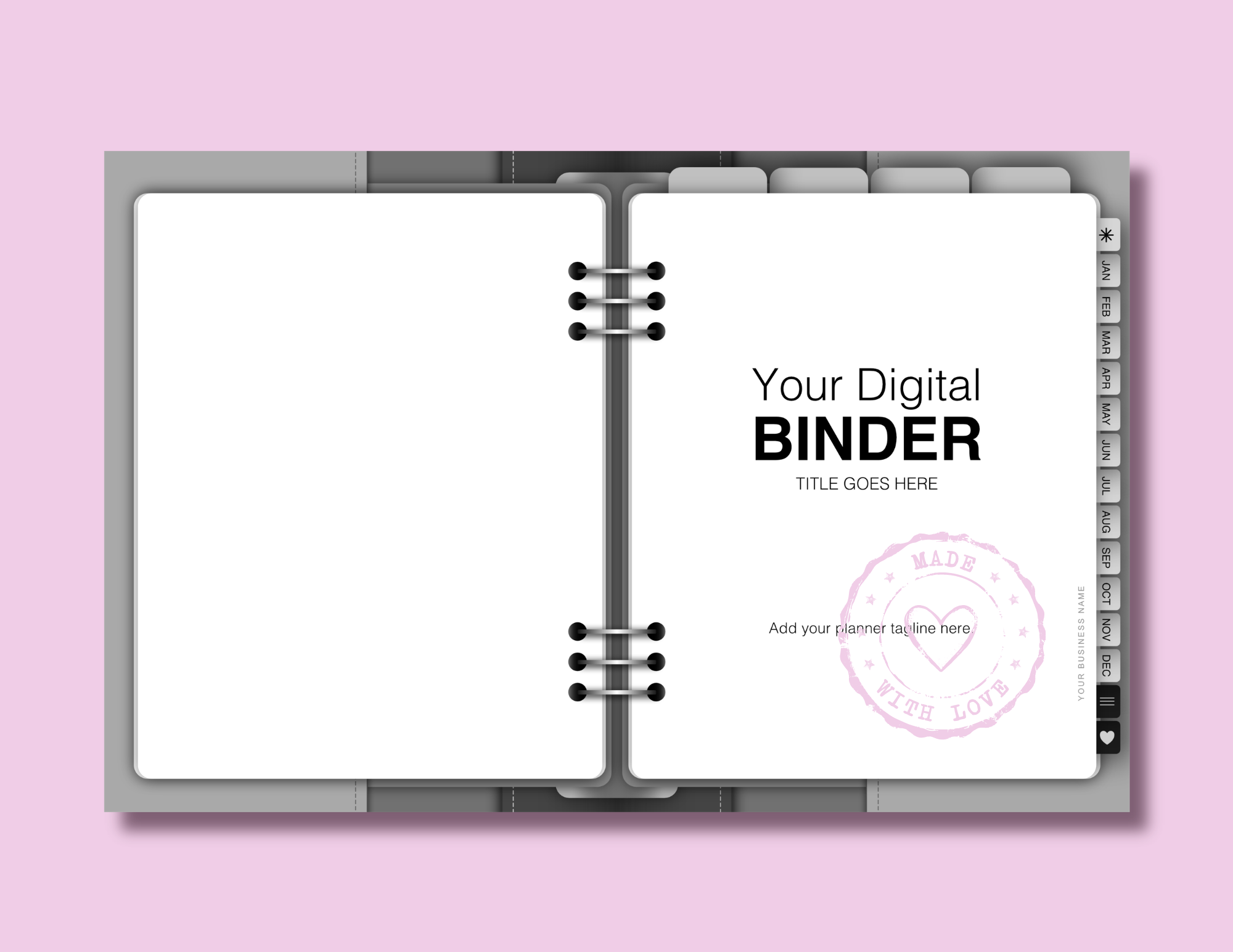
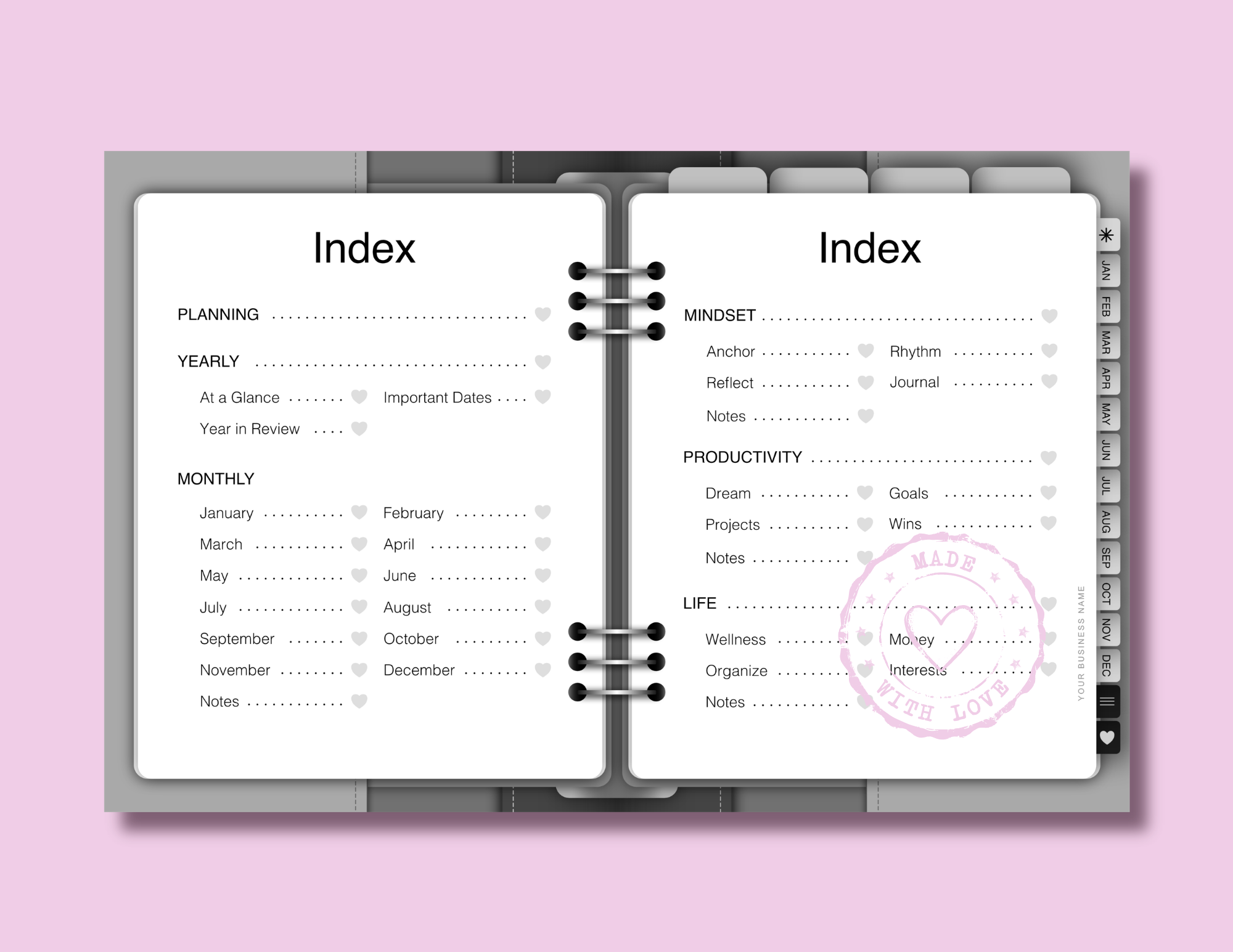
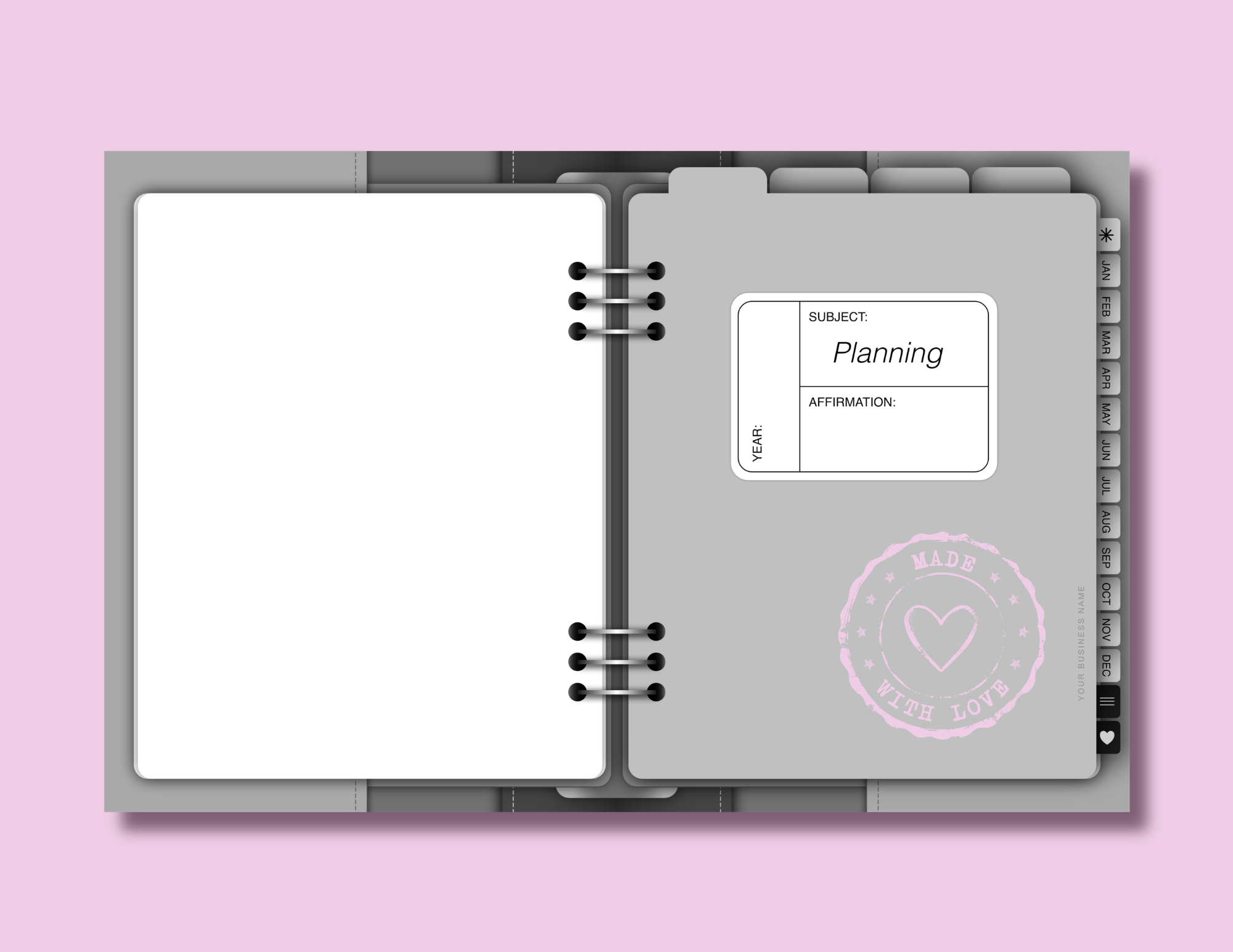
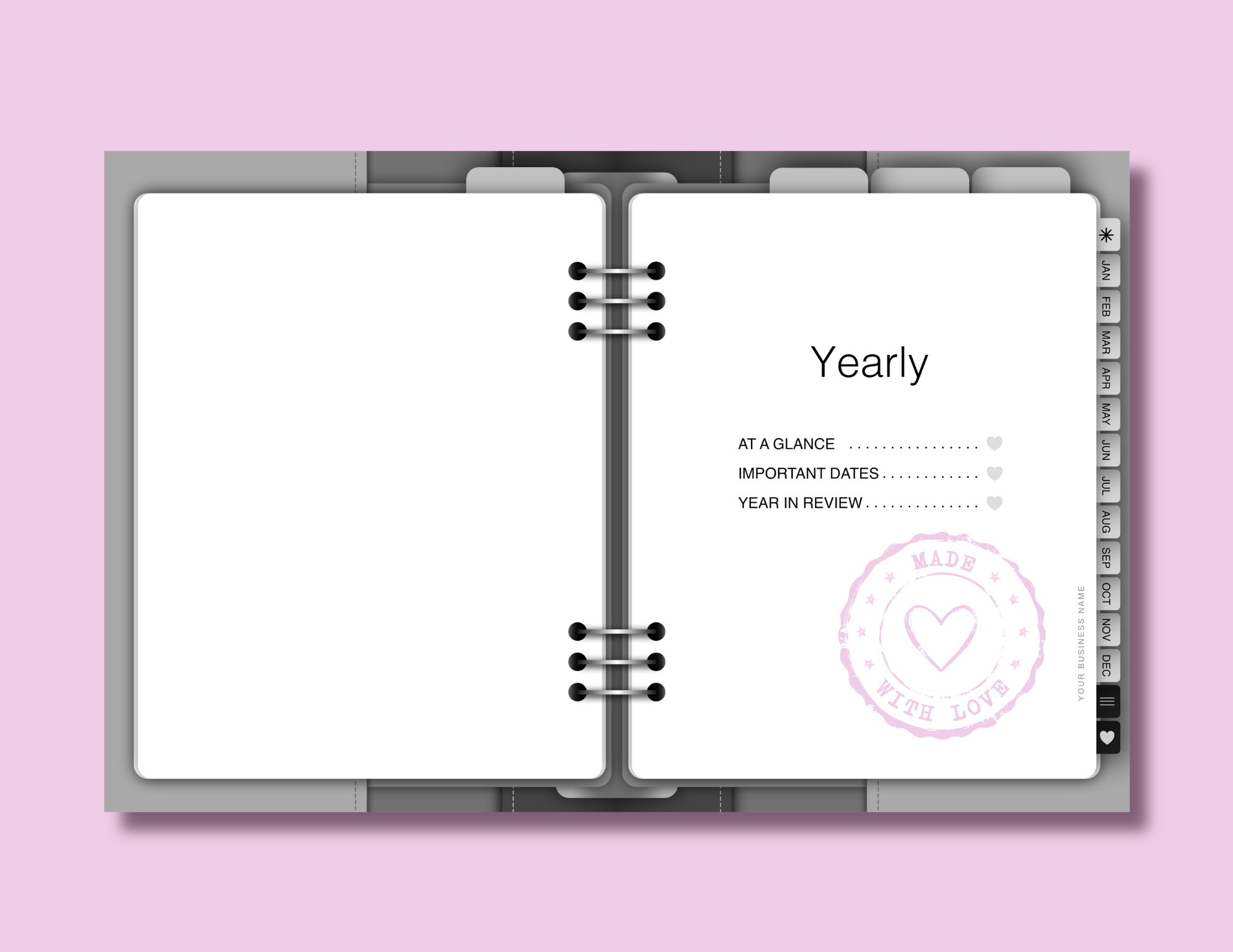
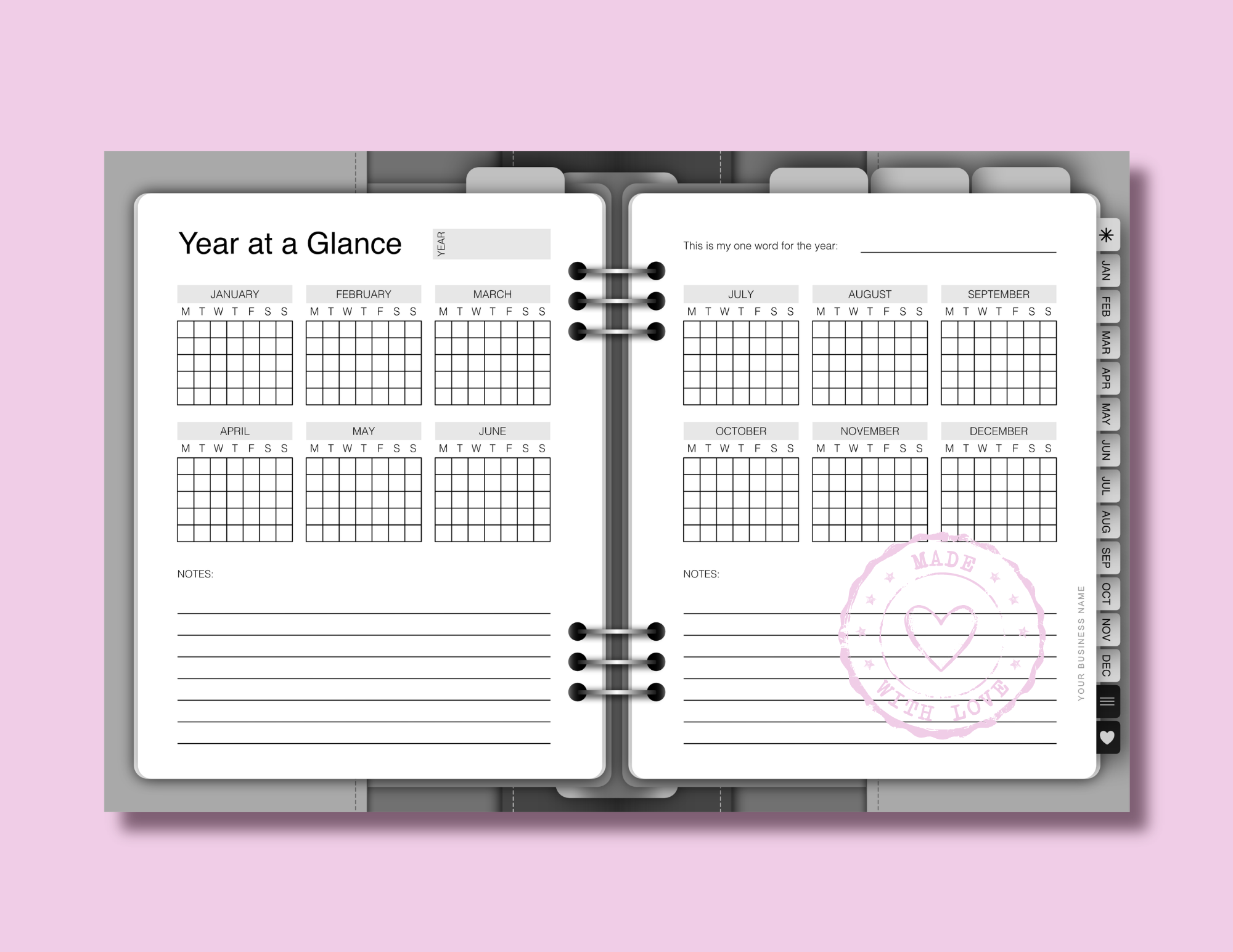
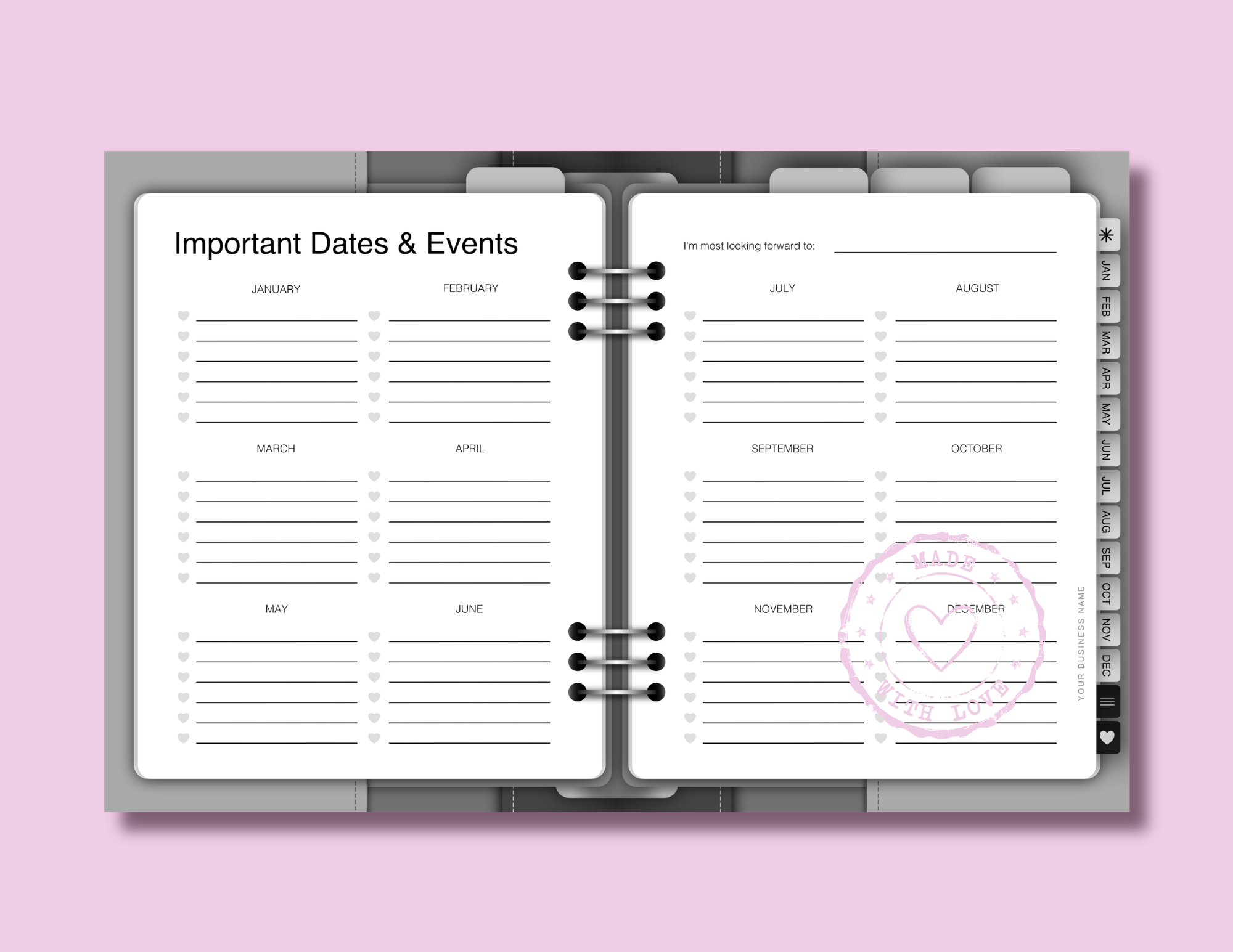
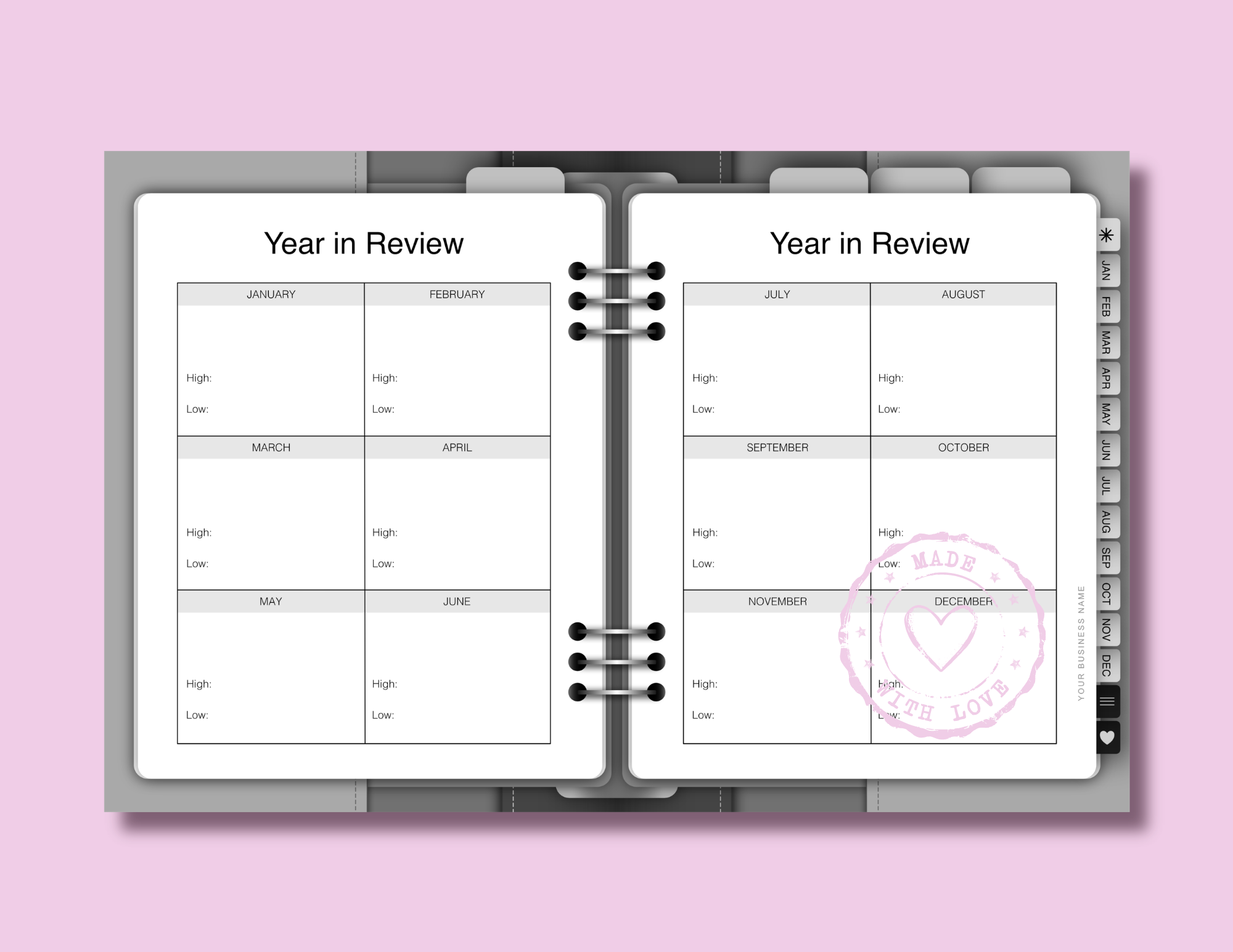
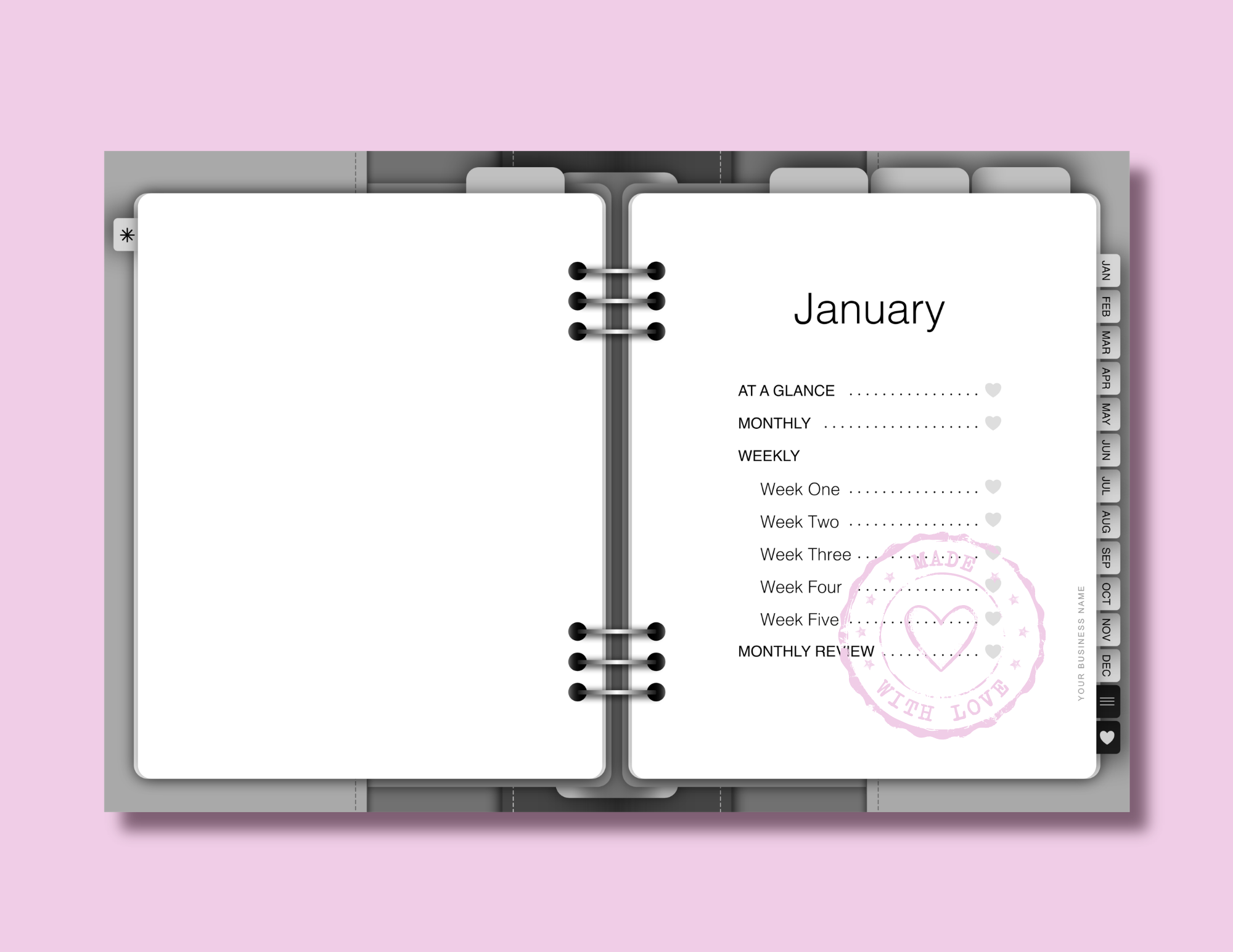
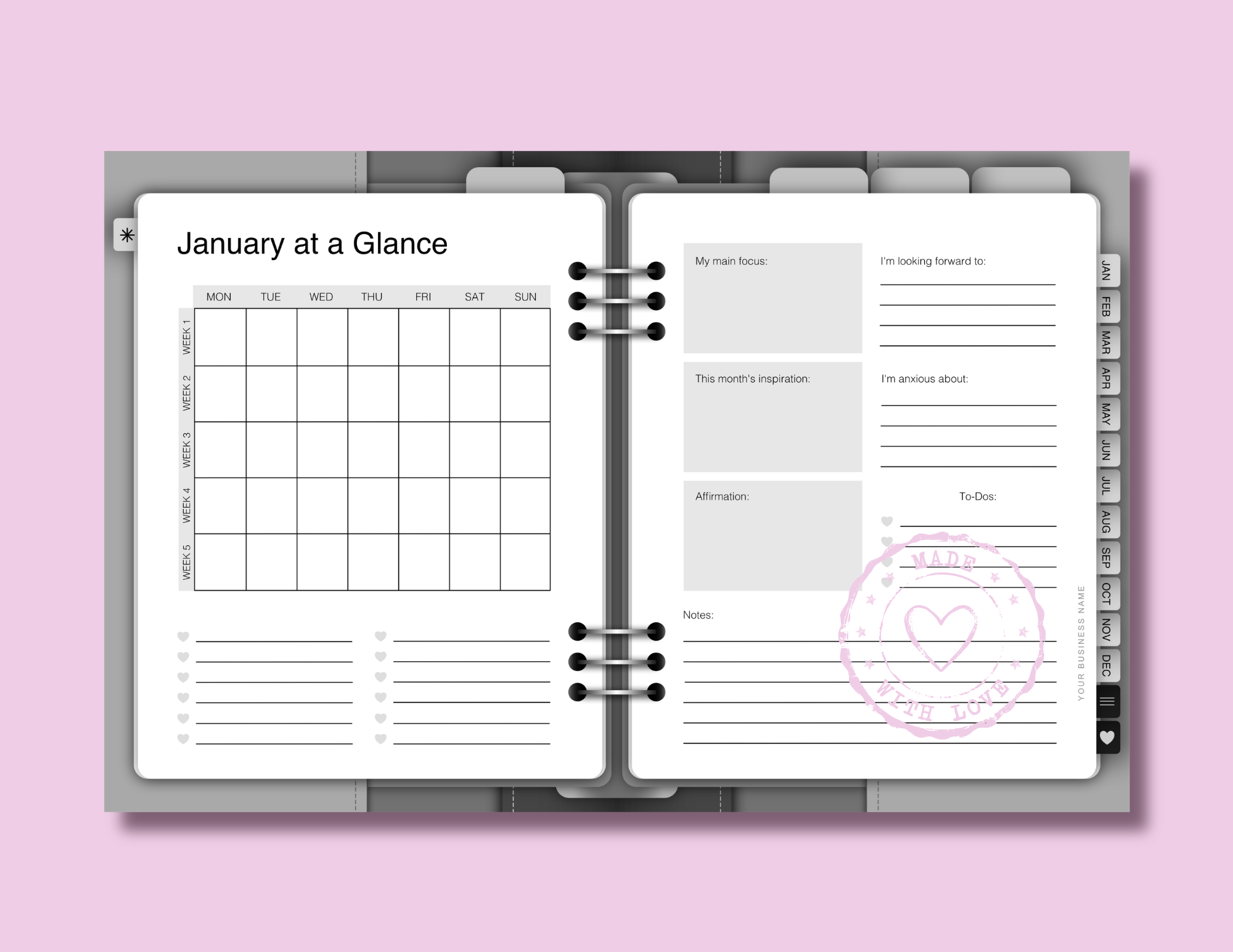
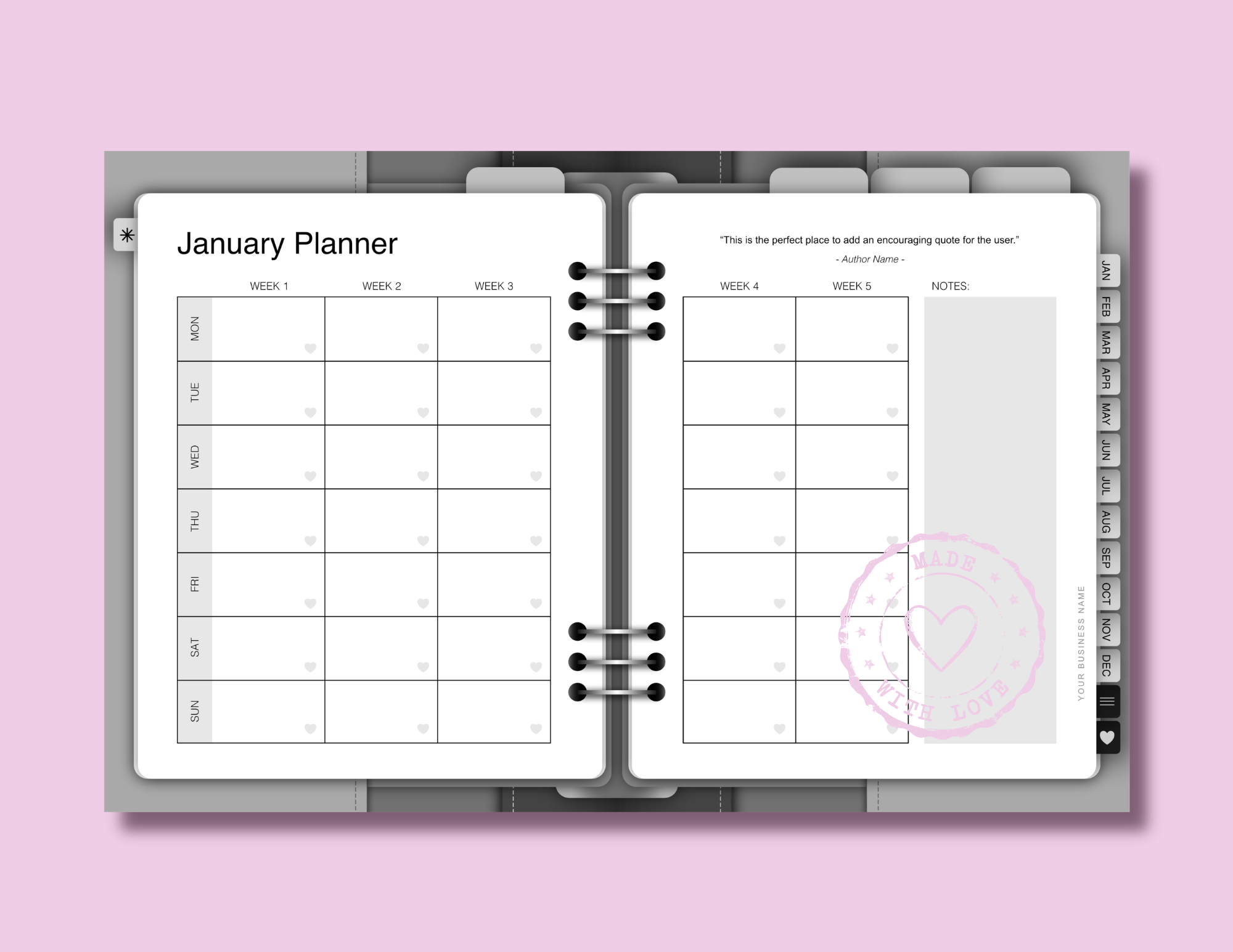
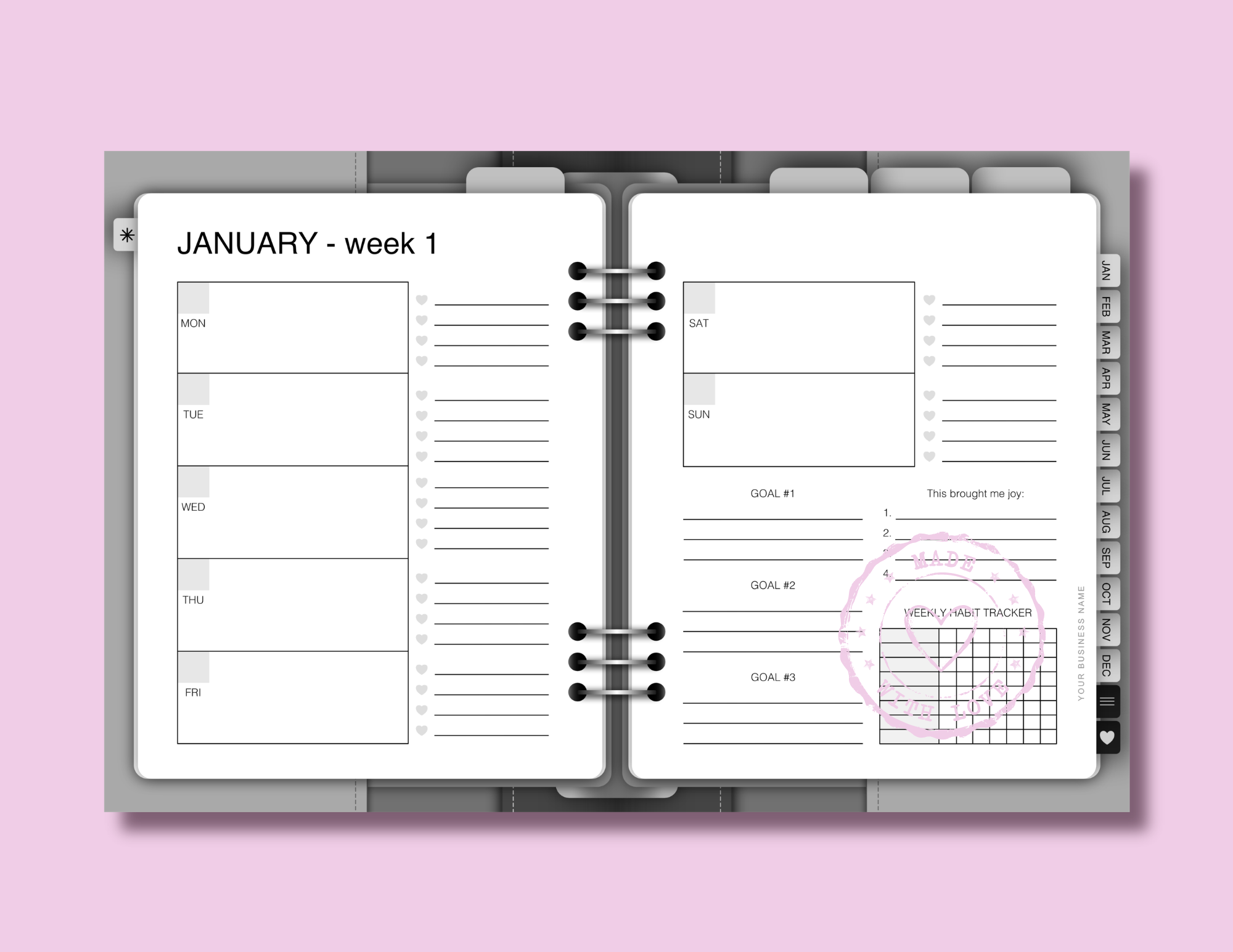
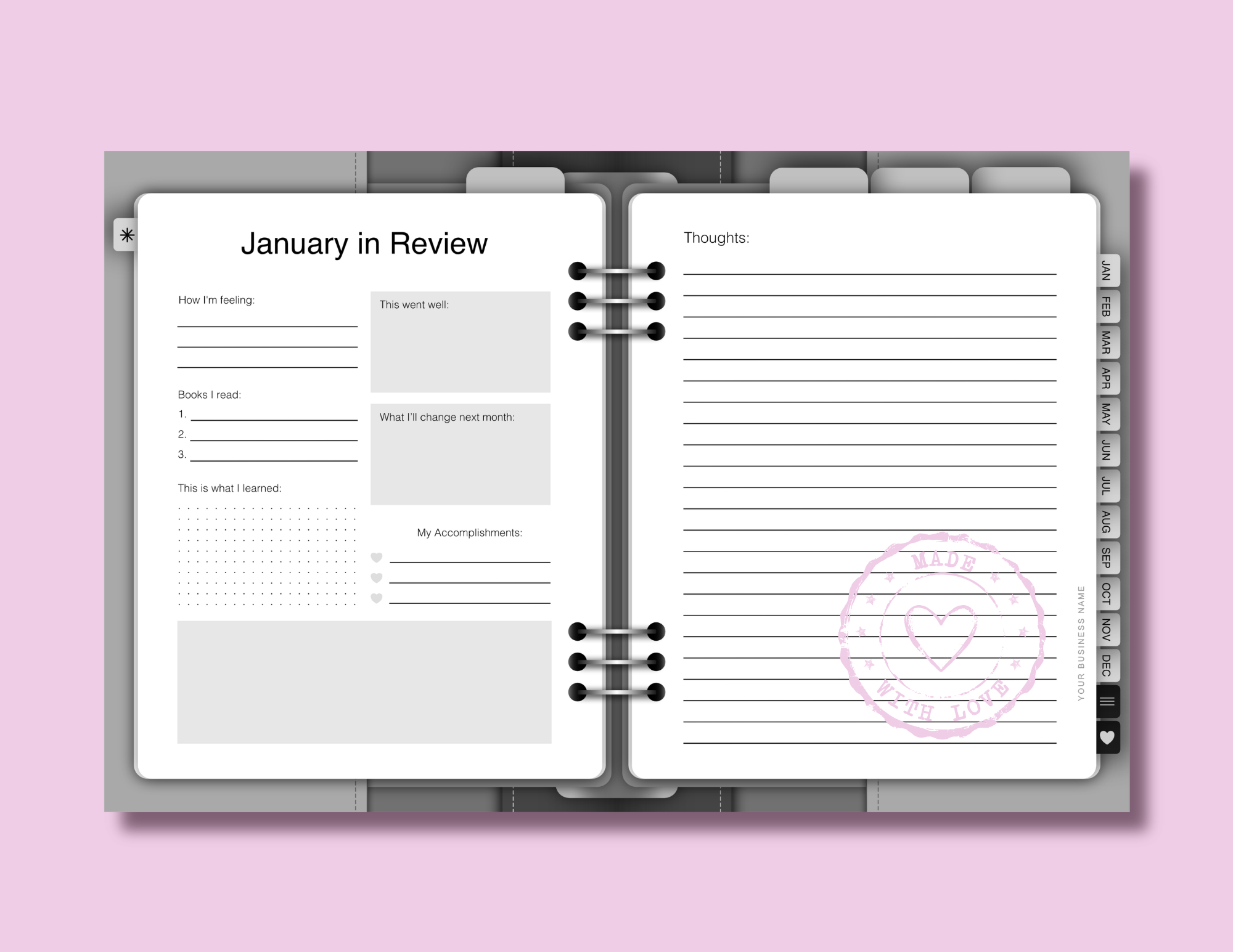
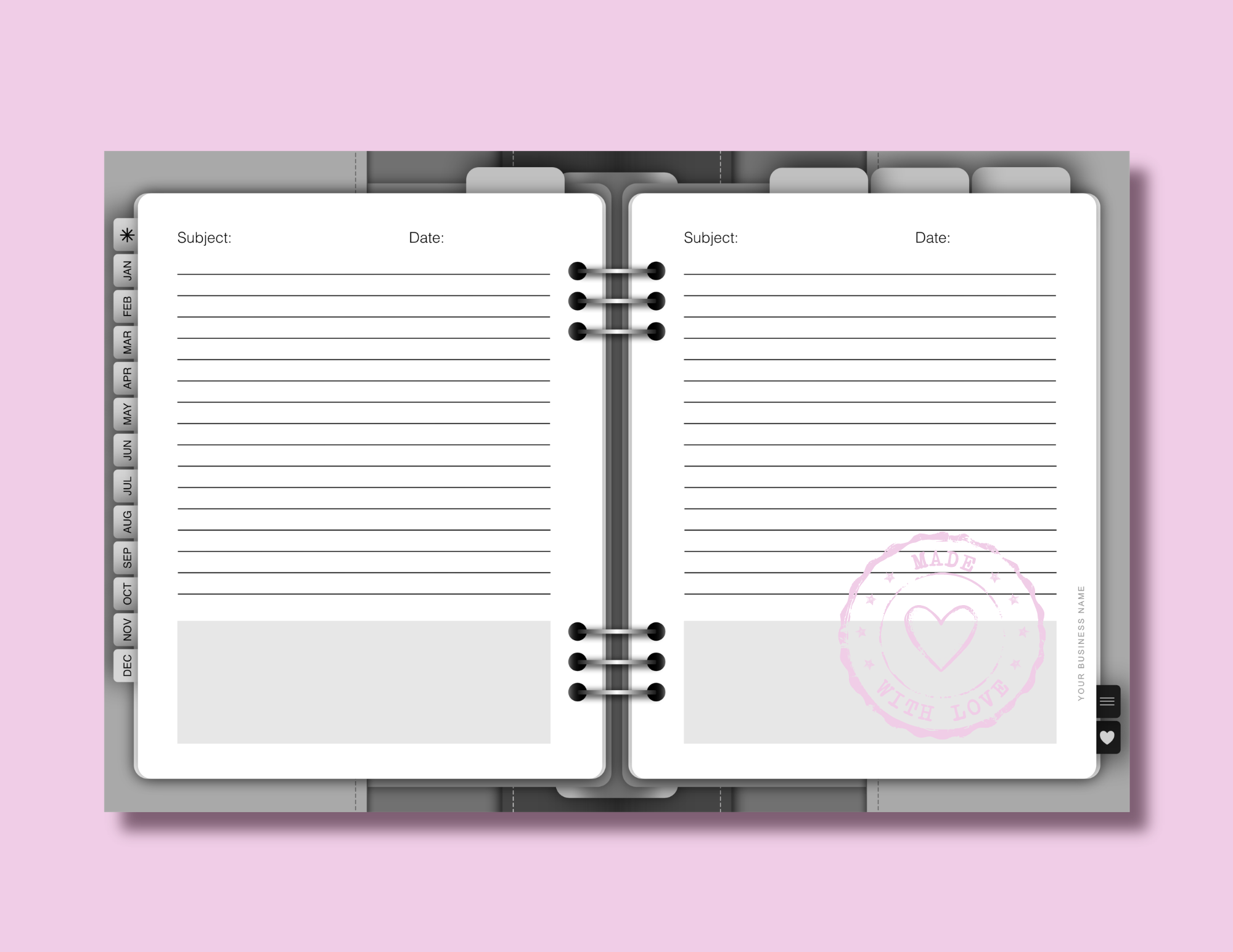
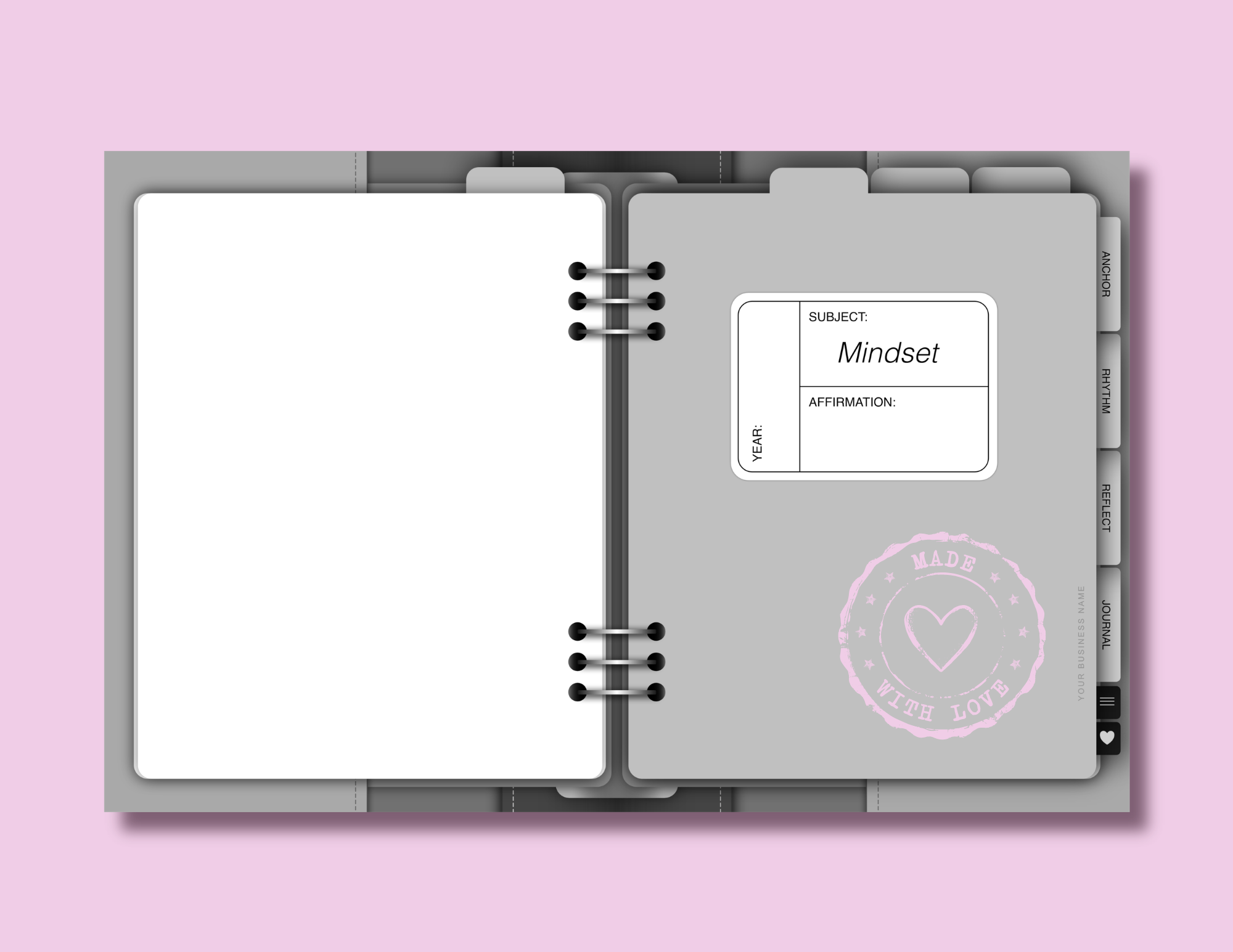
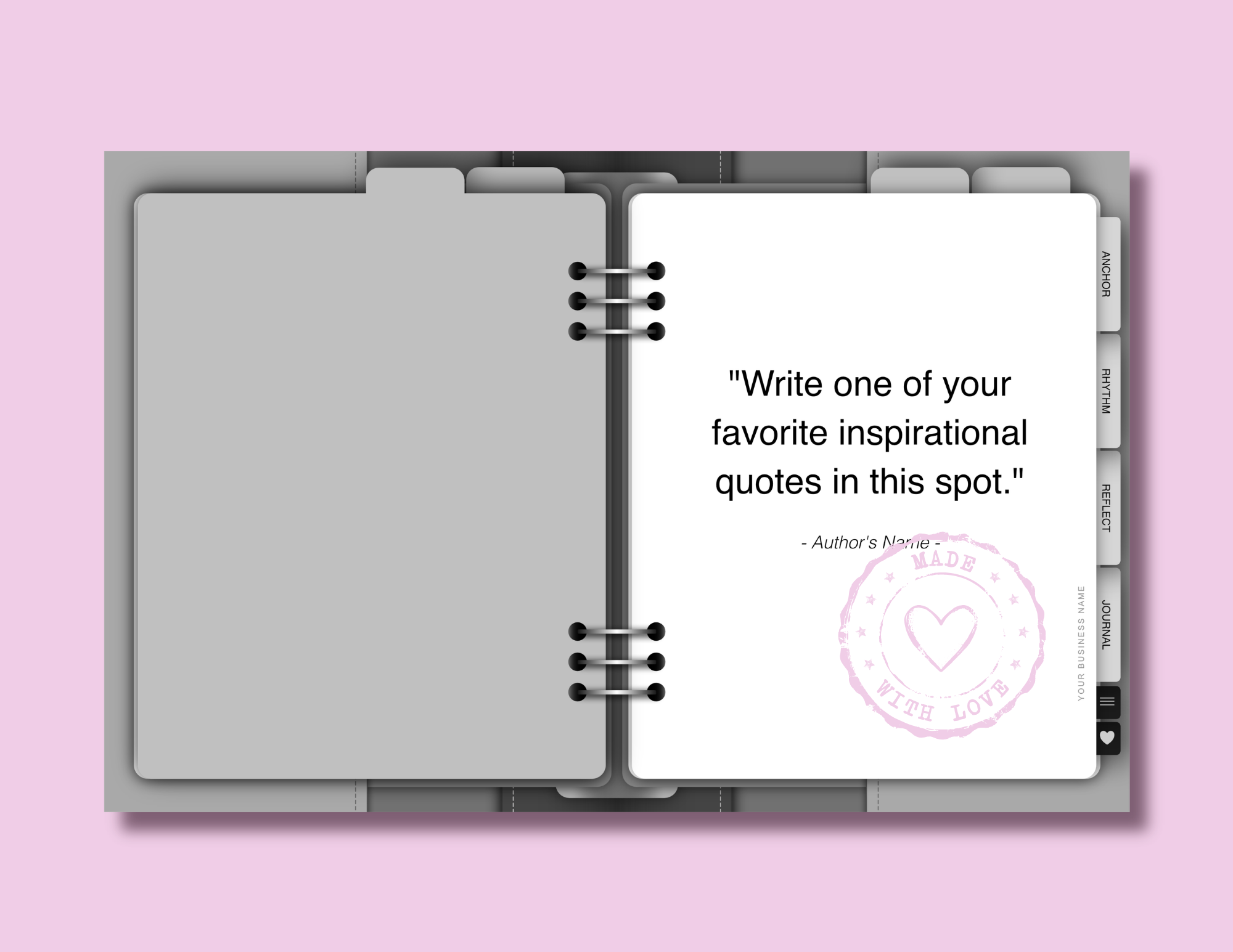
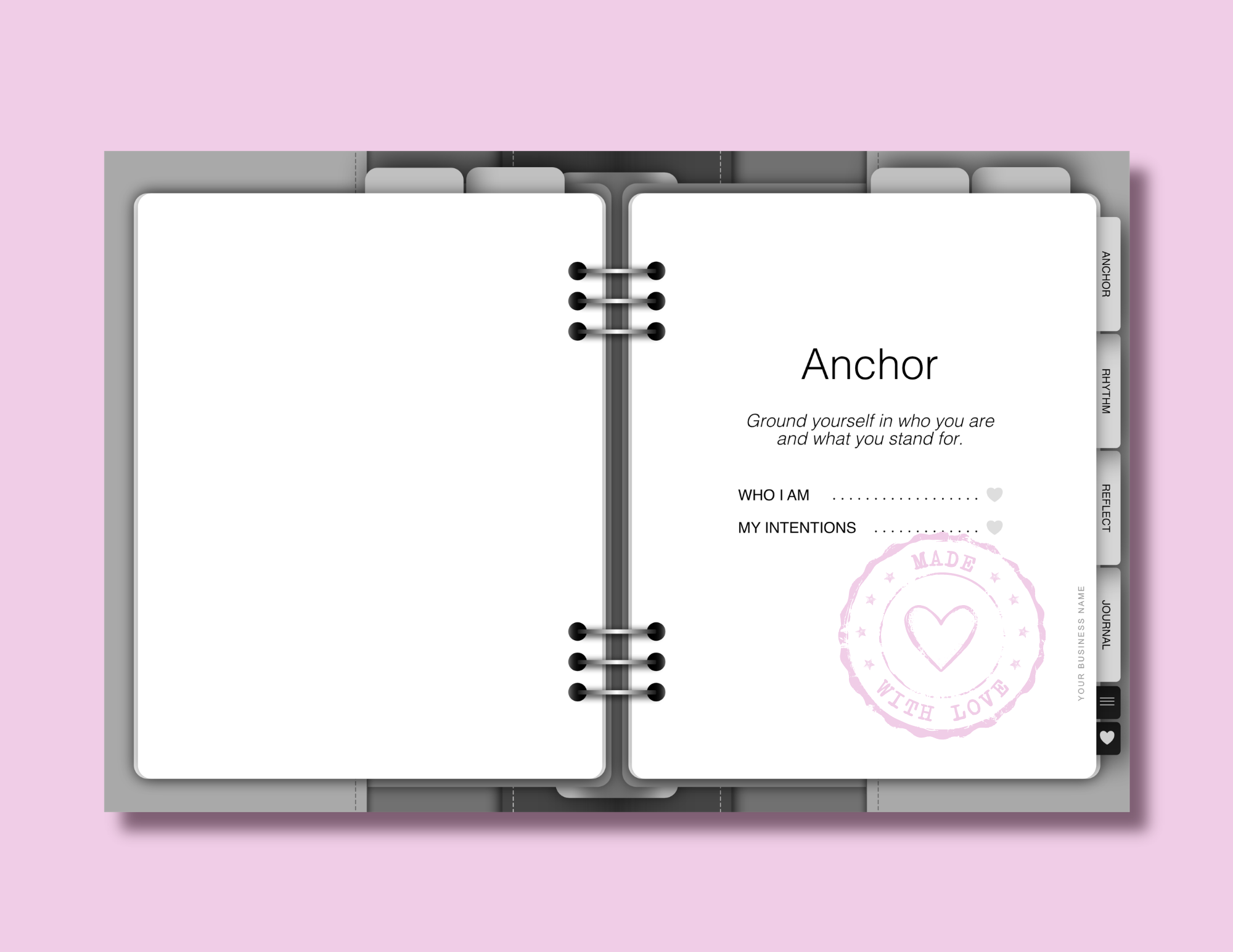
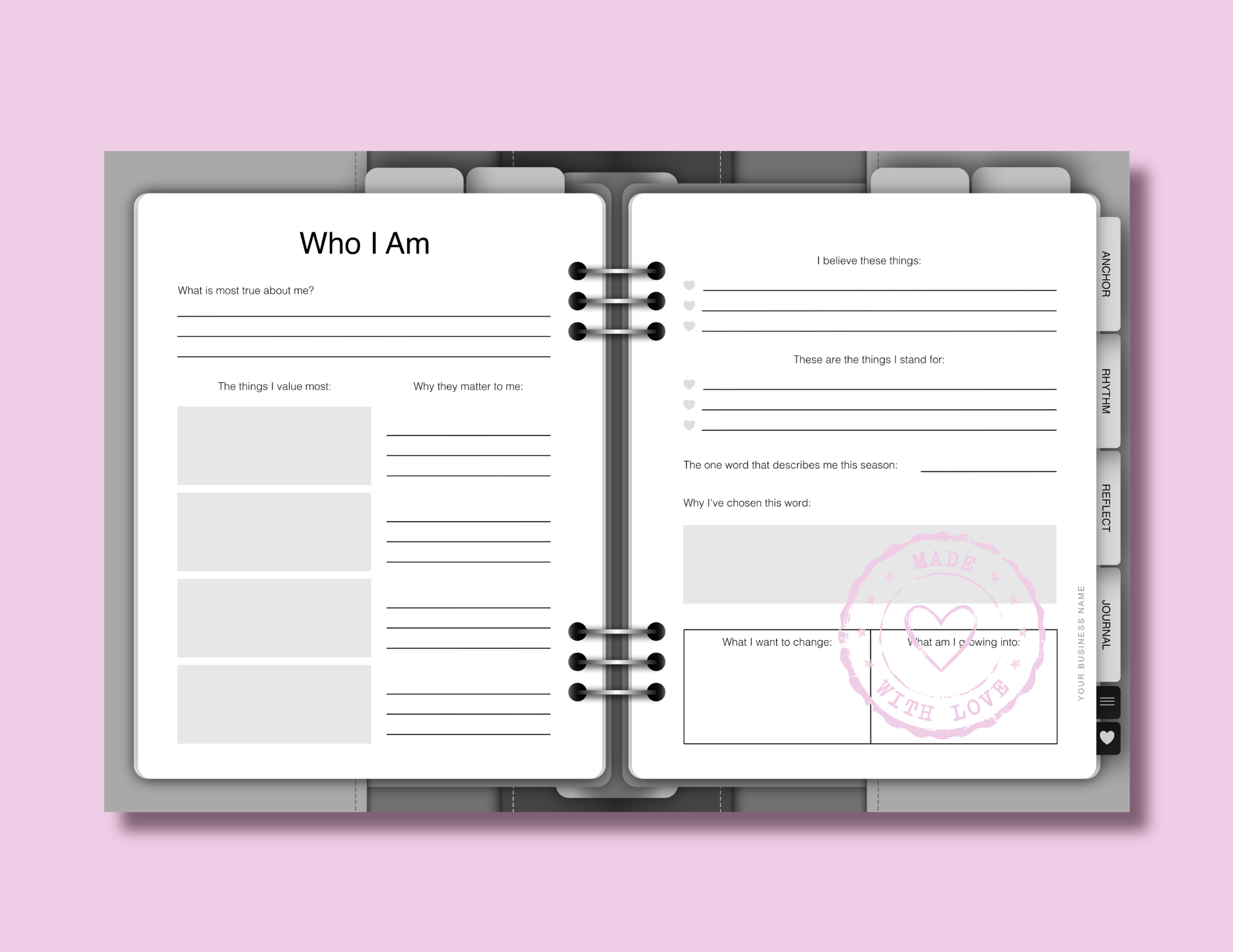
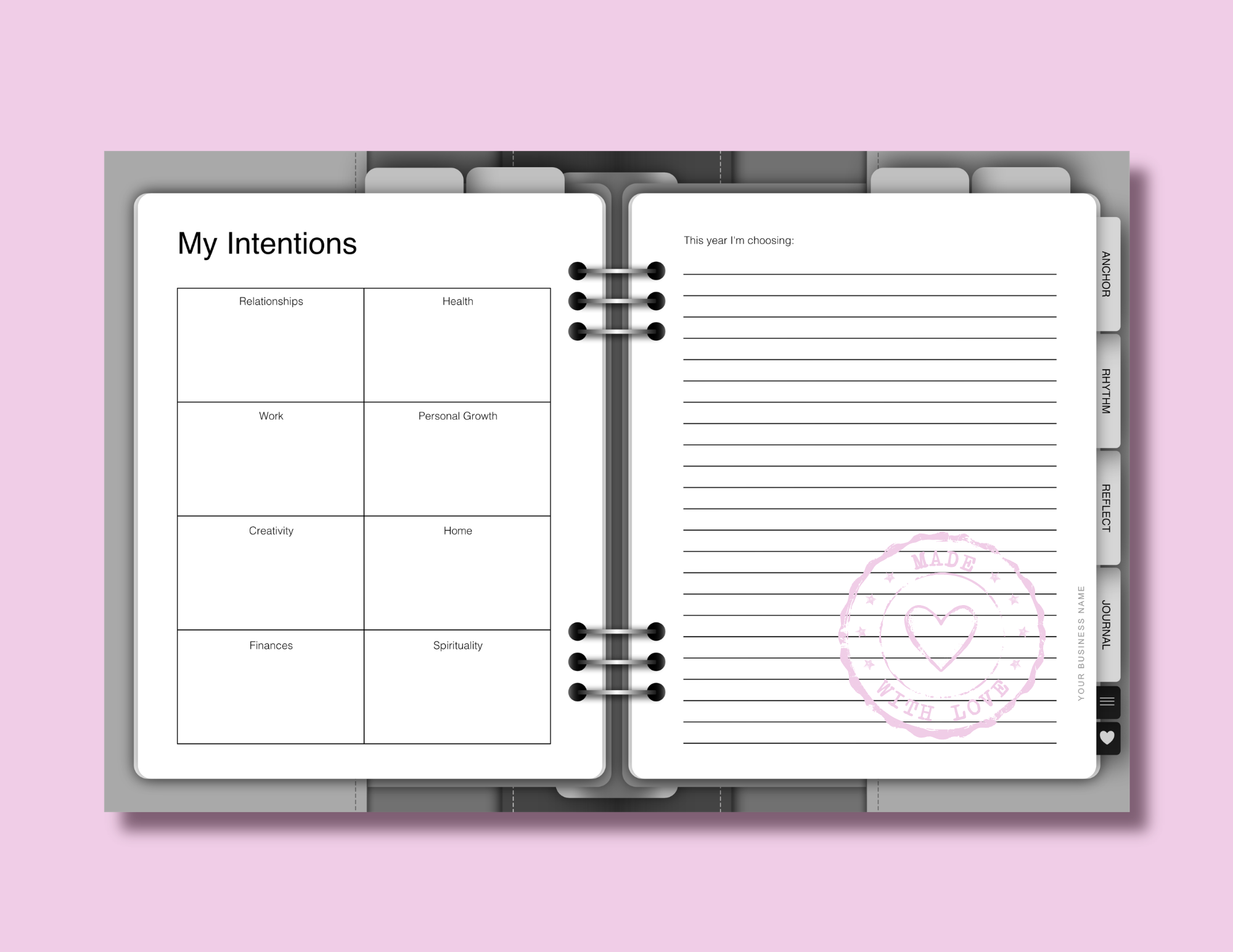
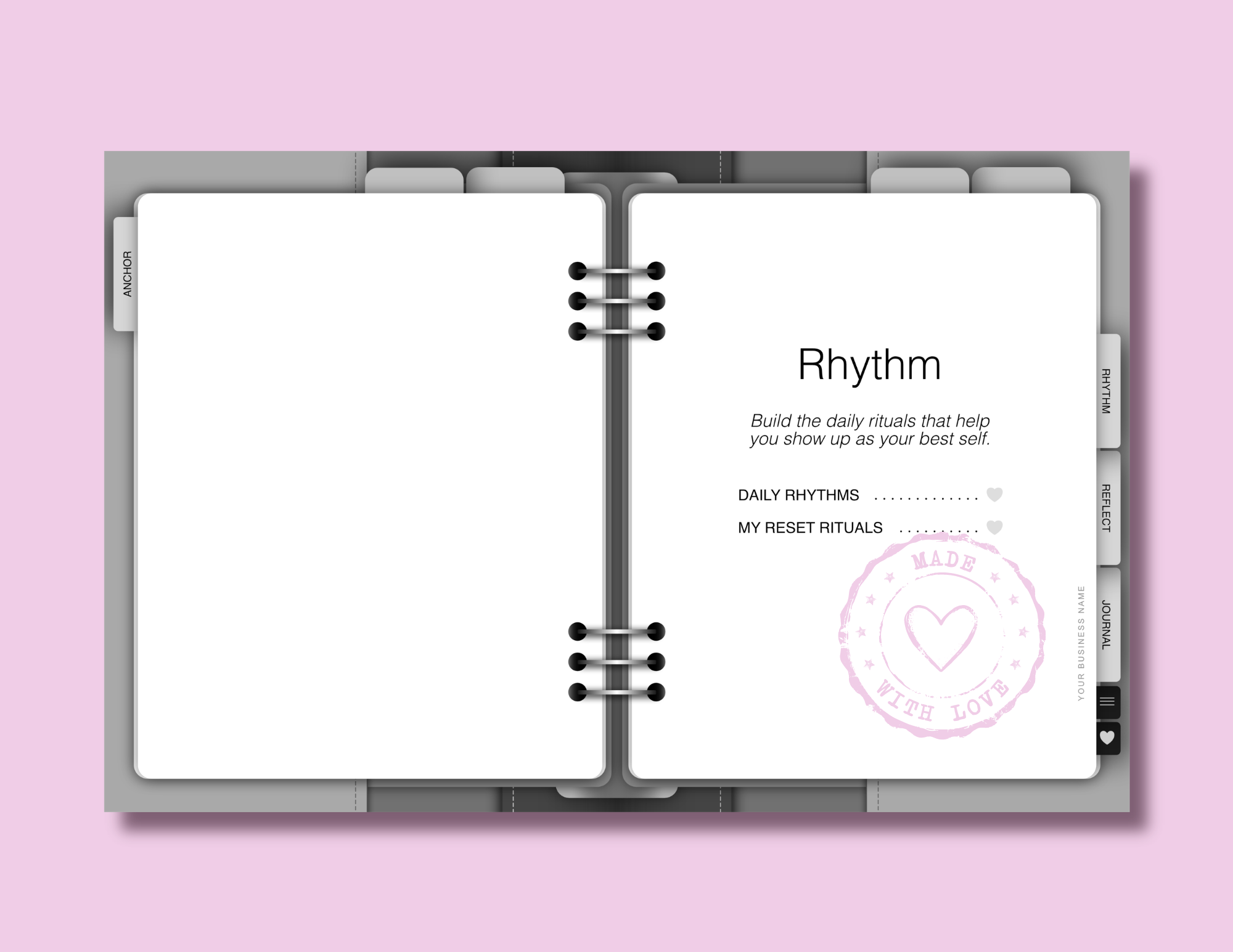
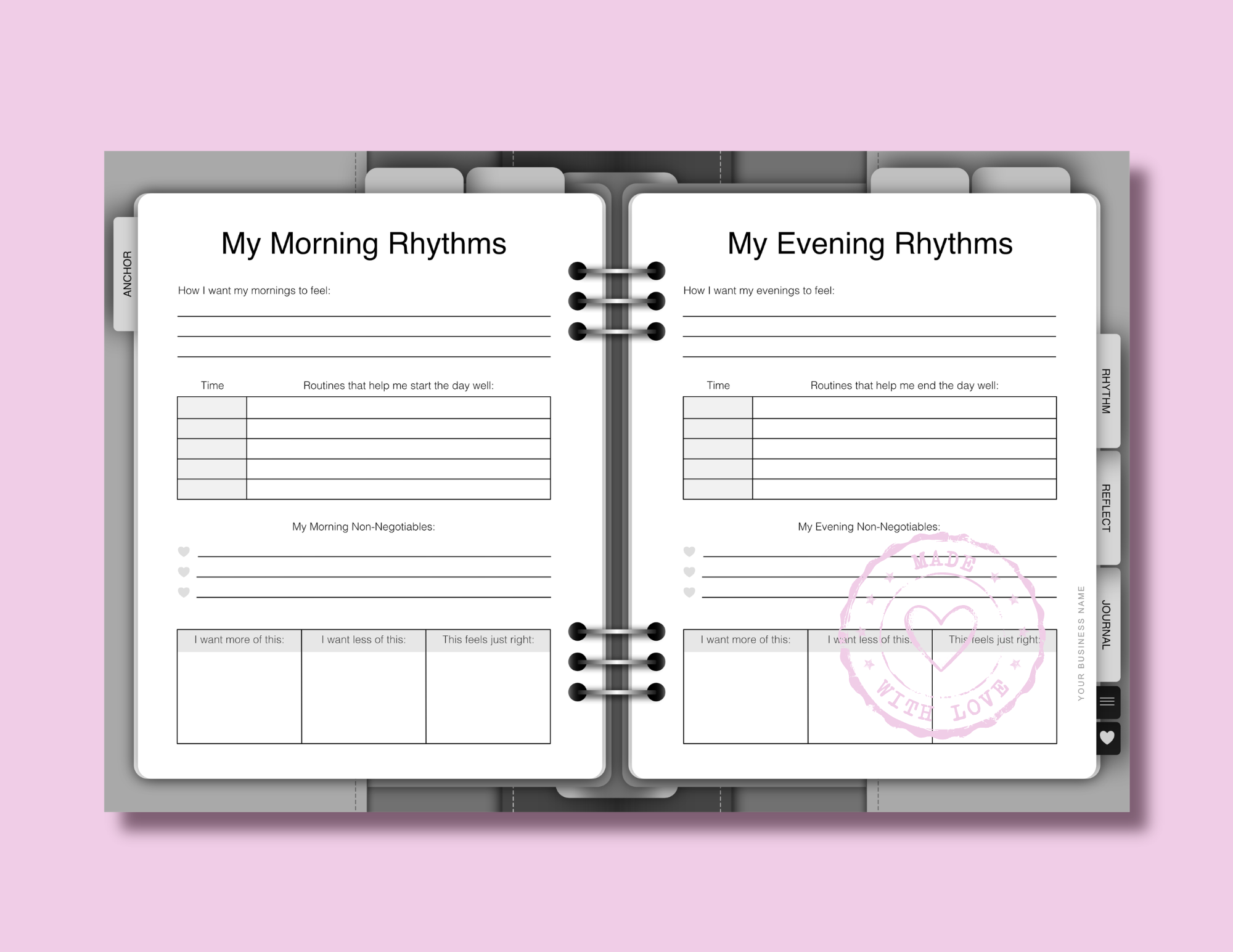
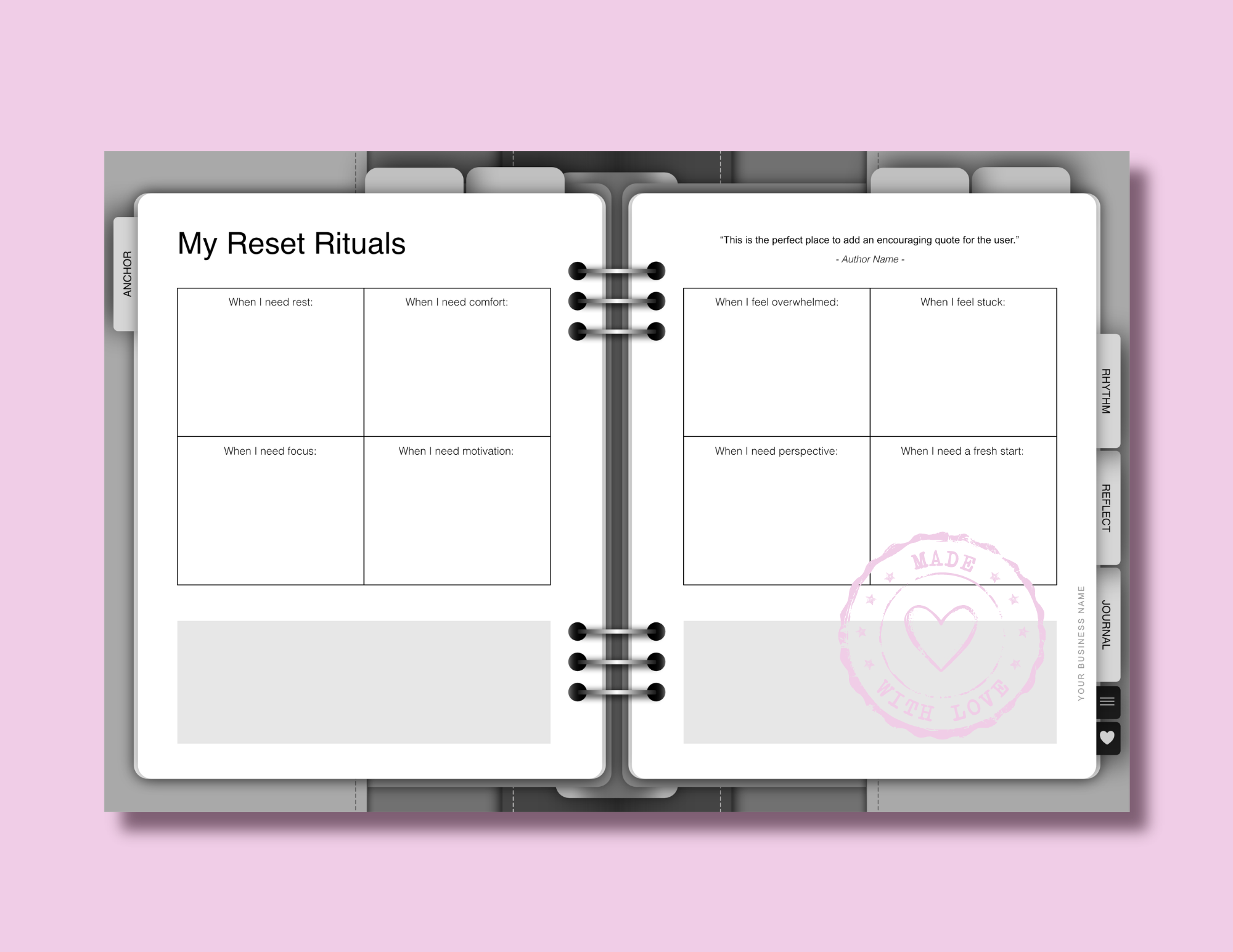
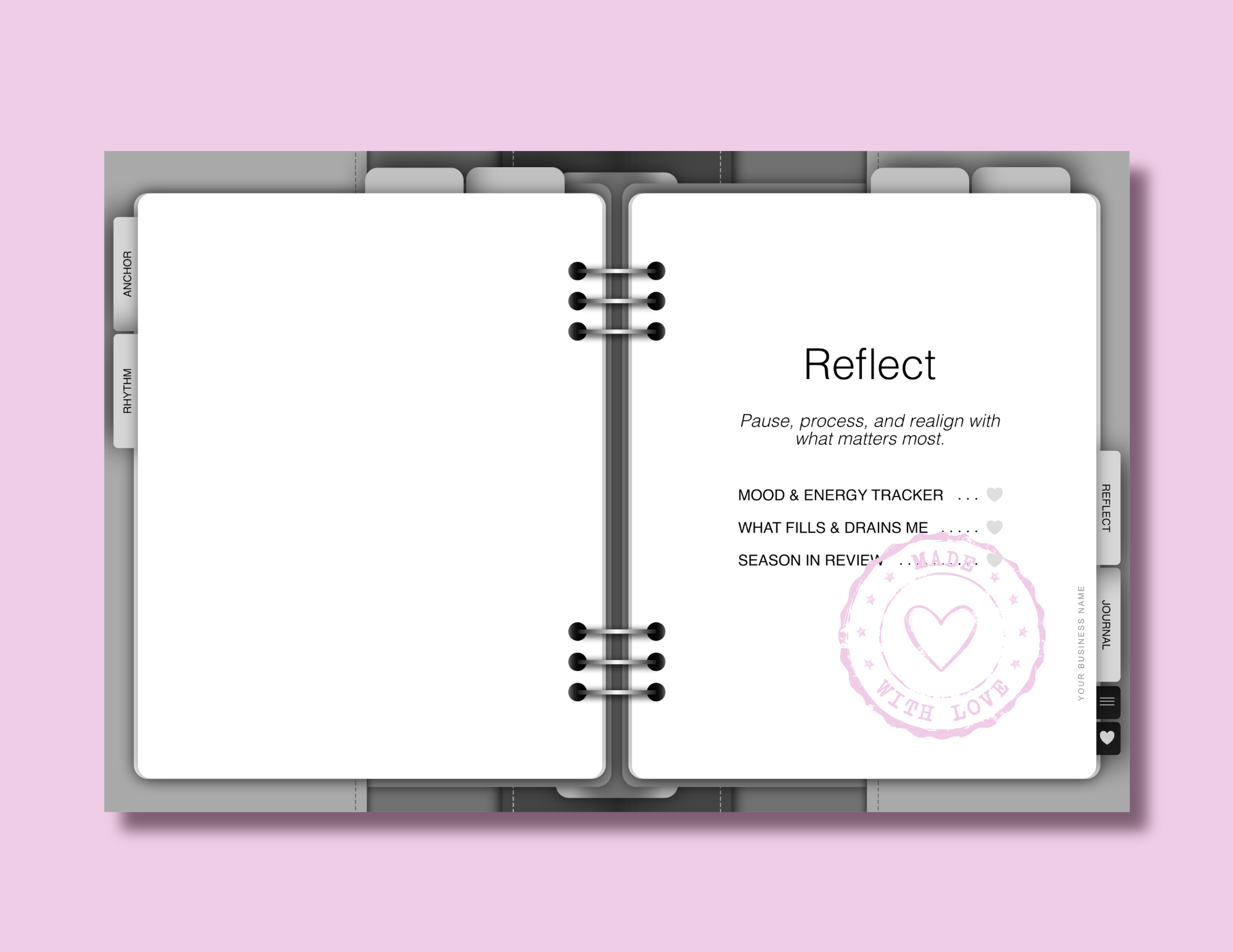
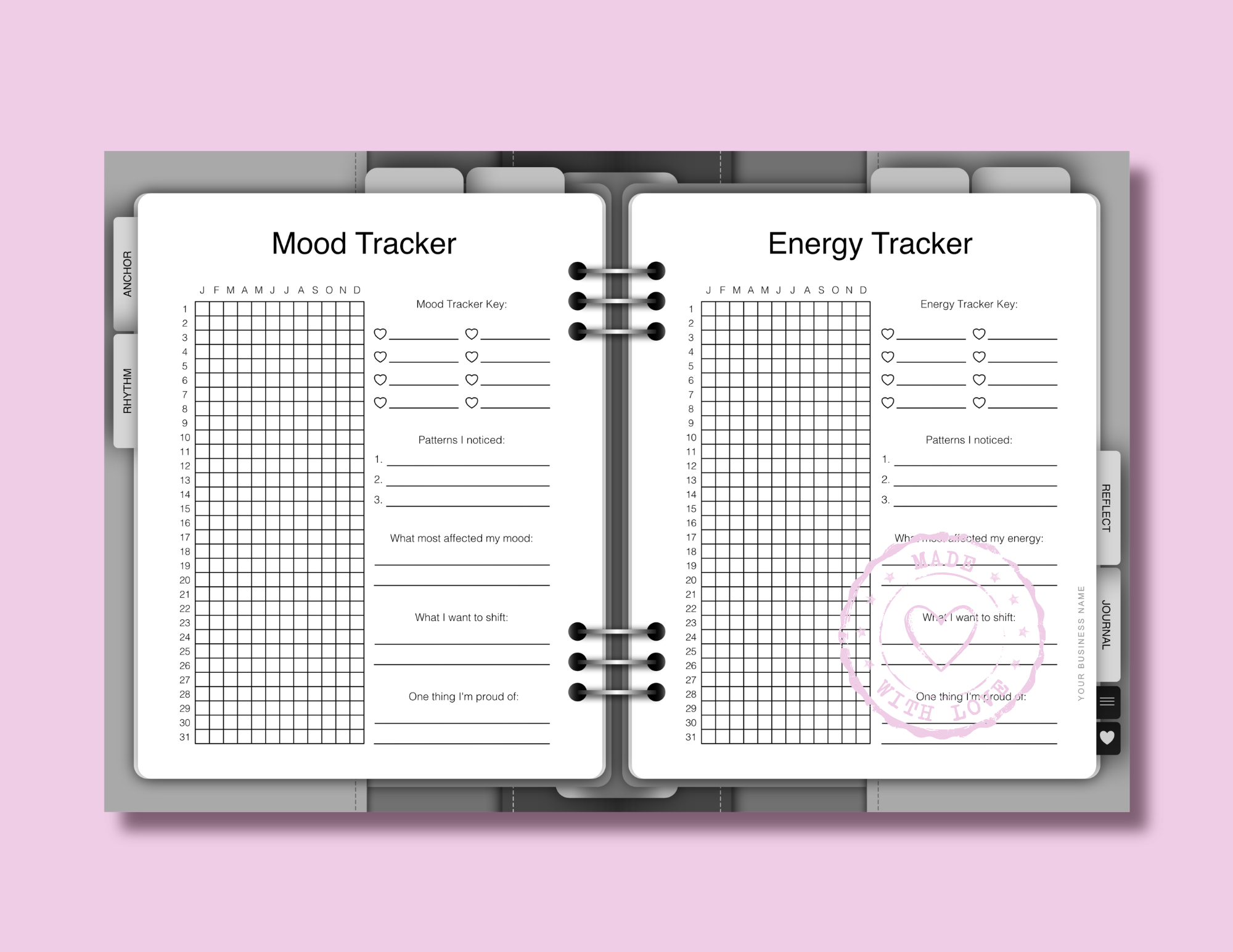
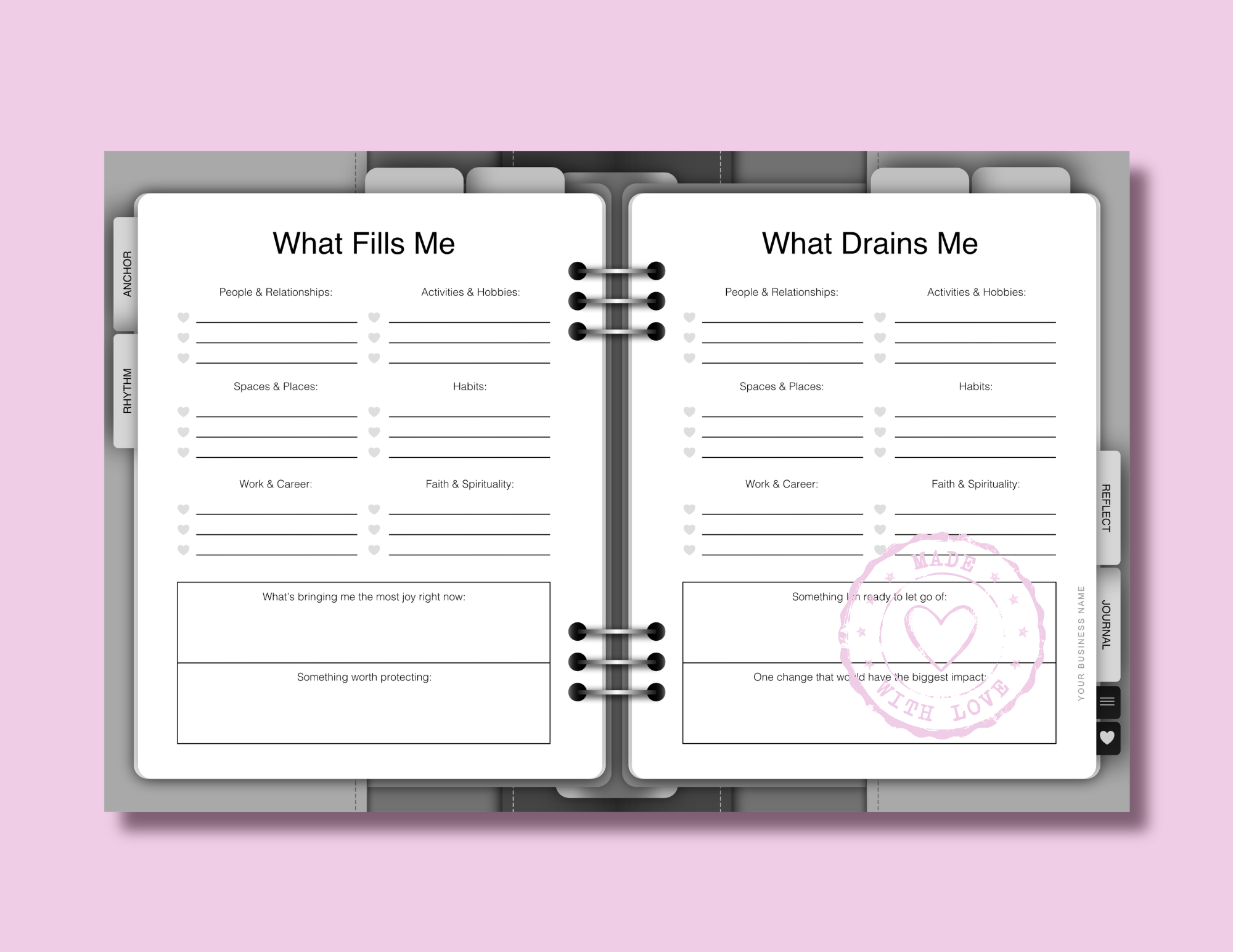
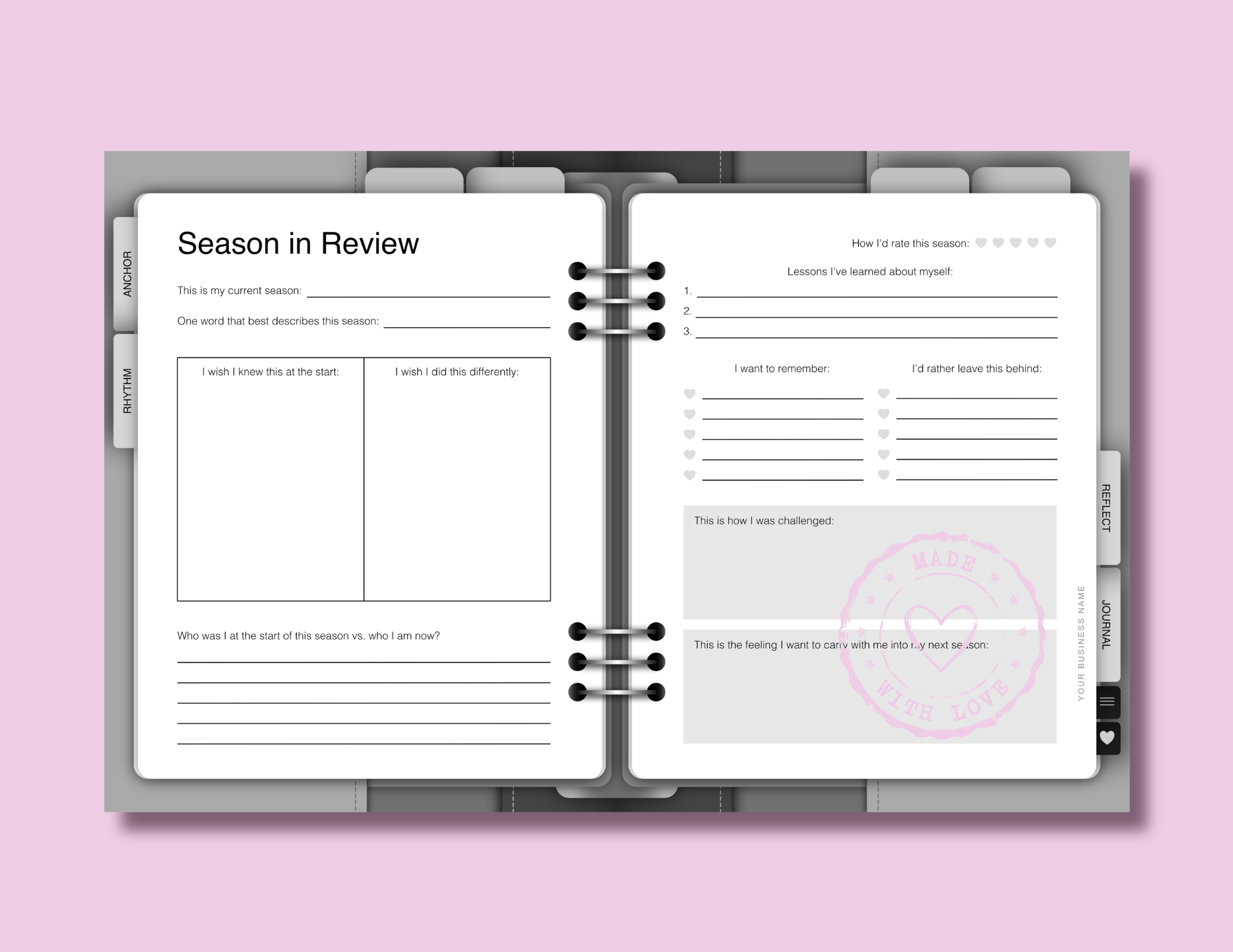
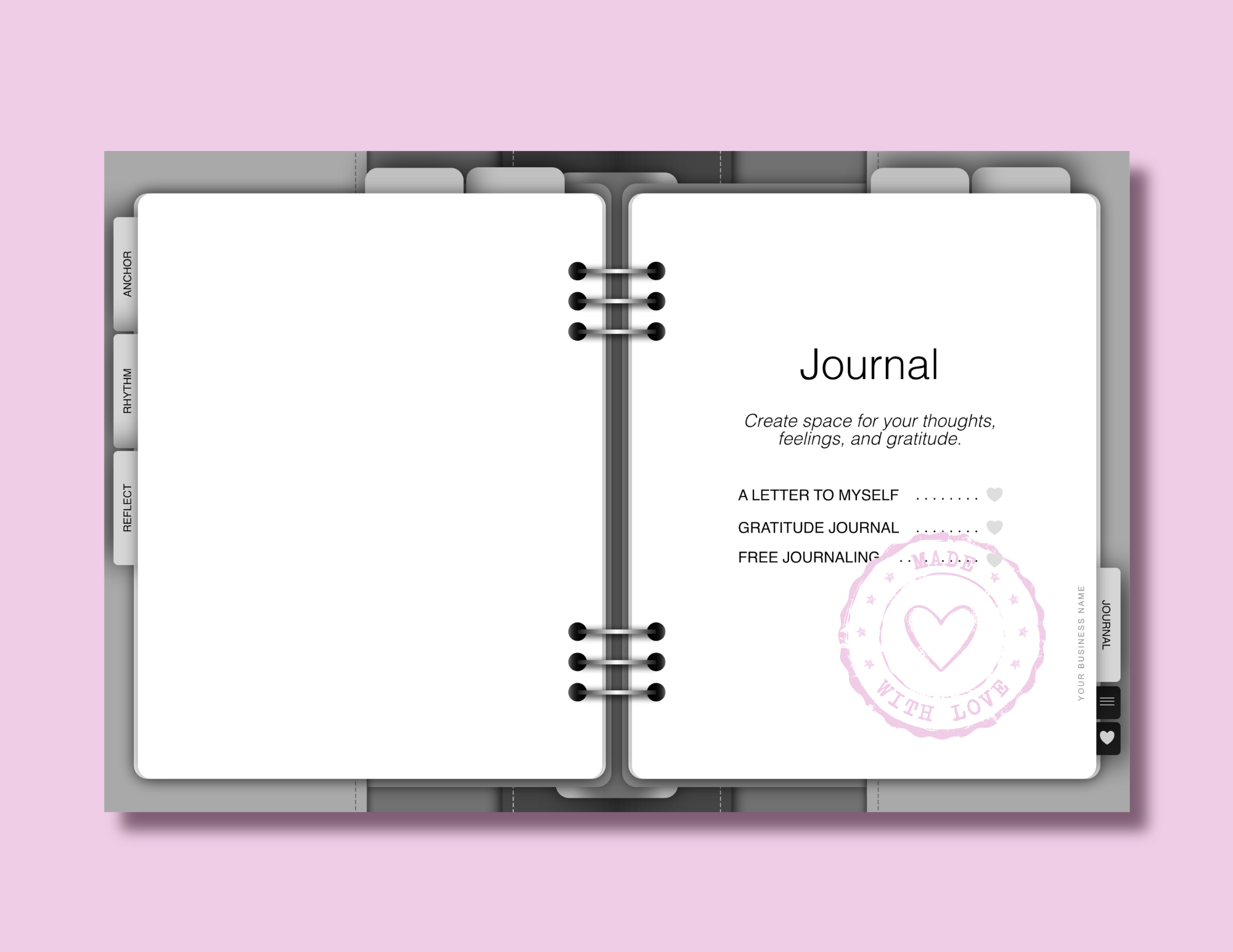
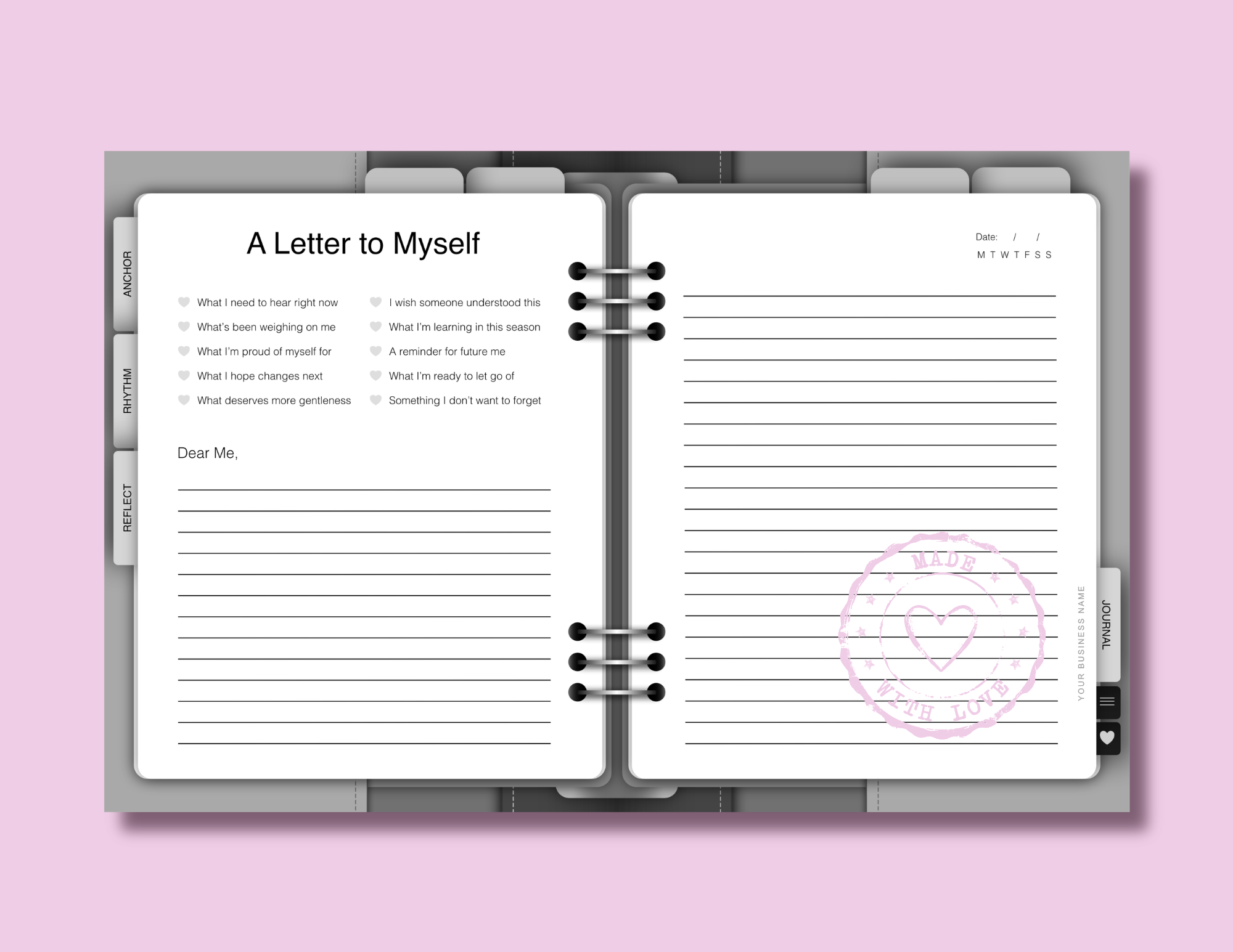
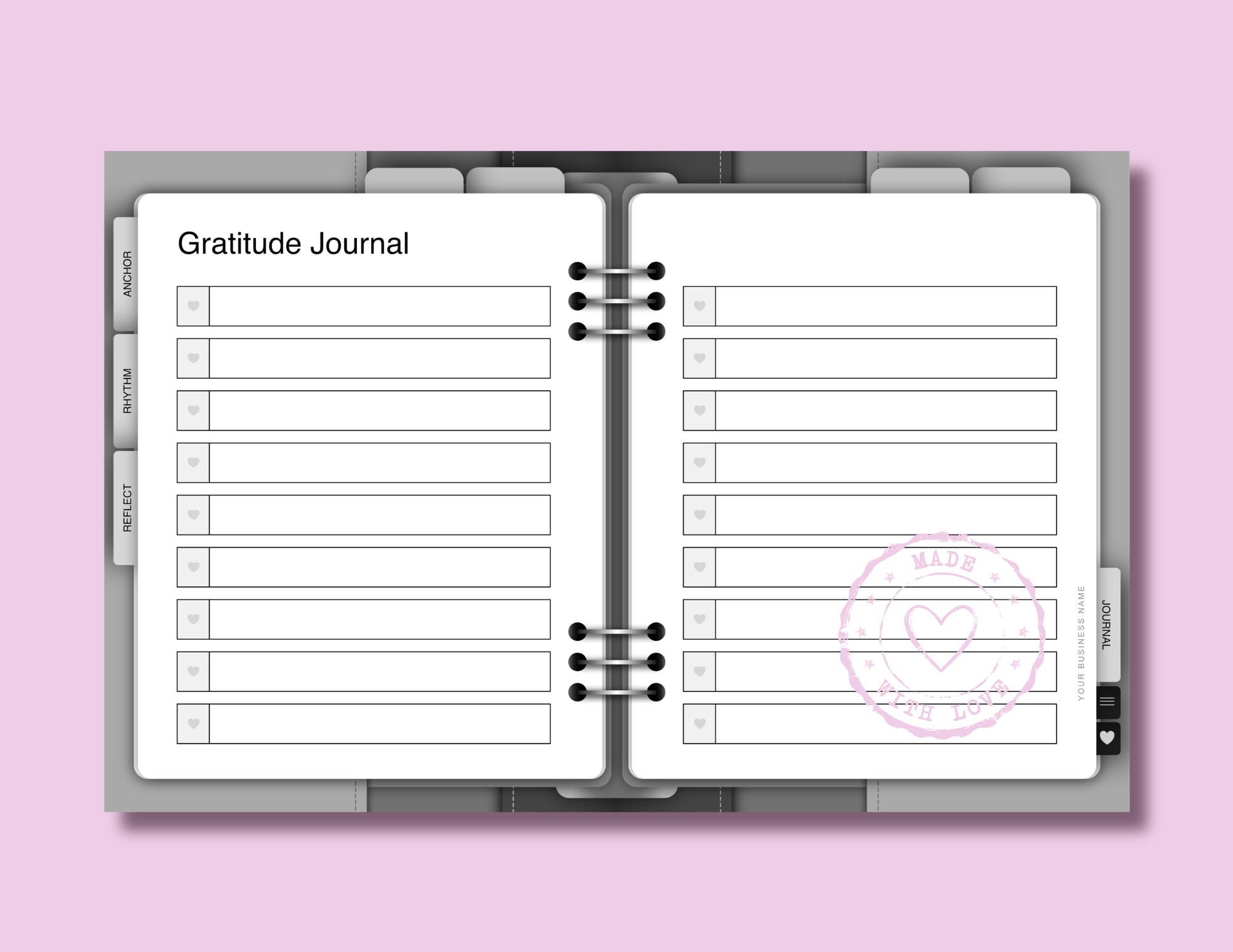
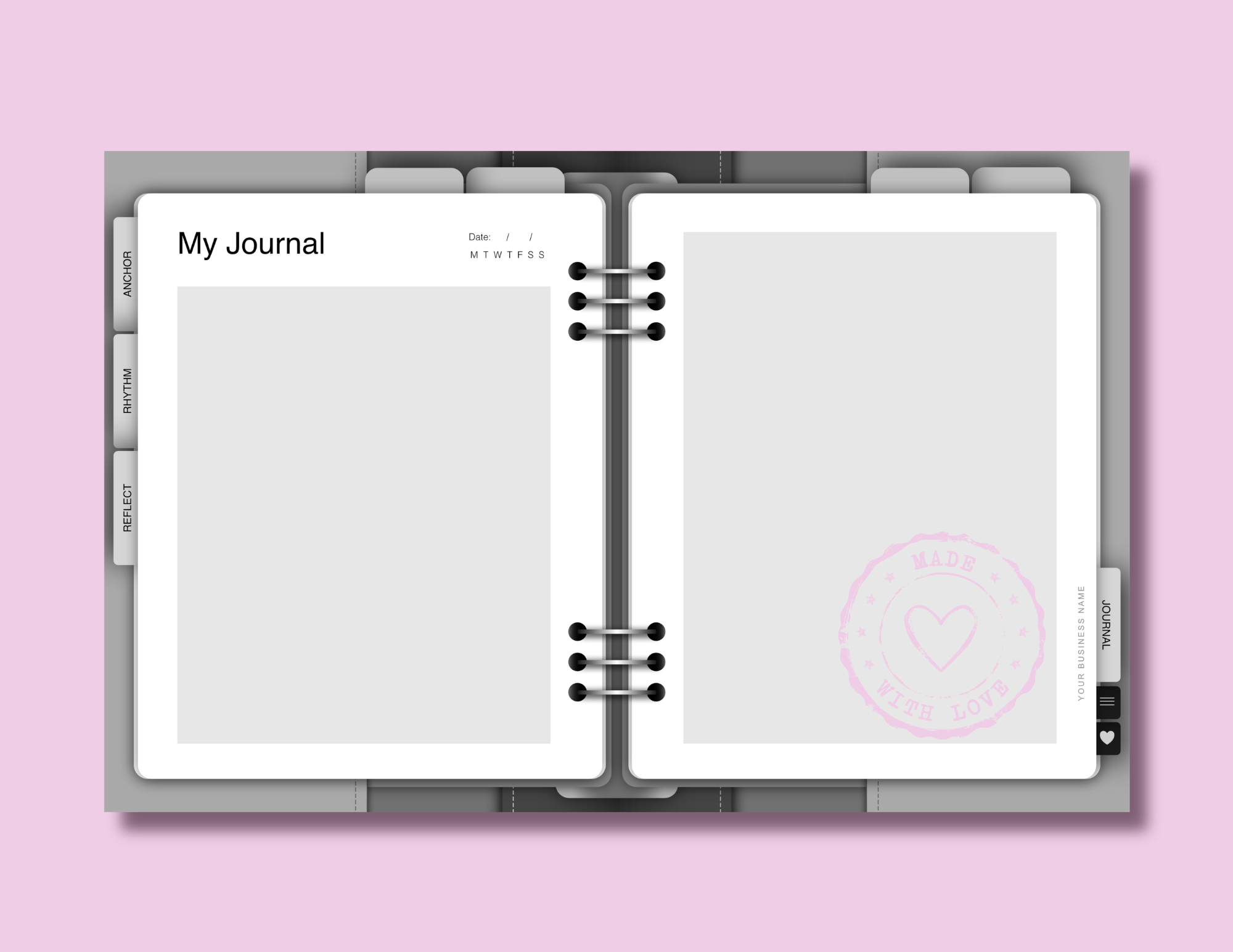
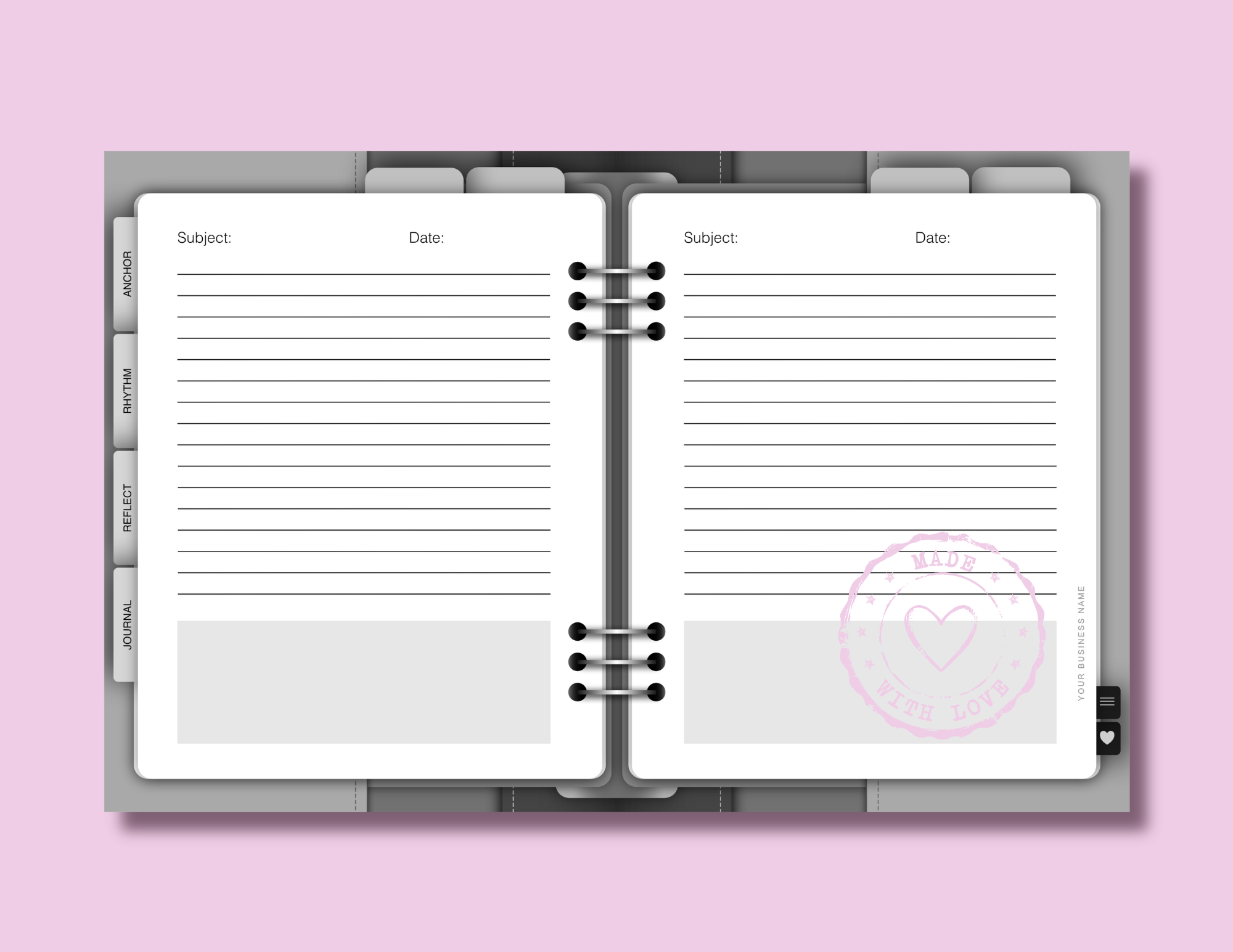
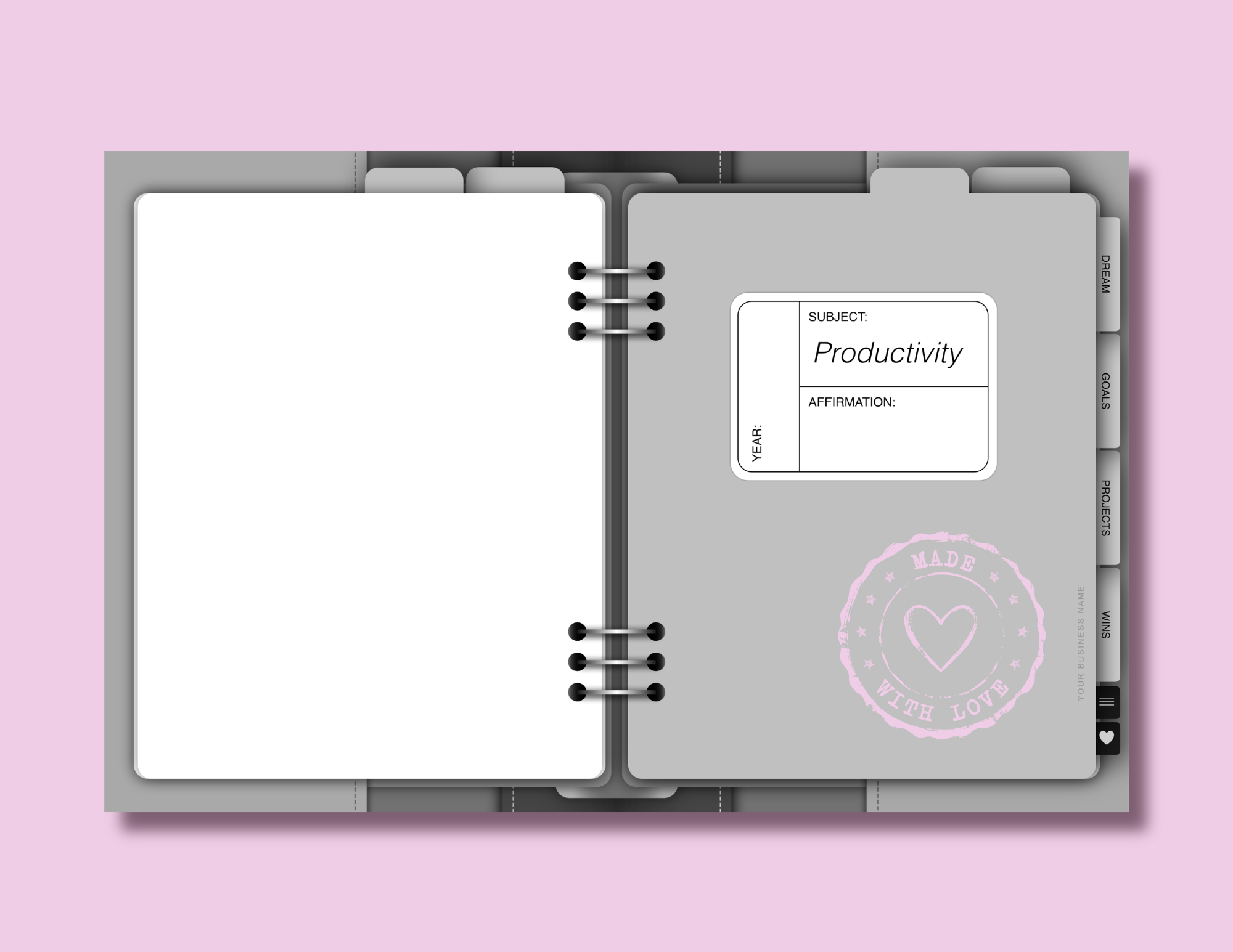
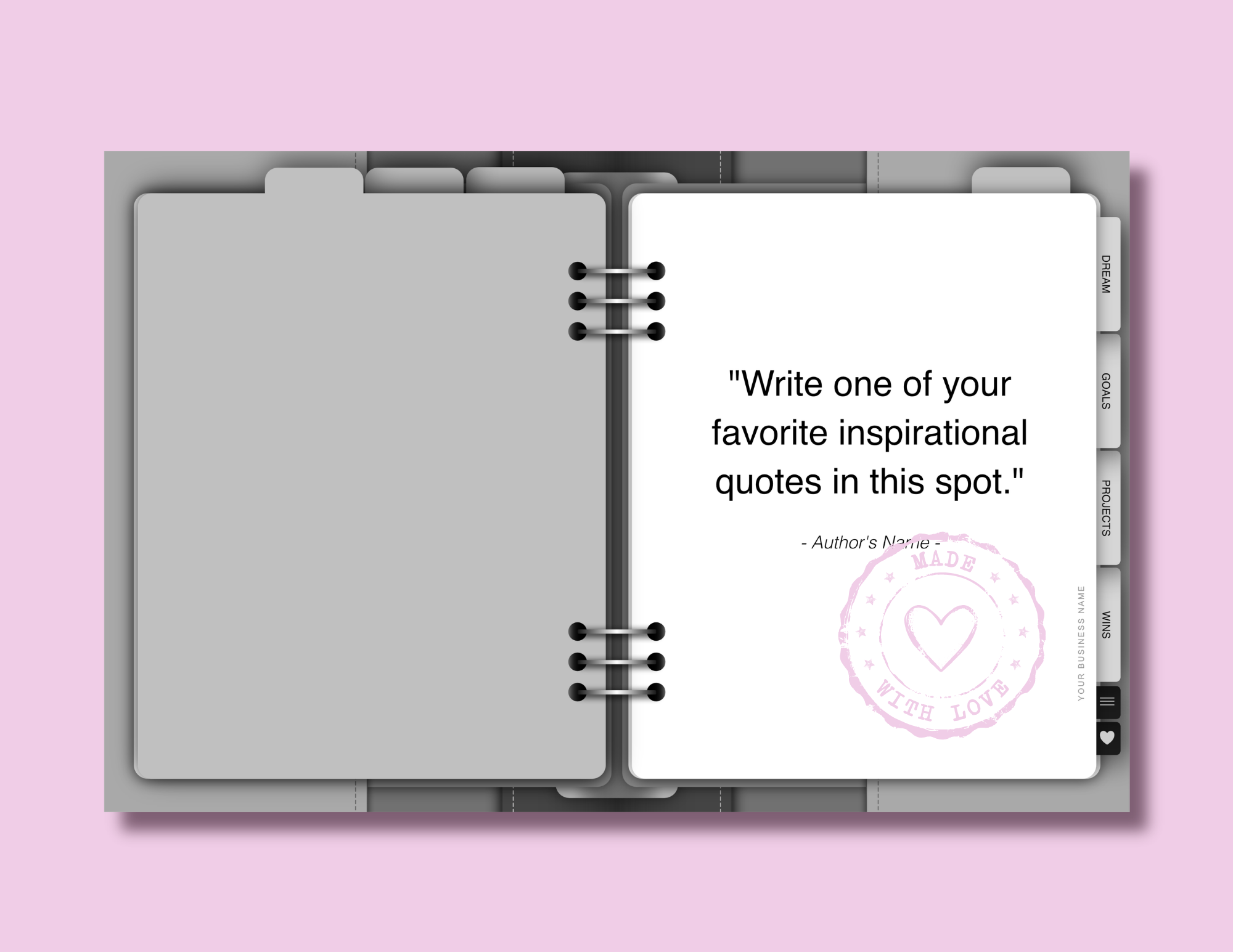
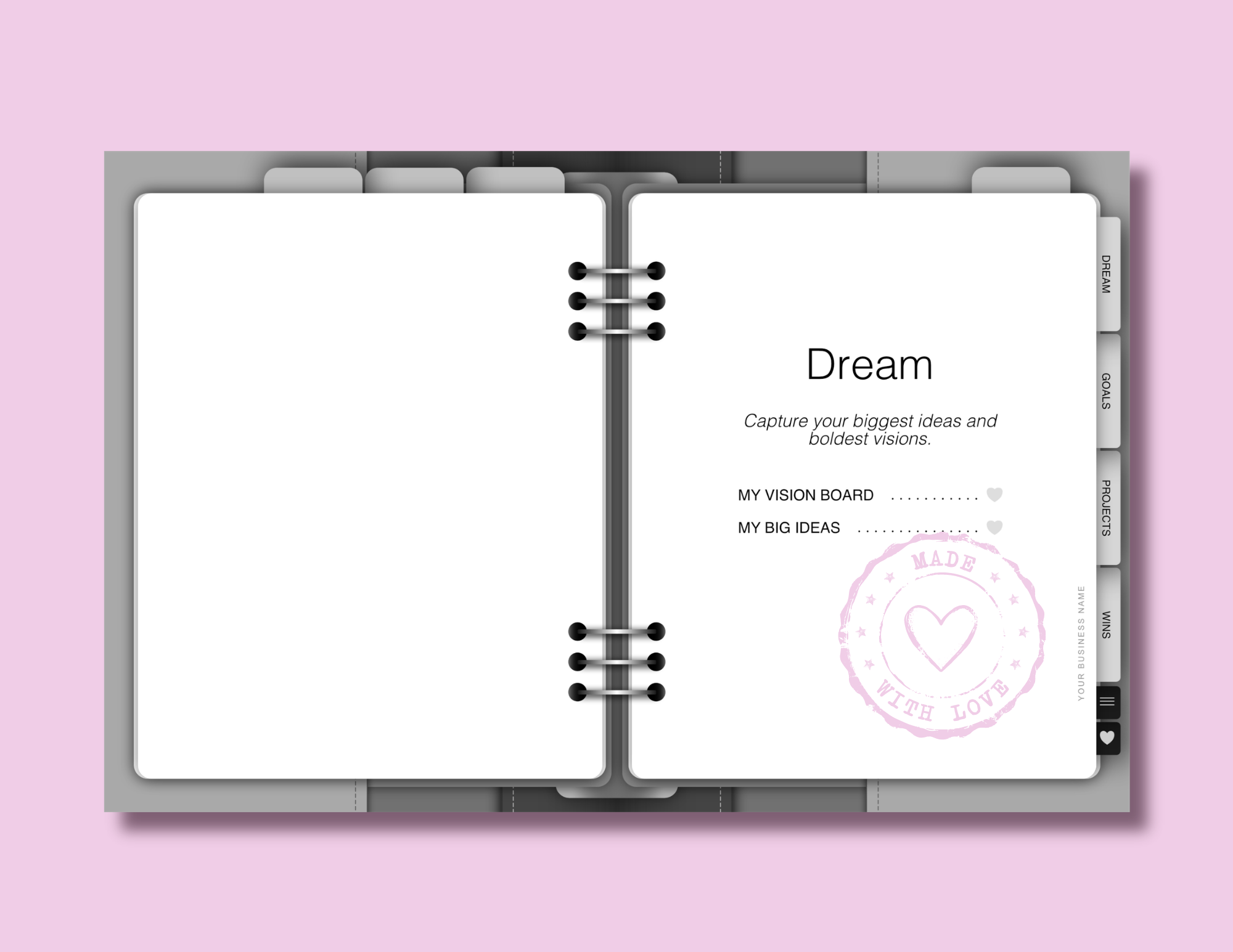
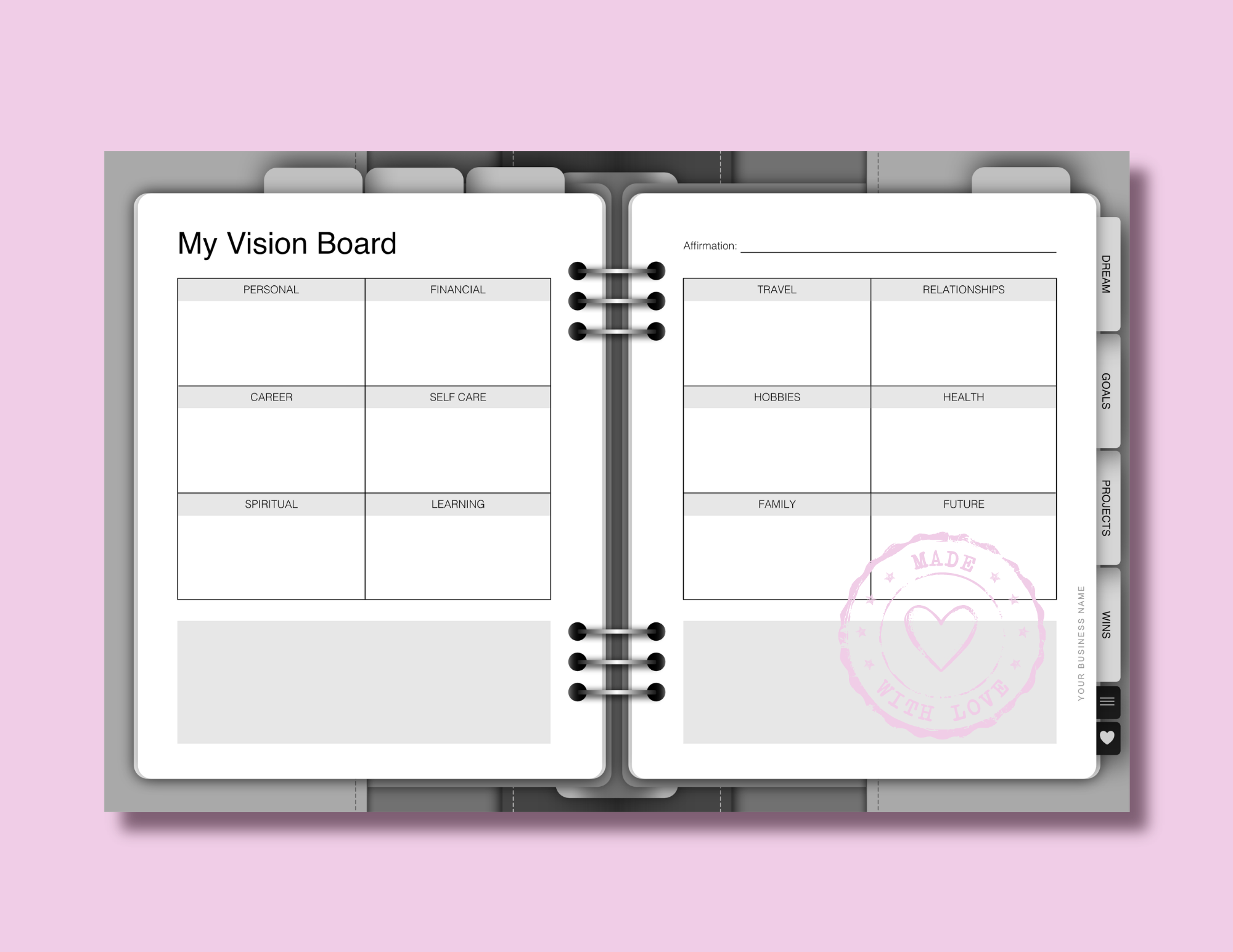
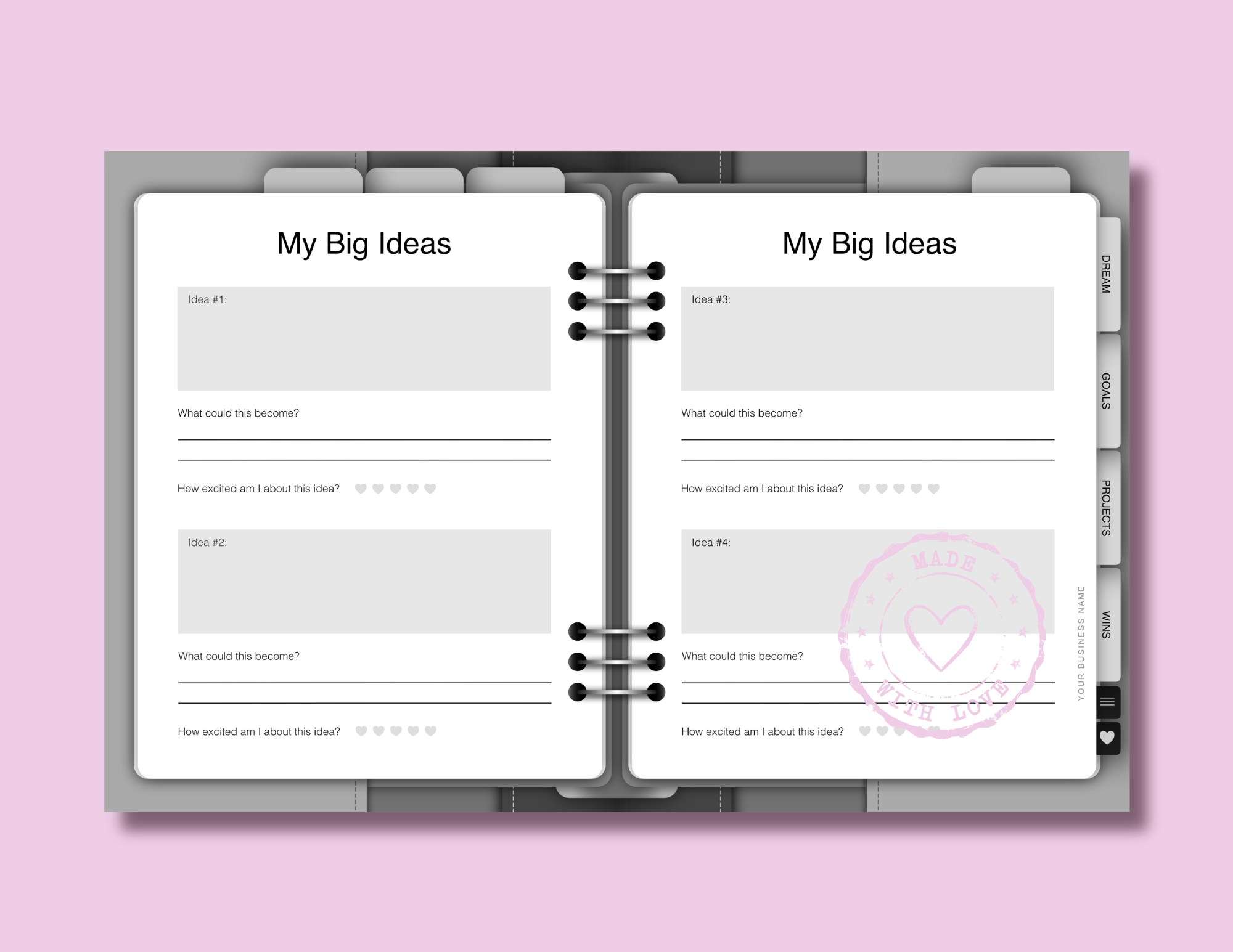
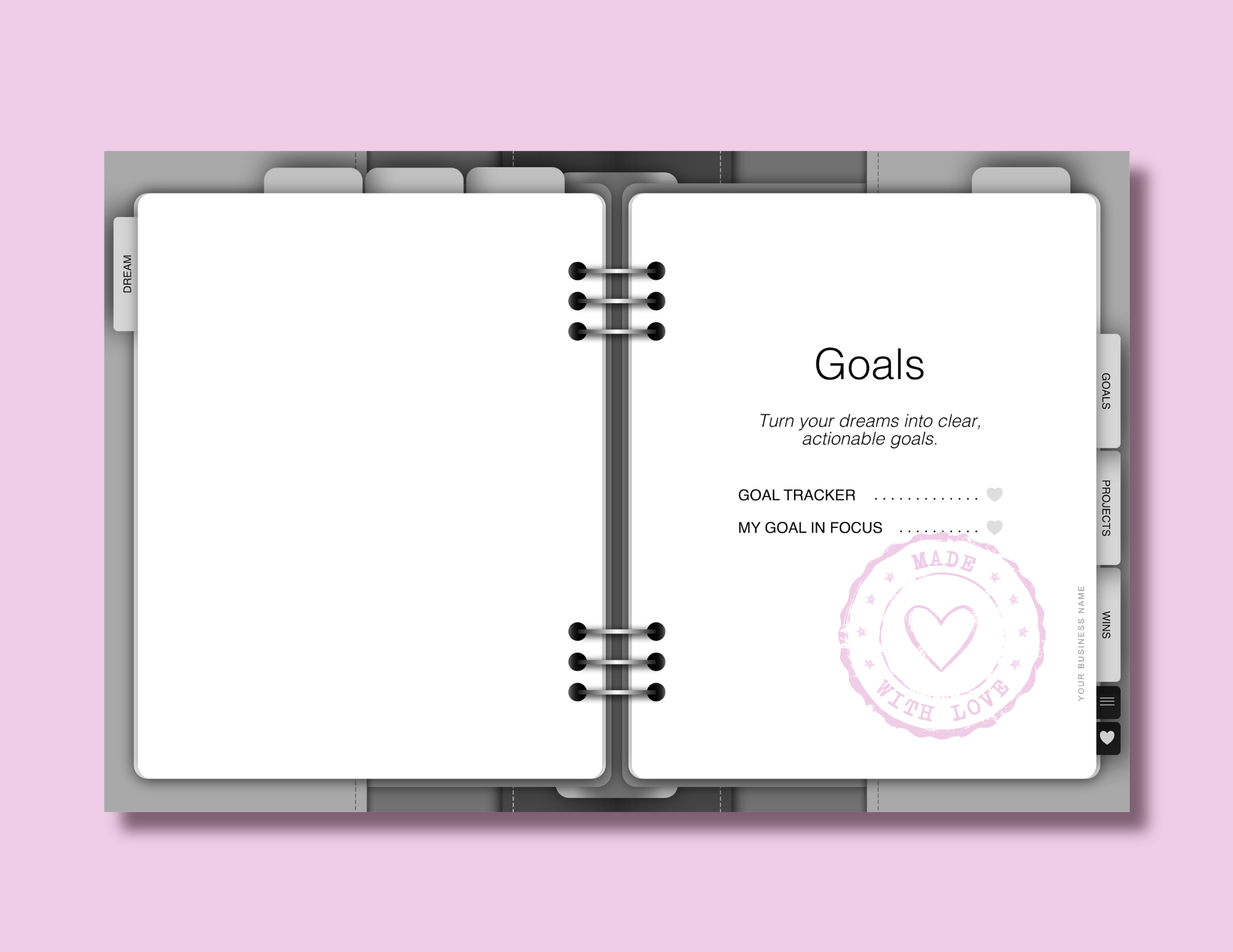
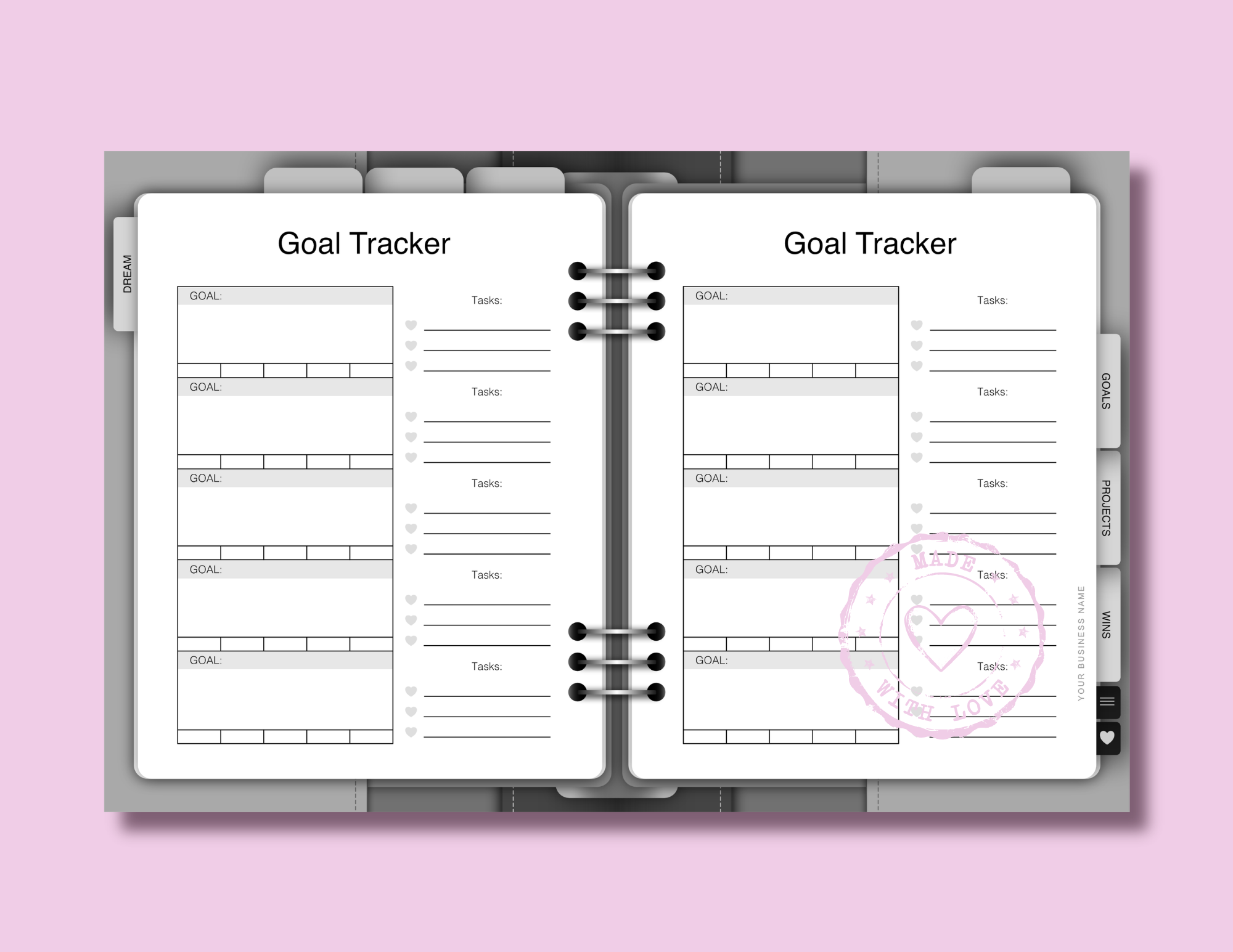
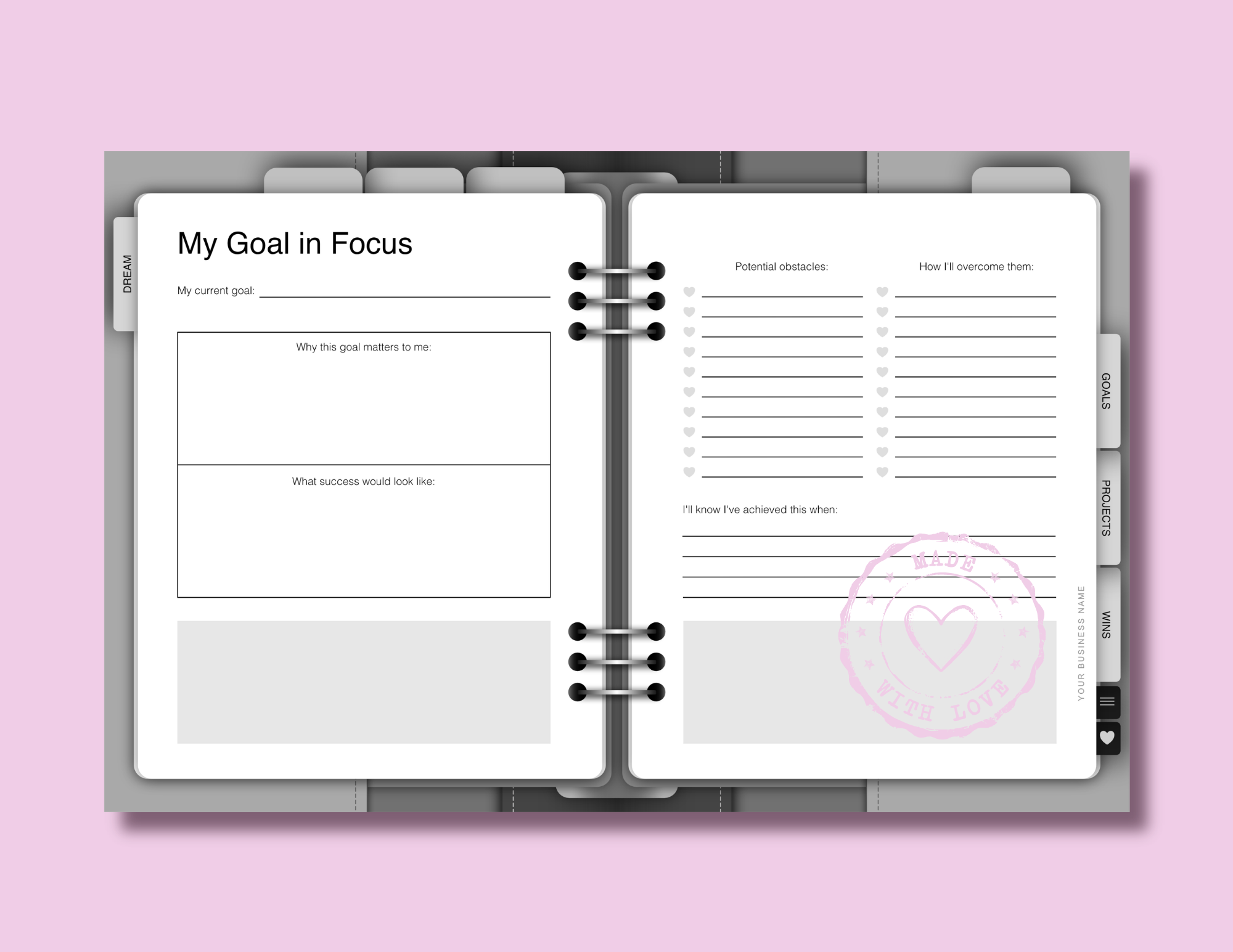
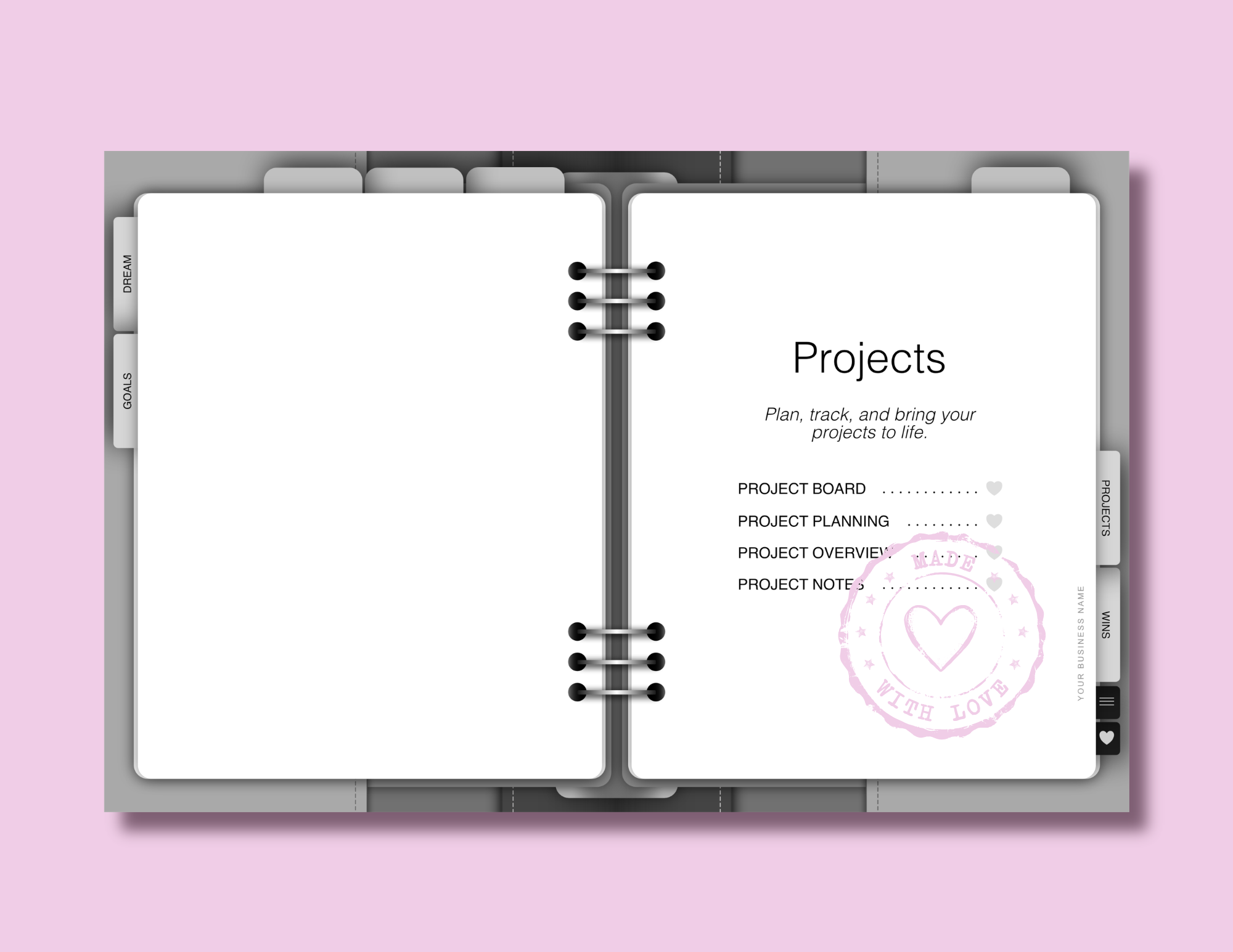
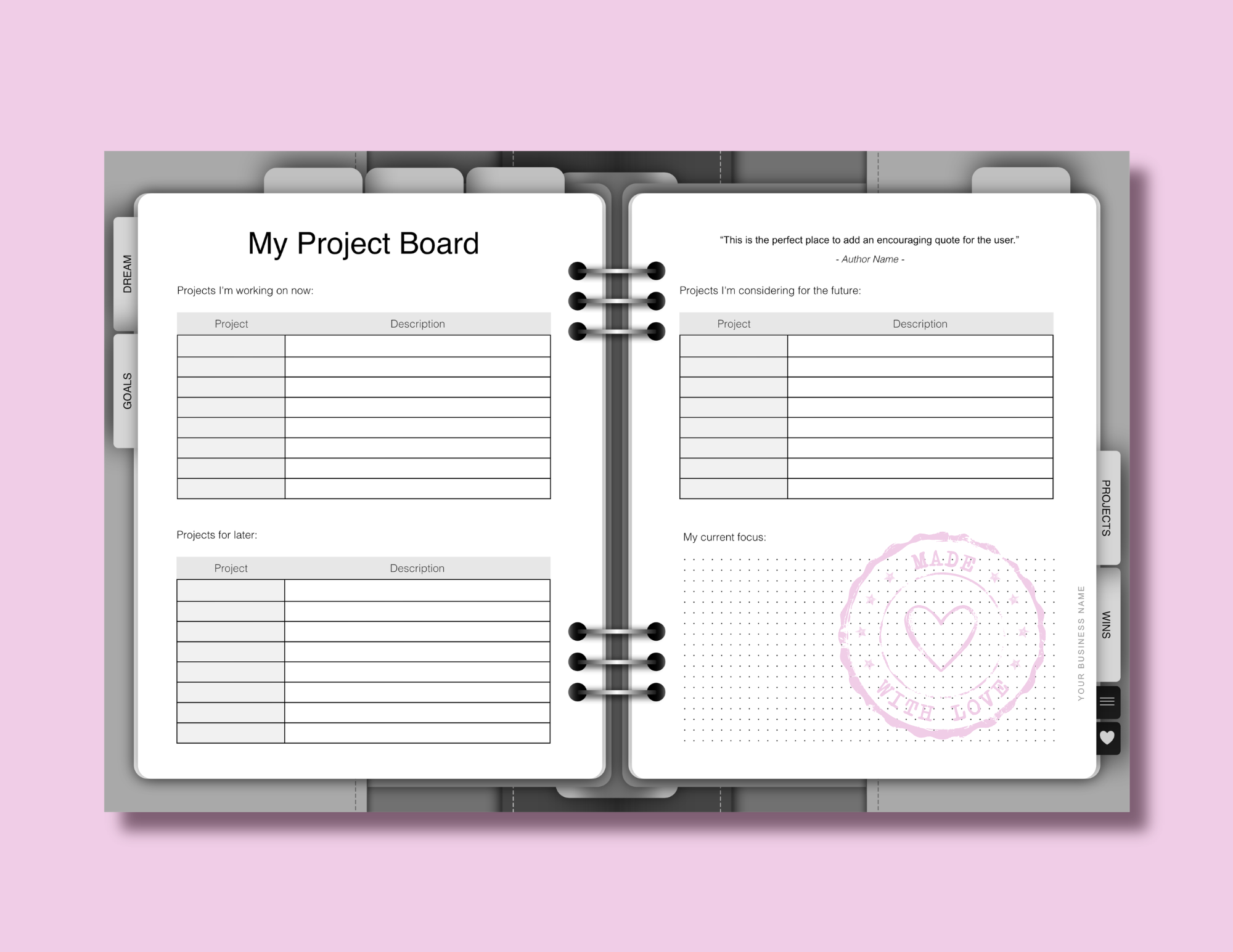
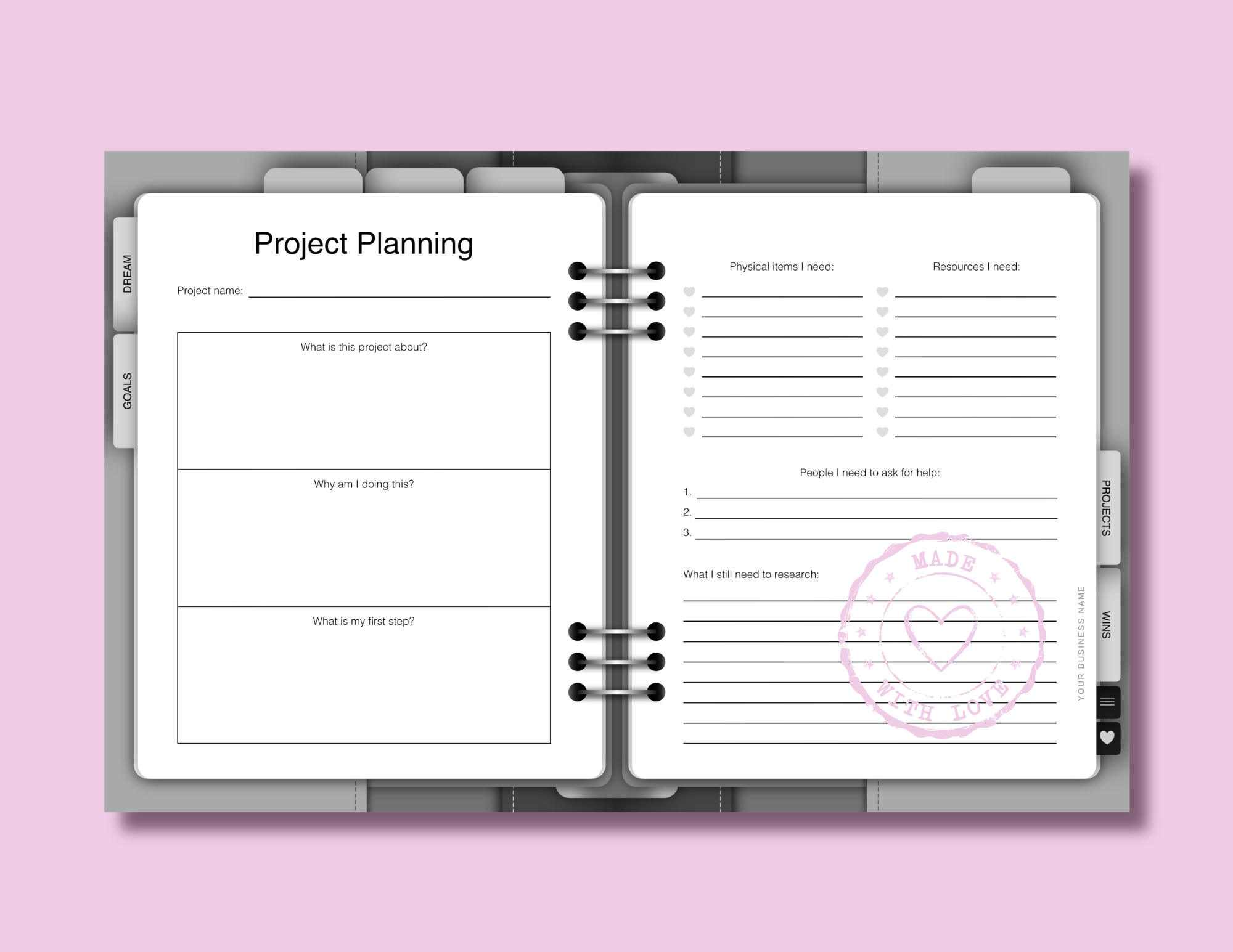
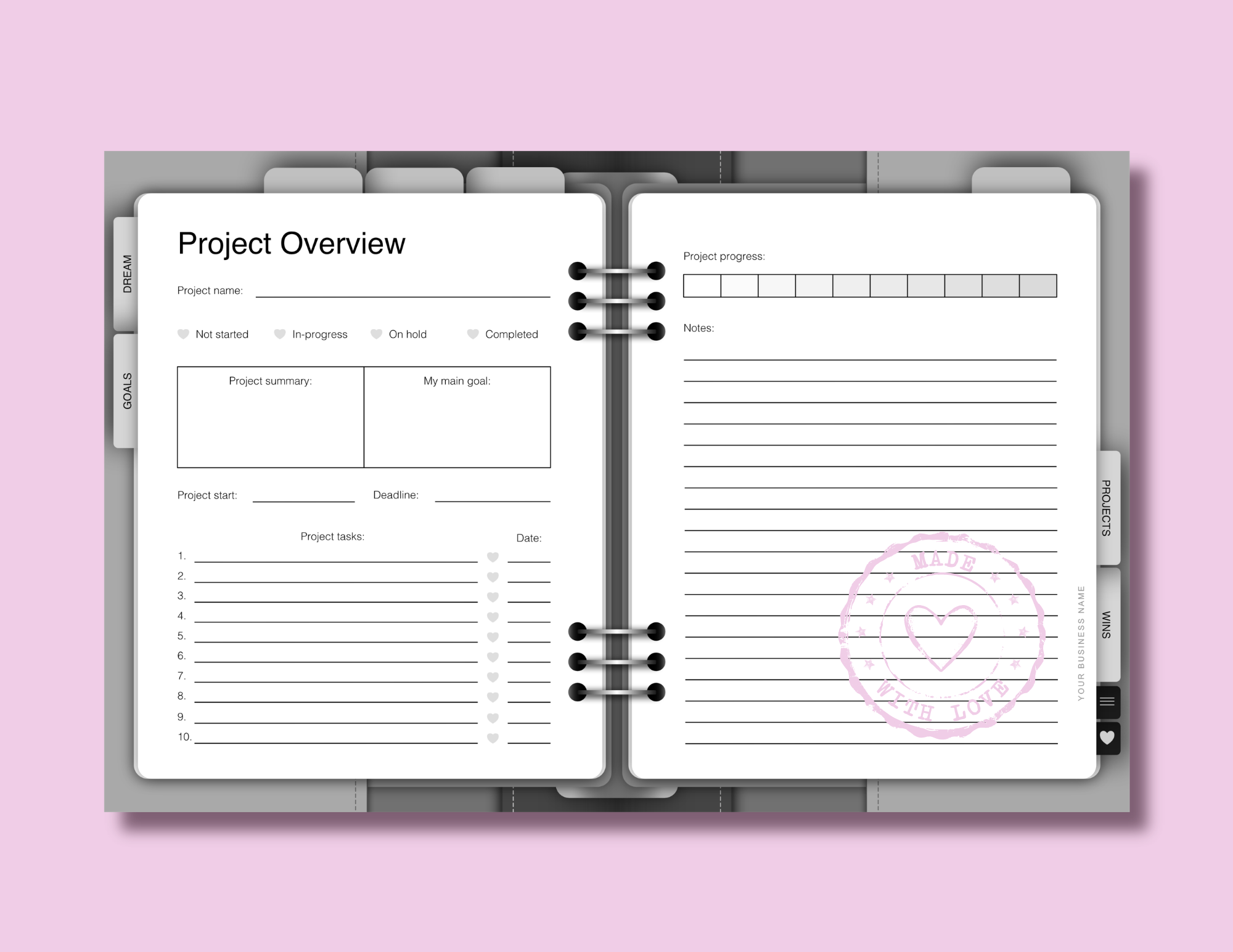
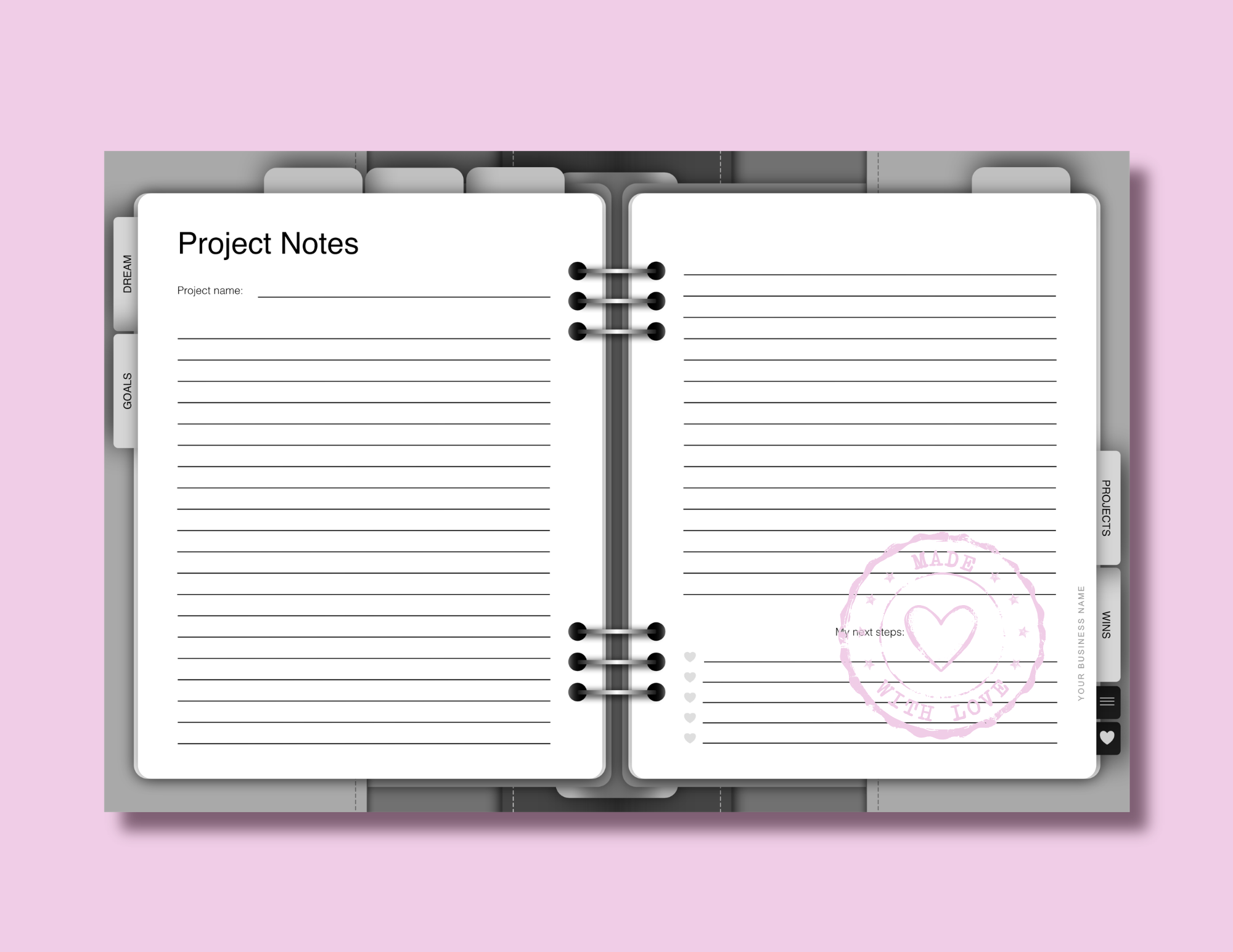
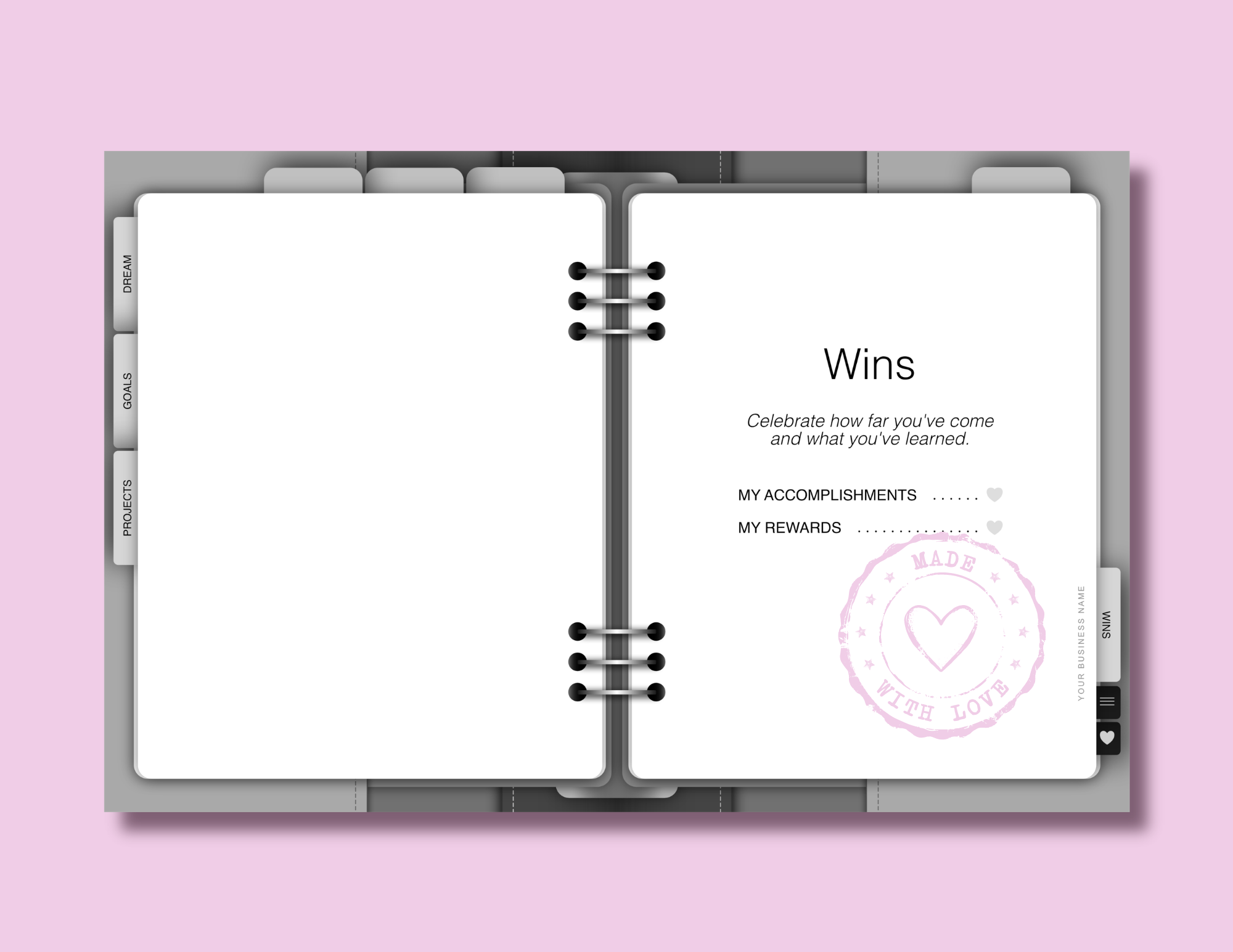
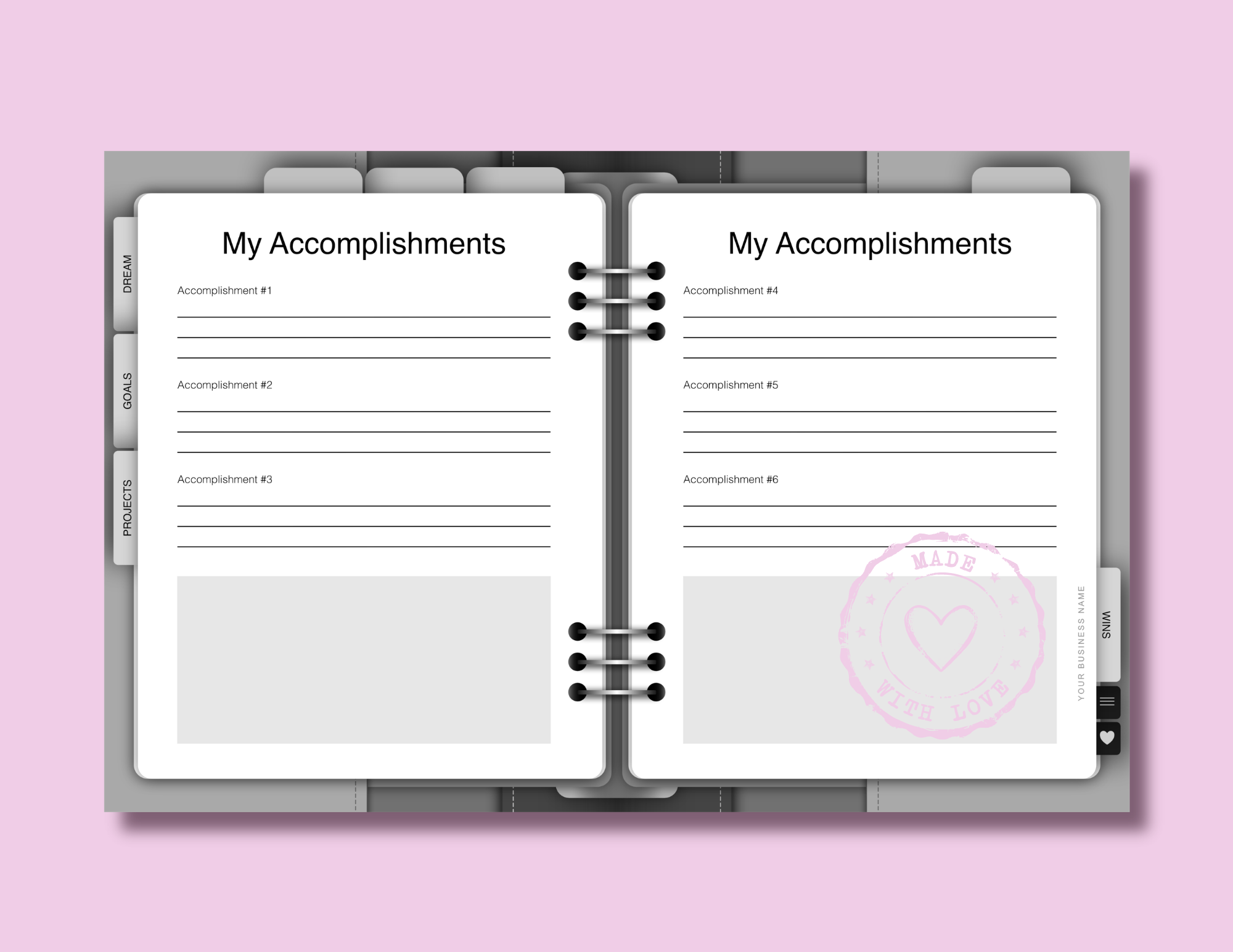
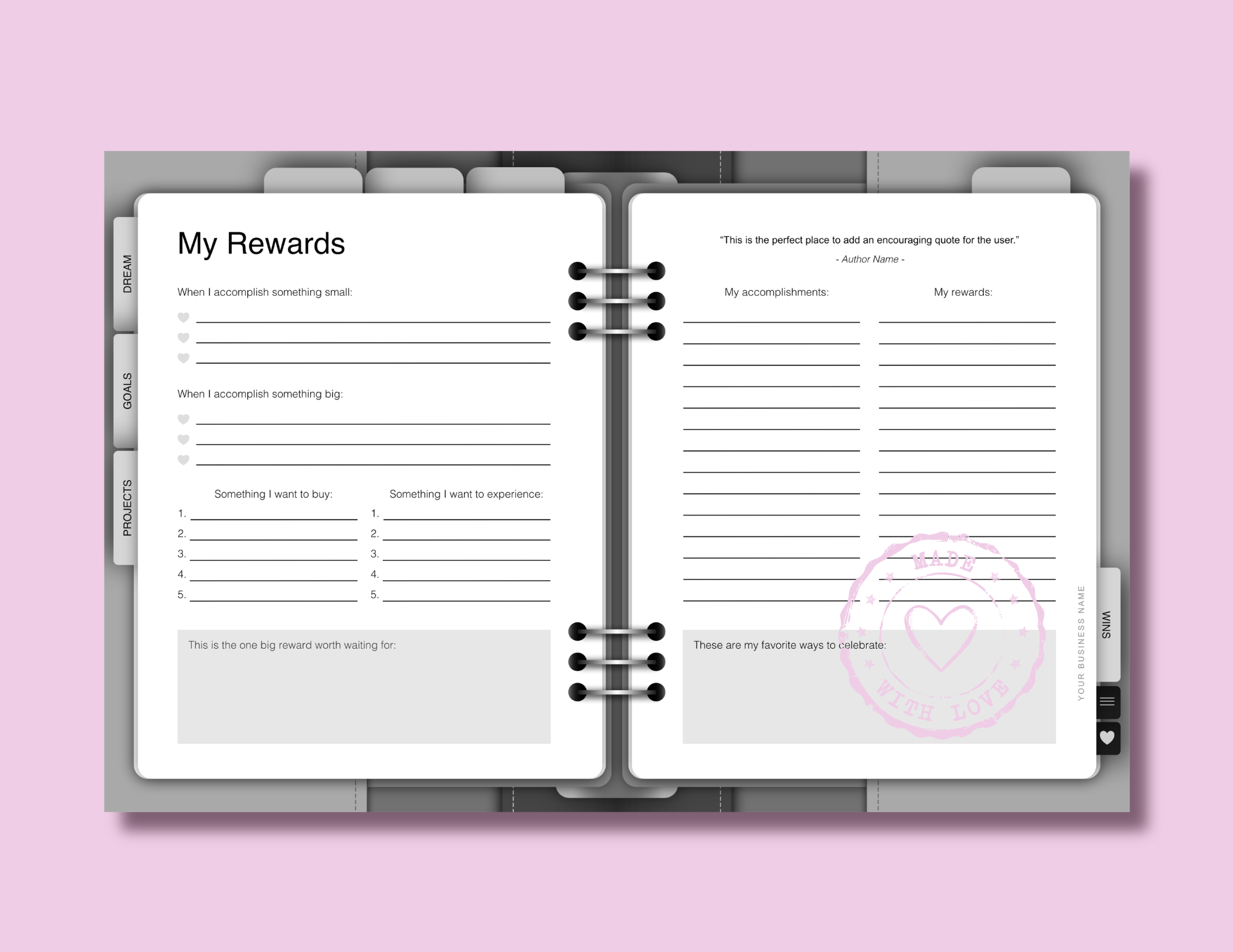
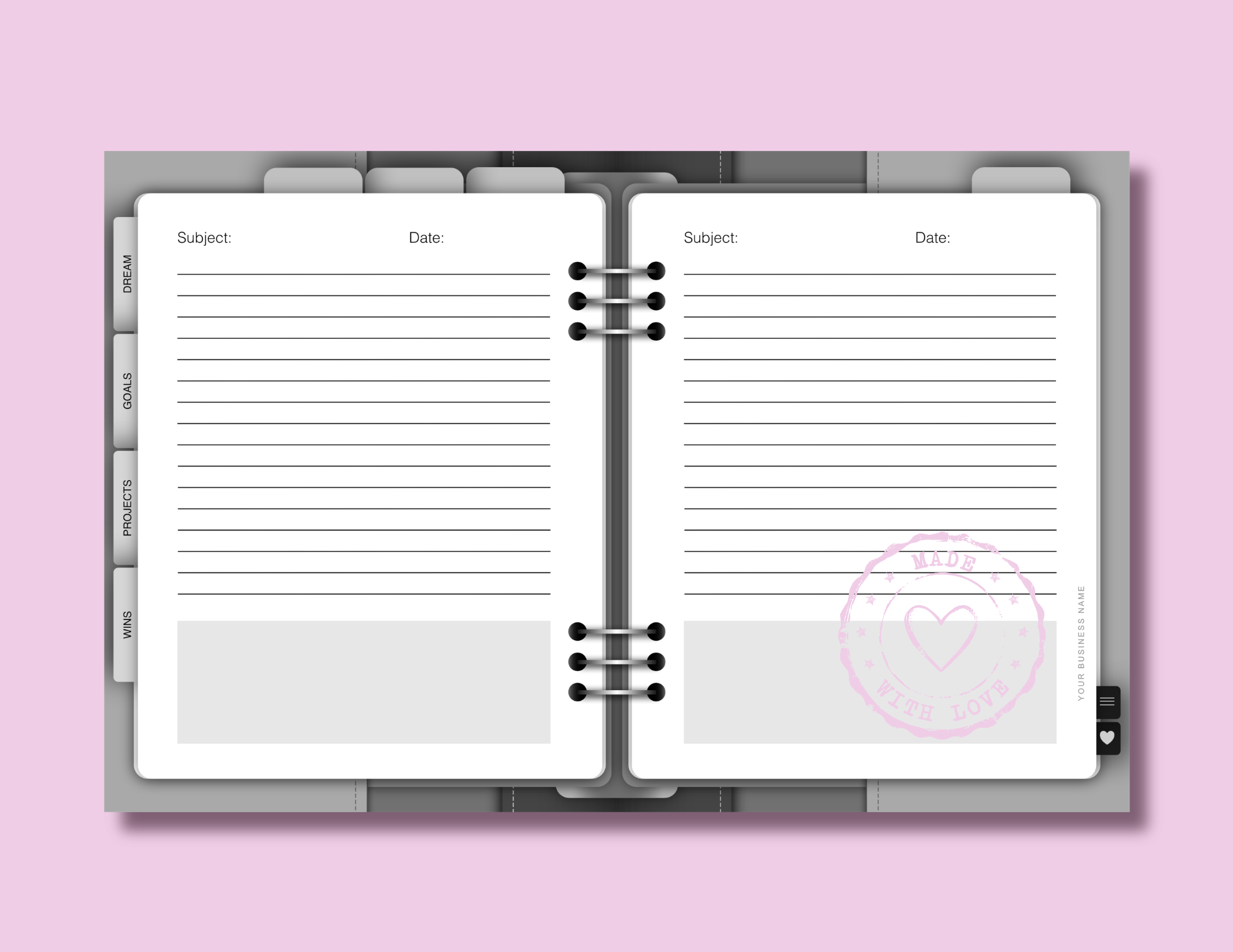
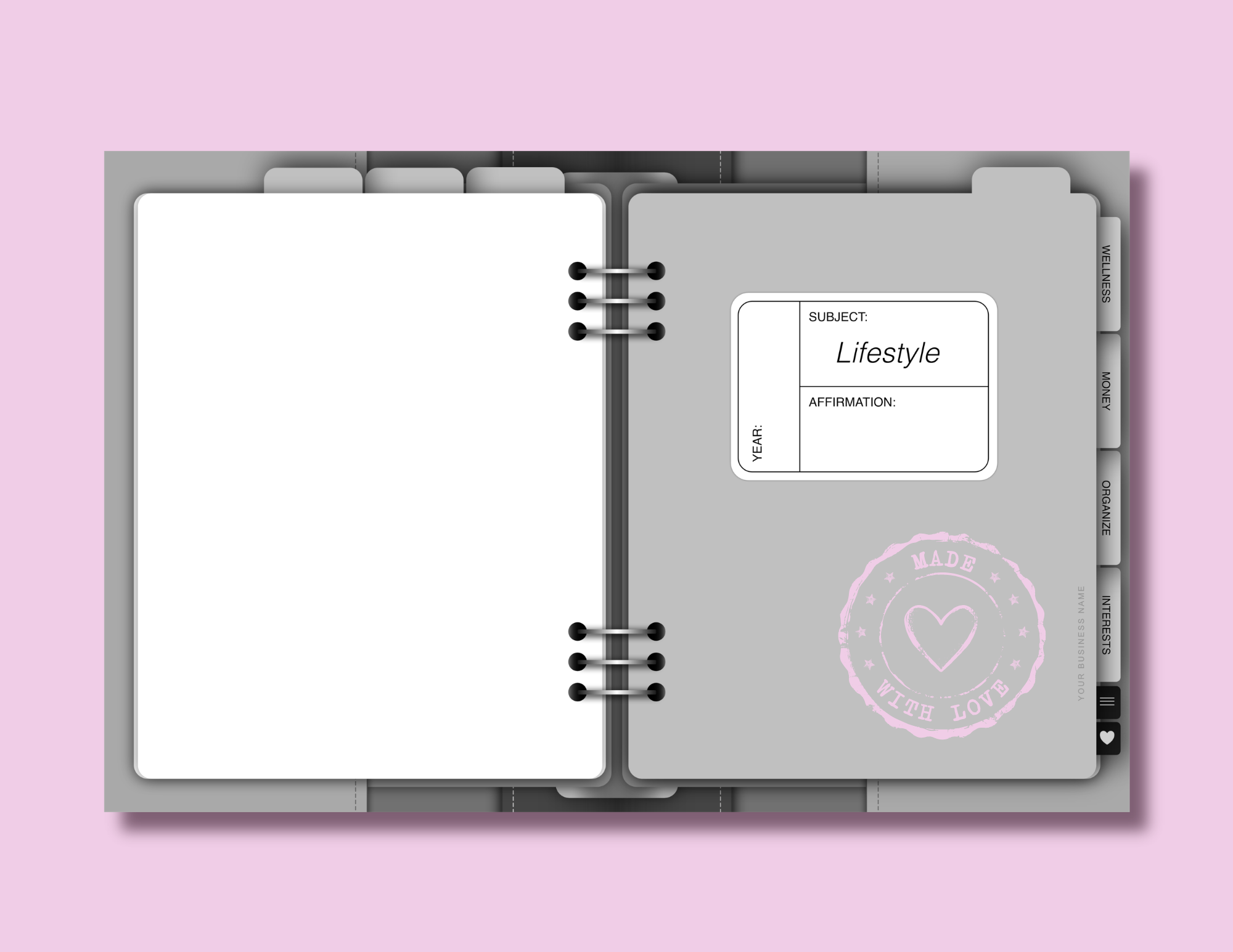
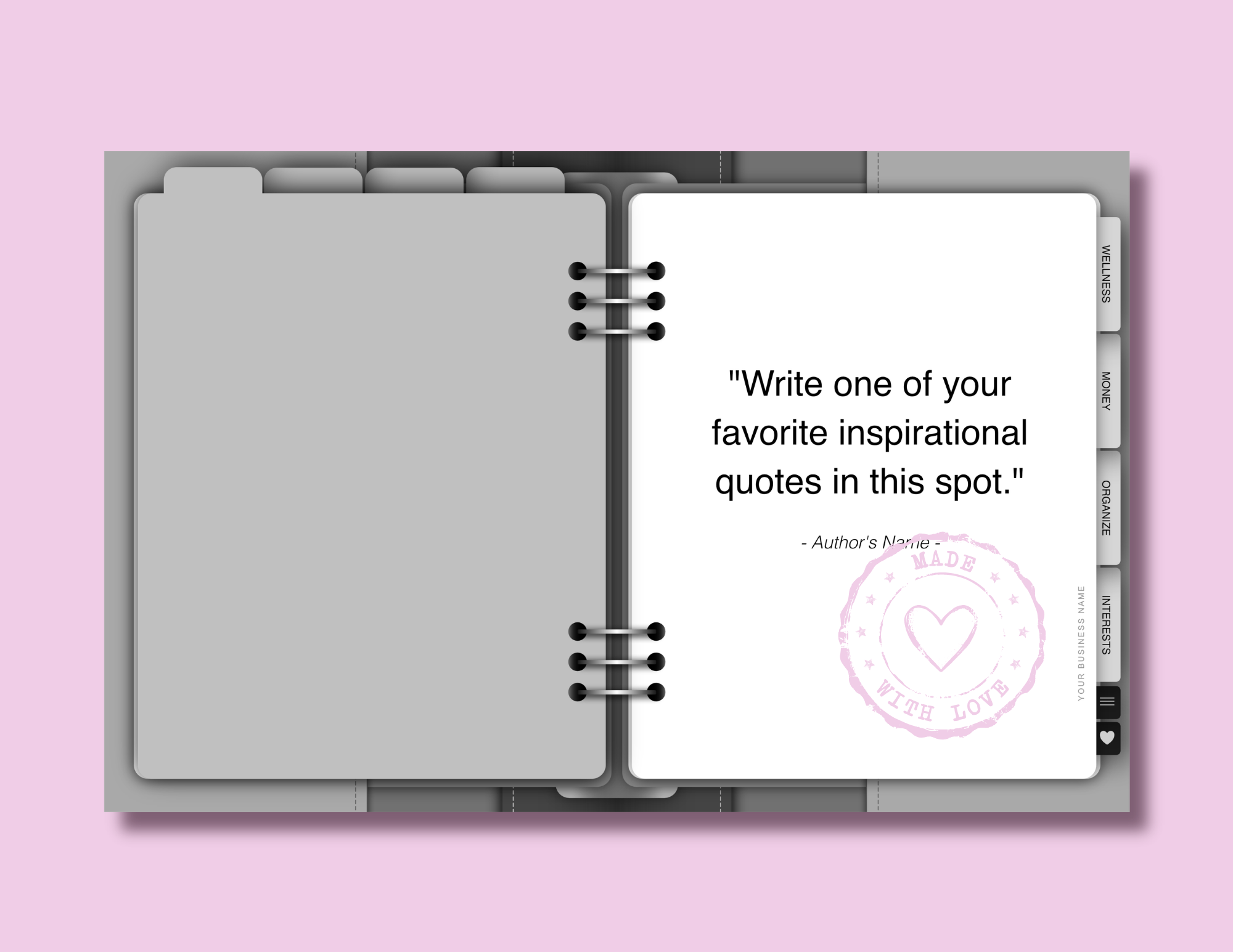
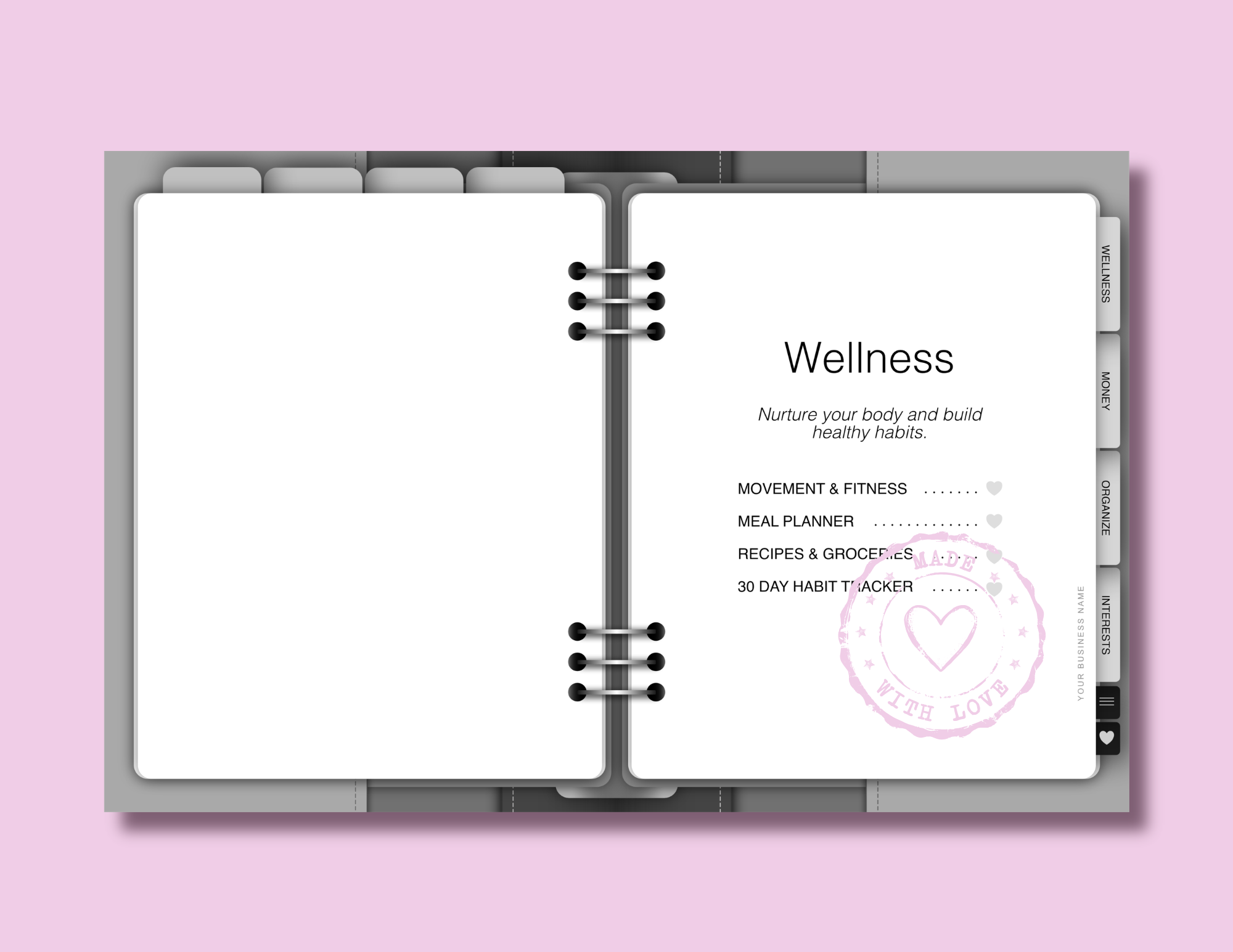
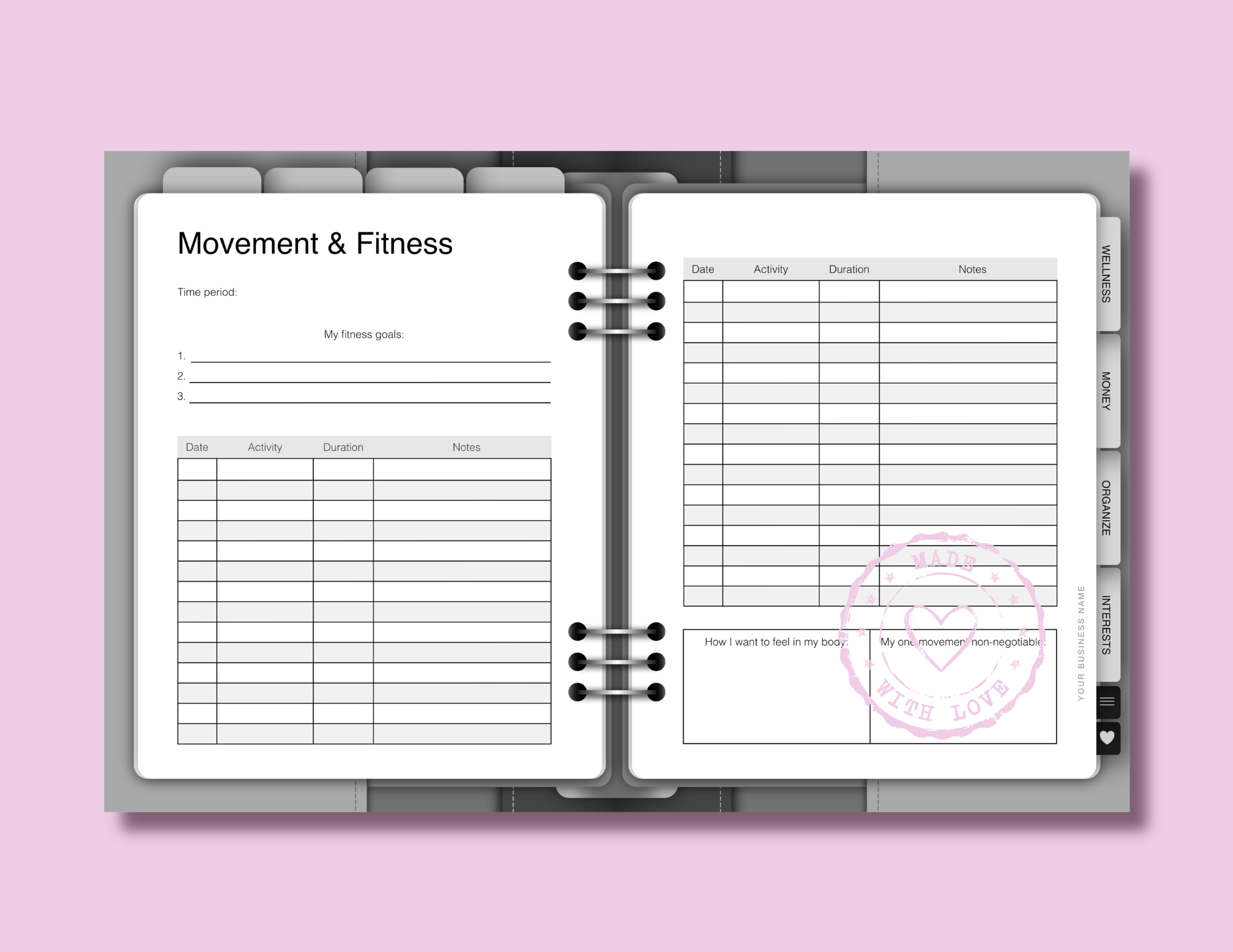
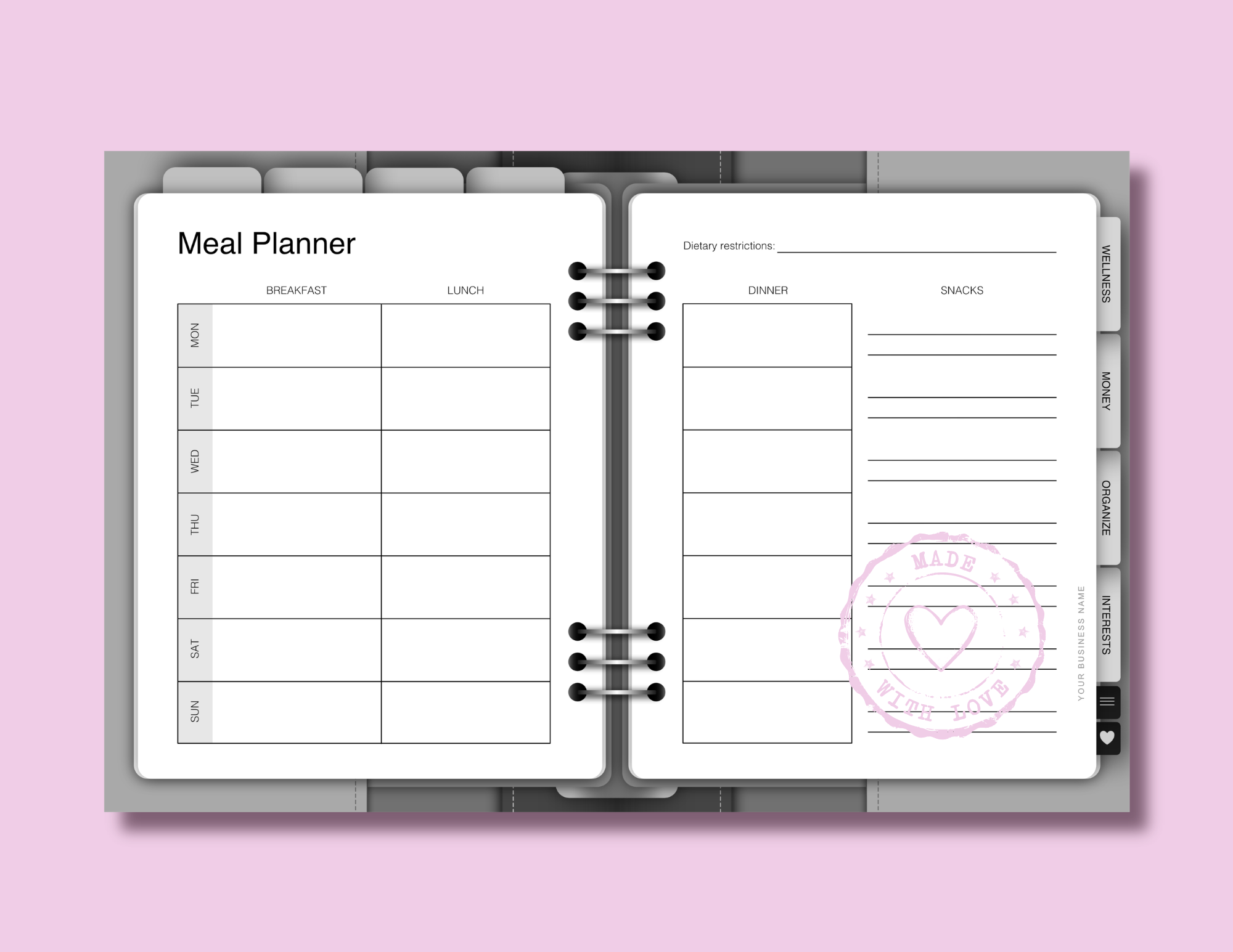
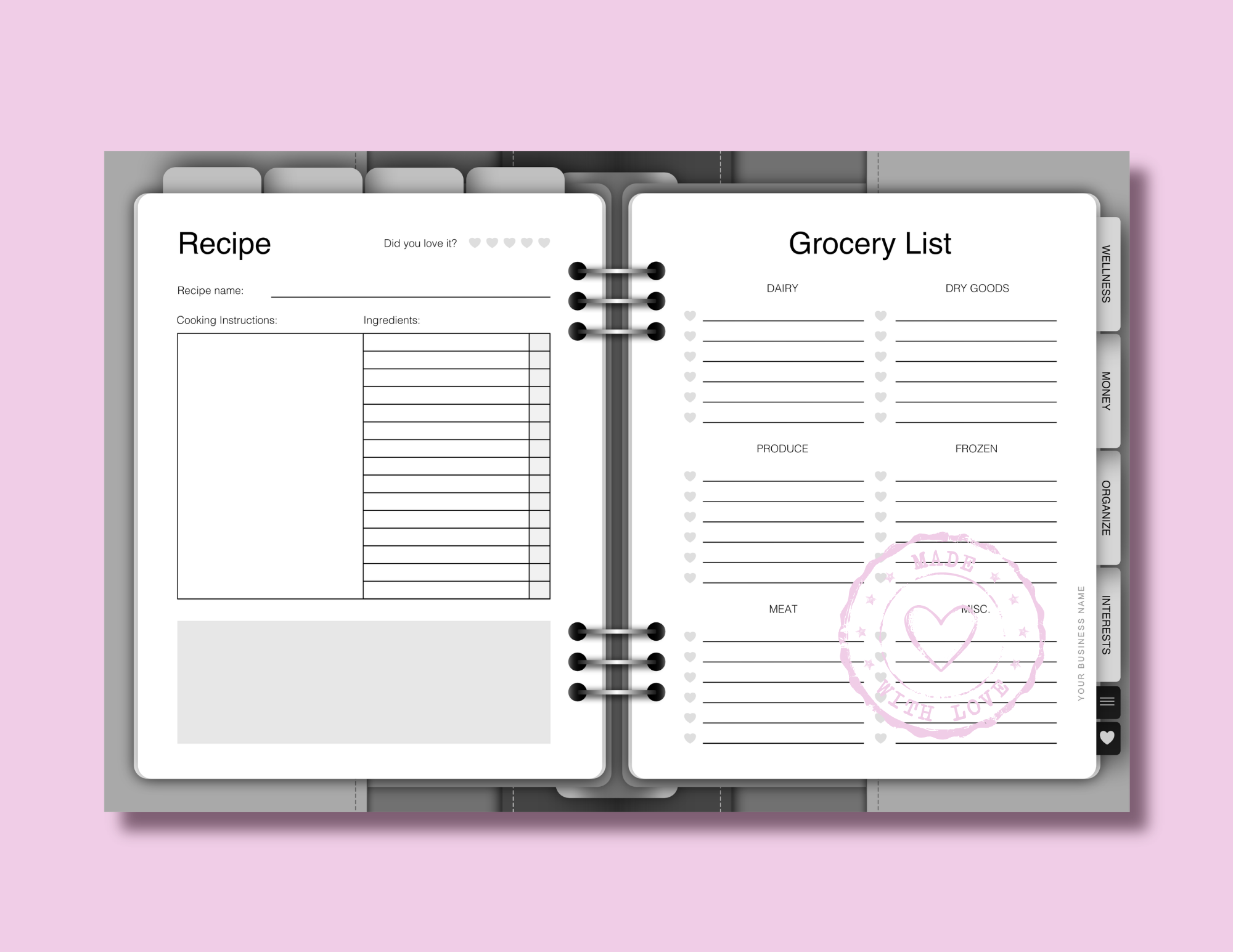
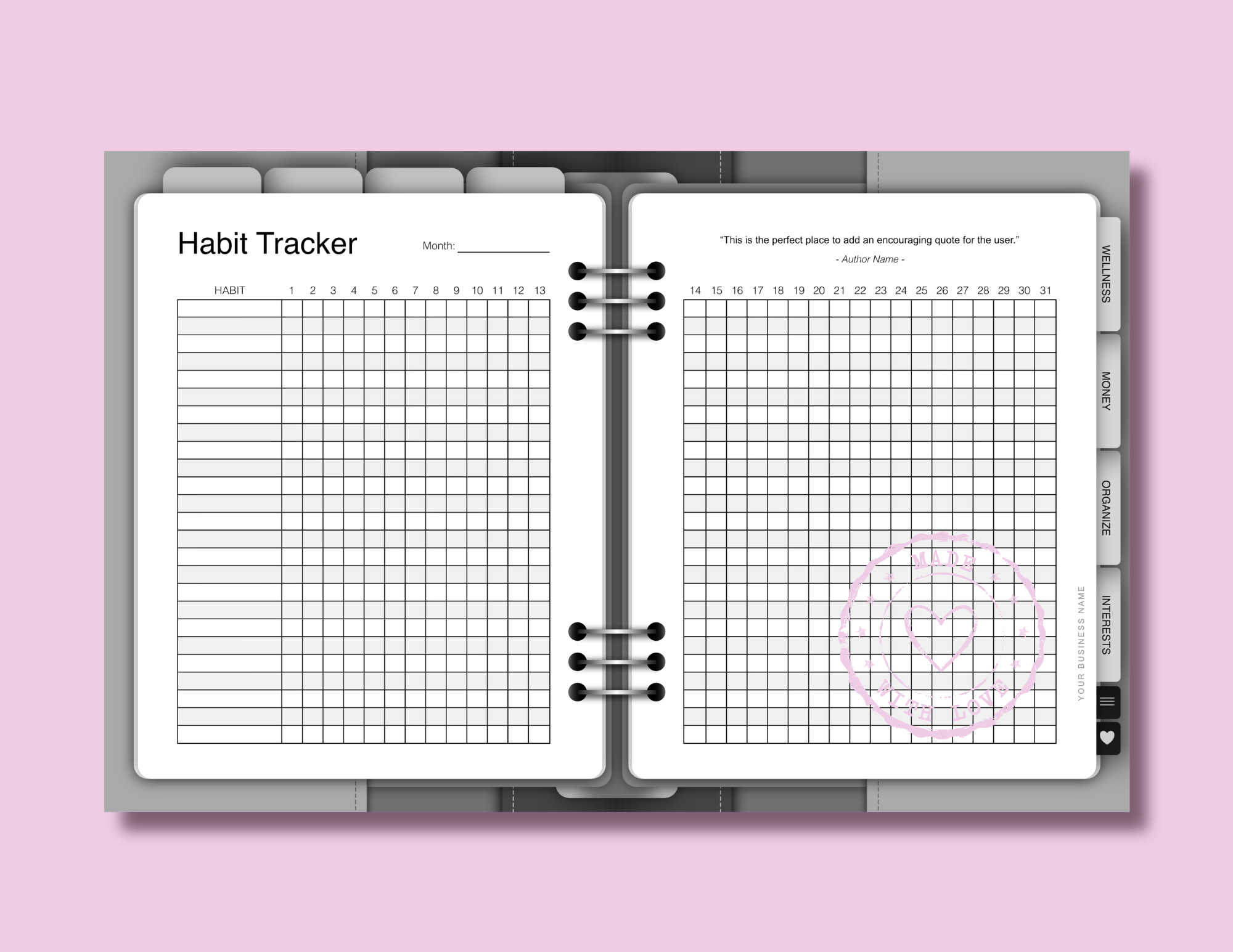
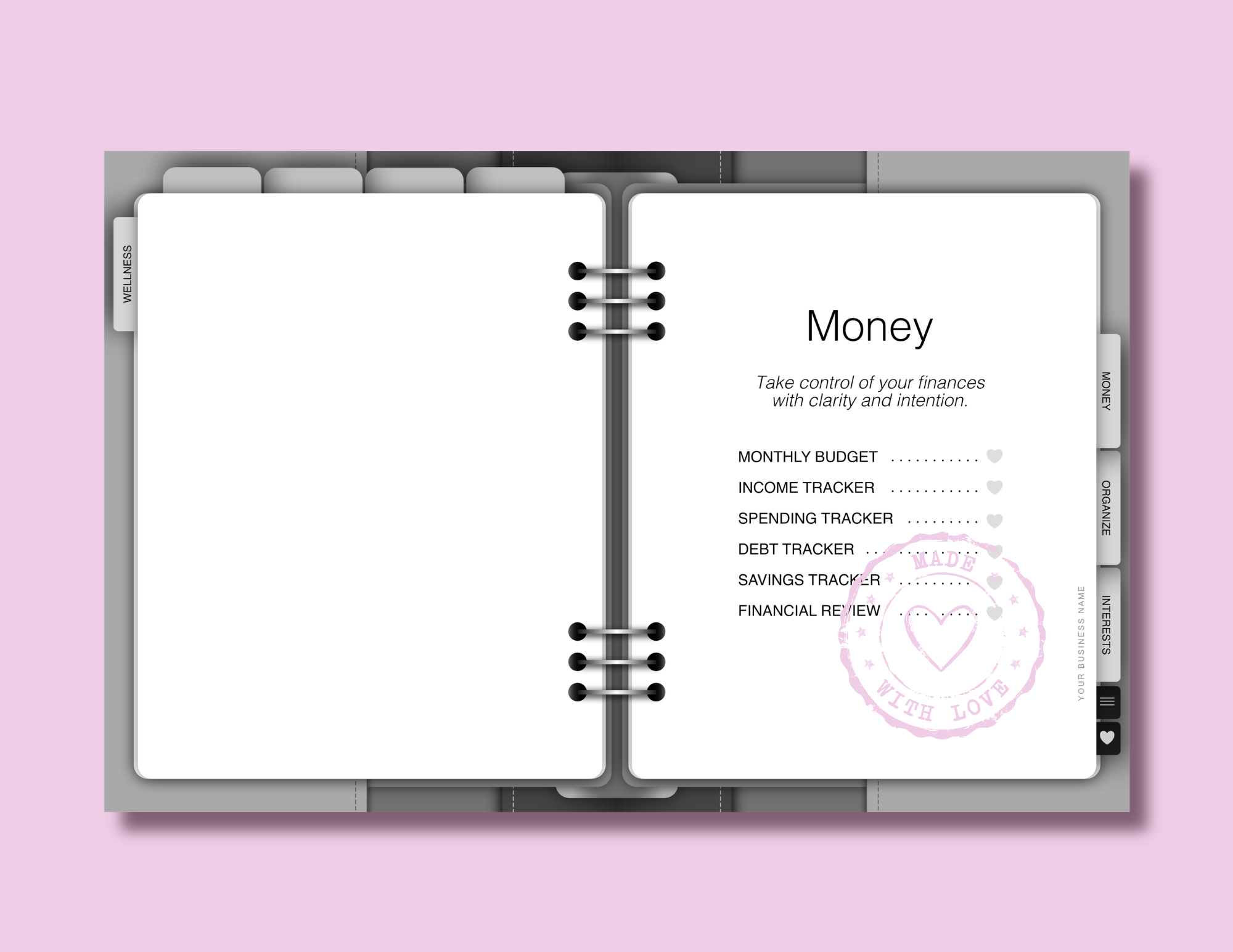
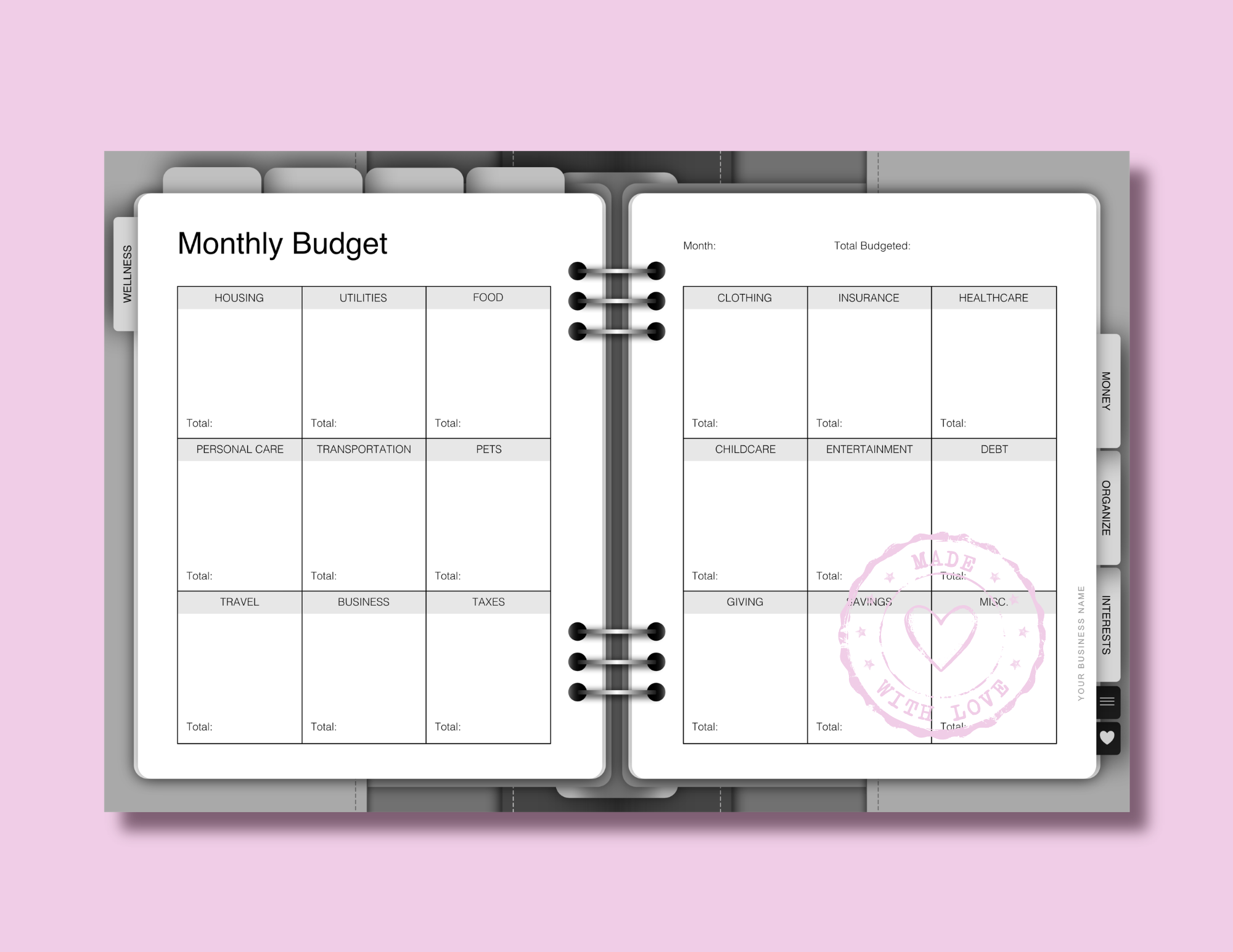
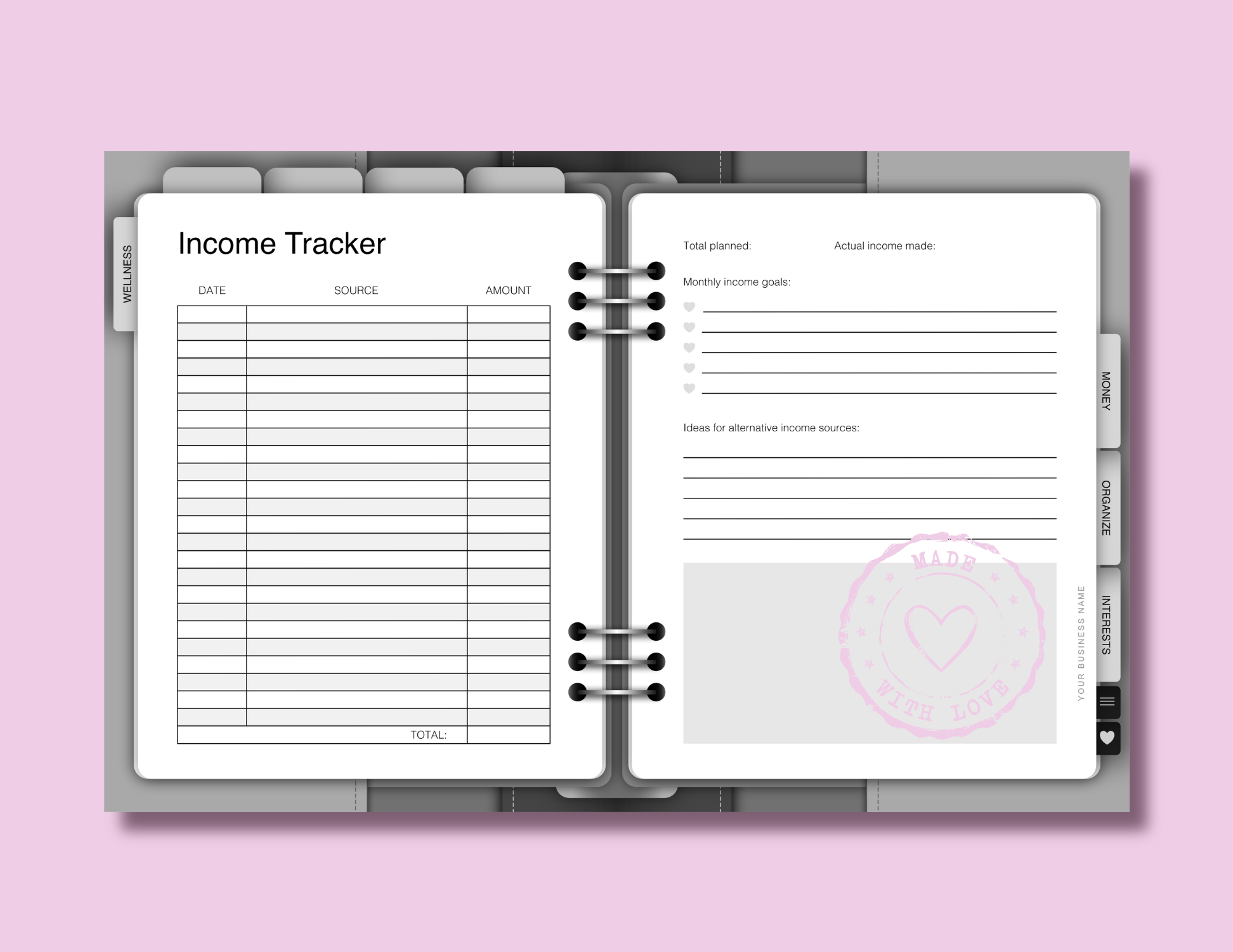
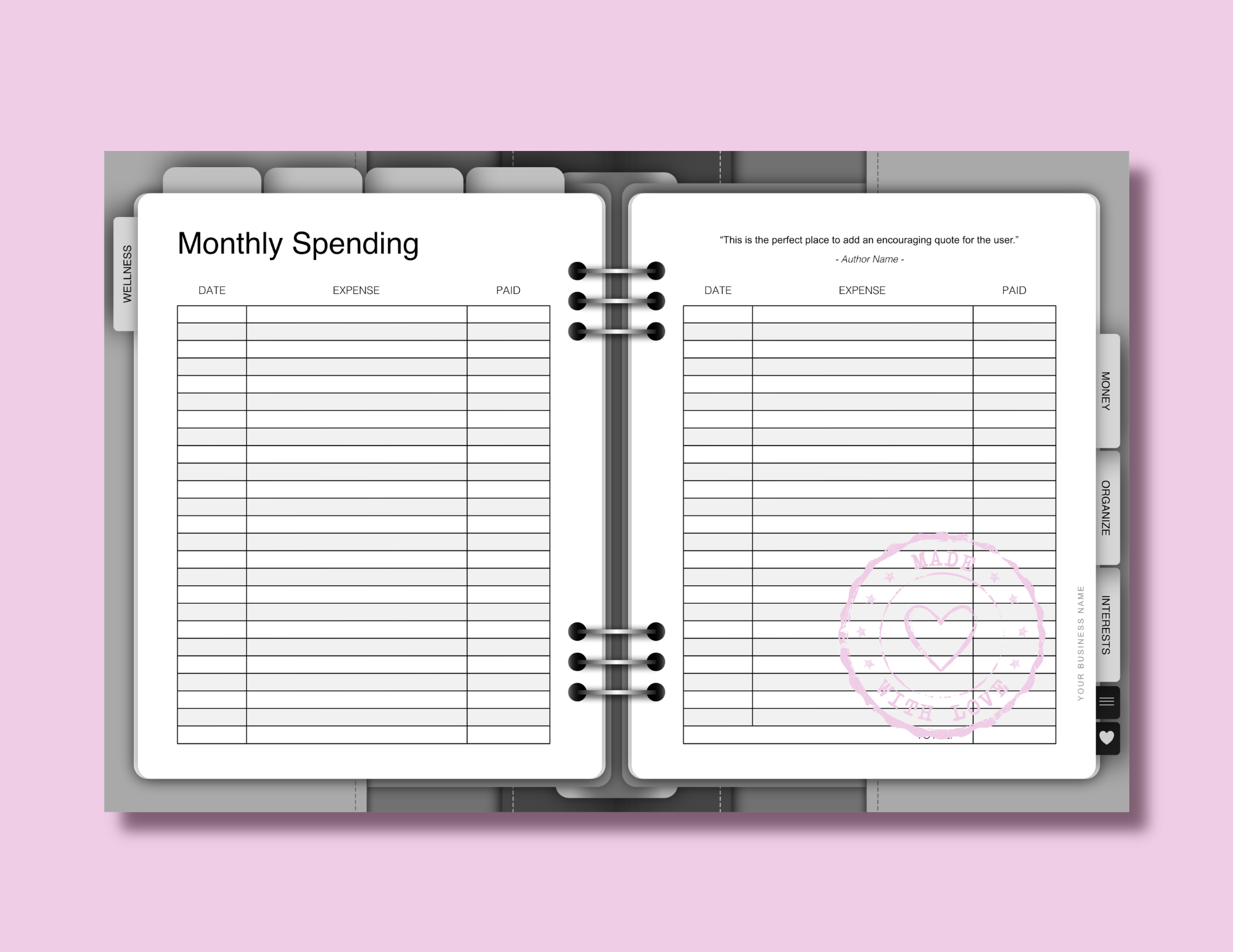
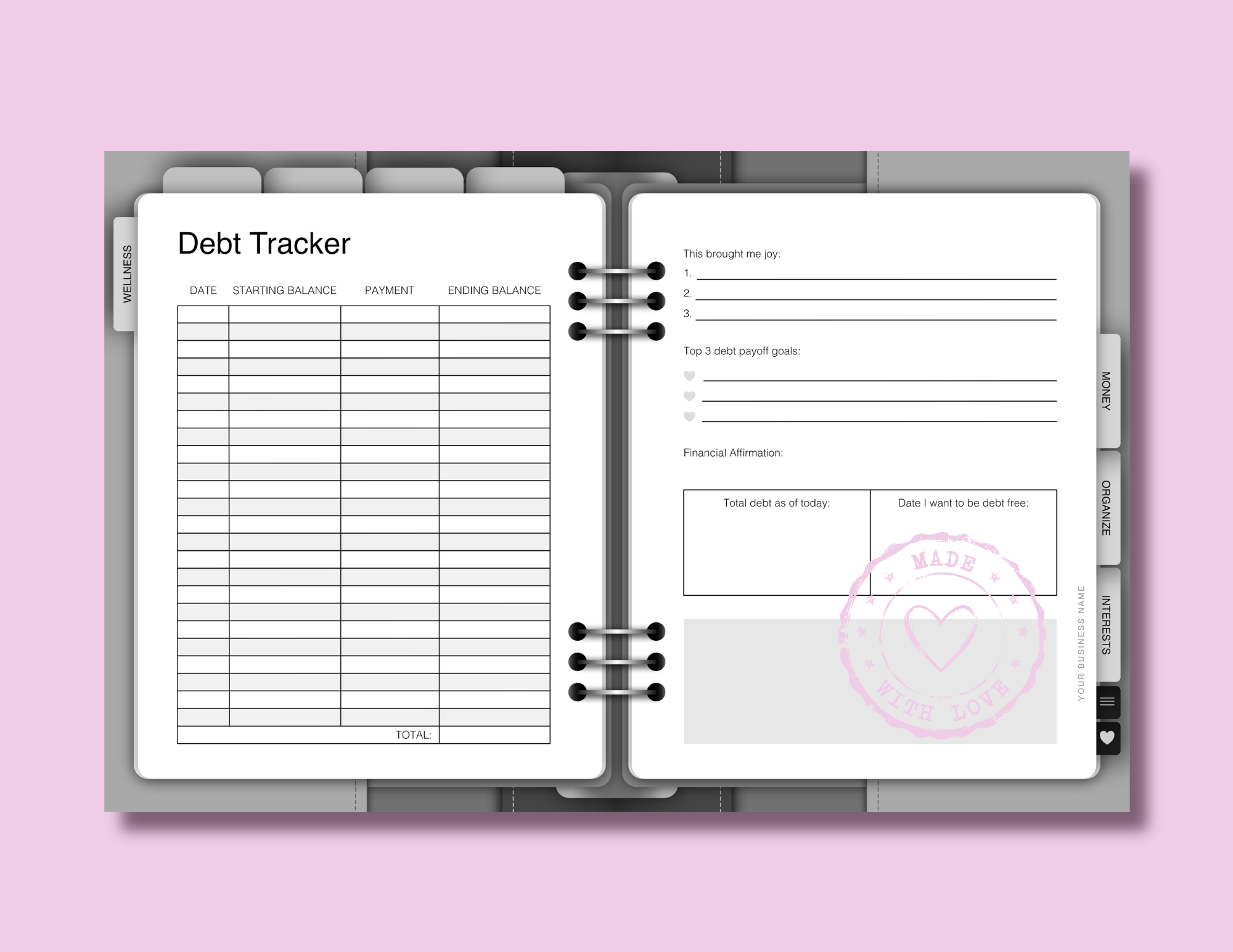
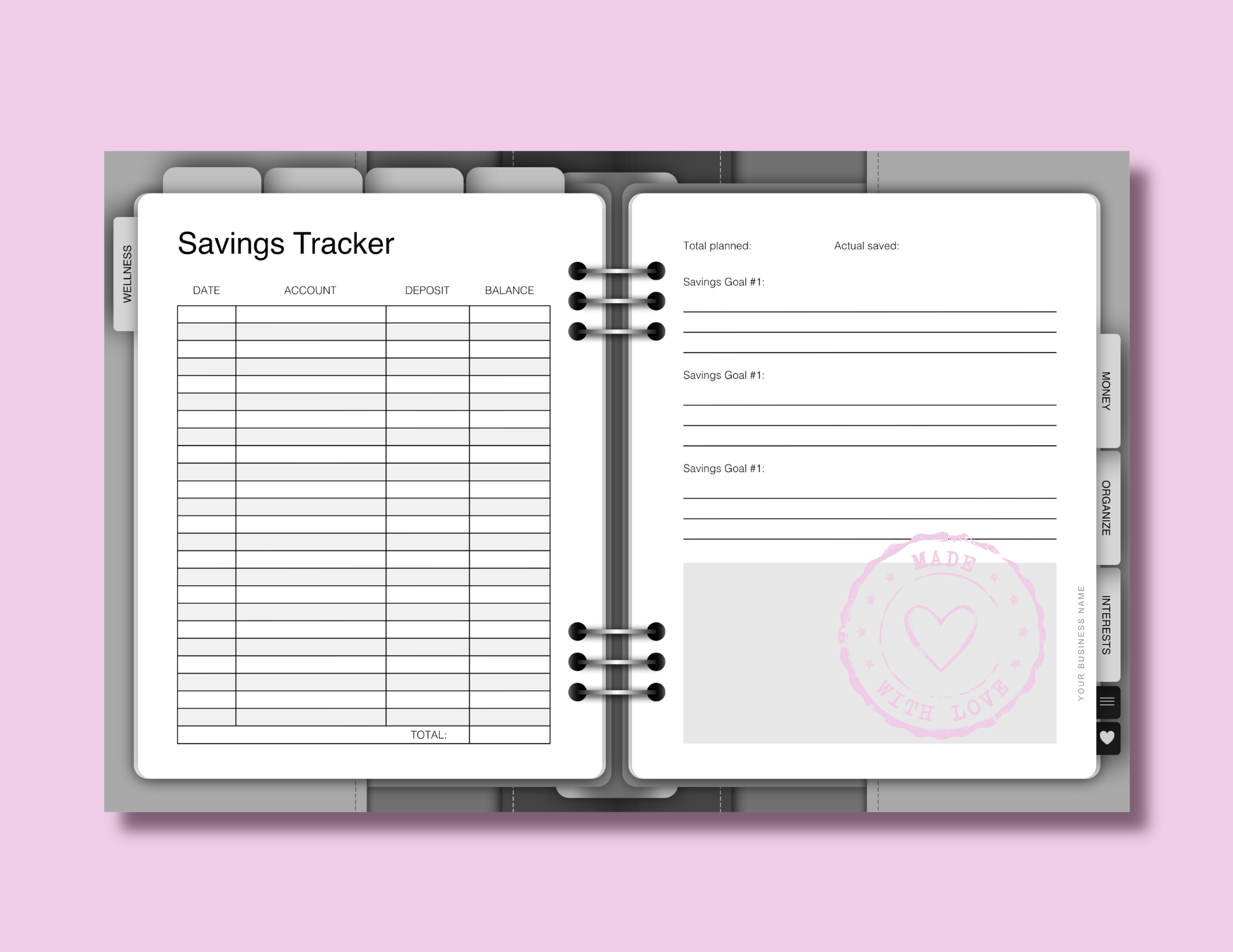
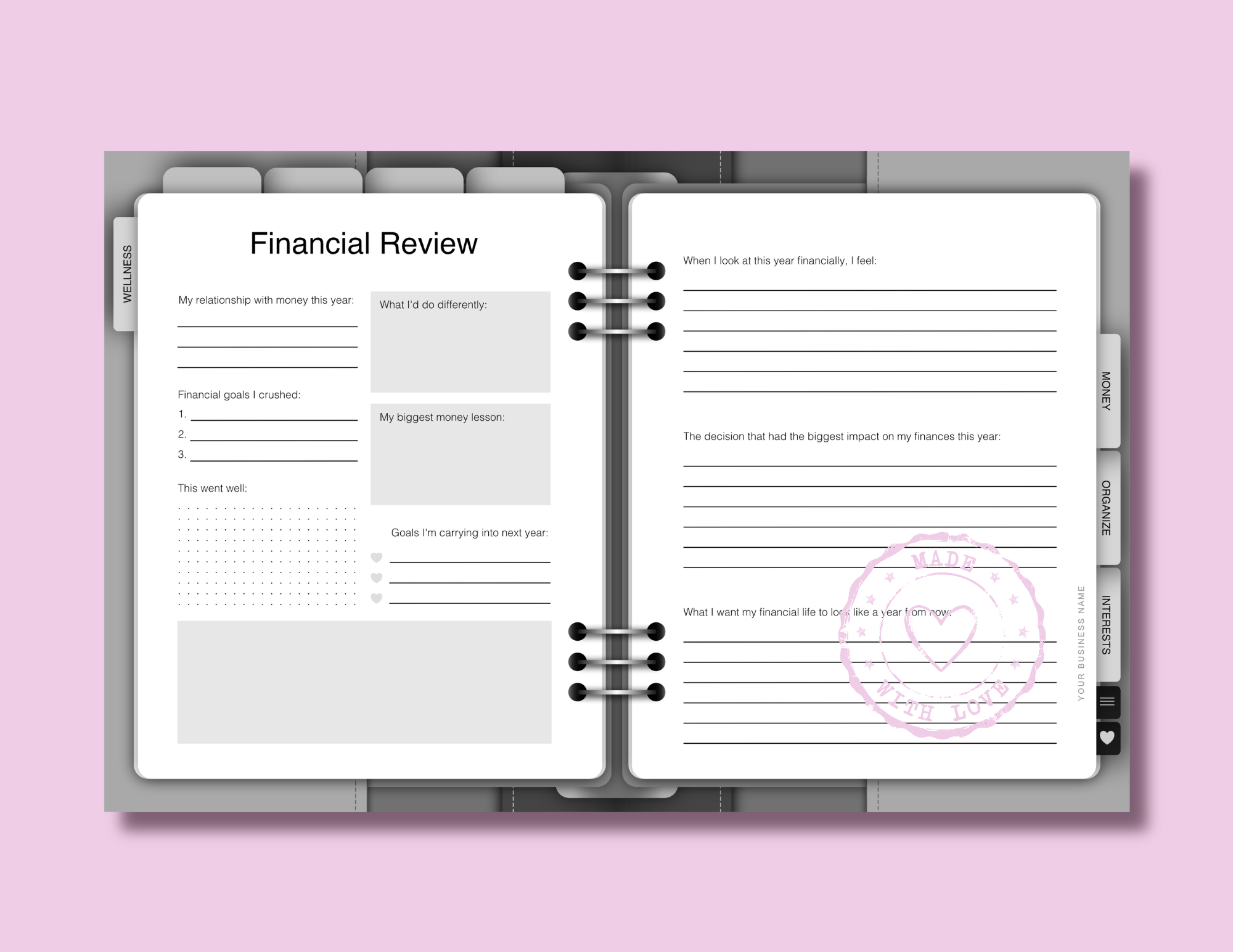
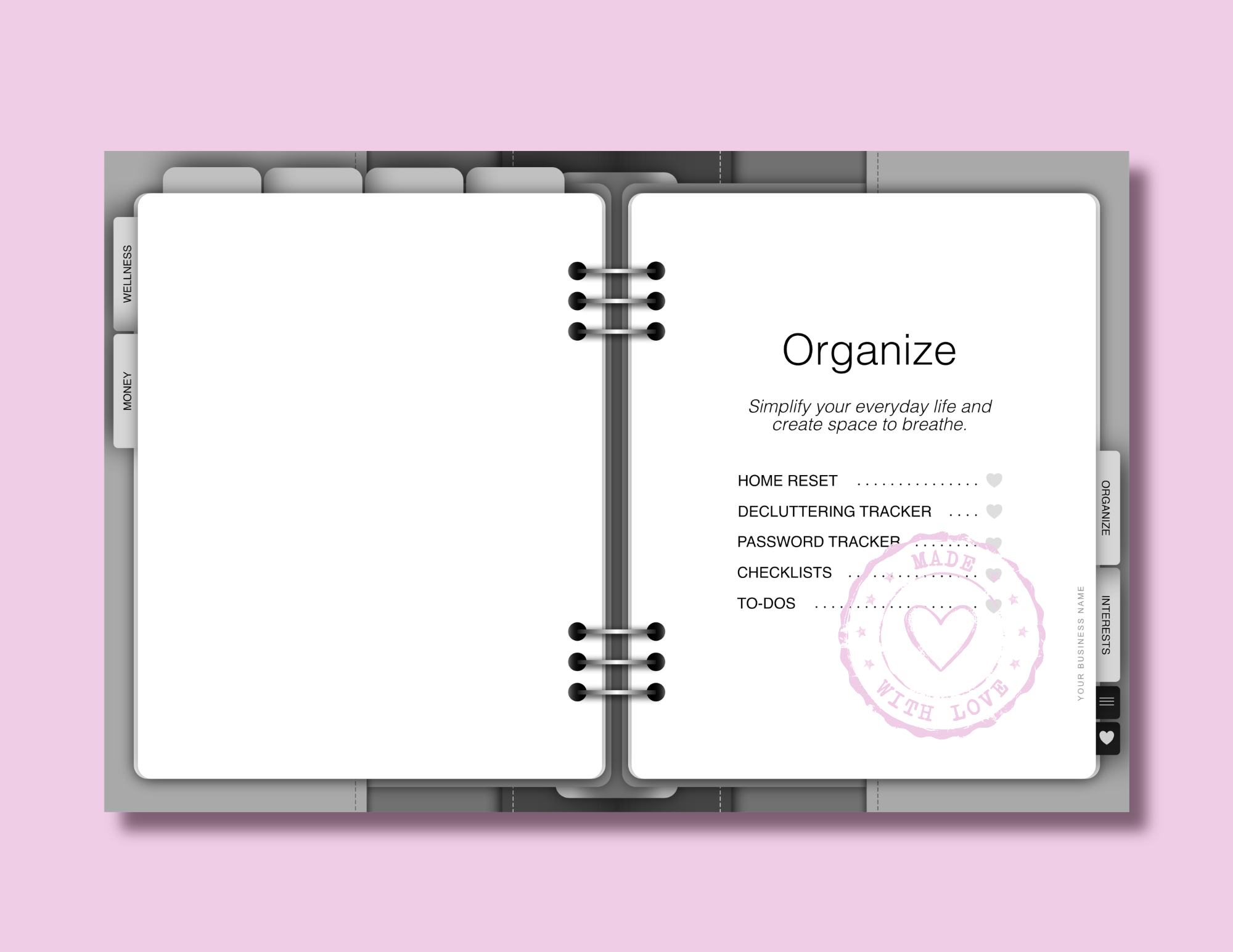
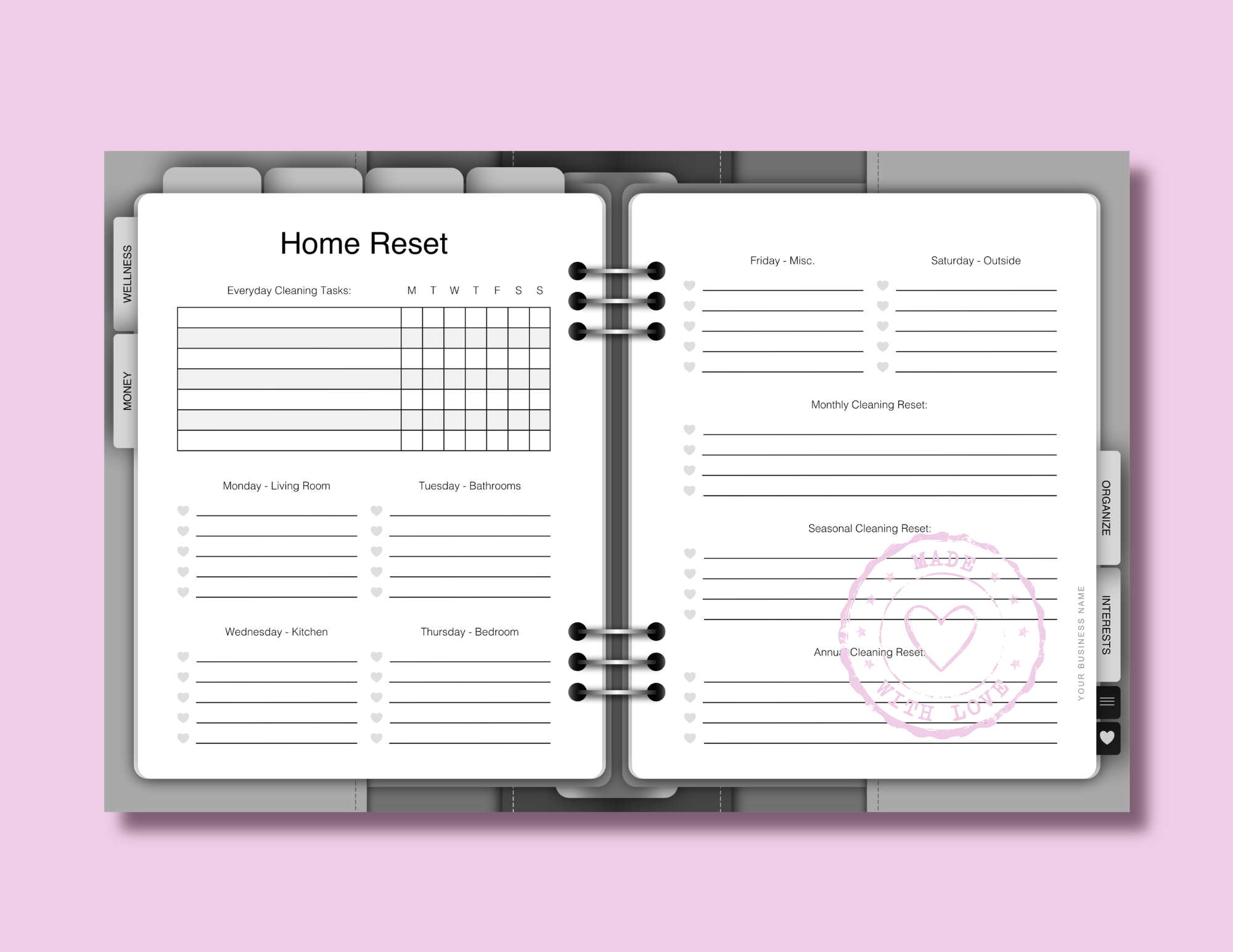
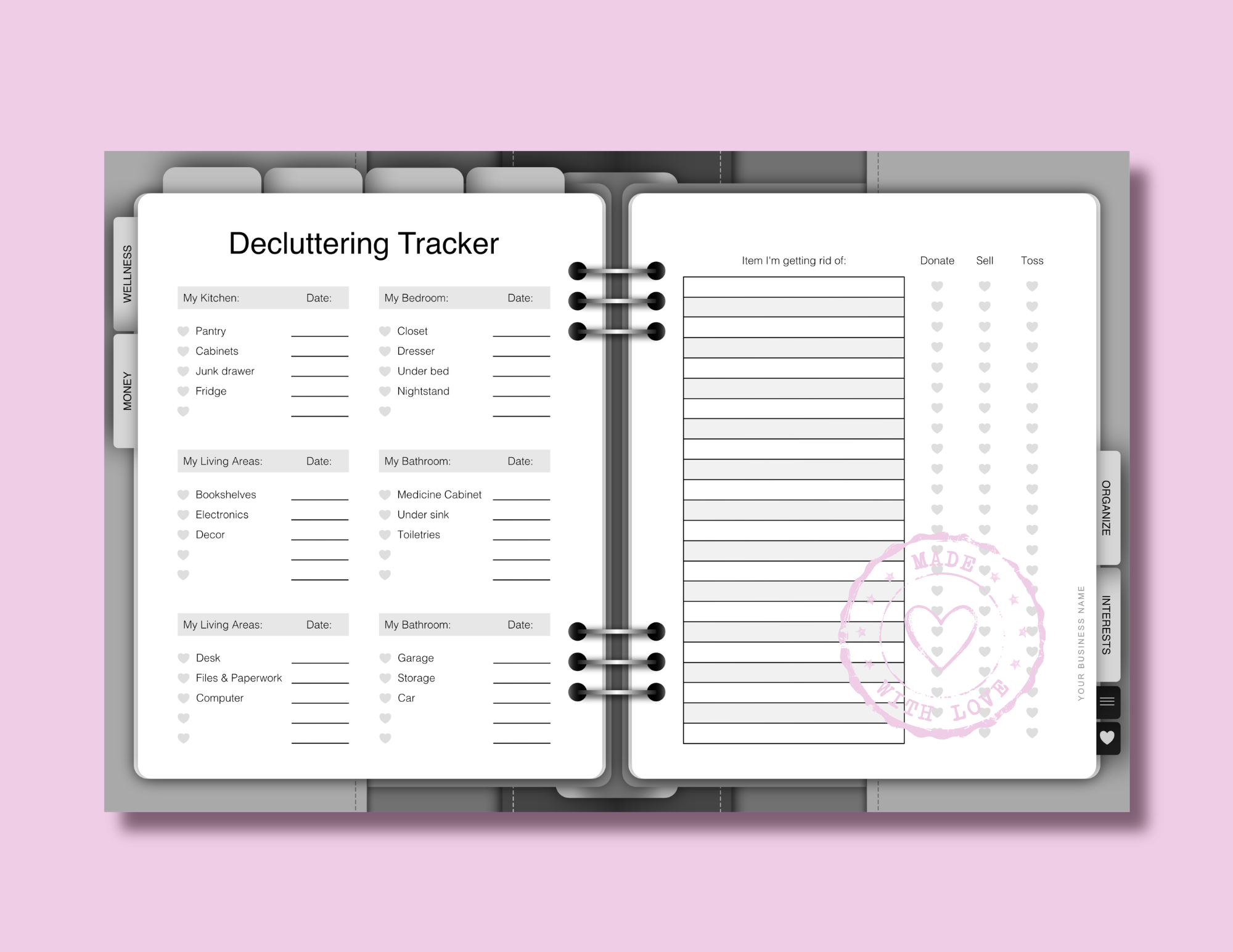
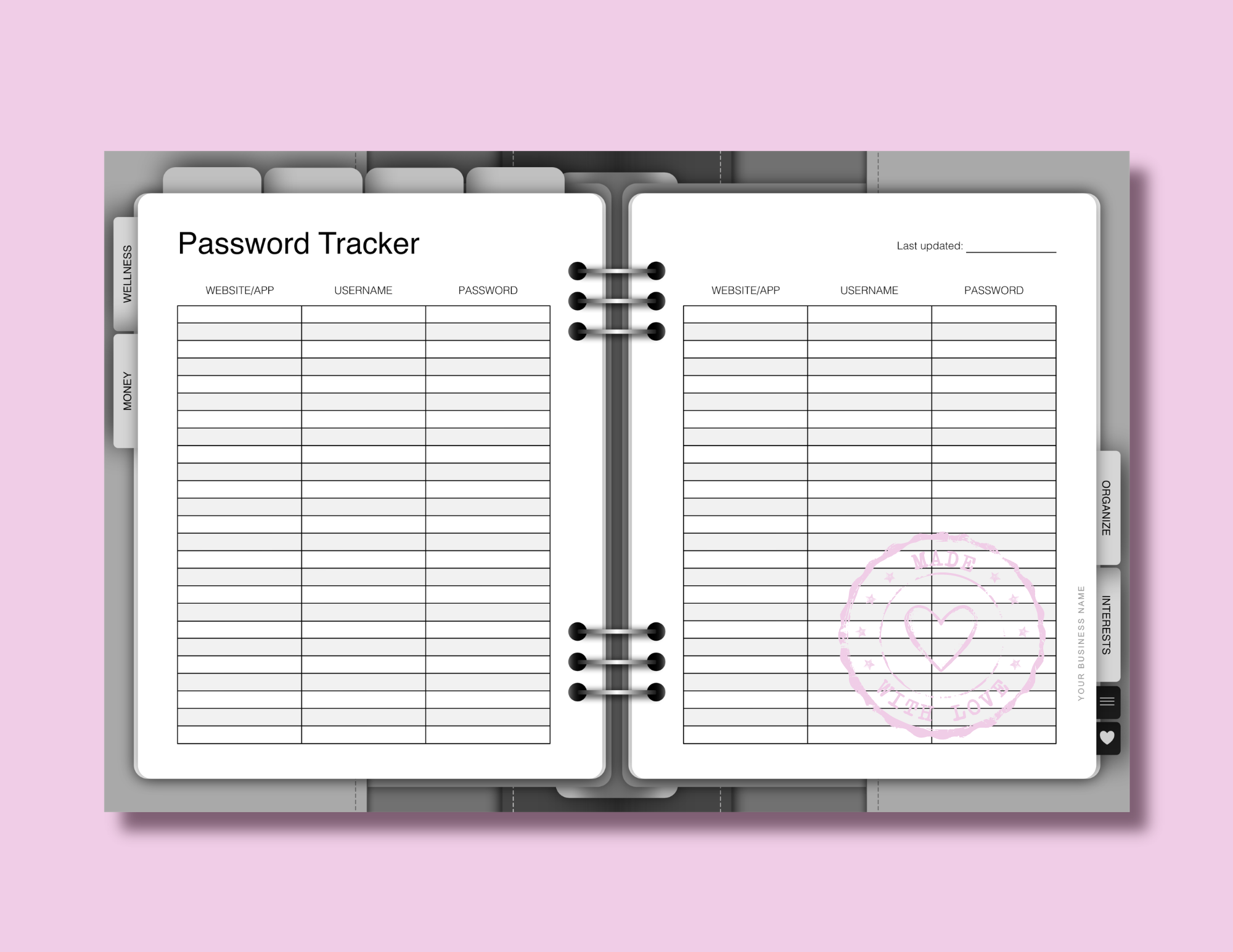
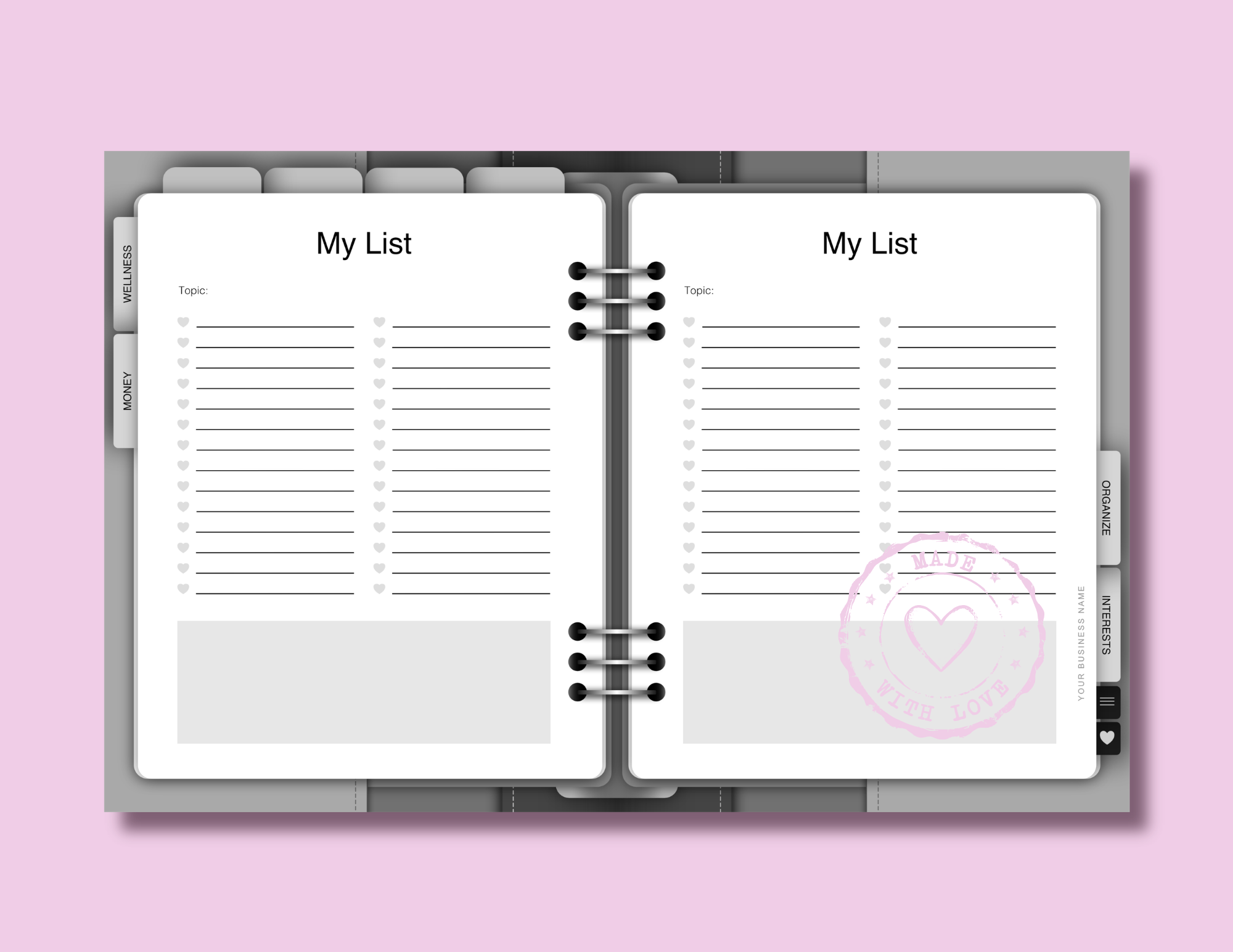
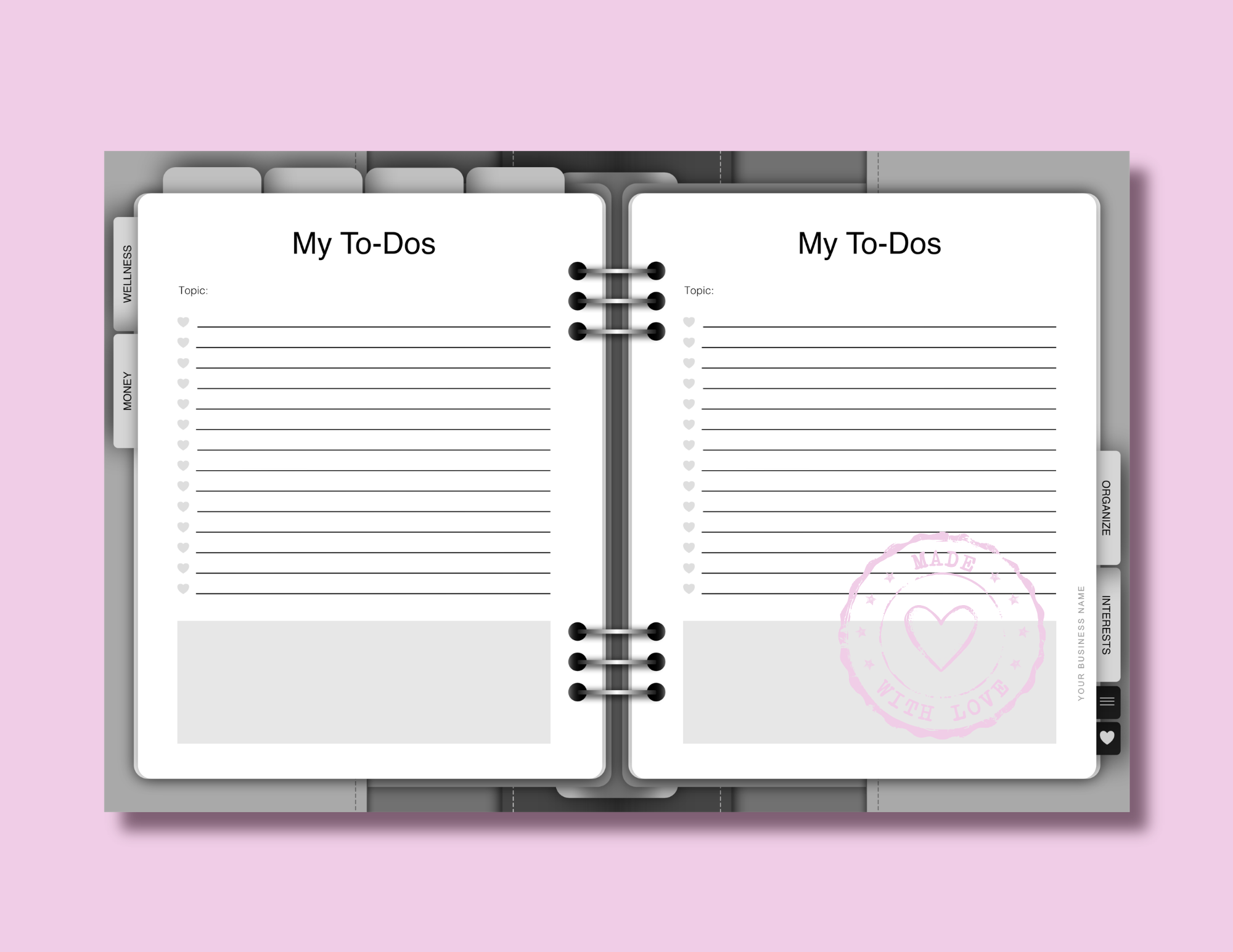
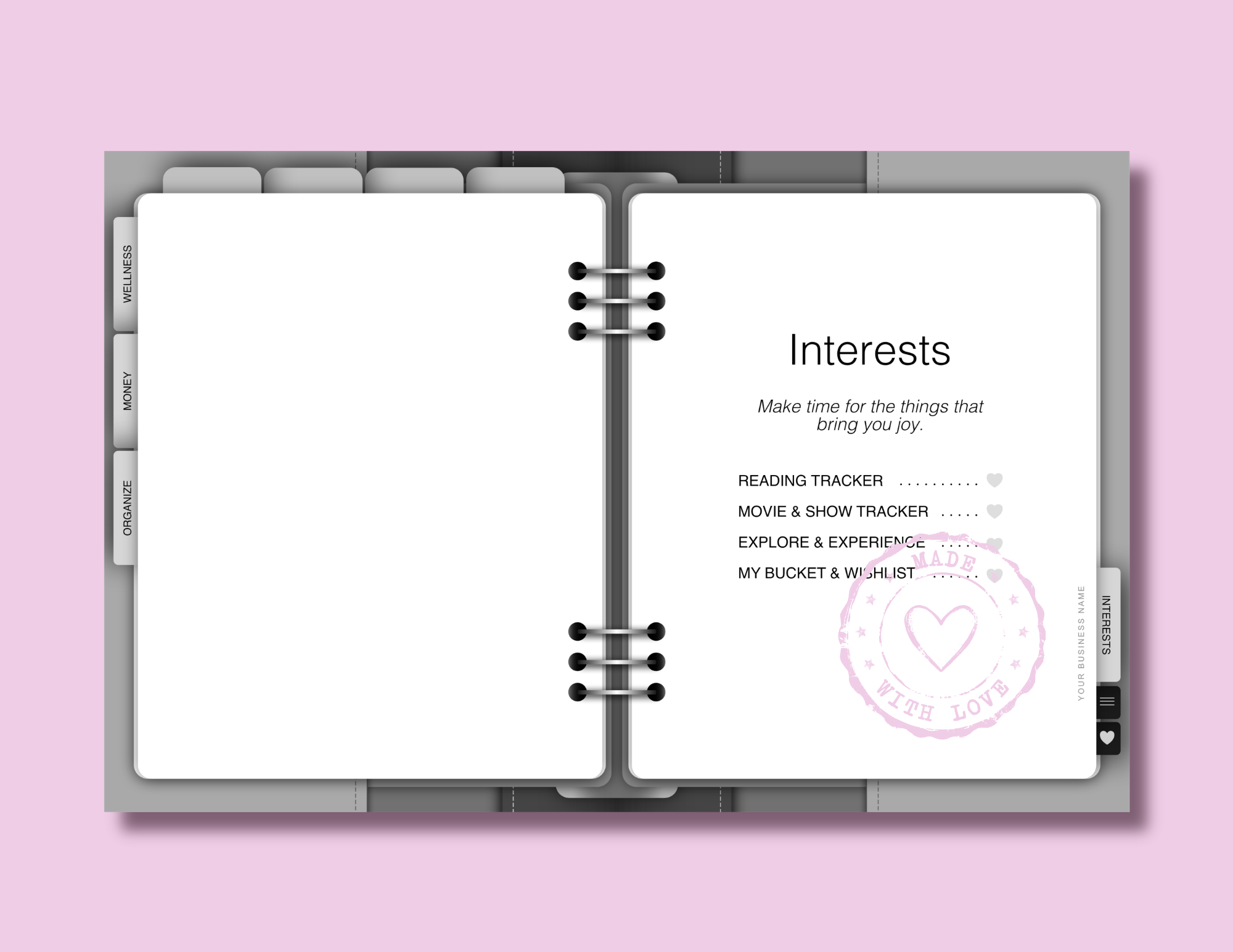
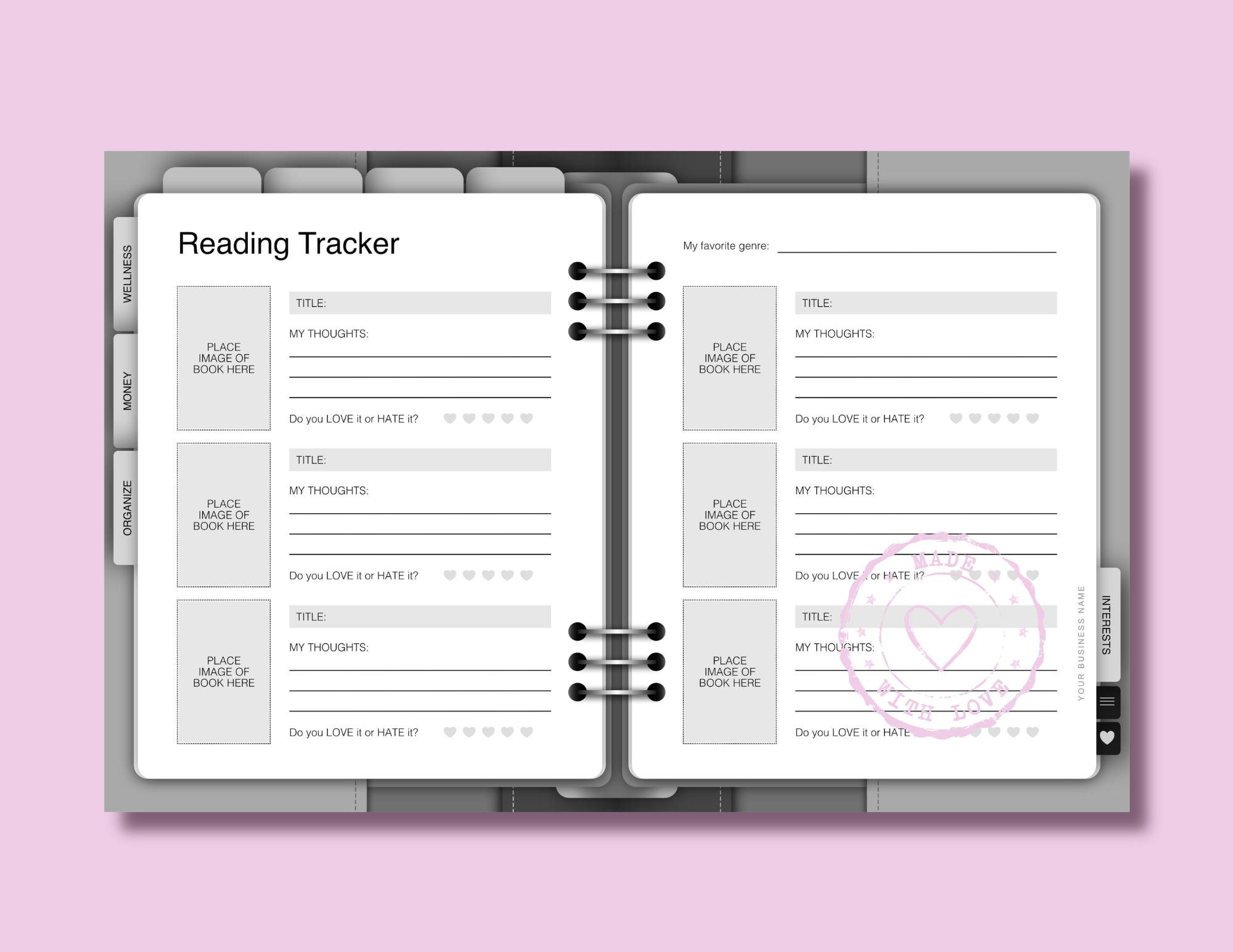
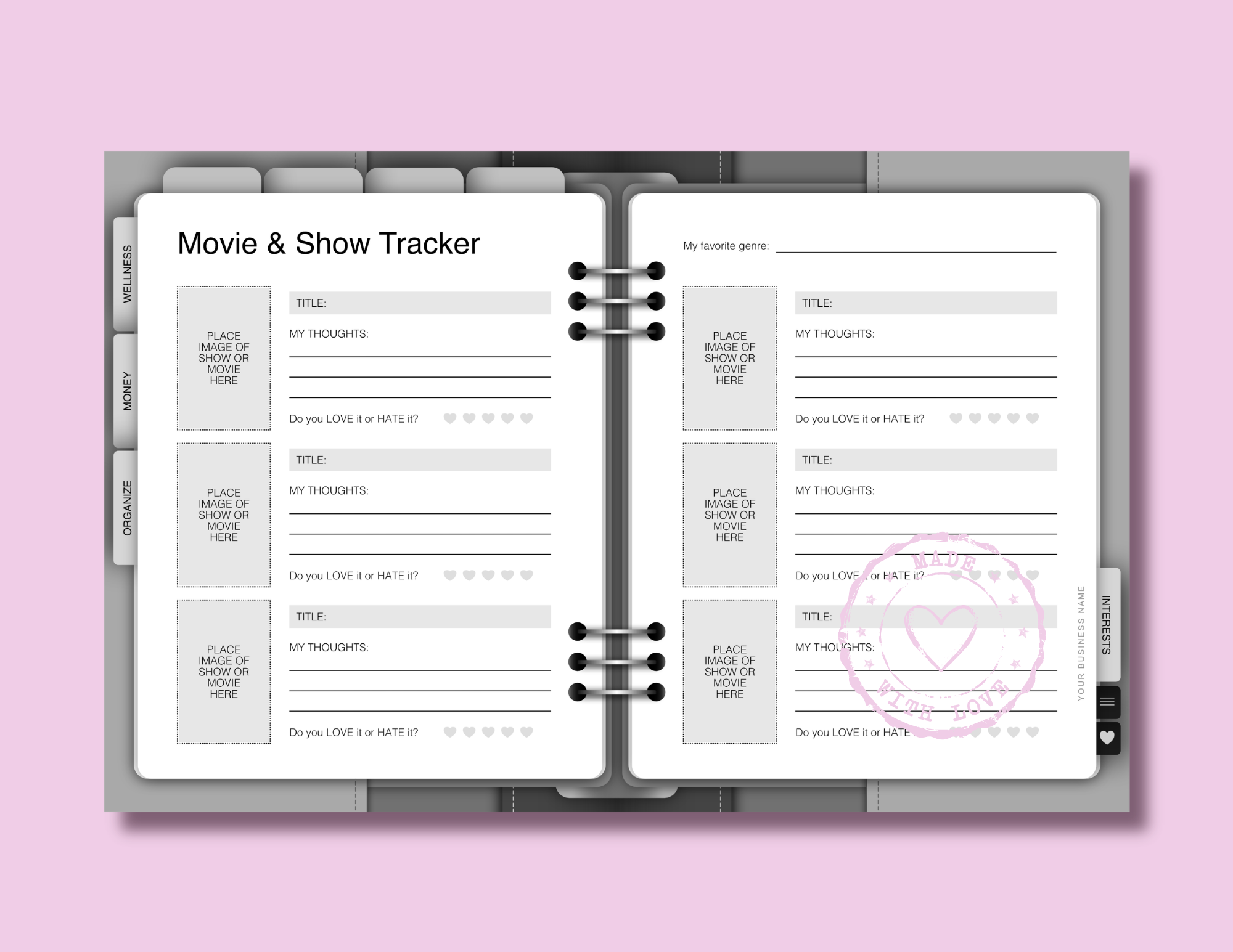
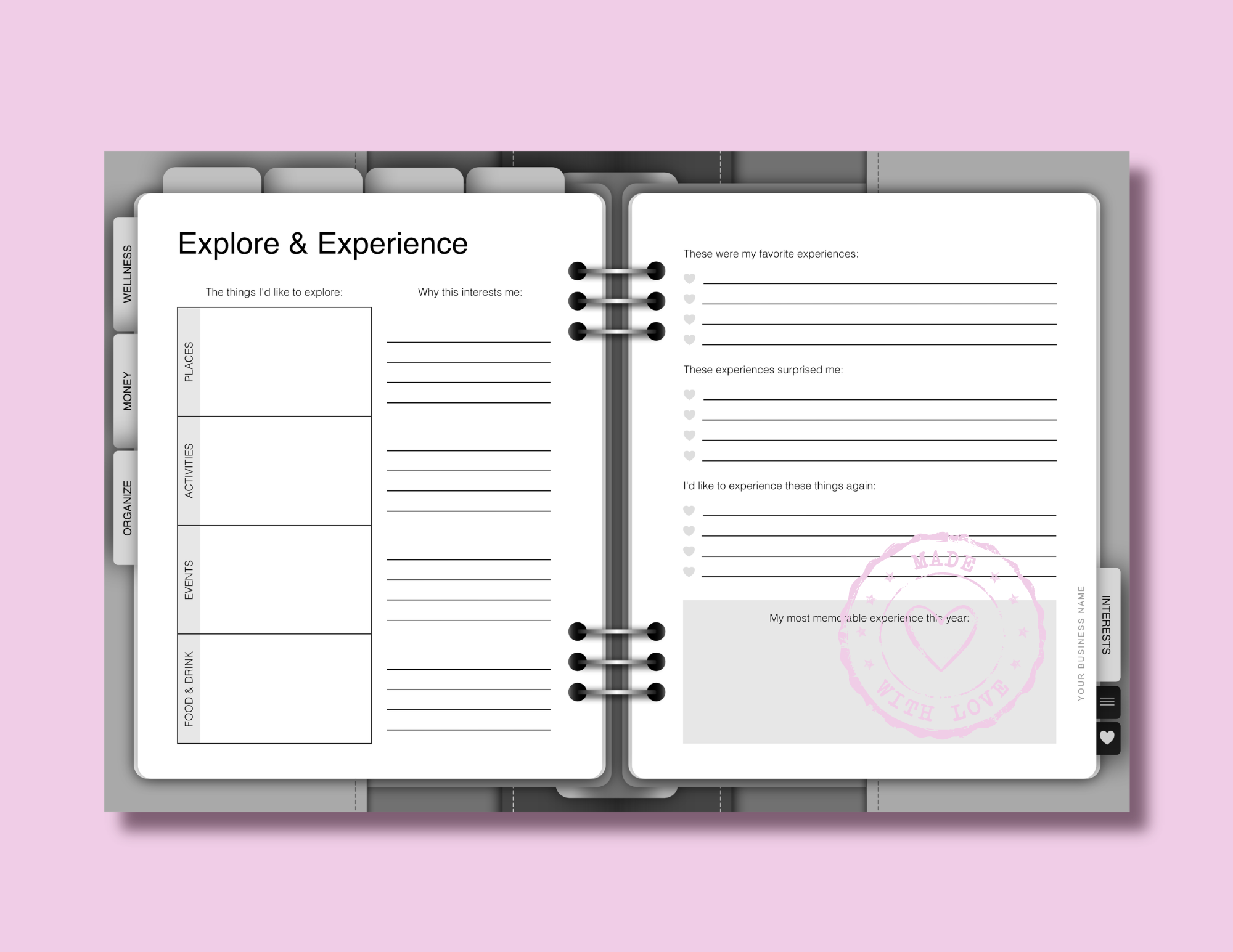
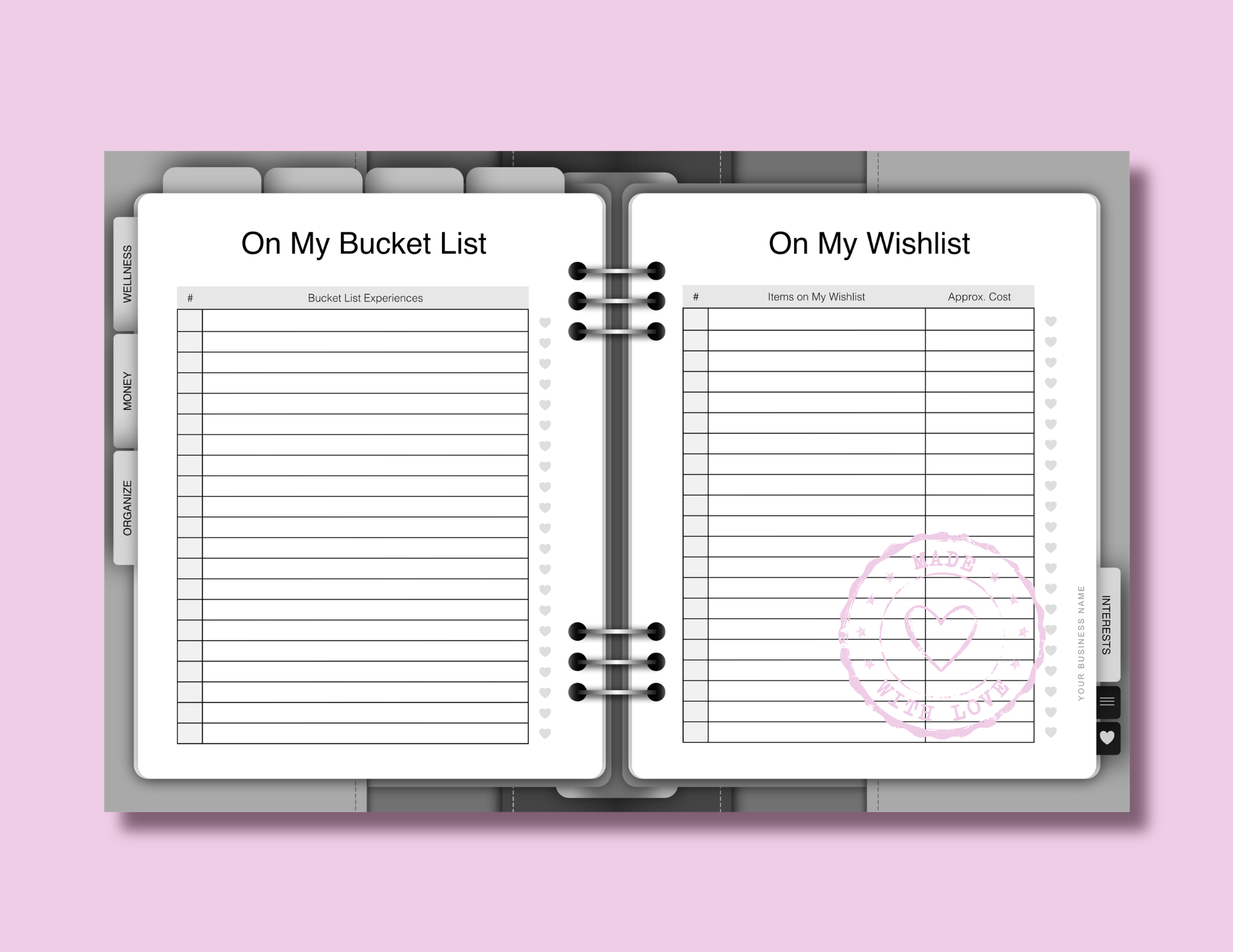
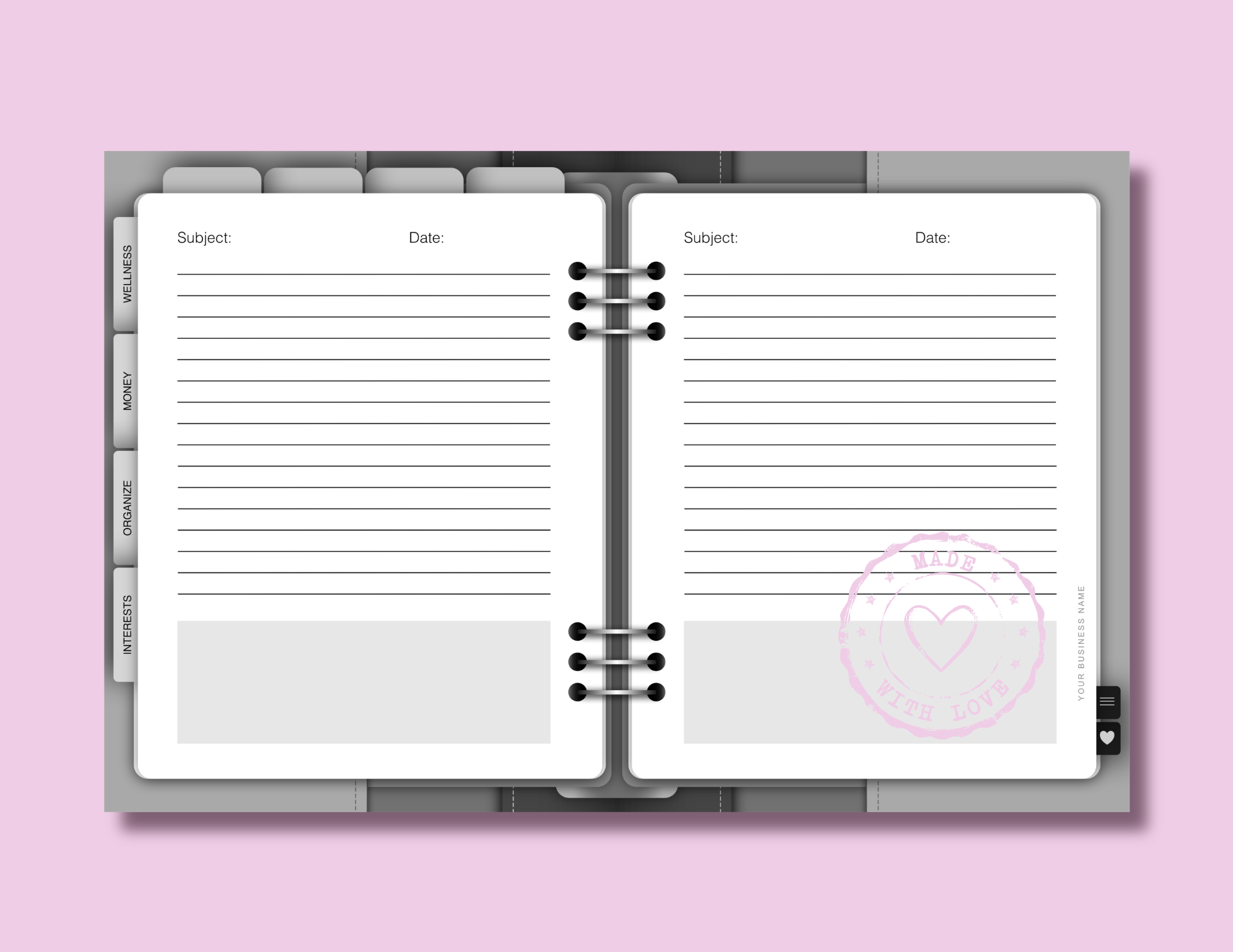
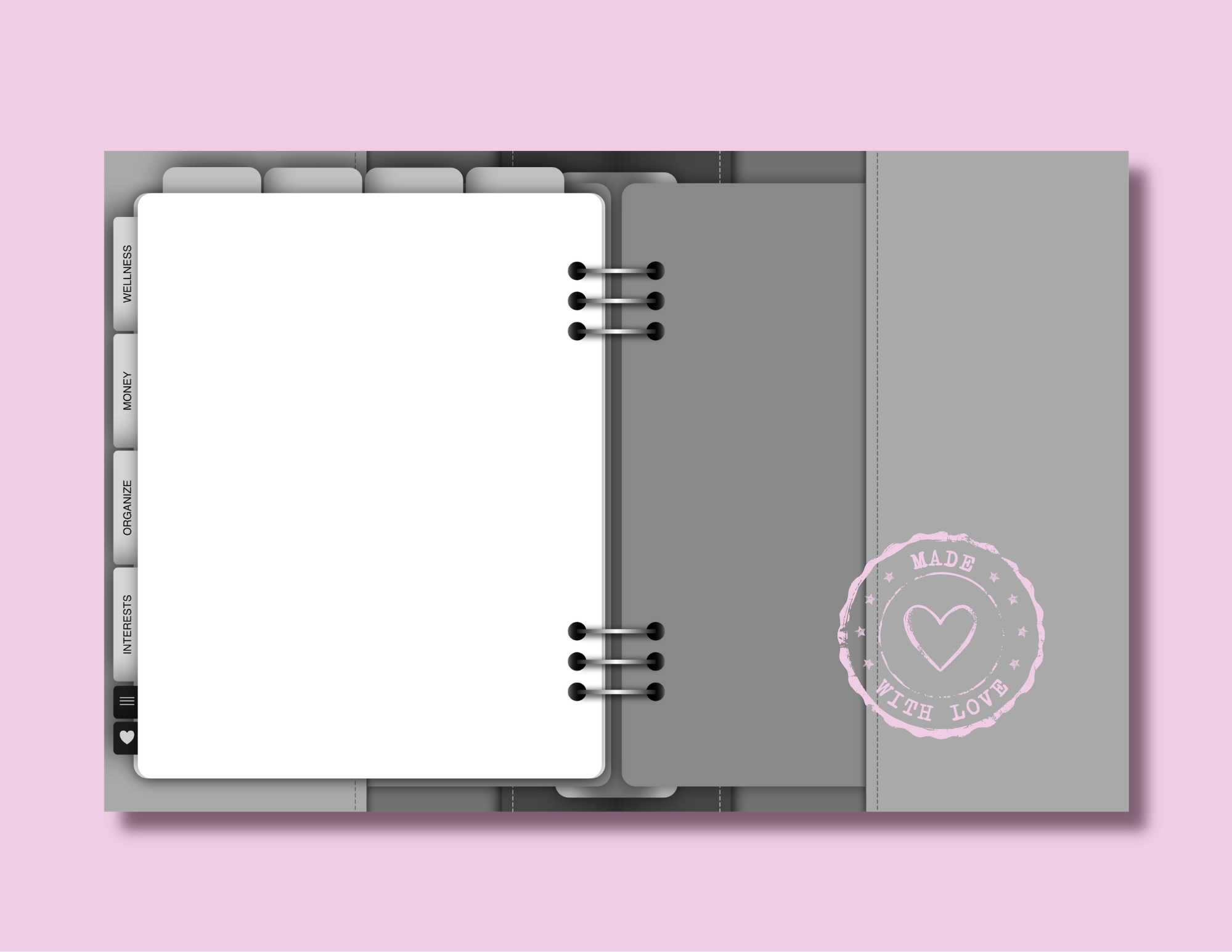
These are shown in their original grayscale format, just as you'll see them before you begin adding your own colors, patterns, fonts, and pretty little details.
Template Features
Let's take a closer look at the features and design details that make these templates special...
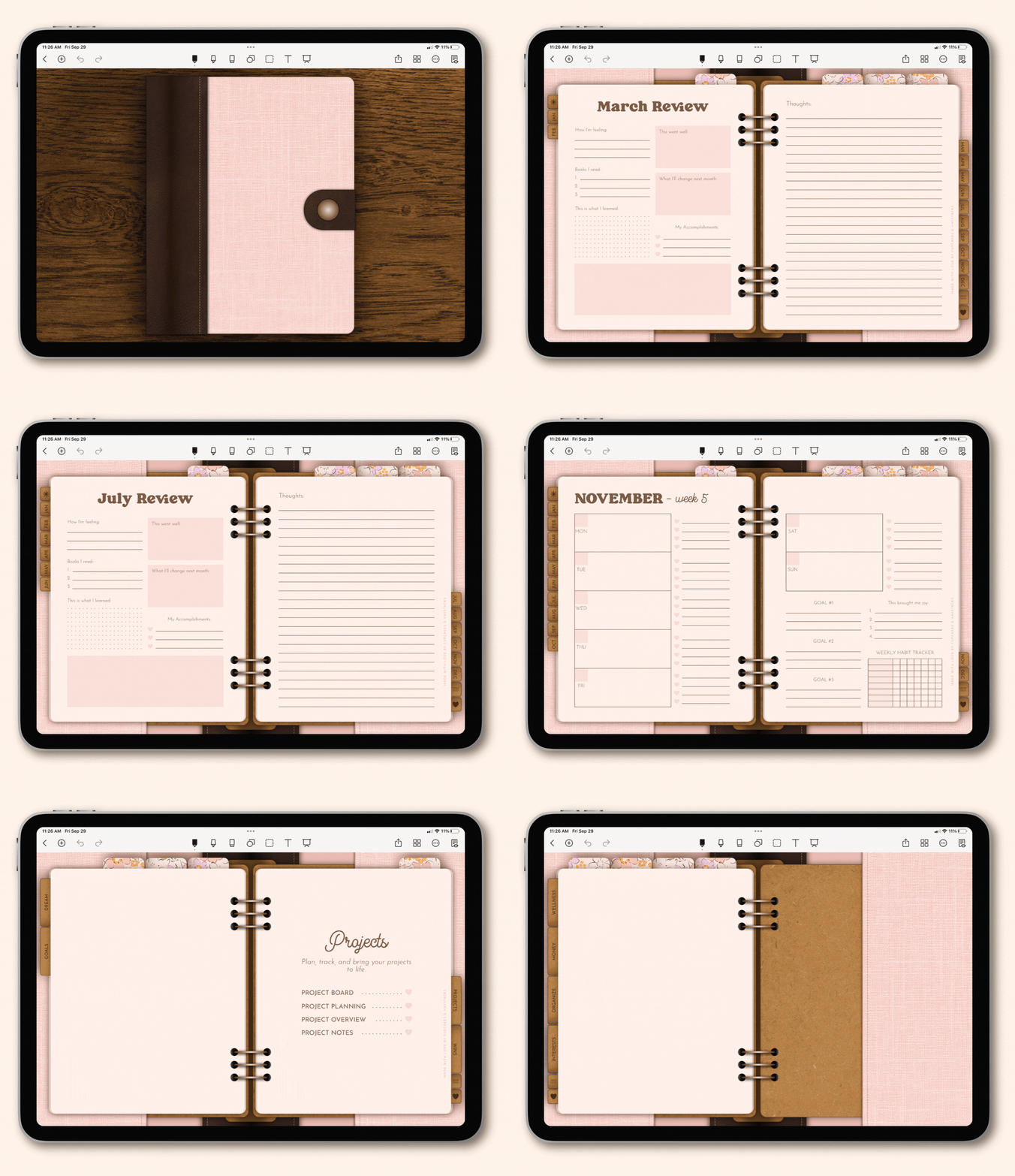
A 2-page landscape design with flipping tabs.
The tabs are designed to flip from the right to the left of the planner as the different sections are selected and the pages are turned.
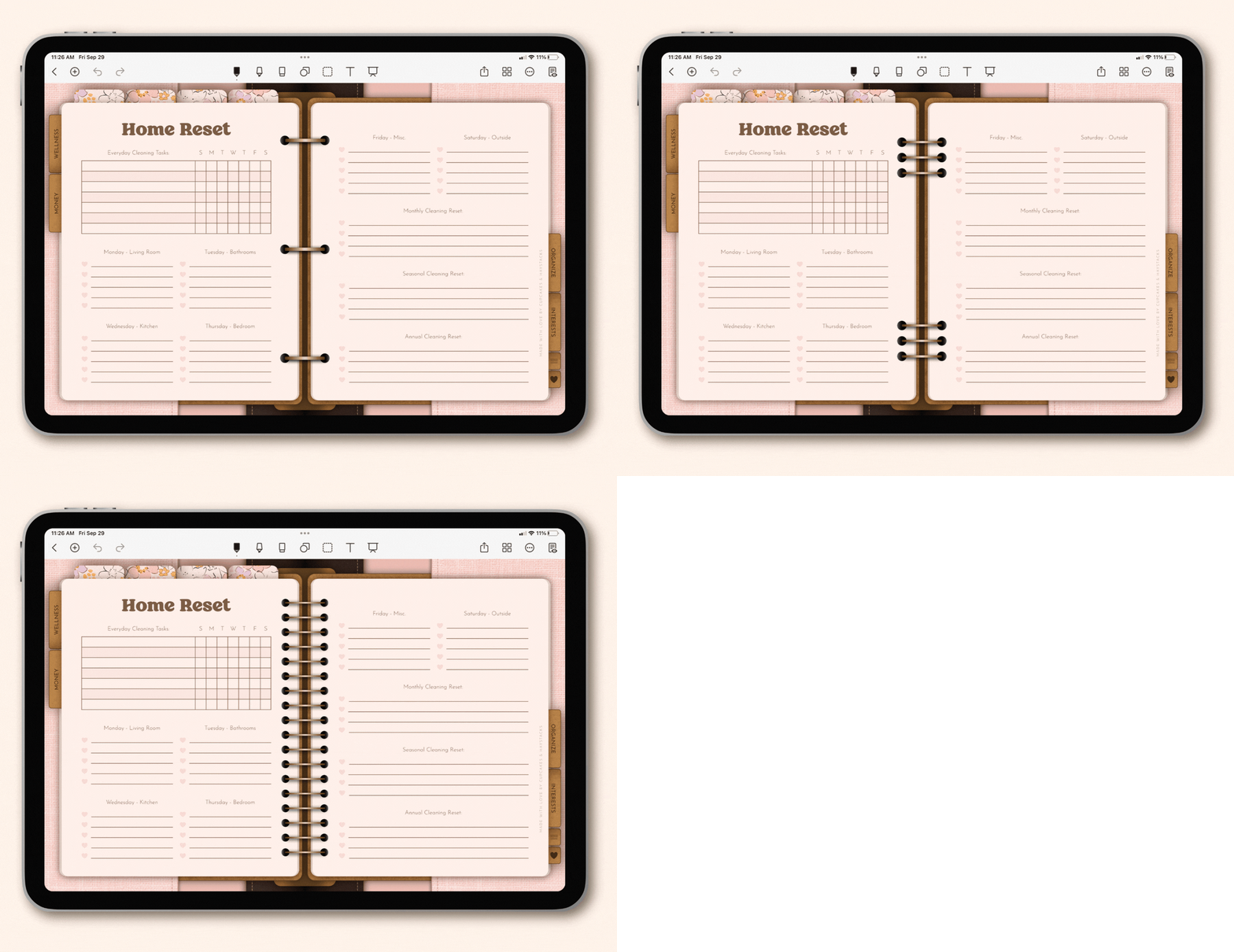
Choose from a variety of pre-made planner coils and binder rings.
Six binding styles are included with the templates, making it easy to customize the look of your planner. Choose between planner rings or coils, with both gold and silver options available.
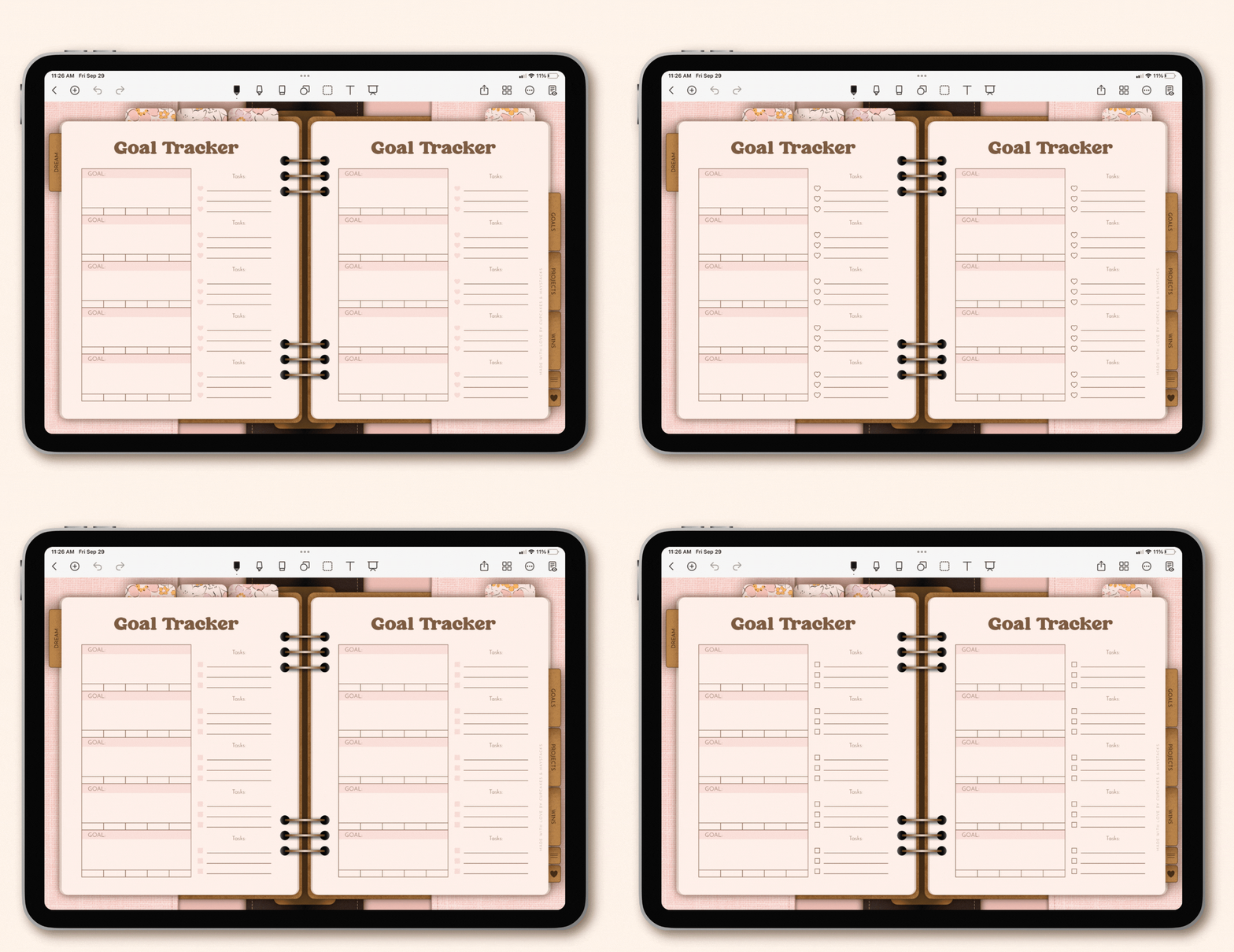
Choose between four different checkbox styles.
Simply select the option that best fits your planner design:
- Solid hearts
- Outlined hearts
- Solid squares
- Outlined squares
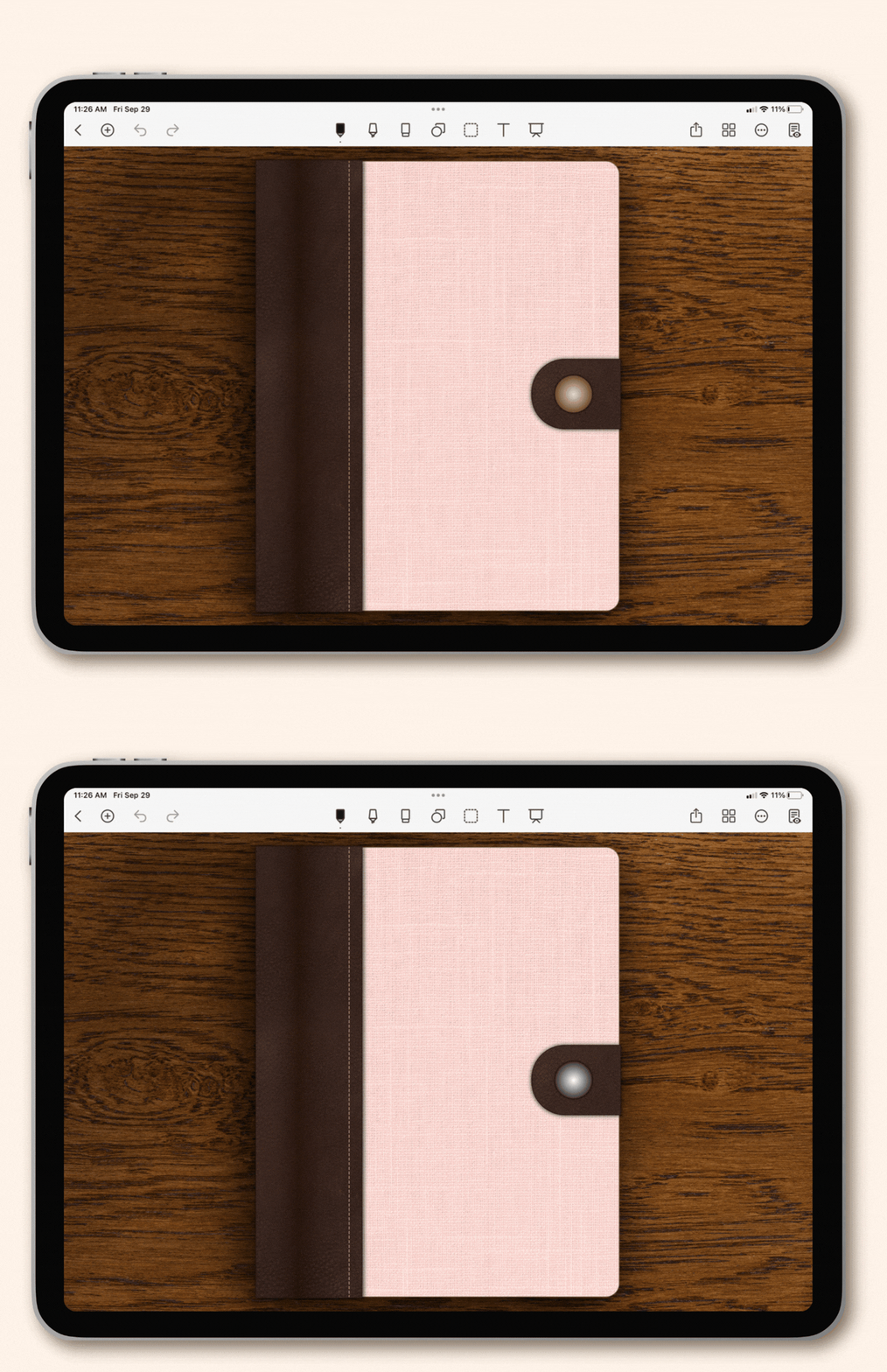
Gold and silver button closure options.
Choose between gold and silver button closures to coordinate with the rings or coils used in your planner design. A small detail that helps bring the entire design together.
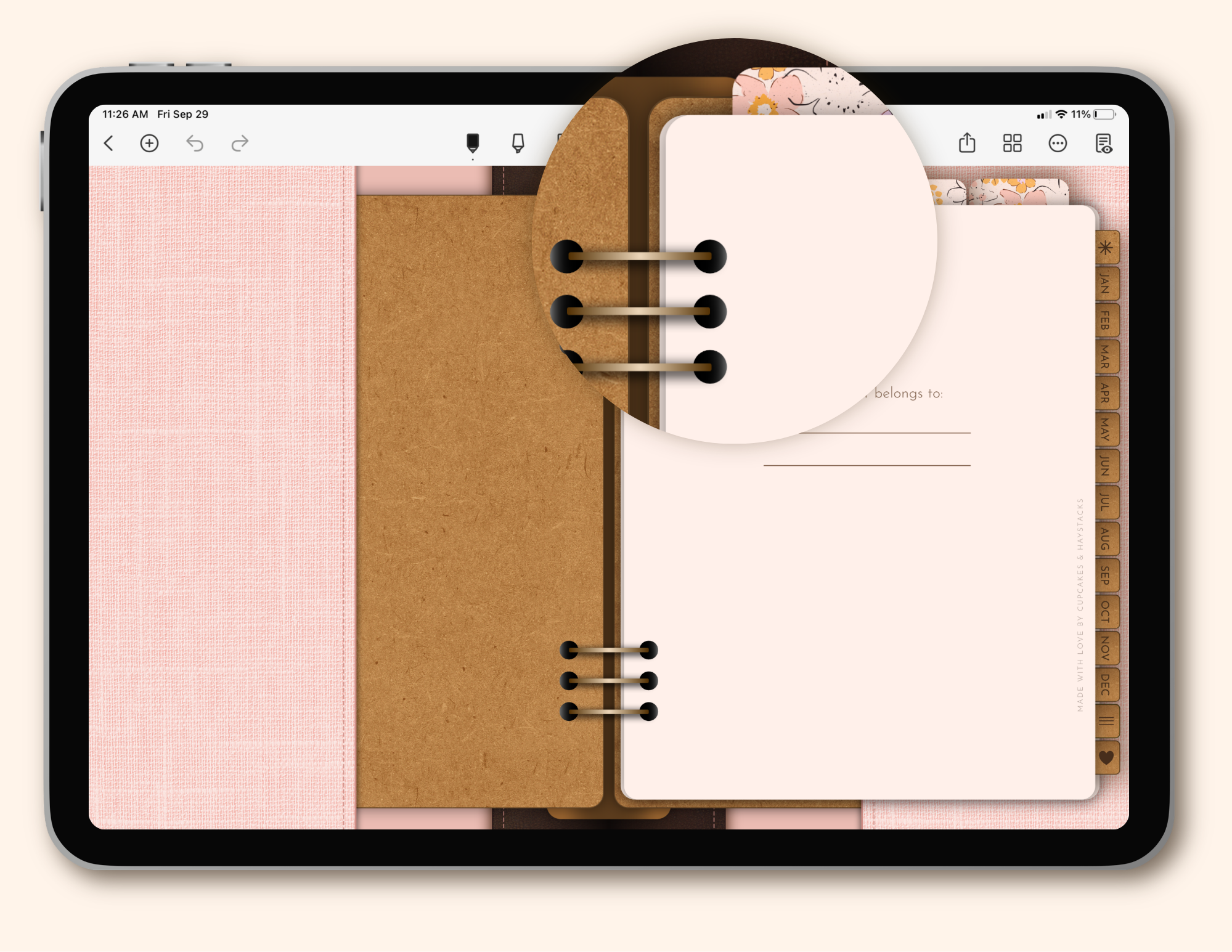
Thoughtful drop-shadows for a realistic, paper-inspired look.
A small detail that makes a big difference, giving the digital planner the look and feel of a real paper planner.
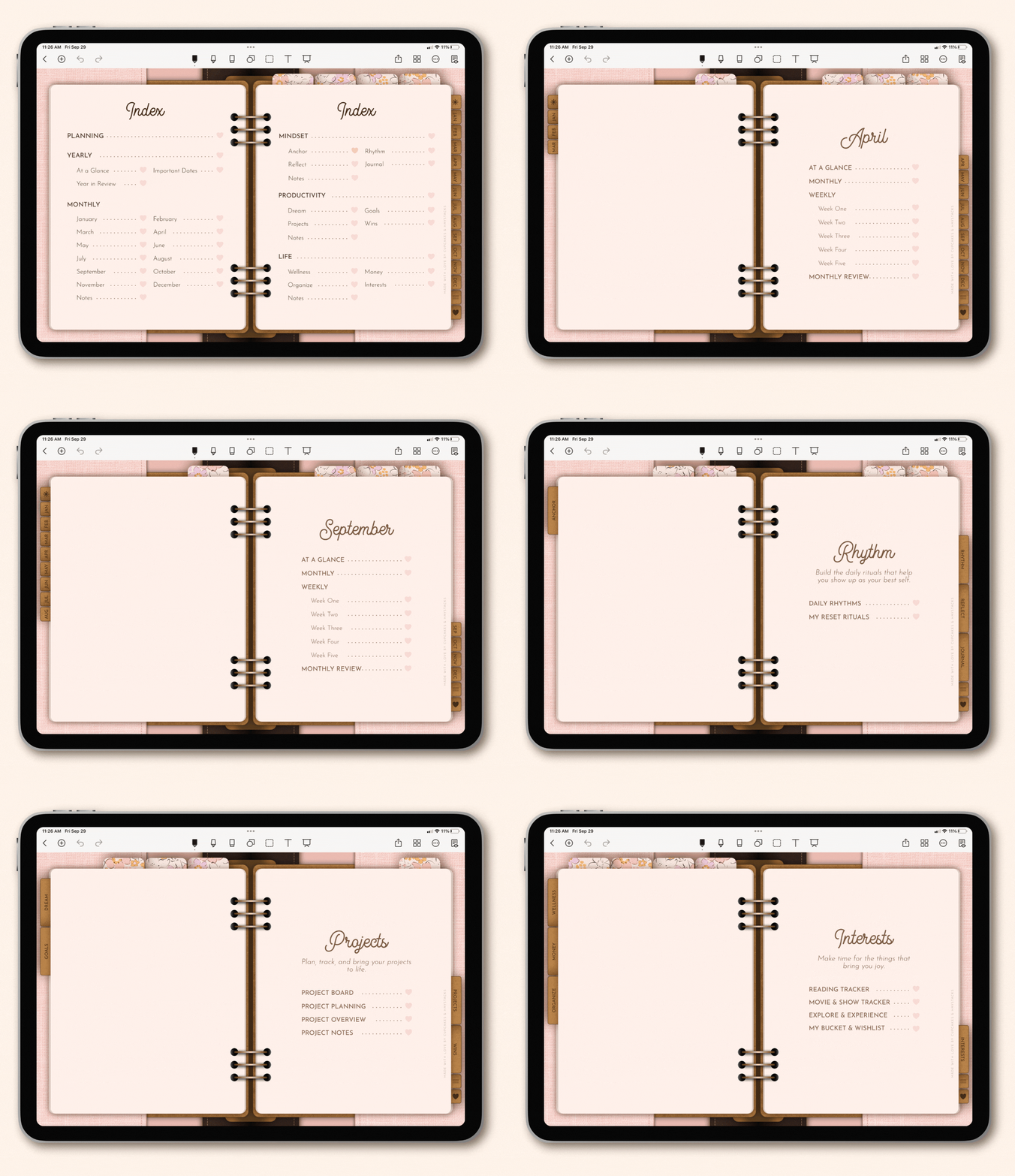
Fully hyperlinked from the moment you open it.
Tabs, sections, indexes, and content pages are already linked for you, so the full planner navigation works right away. No linking setup required.
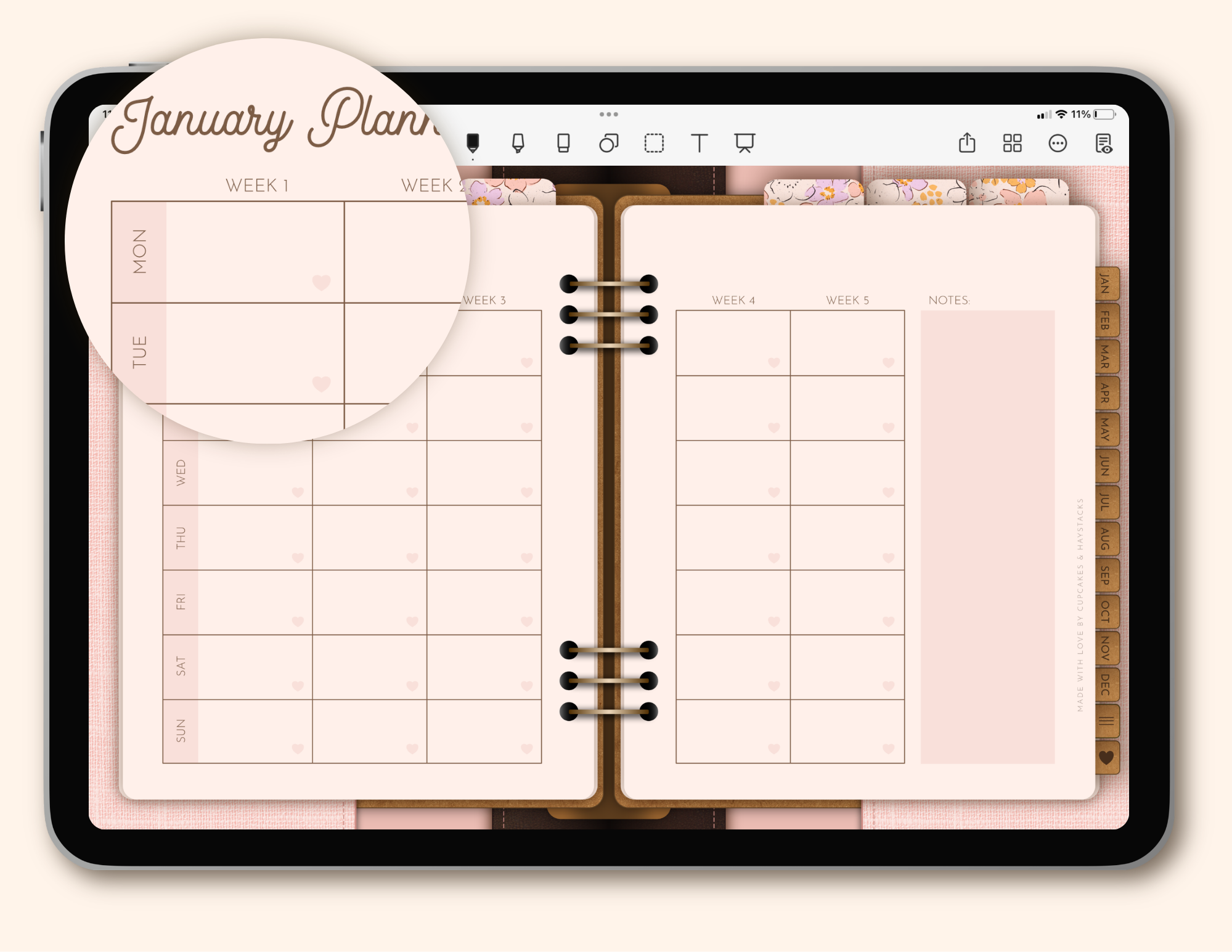
Includes Sunday & Monday start options.
Both Sunday and Monday start versions are included, making it easy to create planners for different planning preferences.
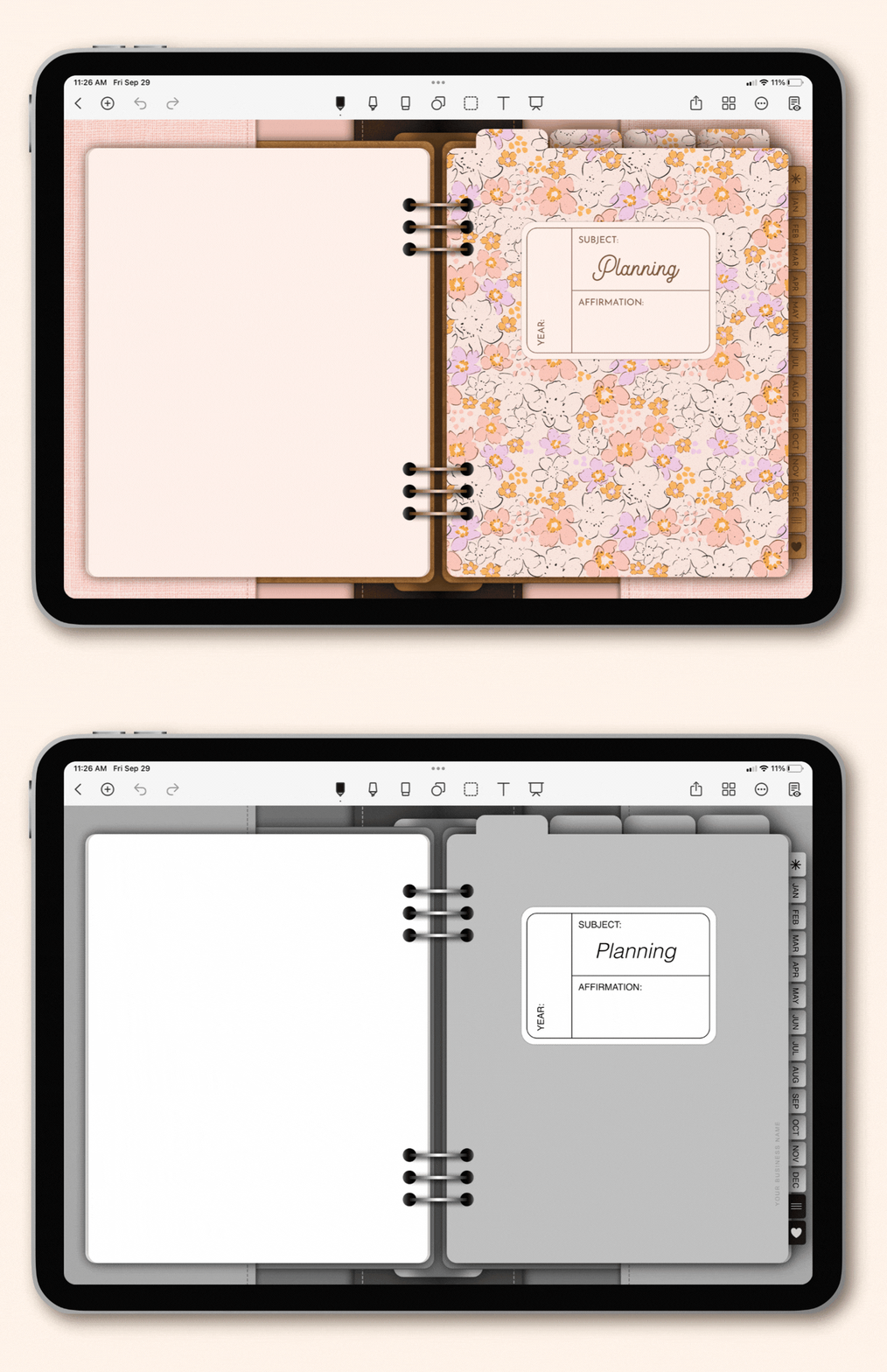
These templates are fully customizable inside Affinity.
Change colors, fonts, and wording—then bring in your favorite patterns, textures, and clipart to make a planner that fits your unique design style perfectly.
How the Templates Work
Customize and list a beautiful digital planner in just four simple steps—it’s easy as pie!


Customize your templates by bringing in your favorite colors, fonts, patterns, and clipart.

Export your new, lovely digital planner as a finished, uneditable PDF document.

Before & After
Move the slider below to see a real-life example of how I customized these templates to reflect my own style!


Let's take a little tour...
Who are these templates for?
If you’ve been dreaming about selling beautiful digital products—building passive income, working for yourself, and creating something that’s actually yours—this kit is a lovely place to start.
You already know you want to create something beautiful to sell.
You can picture the colors, the patterns, and the little details that would make it feel like yours. You just don’t want to spend weeks building every page, tab, link, and layout before you ever get to that part.
That’s exactly why this kit exists! You get a ready-to-customize template, and the result is a digital planner that feels charming, thoughtful, and absolutely lovely to open.
The Signature Page-Flipping Effect
Psst - this is one of my favorite little details in the entire template. Here's a little peek at how it works...
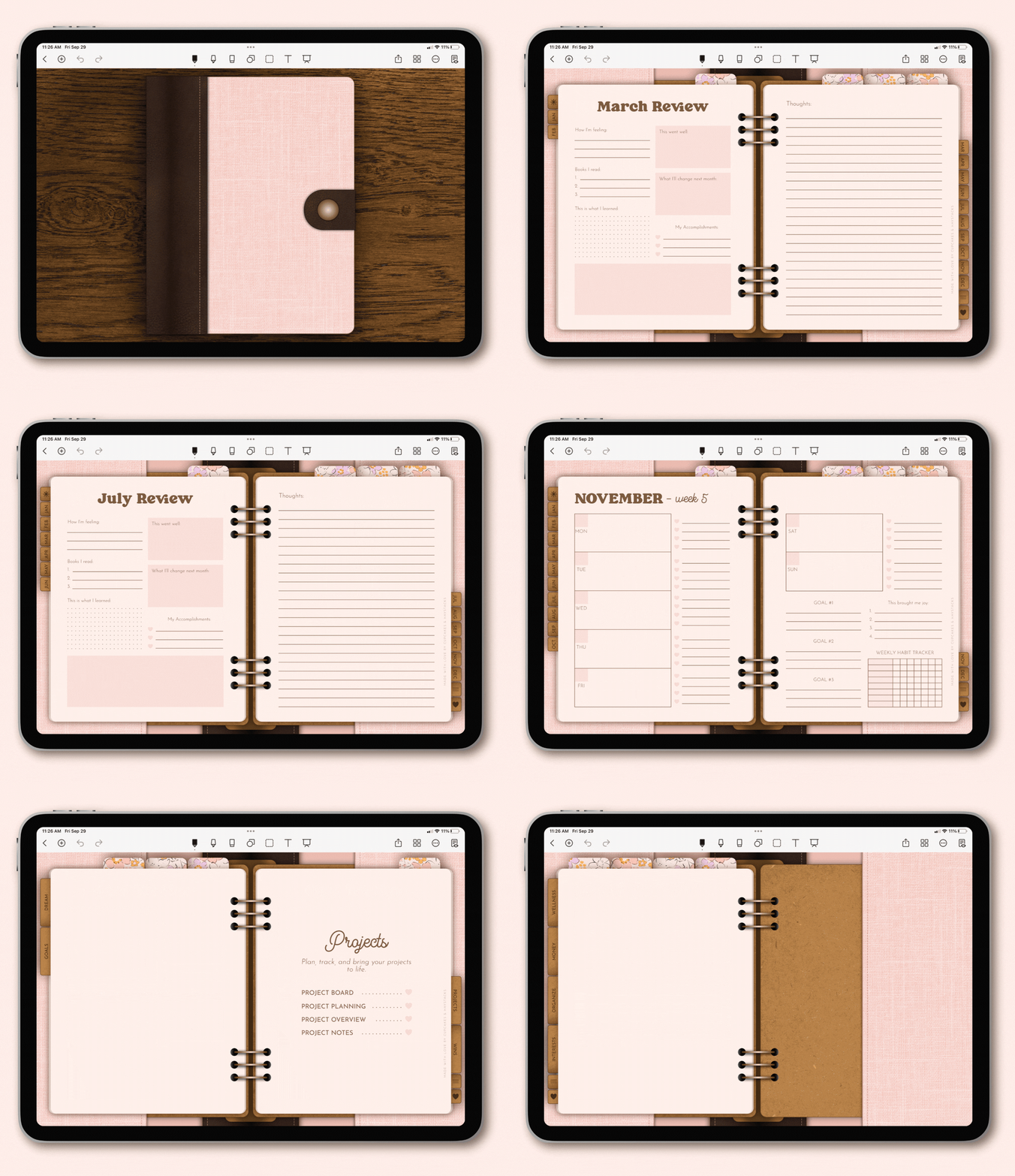
Unlike traditional digital planners with static tabs, these templates feature a custom page-flipping effect that mimics the look of a real paper binder.
It's just a little touch, but one that instantly makes your planner feel more realistic and adds a level of detail you won’t find in most digital planner templates.
New to Affinity?
No worries, I've got you covered, Lovely...
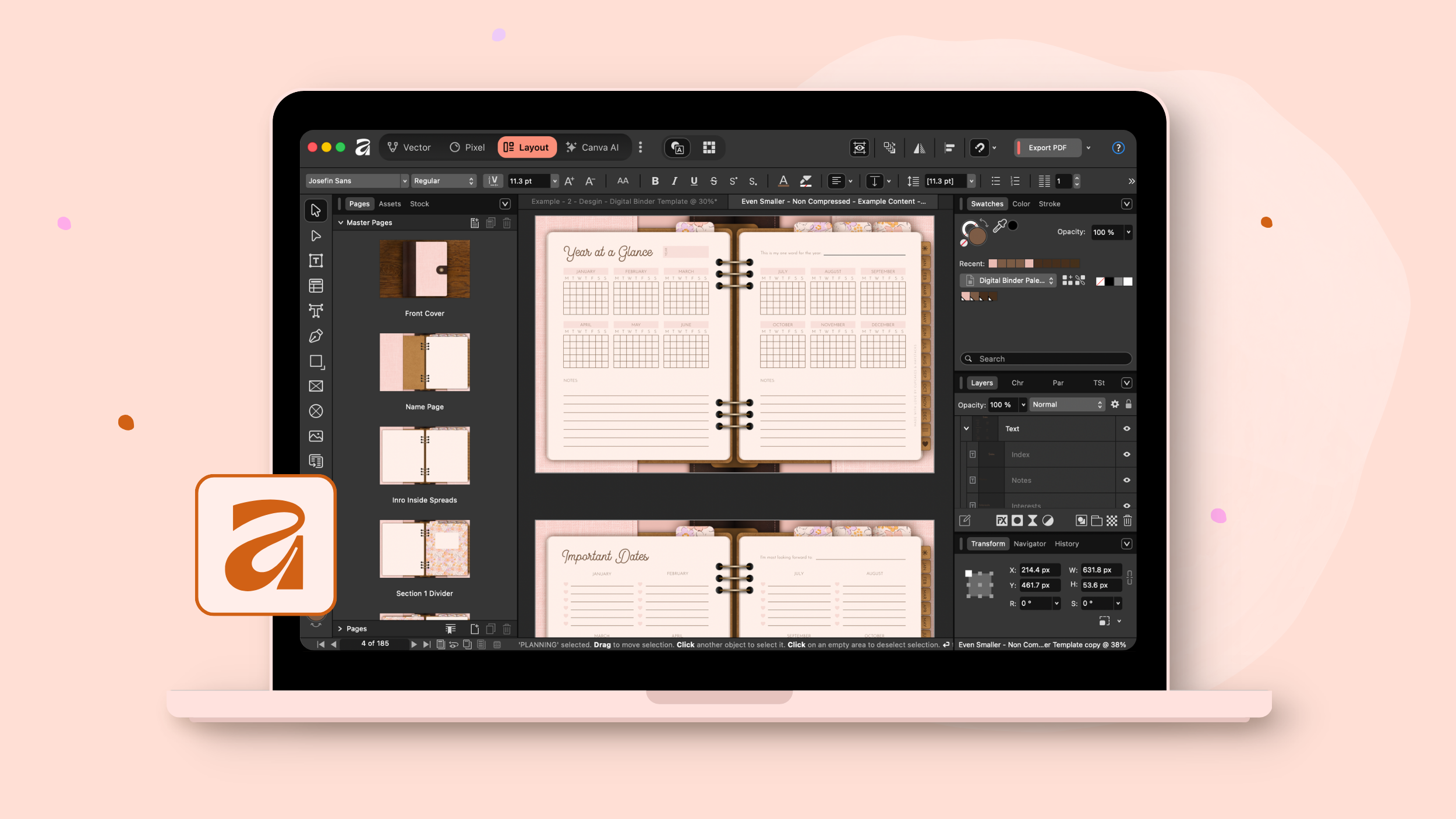
You don’t need to know your way around Affinity before you begin. The tutorials are designed so you can work right alongside me as you customize your actual templates, step by step. I’ll show you how to open the files, make your design changes, and export your finished PDF when everything is ready.
And because Affinity works on both Mac and PC and is 100% free, you can get started without worrying about expensive design software or whether it will work on your computer.
(Psst - I even have a few magical shortcuts built in that will allow you to do things like change your colors and fonts with a single click!)
All You Need to Feel Supported From the Very Start
You’re not just getting a folder of template files and being left to figure out what to do next.
Inside the Template Hub, you’ll have the guidance and support you need to customize your planner, prepare your files, and keep moving even if this is your very first digital planner.
- Step-by-step video tutorials that walk you through the customization process
- Access to the private Facebook group for questions, troubleshooting, and extra support
- A clearly organized Template Hub where your files, lessons, and bonuses are easy to find
- Canva Etsy Shop Templates to help you open your shop and list your planners
You'll be supported from the moment you open the files, instead of wondering what on earth you’re supposed to do first.
If you’ve been dreaming about building your passive income business, these templates make the whole process feel easy as pie.
You customize your digital planner once, list it in your shop, and let it keep earning for you. Whether this becomes your first digital product or your new bestseller, it’s a lovely way to grow your digital product business!
Bonus with purchase!
Your planners are beautiful—your listings should be too. These Canva Pro templates make it easy to showcase your designs with clarity, confidence, and just the right amount of sparkle!
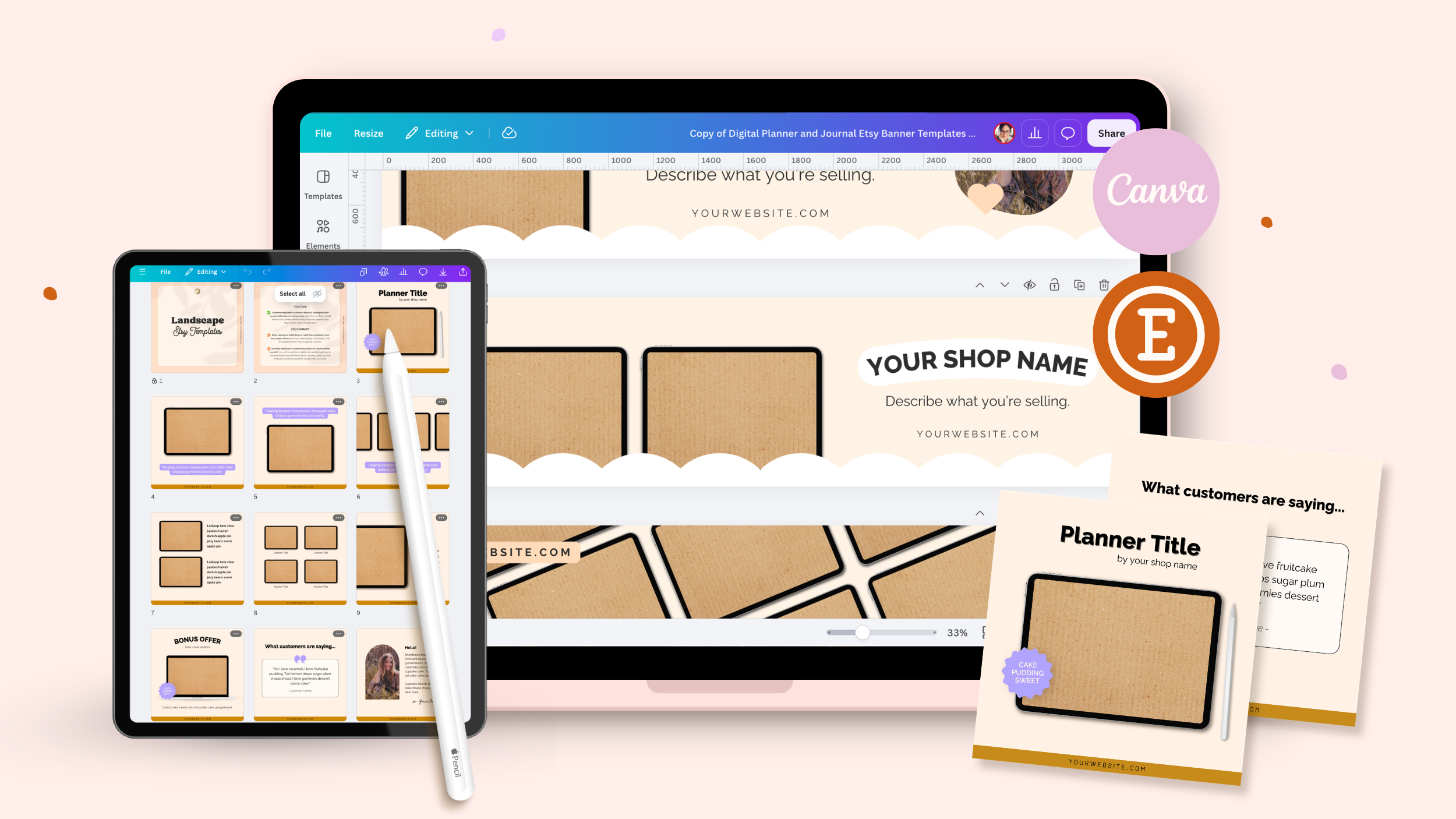
You’ll receive a set of Canva Pro templates designed to help your shop shine right from the start—five unique Etsy shop banners and ten listing images you can customize to match your designs.
Use them to showcase your digital notebooks beautifully, highlight your features clearly, and give your shop a polished, professional look without spending hours designing from scratch!
The Life Binder Content
Inside the templates, you’ll find 180 pretty pages organized into four main sections, each designed to support a different part of everyday life.
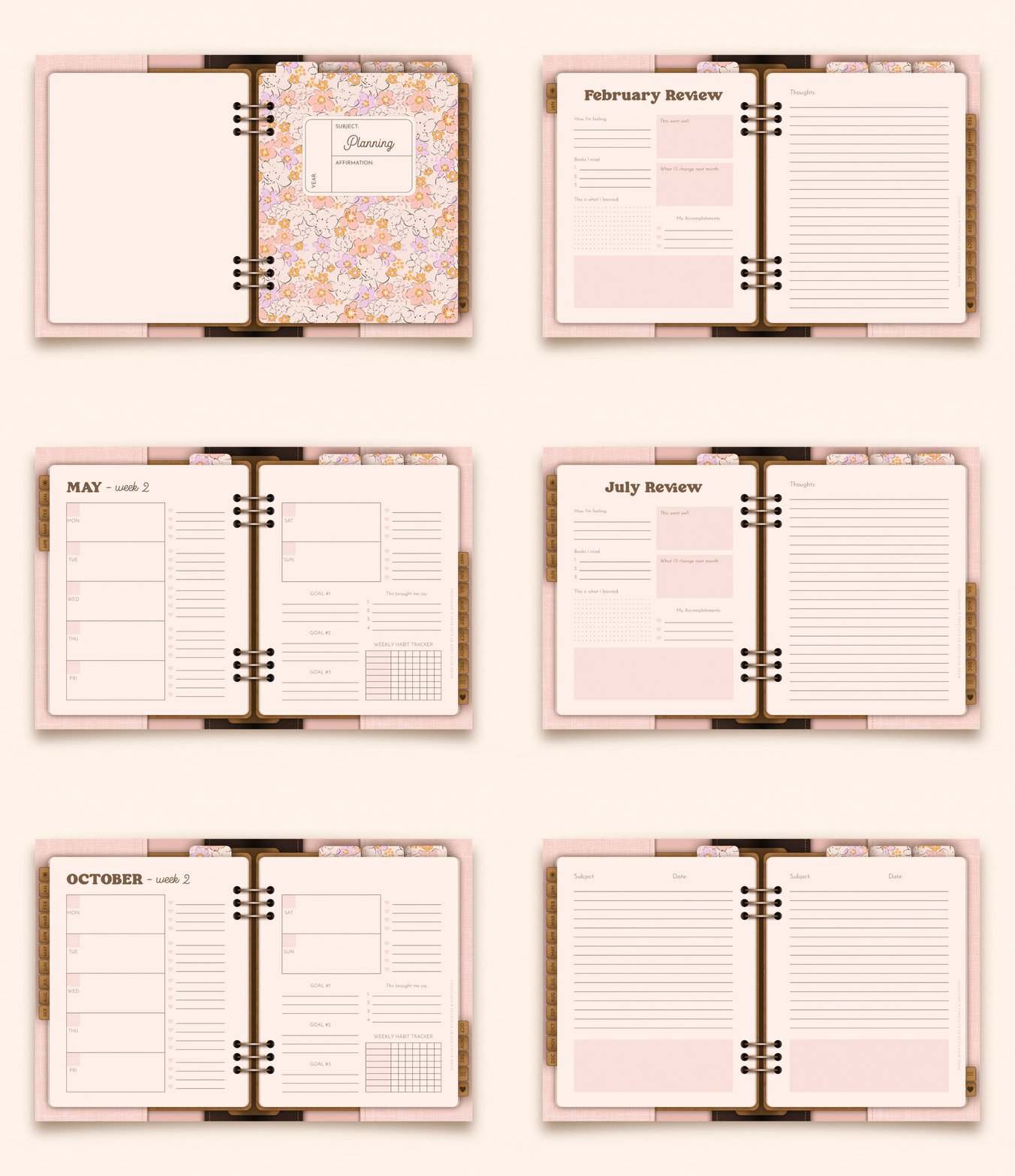
Section 1: Planning
The planning core of the binder, created to help customers look ahead, organize their months, plan their weeks, and keep the year moving with more intention.
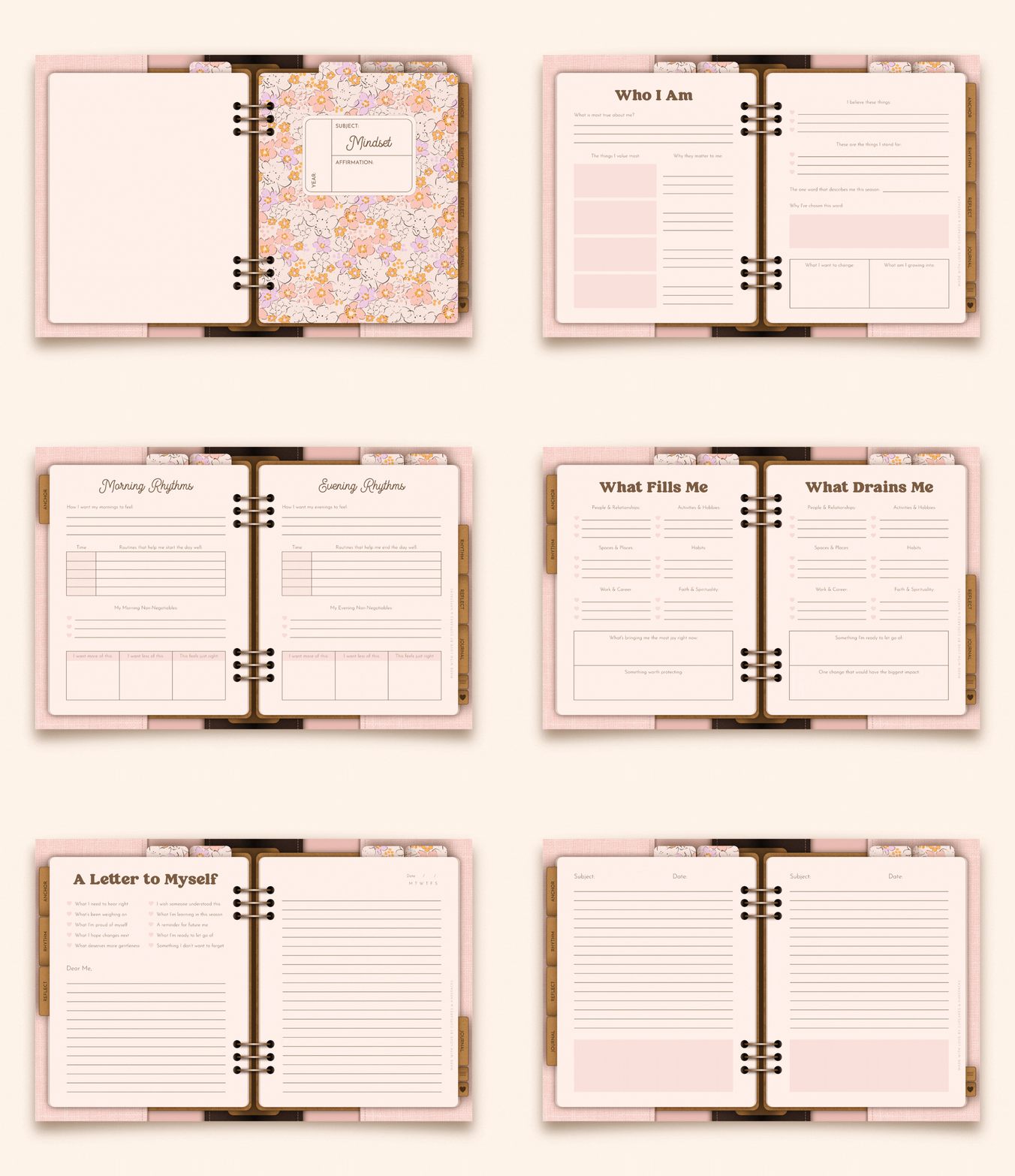
Section 2: Mindset
The inner-life section of the binder, designed for reflection, emotional check-ins, personal values, rhythms, and the thoughts that shape how someone moves through their days.
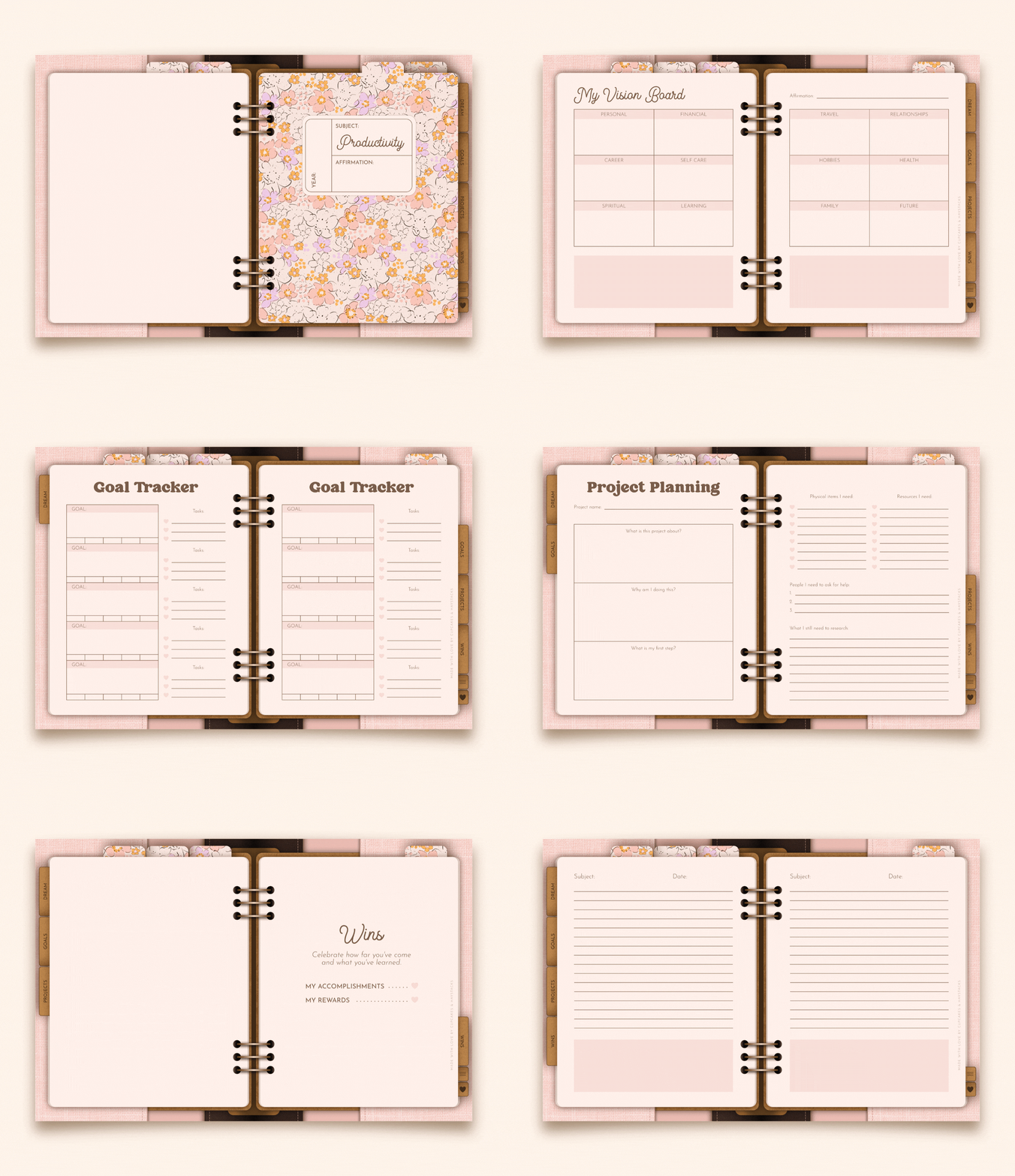
Section 3: Productivity
The get-it-done section of the binder, giving customers a place to capture big ideas, shape them into goals, plan their projects, and keep track of the wins along the way.
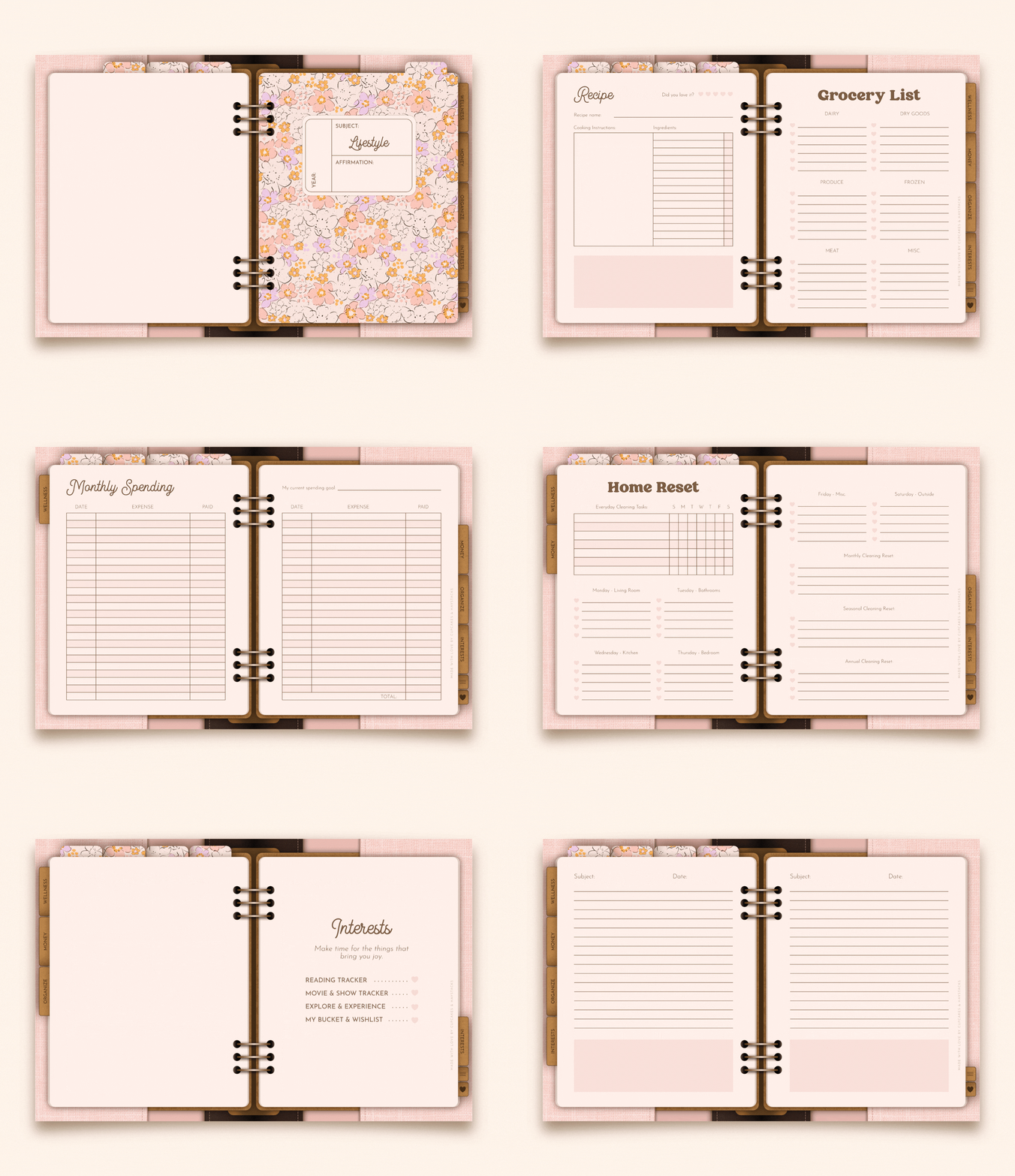
Section 4: Lifestyle
The real-life action section of the binder, created for the physical, everyday parts of life that help customers care for themselves, stay organized, and make room for joy.
Click below for a detailed list of all included spreads by section...
Starting a digital product shop can feel like there are a hundred tiny pieces to figure out before anything ever goes live.
What should the product include? How should it look? How do you show it off? How do you deliver it once someone buys? This kit brings those pieces together, so you’re not just getting planner templates. You’re getting a clear, supported way to create your first beautiful digital planner and get it listed in your shop.

Hi, I'm Jayme!
I'm the designer, digital product educator, and founder of Cupcakes & Haystacks.
I help creative women build digital shops with beautifully realistic digital planners and journals made for the iPad, along with printables that are just as lovely on paper.
I believe beautiful design is strategy. And that belief is what inspired this digital binder template kit: a simple, beautiful starting point for creating your first digital planner to customize, list, and sell.
When your designs are both lovely and intentional, your audience can’t help but be drawn in, and your products naturally shine!
Ready to dive in?
What's included in your purchase...
- Digital Planner Templates made to be customized inside Affinity.
- Bonus Canva Etsy Shop Templates with banners, listing images, and download link PDFs.
- Step-by-step Video Tutorials showing you how to easily customize your templates.
- Access to a Private Community for support, guidance, and creator connection.
- Lifetime access to your Template Hub so you can revisit your files anytime.
- A Commercial License to sell unlimited finished personal-use digital planners.
REFUND POLICY:
Because you receive instant access to all materials, including the full Template Hub, Affinity digital binder templates, step-by-step tutorials, and Canva Etsy Shop Templates, all sales are final.
Please read the details on this page carefully before purchasing. If you’re unsure whether the templates are right for you, click the pink button in the bottom-right corner of your screen and send me your questions before you buy. I’m happy to help.
Frequently Asked Questions
Ready to create and launch your first digital planner?
Your digital binder templates are ready when you are—simple to customize, beautiful to work with, and designed to help your shop shine!