Don't miss the Special Early Bird Price!
For a limited time, grab your templates for just $79.
What if you could create your digital sticker products, set up your shop, and be open for business—all in a single weekend?
With this template kit, you can. It’s practically magic!
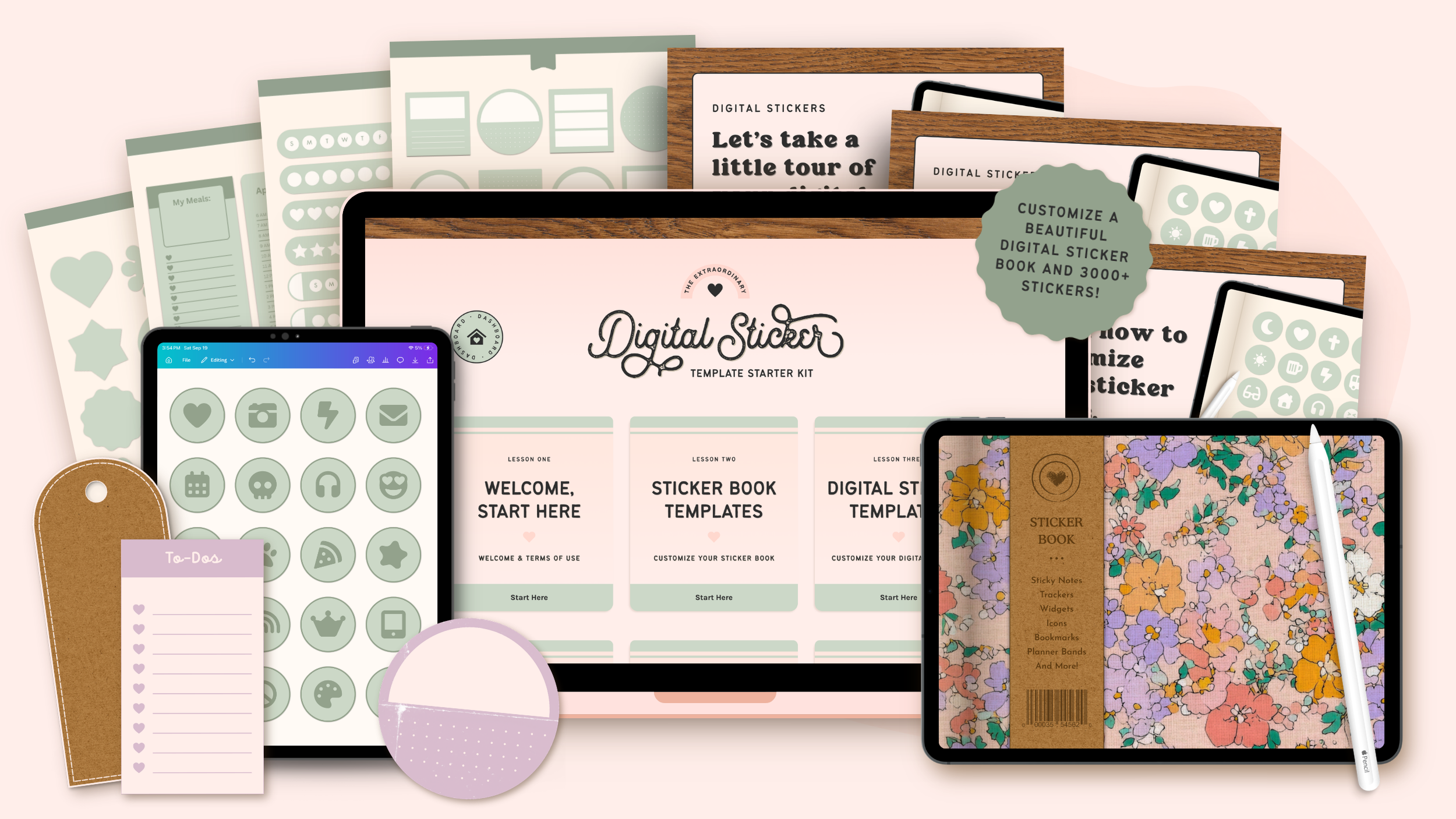
This Canva-based Digital Sticker Template Kit gives you a fully built digital sticker book and 3000+ stickers ready to customize and list in your shop. They're easy to make your own, and absolutely beautiful!
Whether you’re at the beginning of your digital product journey or just looking for something new to add to your lineup, I think you're going to love this kit.
What You Get...
Here’s a quick look at everything waiting for you inside your new template kit.
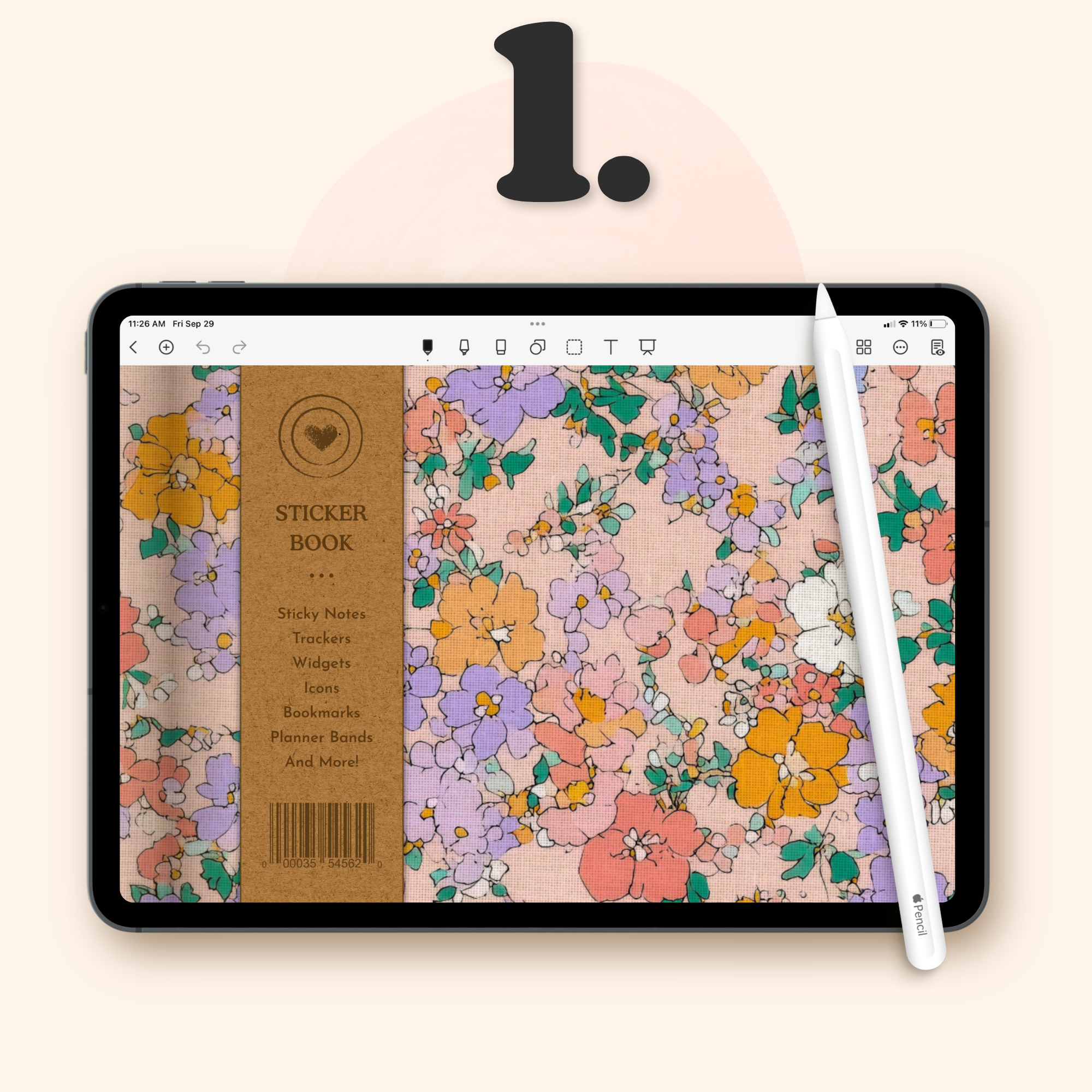
Canva Digital Sticker Book Templates
A complete set of Canva-based digital sticker book templates. Customize the colors, fonts, and details, then export as a finished sticker book you can bundle with your stickers or sell as a standalone product in your shop.
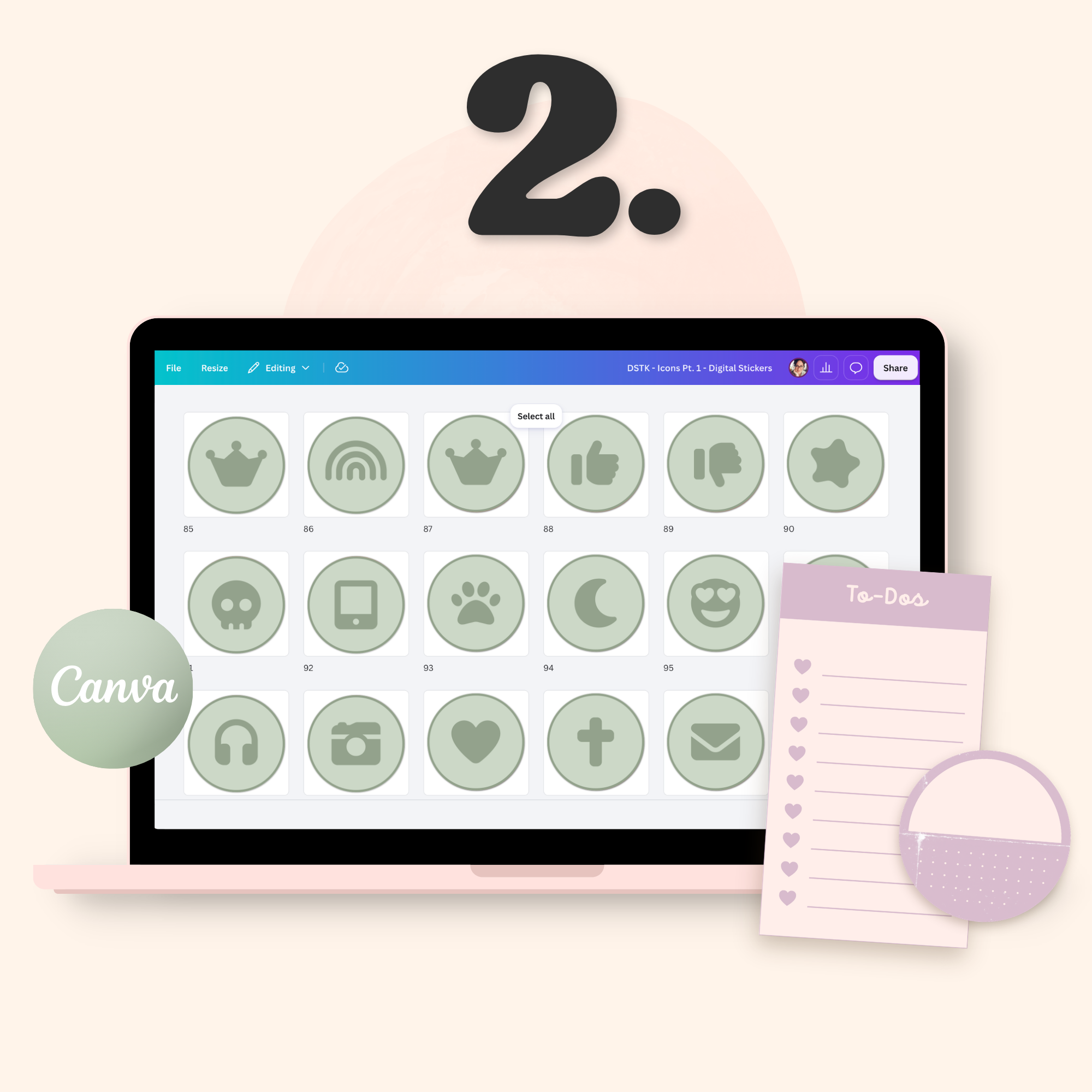
3000+ Canva Digital Sticker Templates
A collection of 3000+ Canva-based digital sticker templates across 20 different categories. Bookmarks, widgets, trackers, calendars, sticky notes, lifestyle icons, shapes, and more.
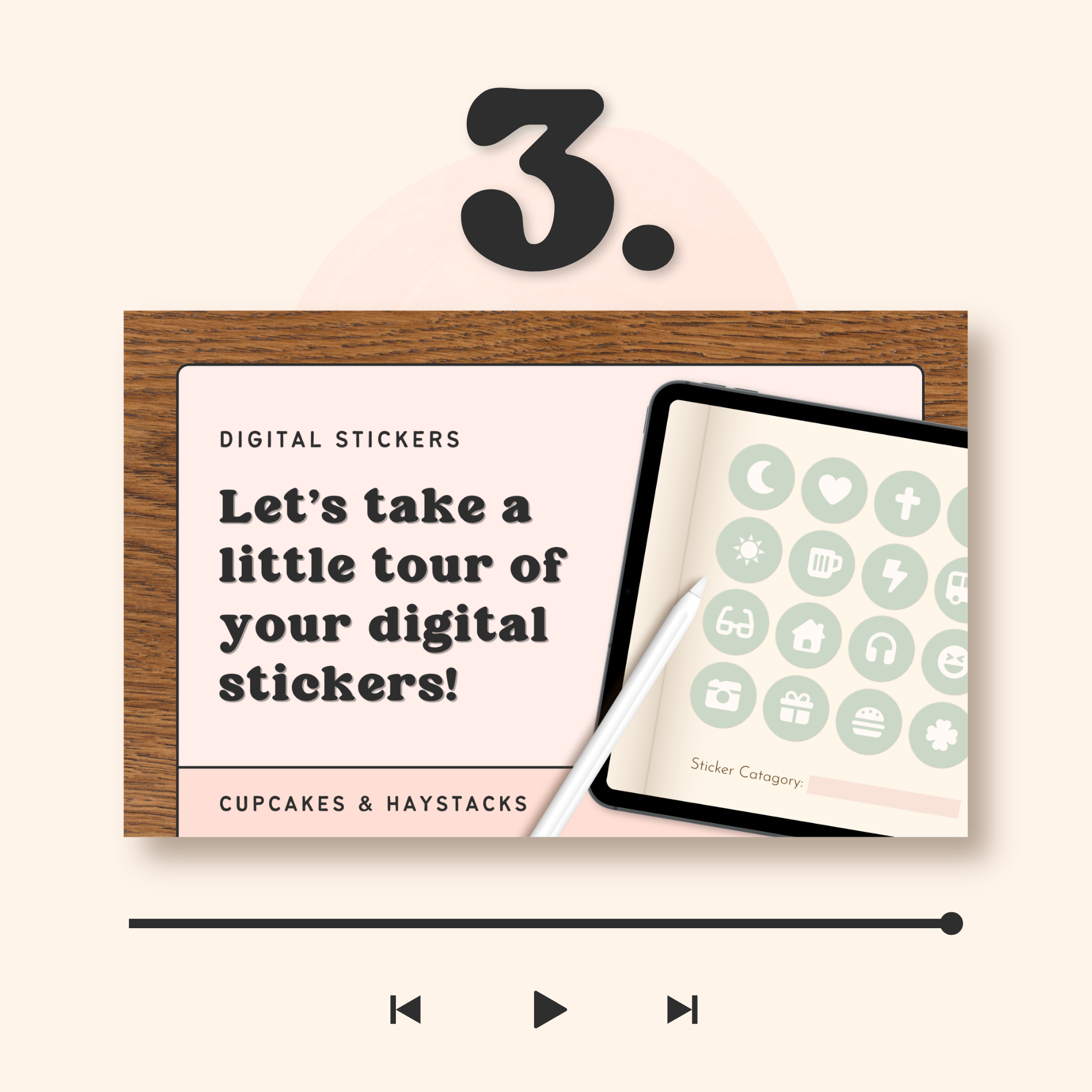
Step-by-Step Video Tutorials
Detailed video walkthroughs that guide you through customizing your digital sticker book and sticker templates inside Canva, from start to finish. Everything is clearly explained, so you’re never left guessing—even if this is your very first digital product.
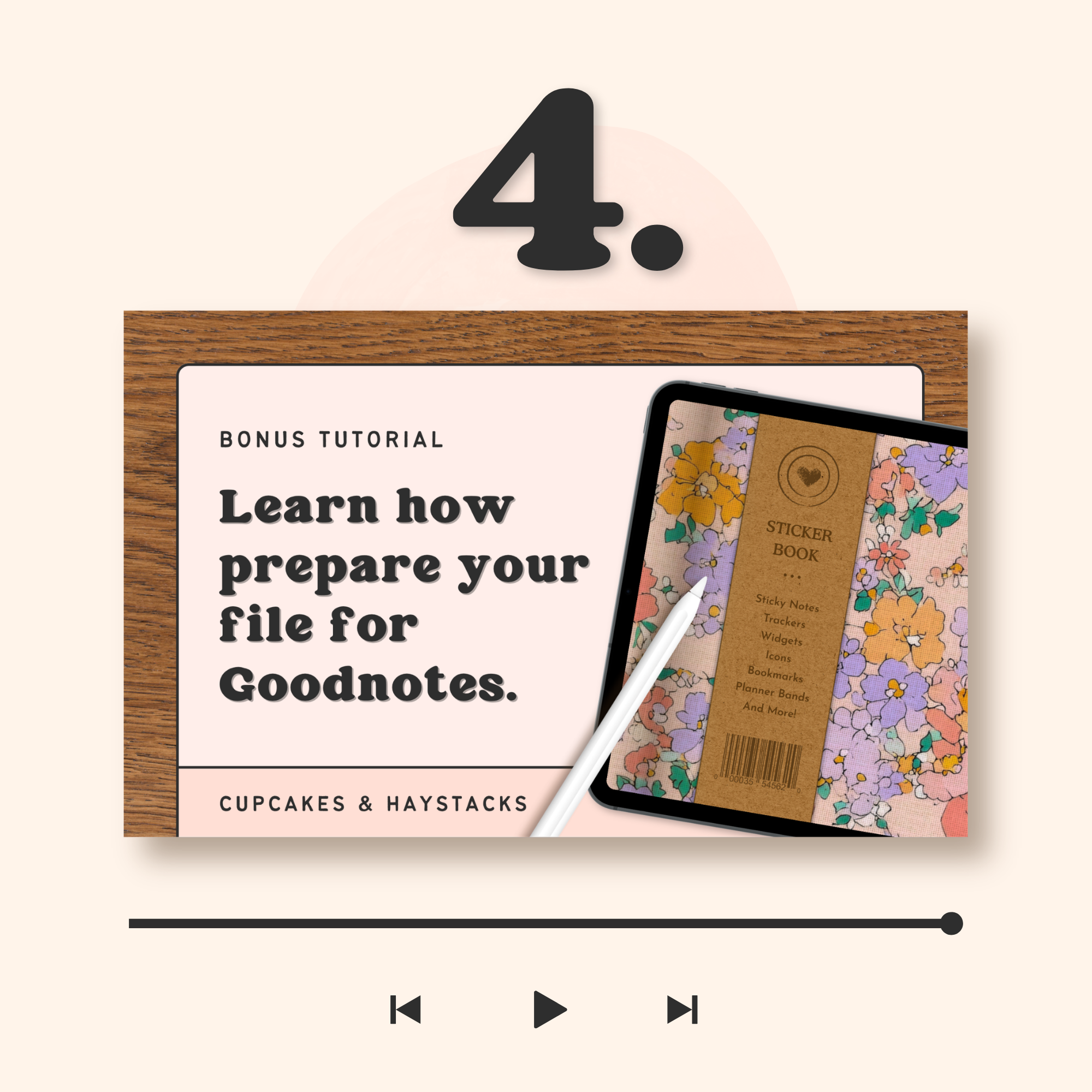
BONUS: Goodnotes Video Tutorial
Want to deliver more than an empty sticker book with separate sticker files? Learn how to add your finished stickers directly to your digital sticker book and create a Goodnotes-ready file.
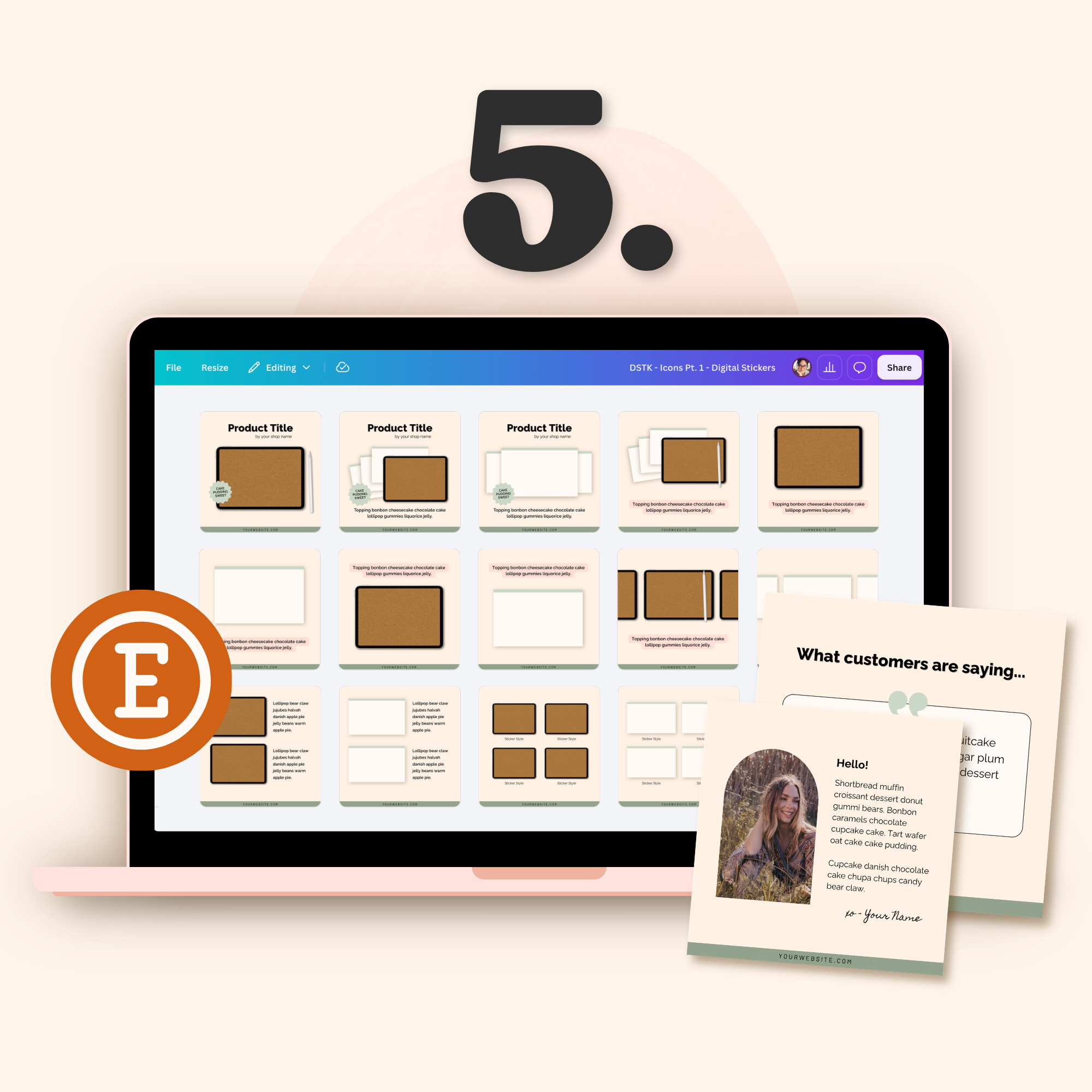
BONUS: Canva Etsy Shop Templates
Canva templates for your Etsy shop, including shop banners, listing images, and download link PDFs. Customize them to match your sticker designs and use them to get your new products listed in your shop.
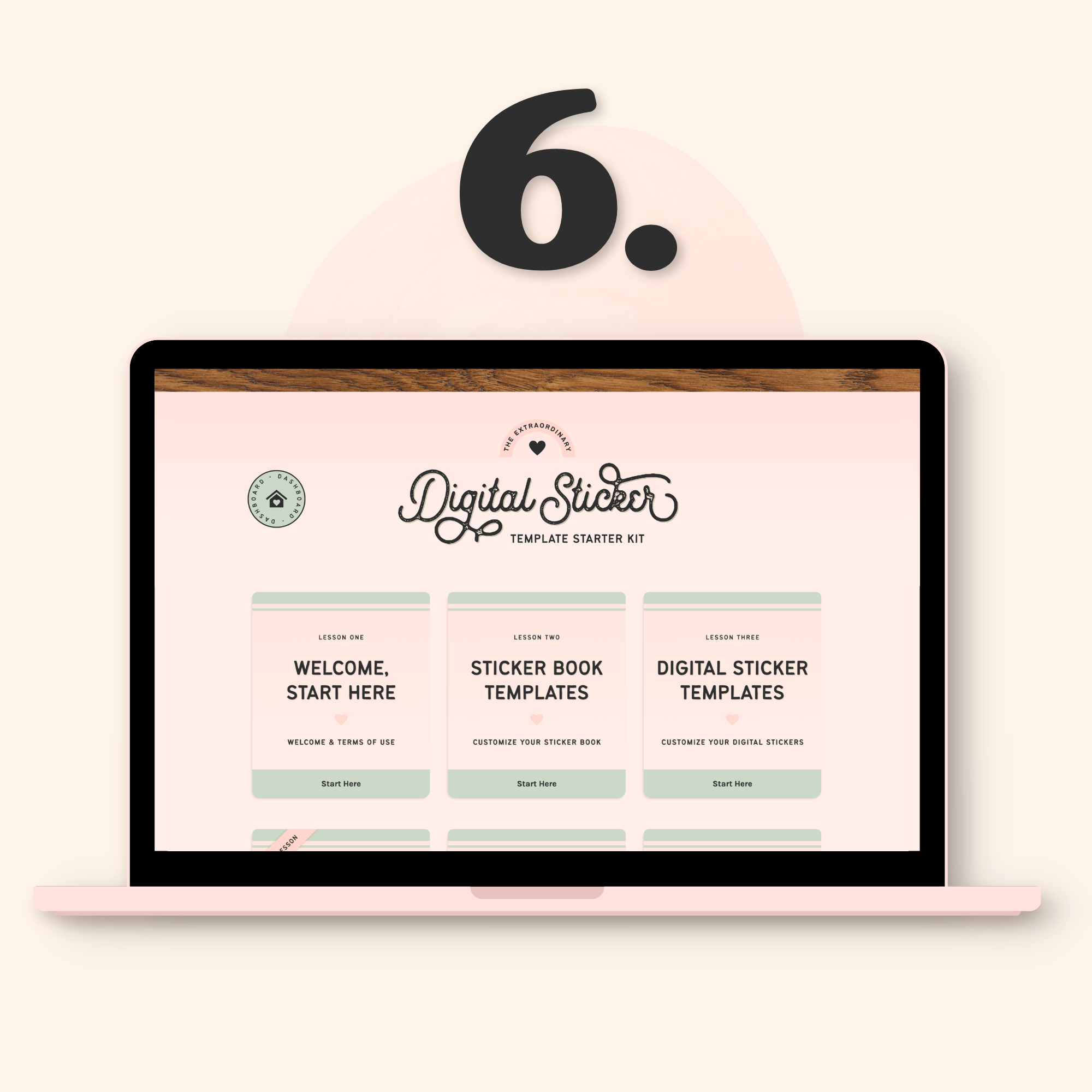
Lifetime Access to the Template Hub
Jump back in anytime to rewatch a tutorial, create a new sticker collection, or access your Etsy shop templates. Everything you need is always there waiting.
The Sticker Book Templates
Because every fabulous digital sticker collection deserves an equally fabulous digital sticker book to store them in...
These templates are made for Canva, fully hyperlinked, and ready to customize using the included tutorials.
And once you've exported your finished digital sticker book, you’ll have several ways to sell it:
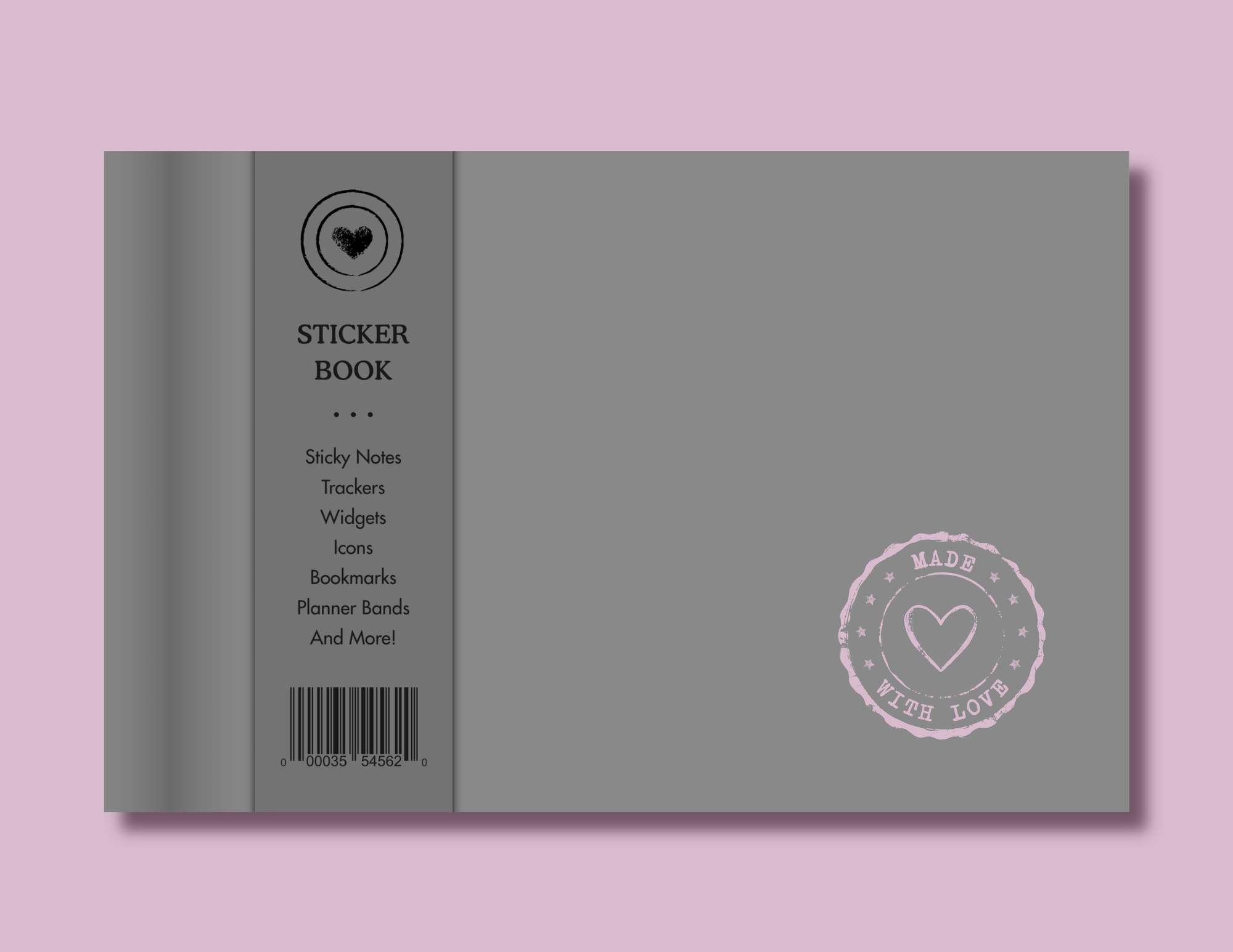
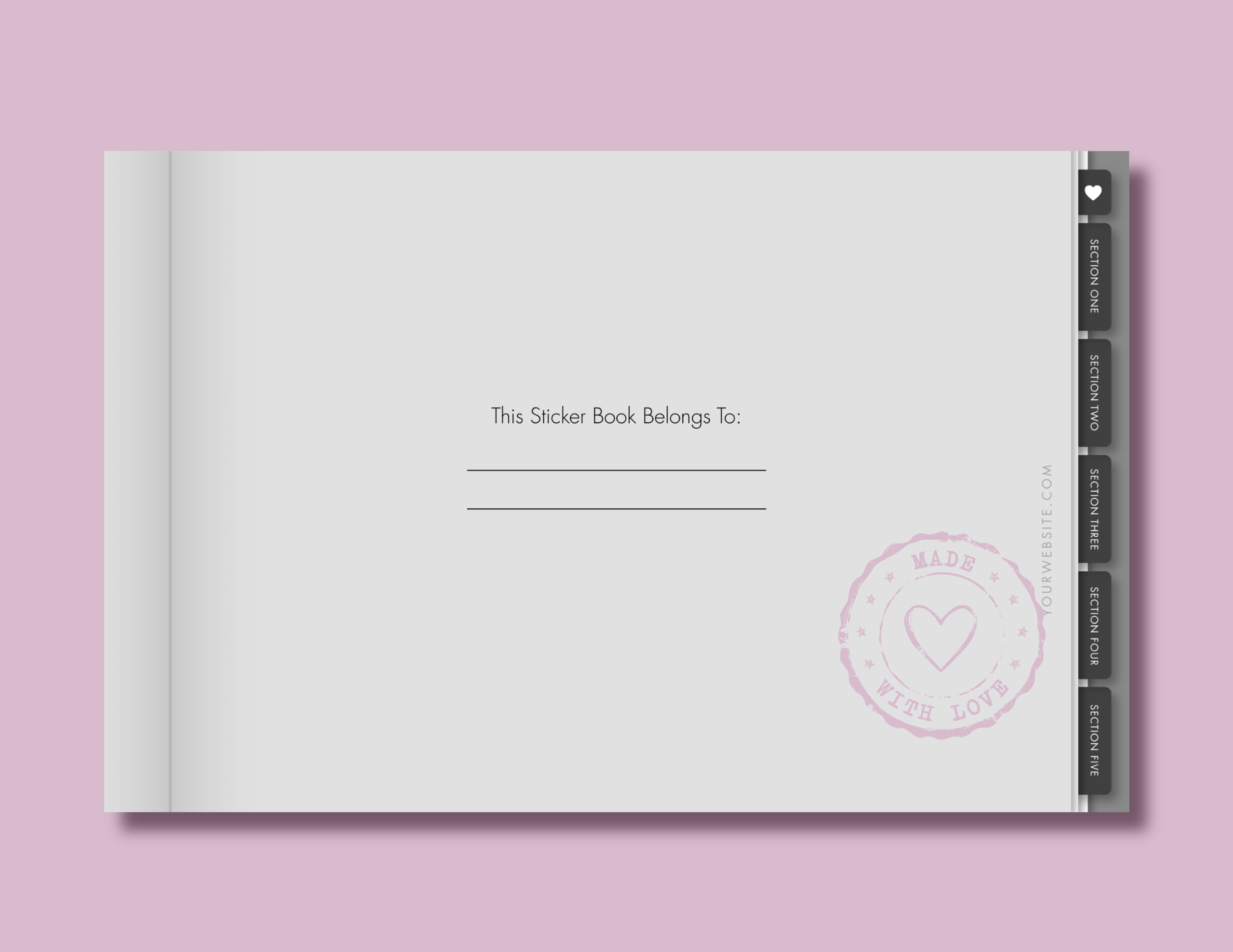
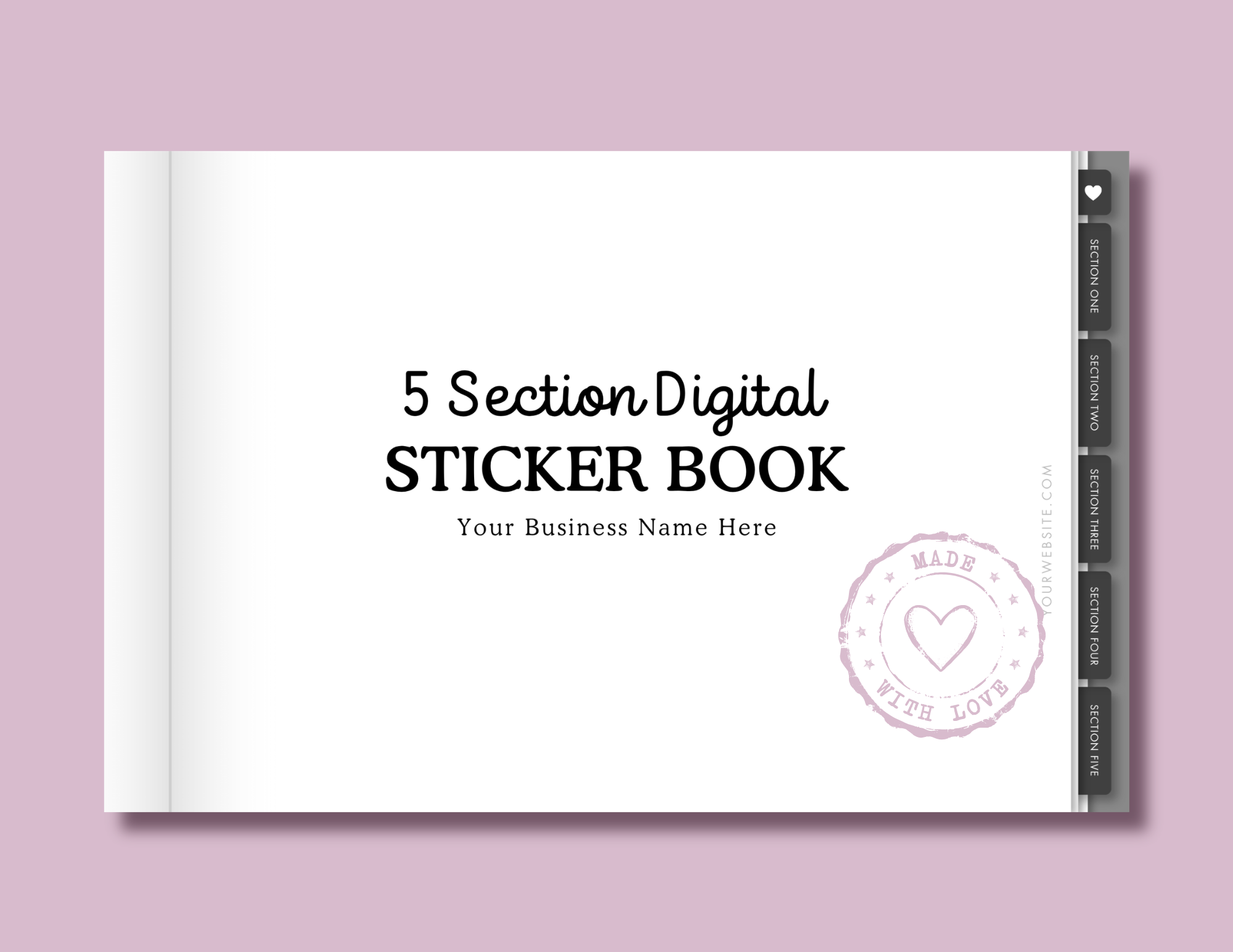
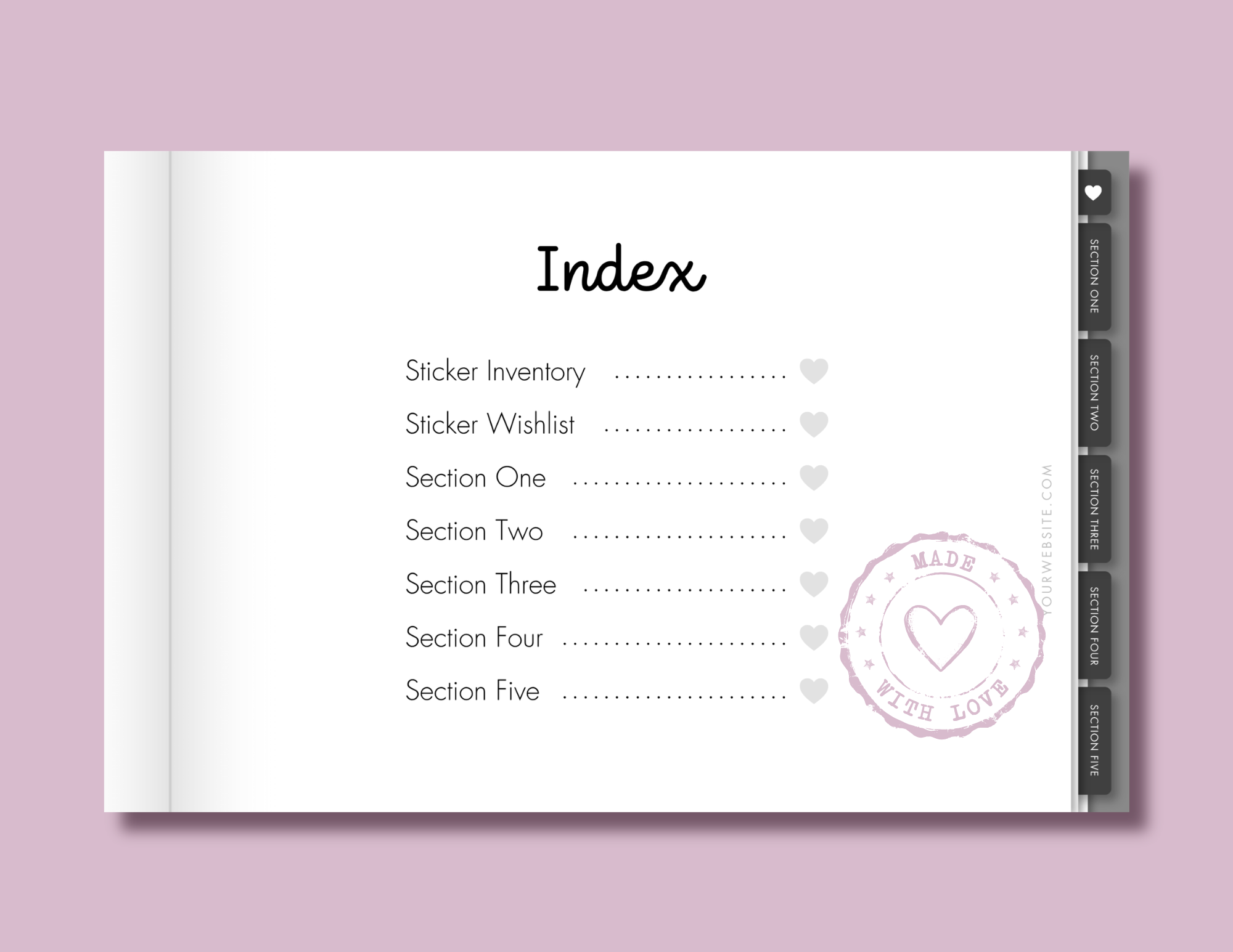
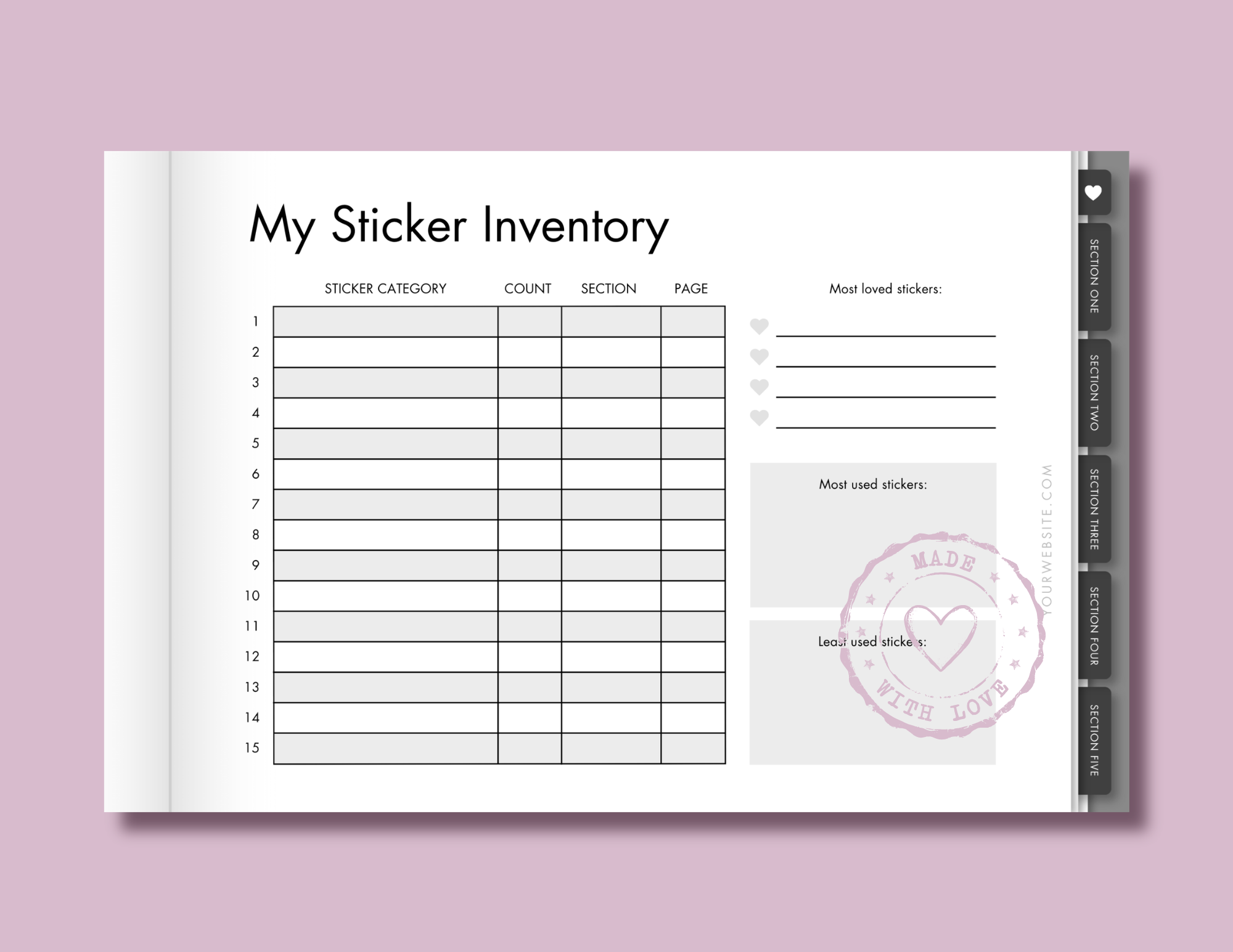
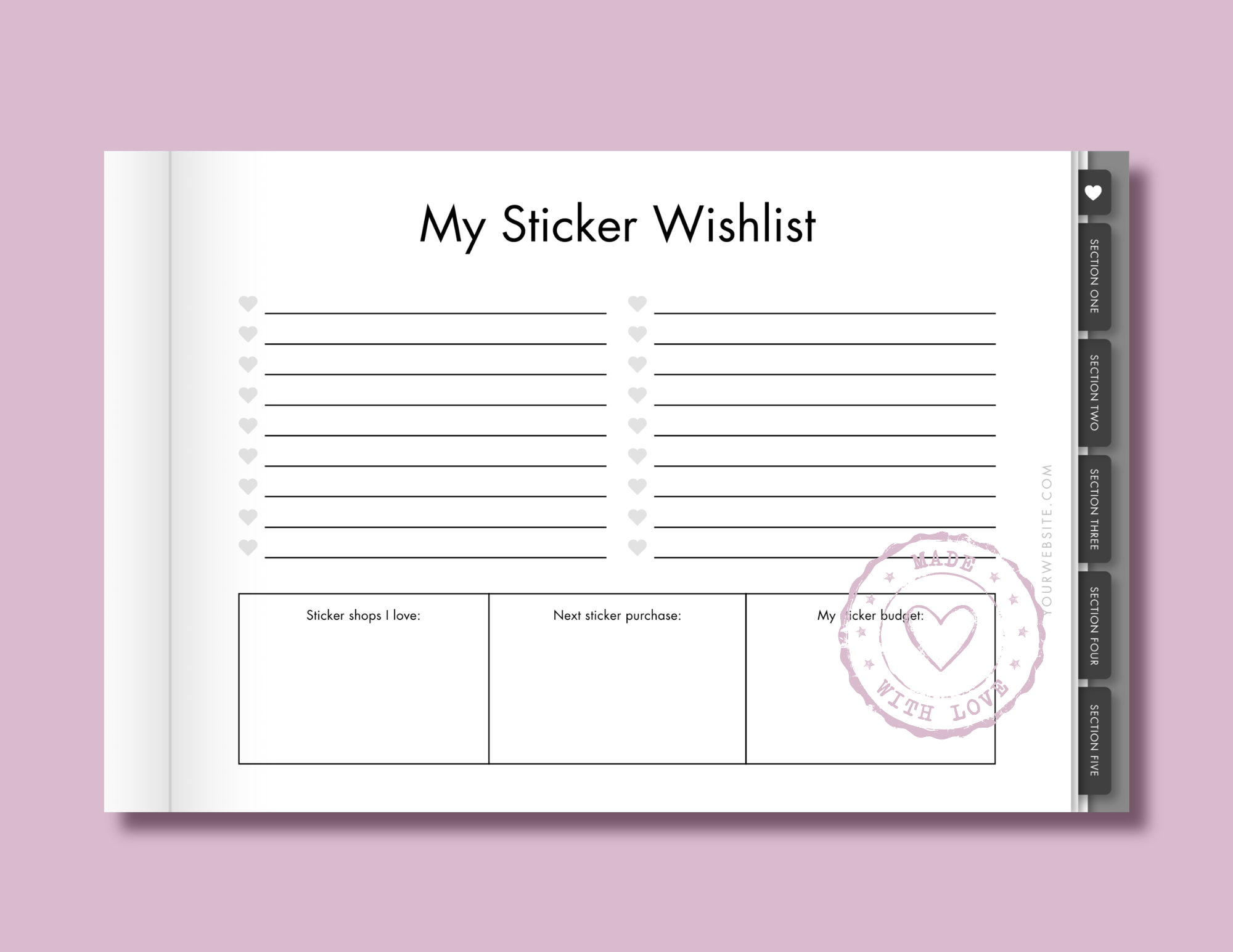
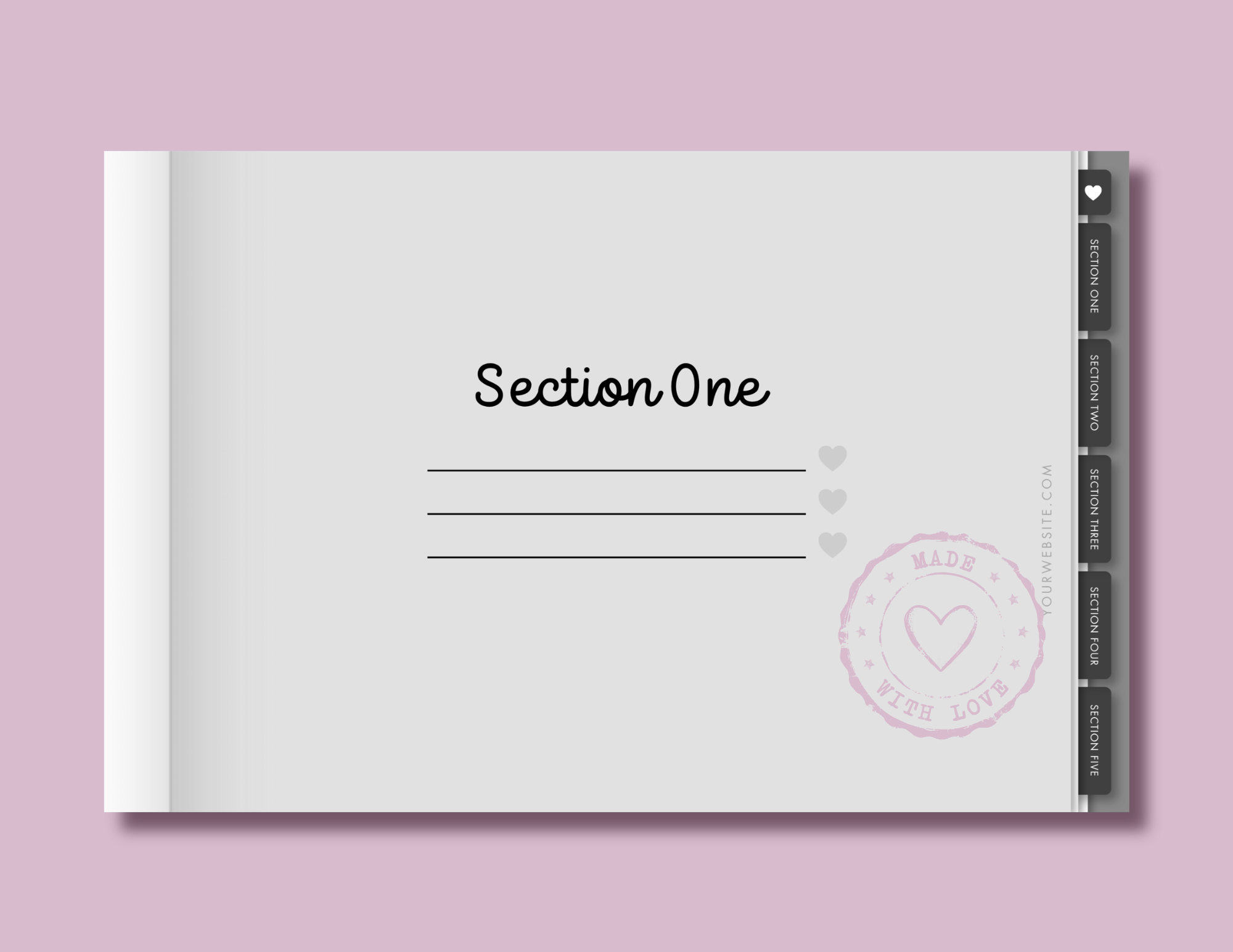
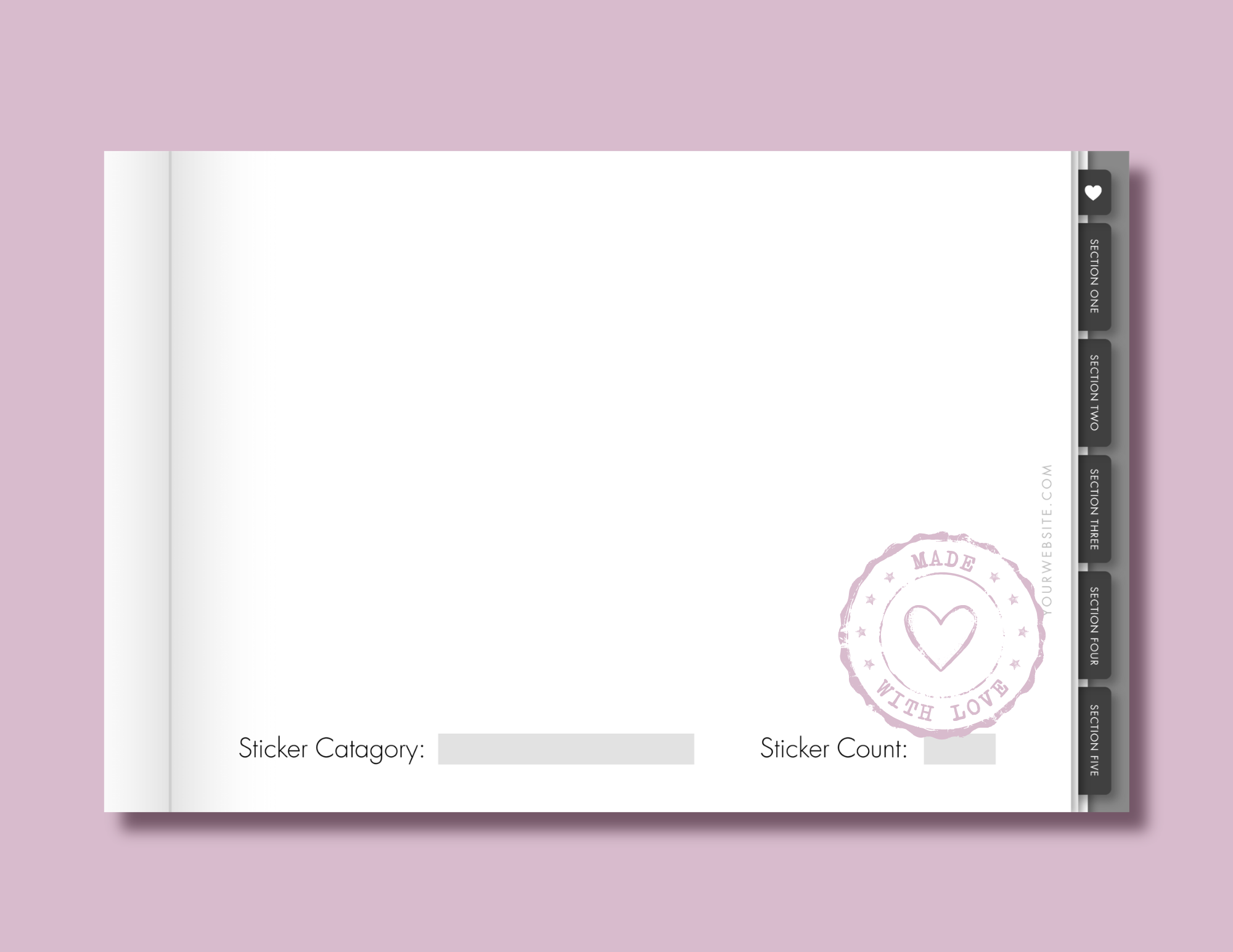
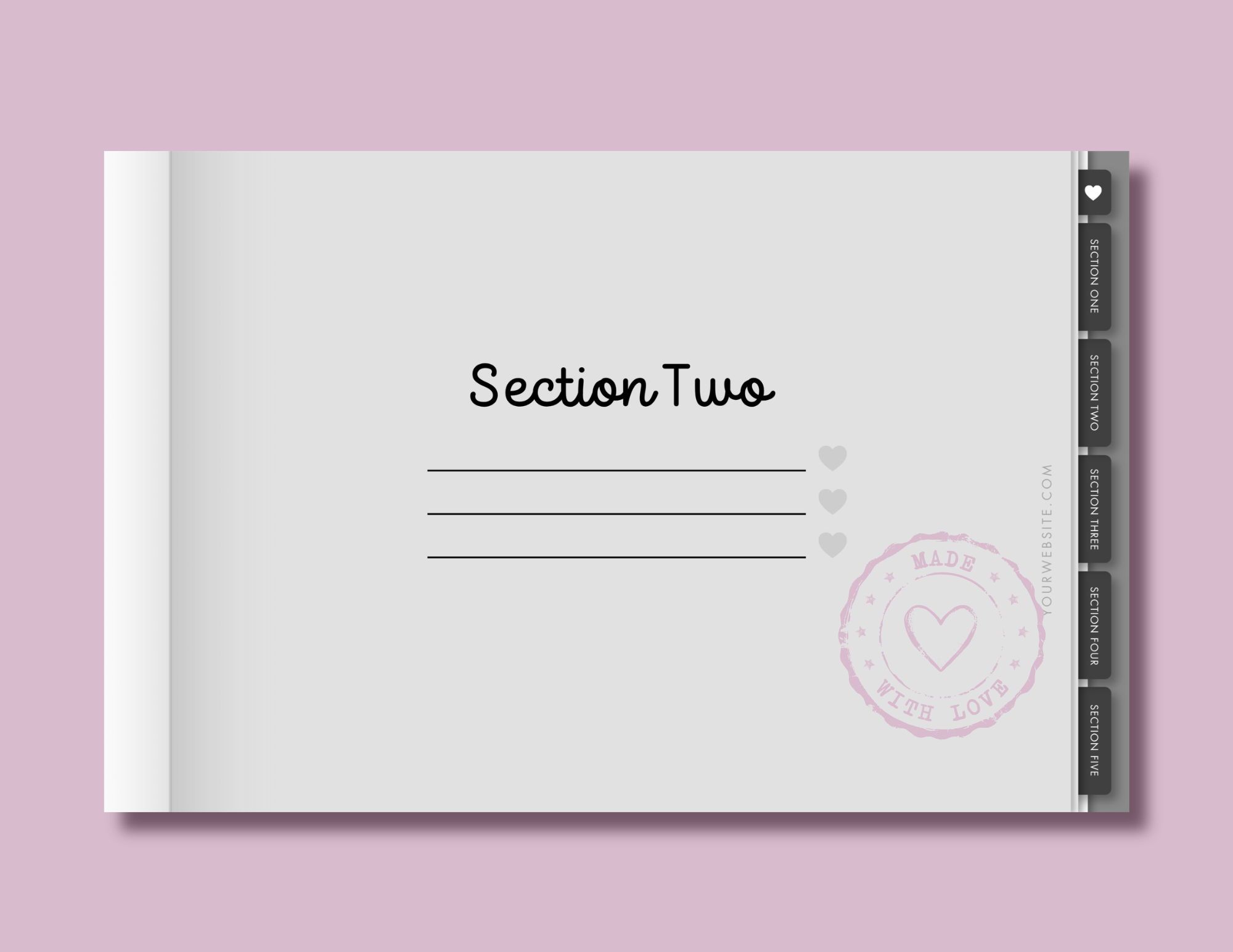
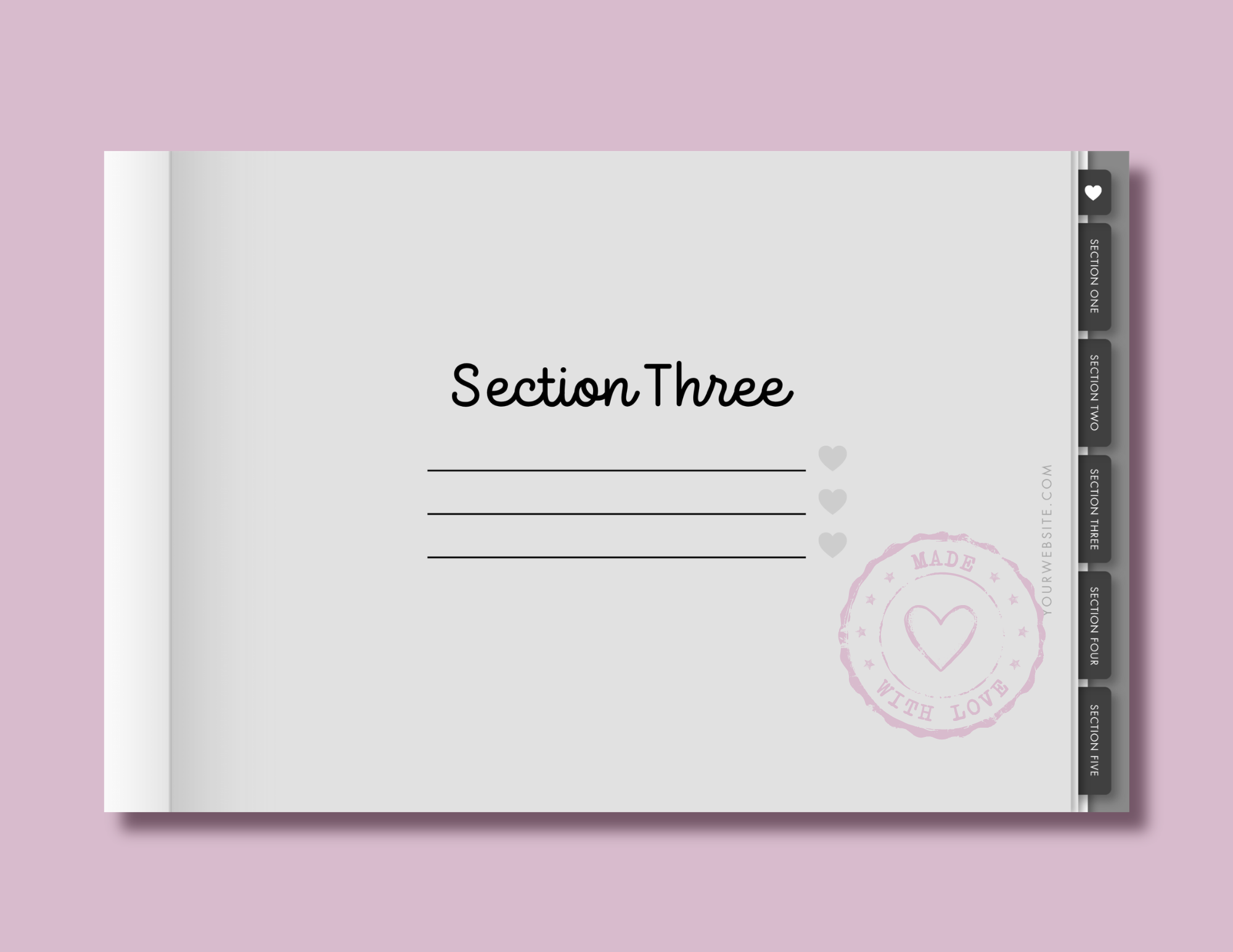
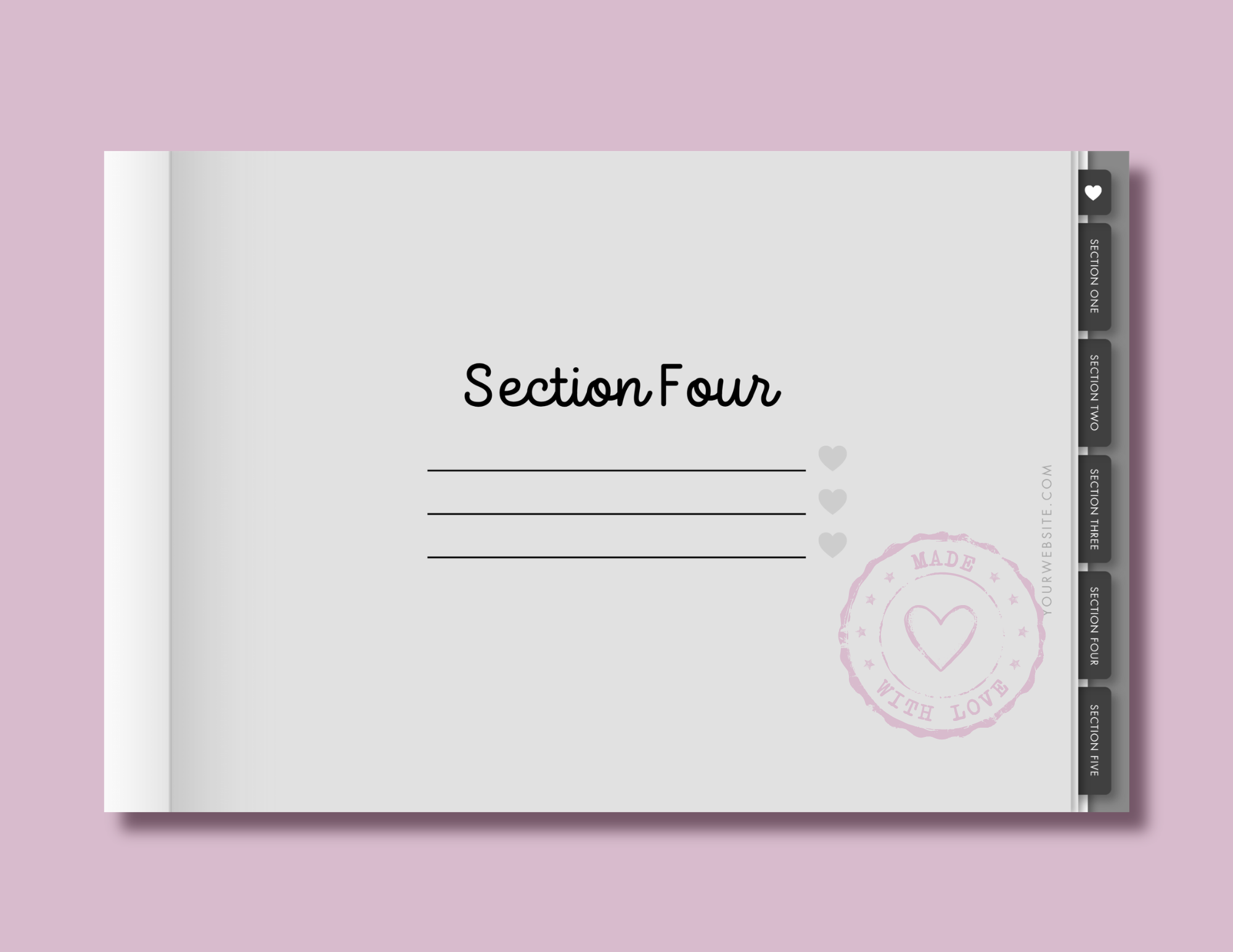
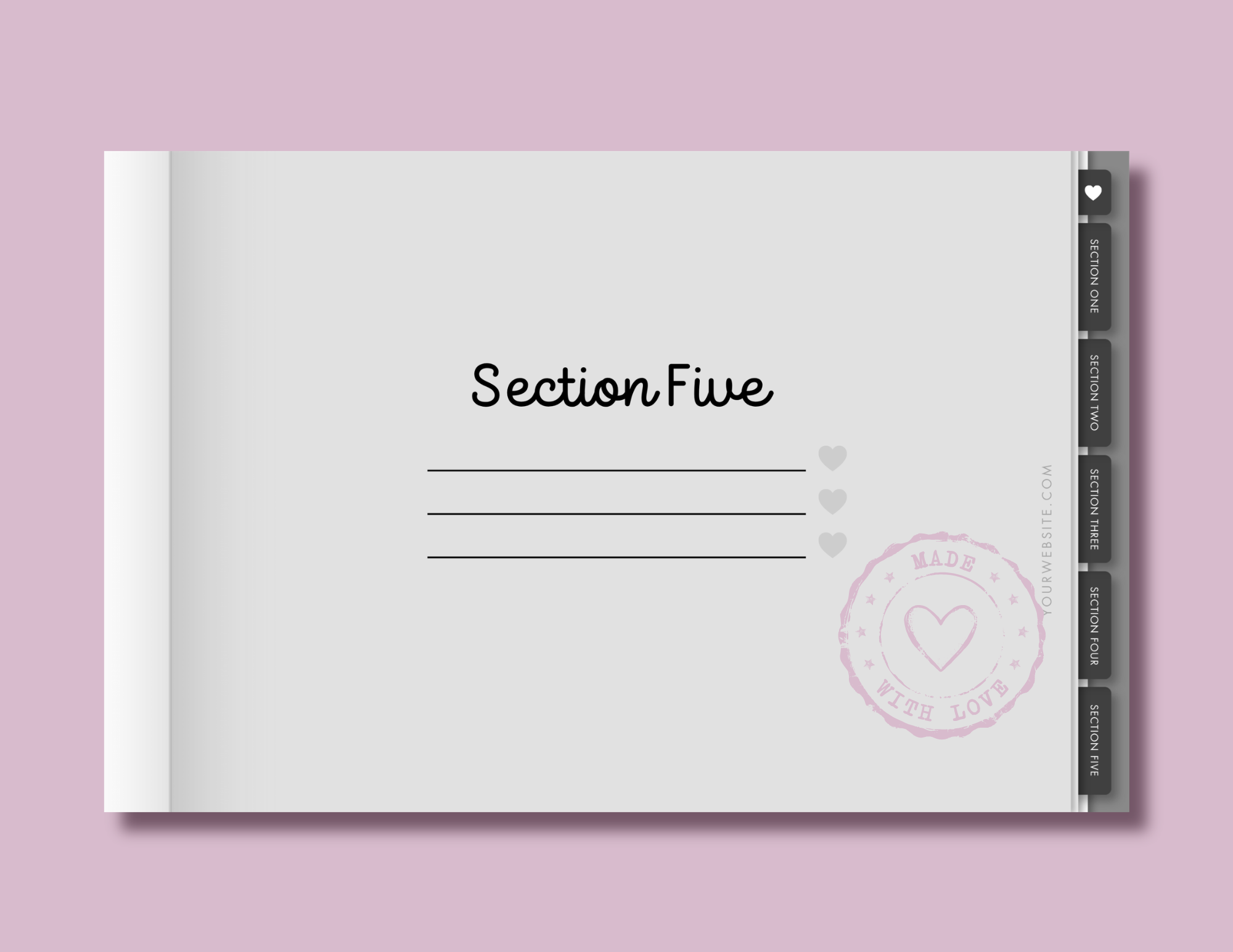
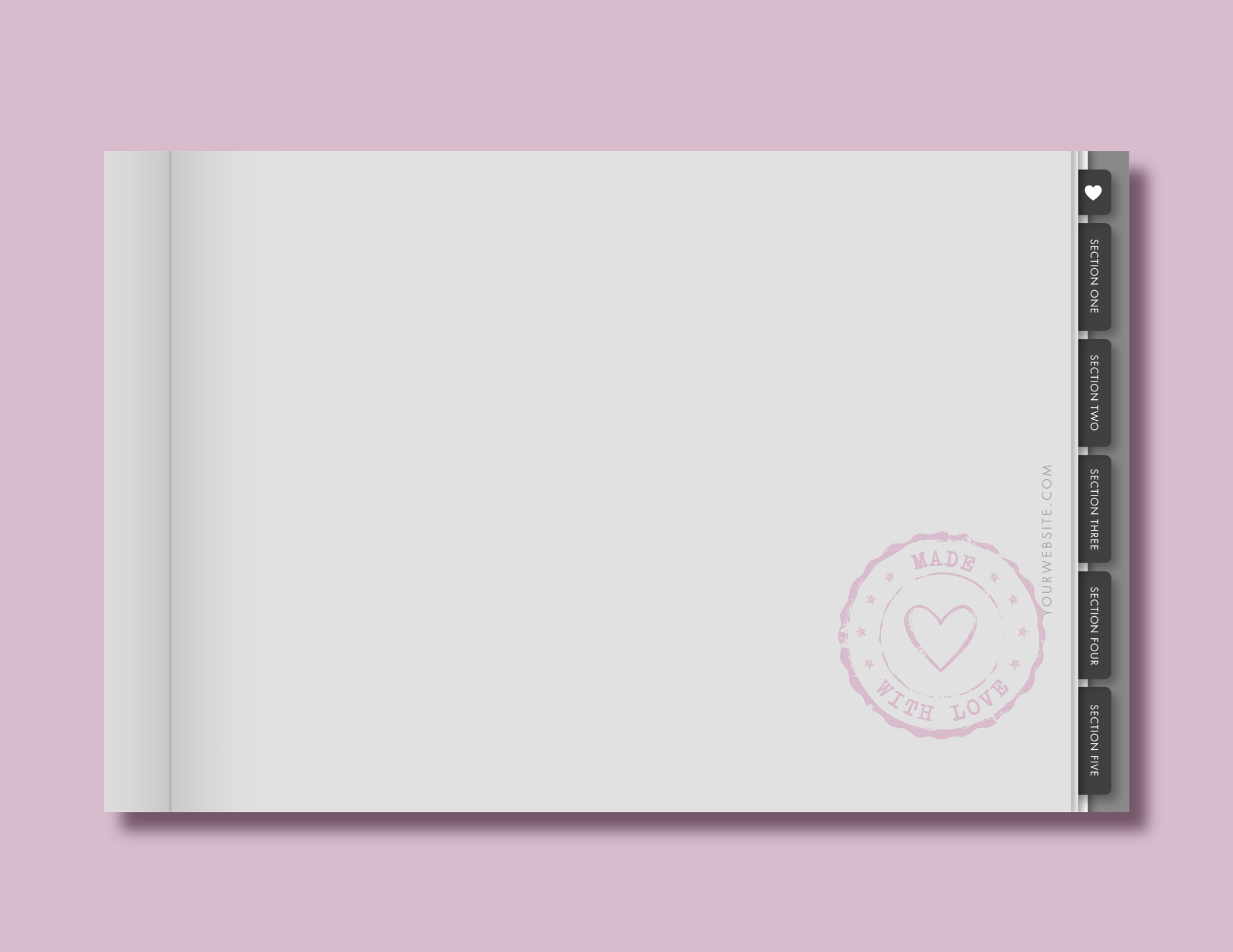
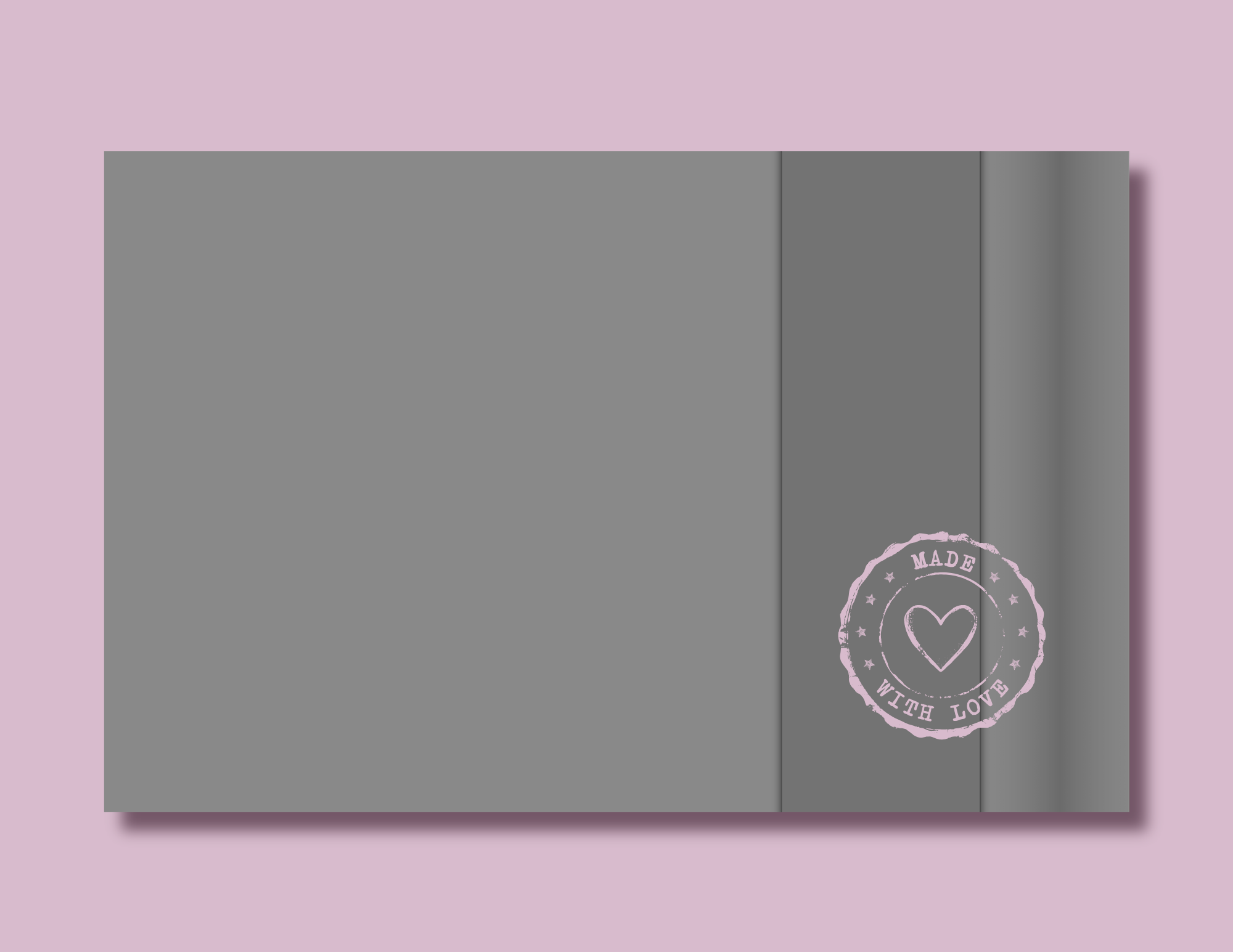
These are shown in their original grayscale format, ready for you to bring in your own colors, patterns, fonts, and pretty little details.
Before & After
Move the slider below to see a real-life example of how I like to edit these sticker book templates to reflect my own unique style!


BONUS: Learn How to Create a Goodnotes-Ready File
Want to give your customers an even easier way to use their new digital stickers?
With this bonus tutorial, you’ll learn how to create a Goodnotes-ready Sticker Book with your digital stickers already inside.
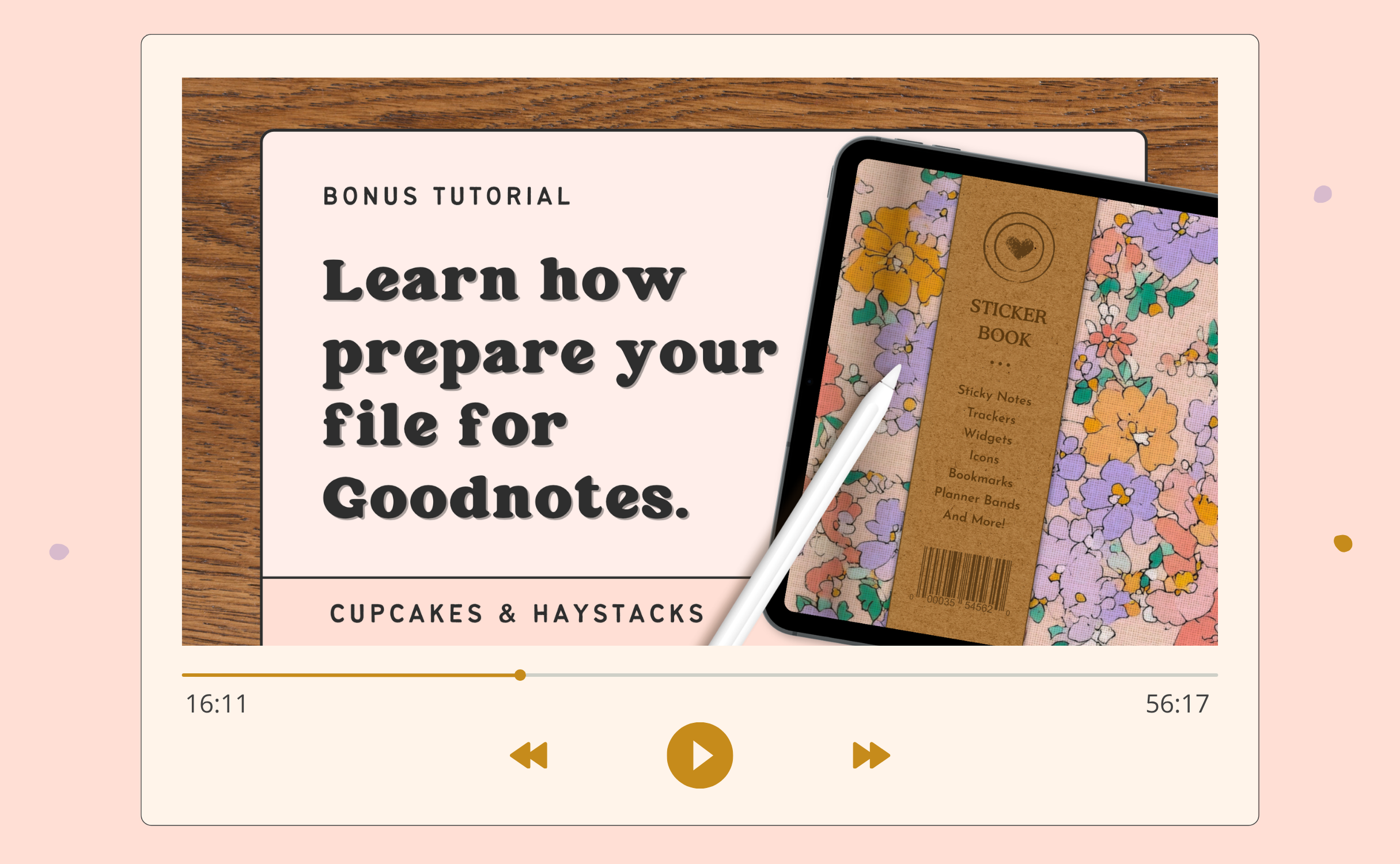
Instead of asking your customers to add hundreds of individual stickers to their Sticker Book themselves, you can give them a version that’s already set up and ready to use.
It’s a thoughtful touch that will make their new sticker collection feel a bit more special!
THE CUPCAKES & HAYSTACKS DICTIONARY
digital sticker
DIJ-ih-tuhl STIK-er
noun
- An individual PNG image with a transparent background, designed to be added to the pages of digital planners, journals, notebooks, and more.
- The digital version of the paper stickers we all know and love, used to decorate pages, add labels and reminders, track habits, mark important dates, or simply make things a whole lot cuter.
- An adorable, highly addictive digital accessory that is nearly impossible to stop at just one collection.
✻ See also: digital planner, digital journal, sticker obsession
The Digital Stickers
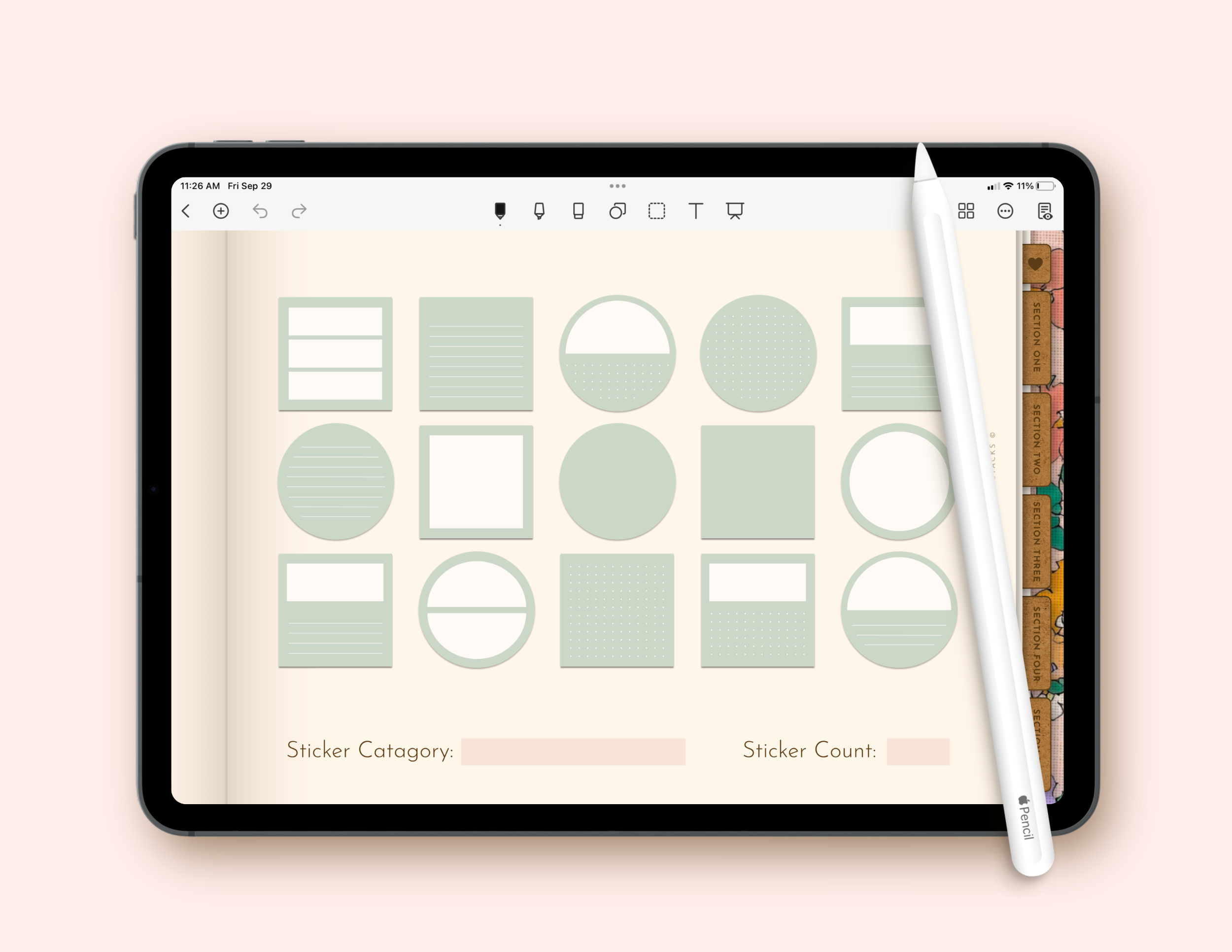
Inside this kit, you'll find more than 3000 digital sticker templates across 20 different categories. Here's just a little peek at a few of my favorites...
Sticky Notes
These sticky notes are perfect for taking down notes, reminders, quotes, affirmations and more!
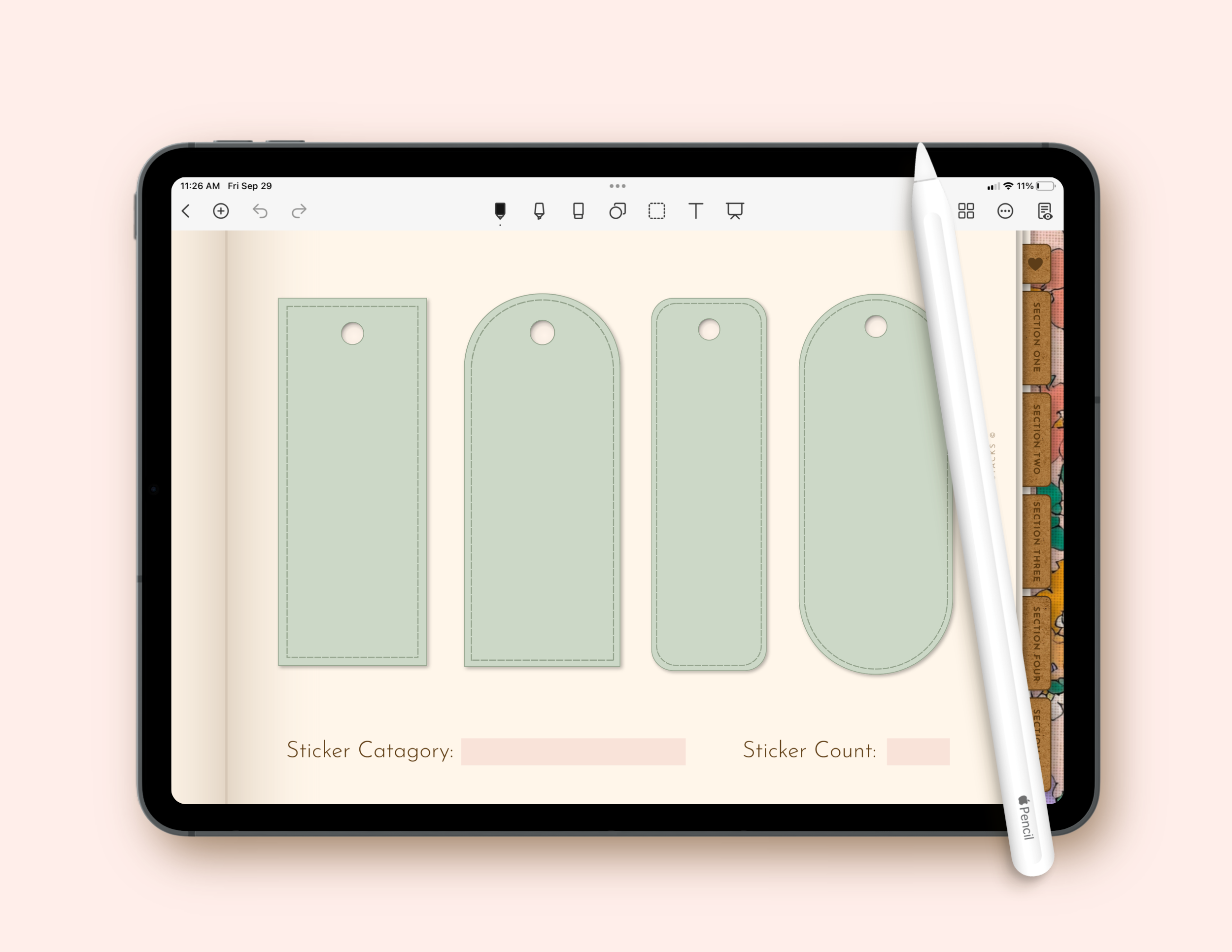
Bookmarks
These bookmarks are an adorable way to mark a planning spot, jot down a favorite quote, or add a bit of bookish style to a page.
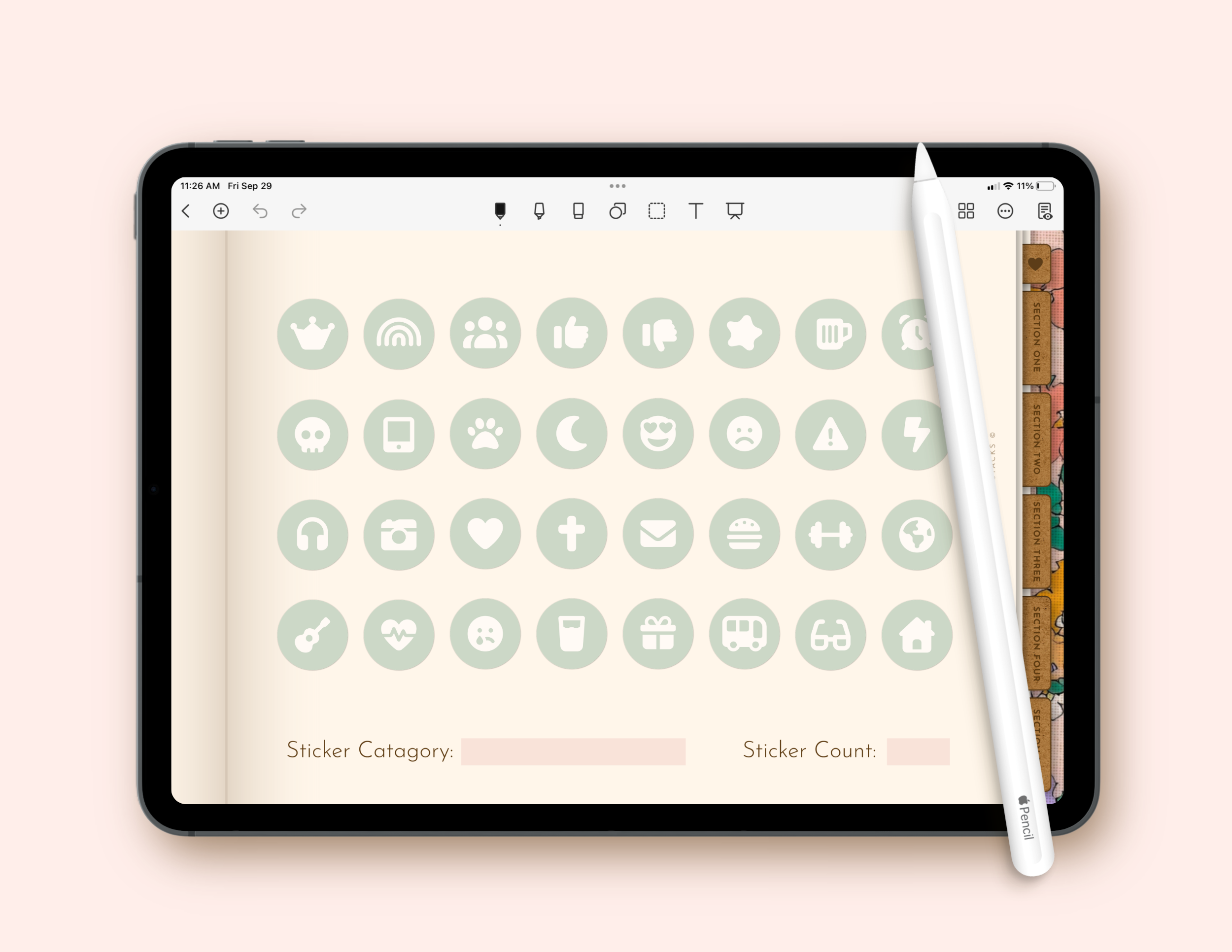
Lifestyle Icons
These round, heart, and square shaped lifestyle icons are a super cute way to note appointments, events, moods, or even just decorate a page!
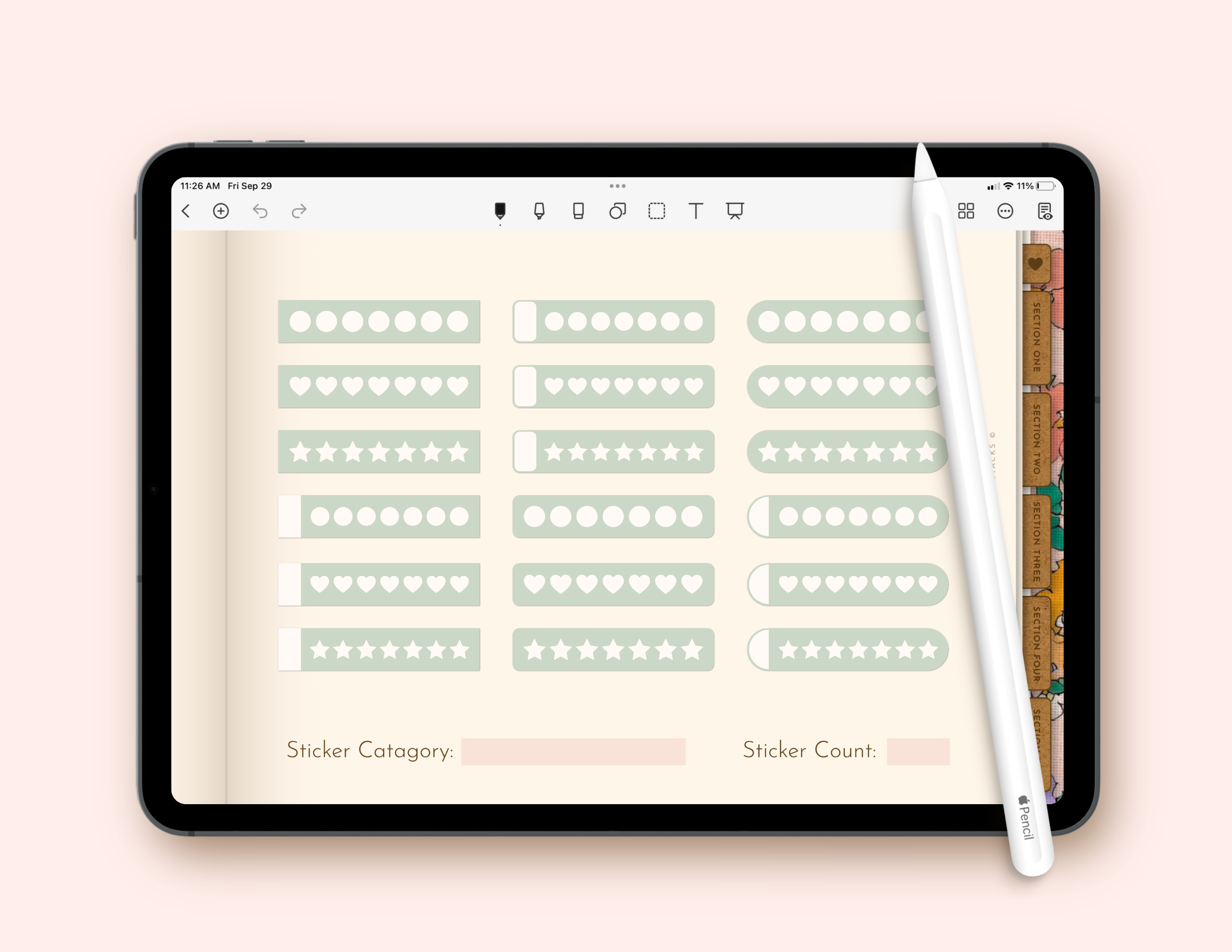
Trackers
These trackers are not only adorable, but they are perfect for tracking simple habits and routines.
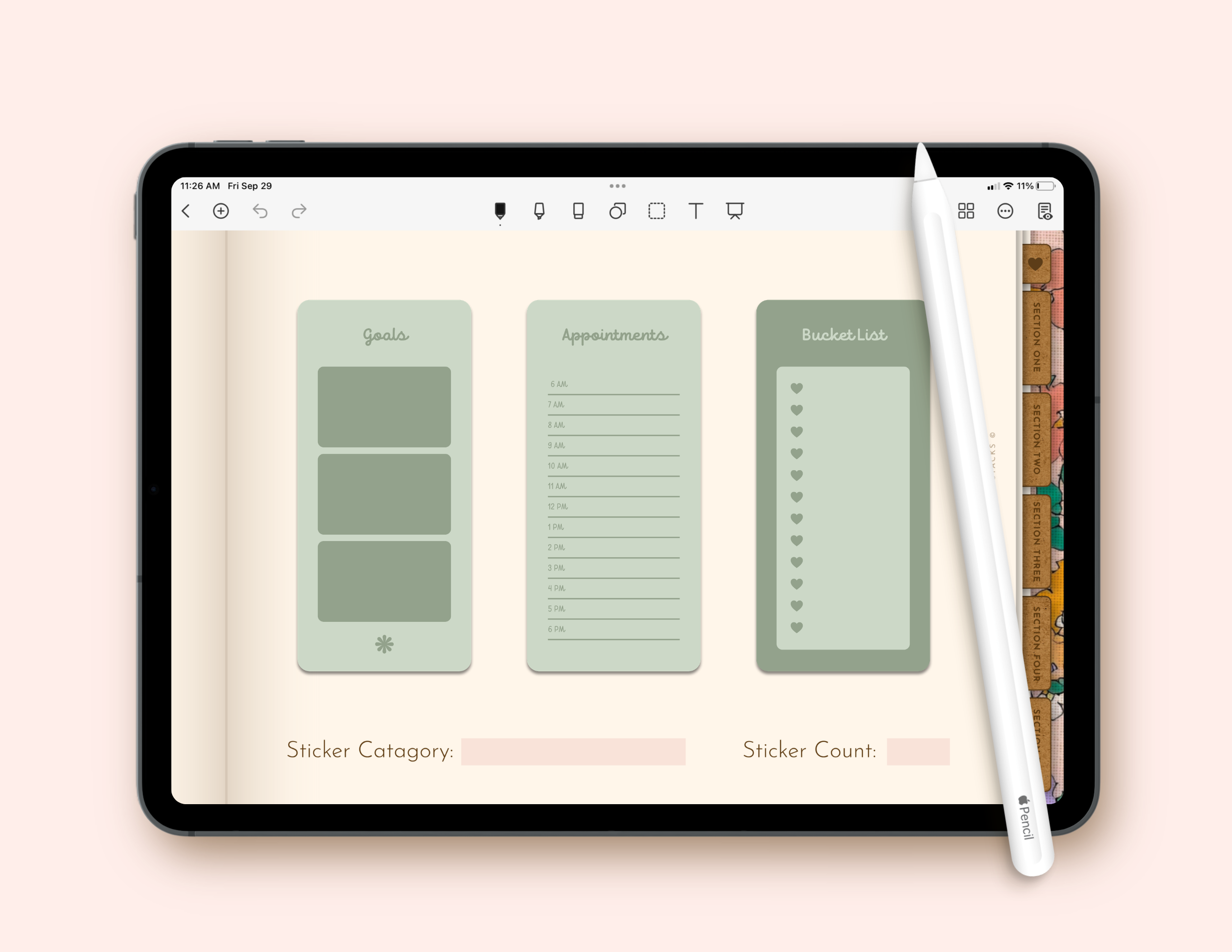
Long Form Widgets
These long form widgets are perfect for tracking appointments, setting goals, jotting down thoughts, planning out meals, and more!
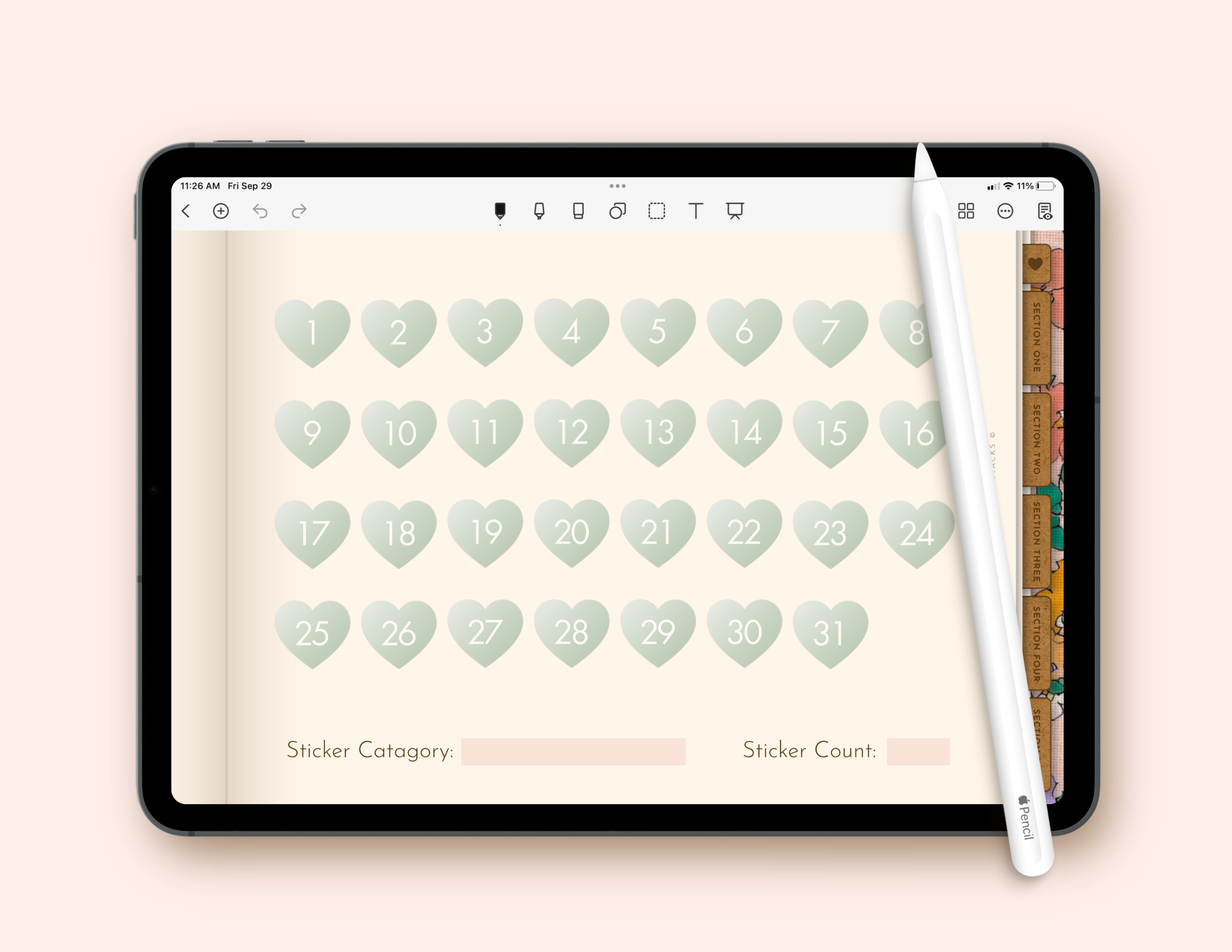
Number Icons
These round, heart, and square shaped numbered icons make it easy to add dates to undated planners, with numbers 1–31 included.
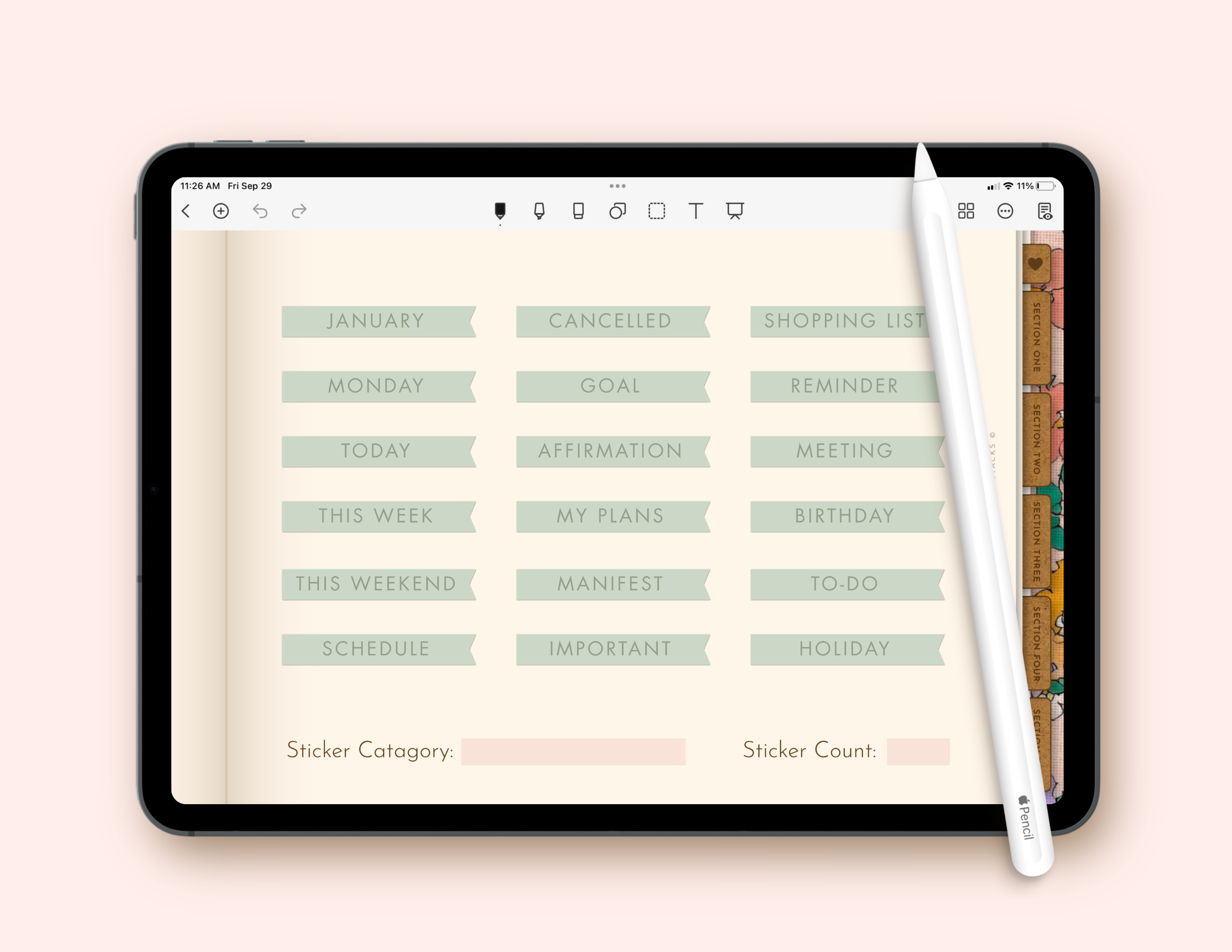
Words + Labels
These text-based stickers are a great way to set reminders for important dates and events, create labels for your lists, and more!
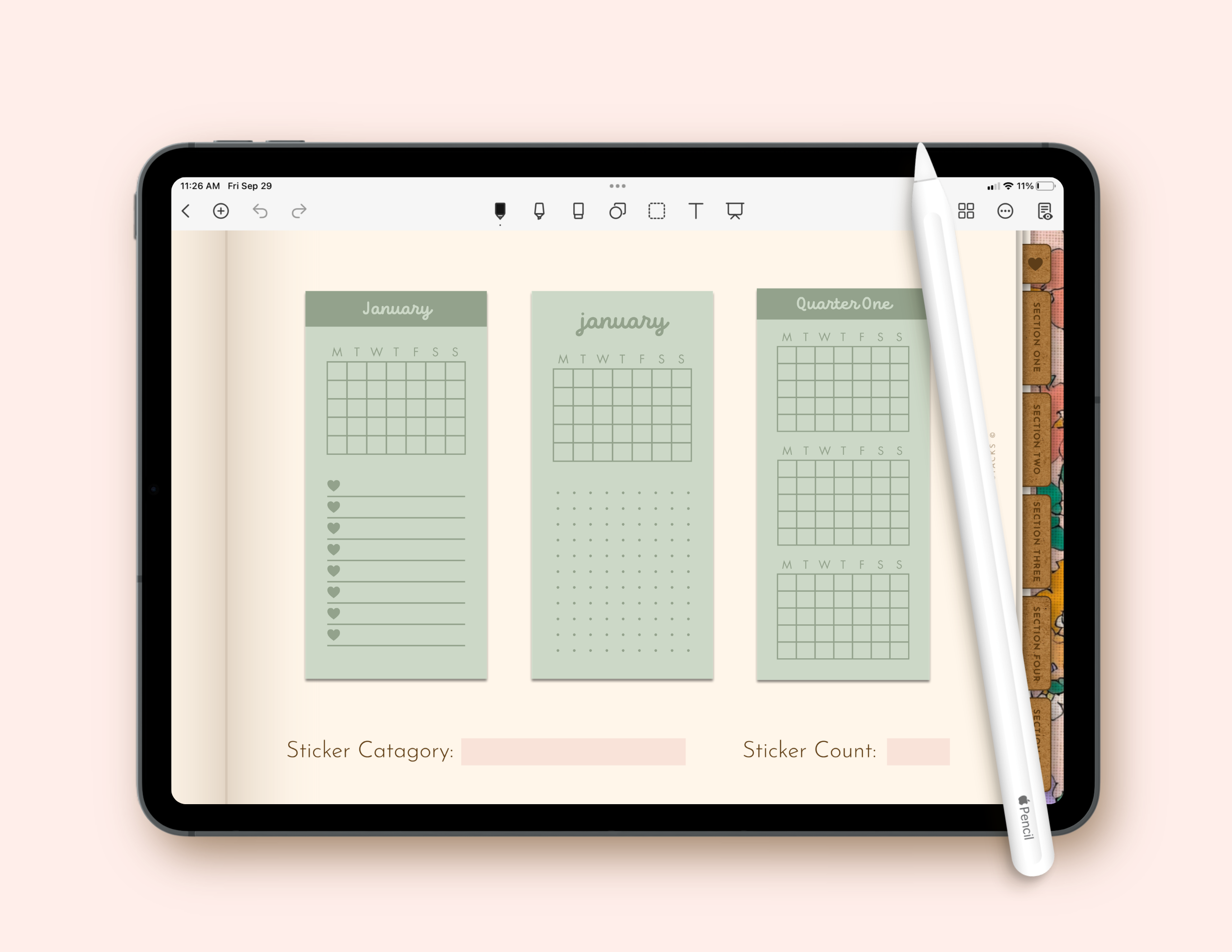
Calendars
These calendar stickers are perfect for keeping track of important dates, appointments, events, deadlines, and plans throughout the month.
But there’s even more to love!
You’ll also find Square Icons, Heart Icons, Mini Calendars, Long-form Calendars, Planner Bands, Washi Tape, Flags and Banners, Markers, and Basic Shapes inside your kit.
Why you'll love selling digital stickers in your shop.
Easy to Customize. Even Easier to Make Your Own.
Your Digital Sticker Templates are filled with different design options, so you have plenty of room to play with the look and style of your stickers.
And since everything is made for Canva, customizing them is simple. Change the colors and fonts, add your favorite patterns and textures, and create a look you absolutely love!
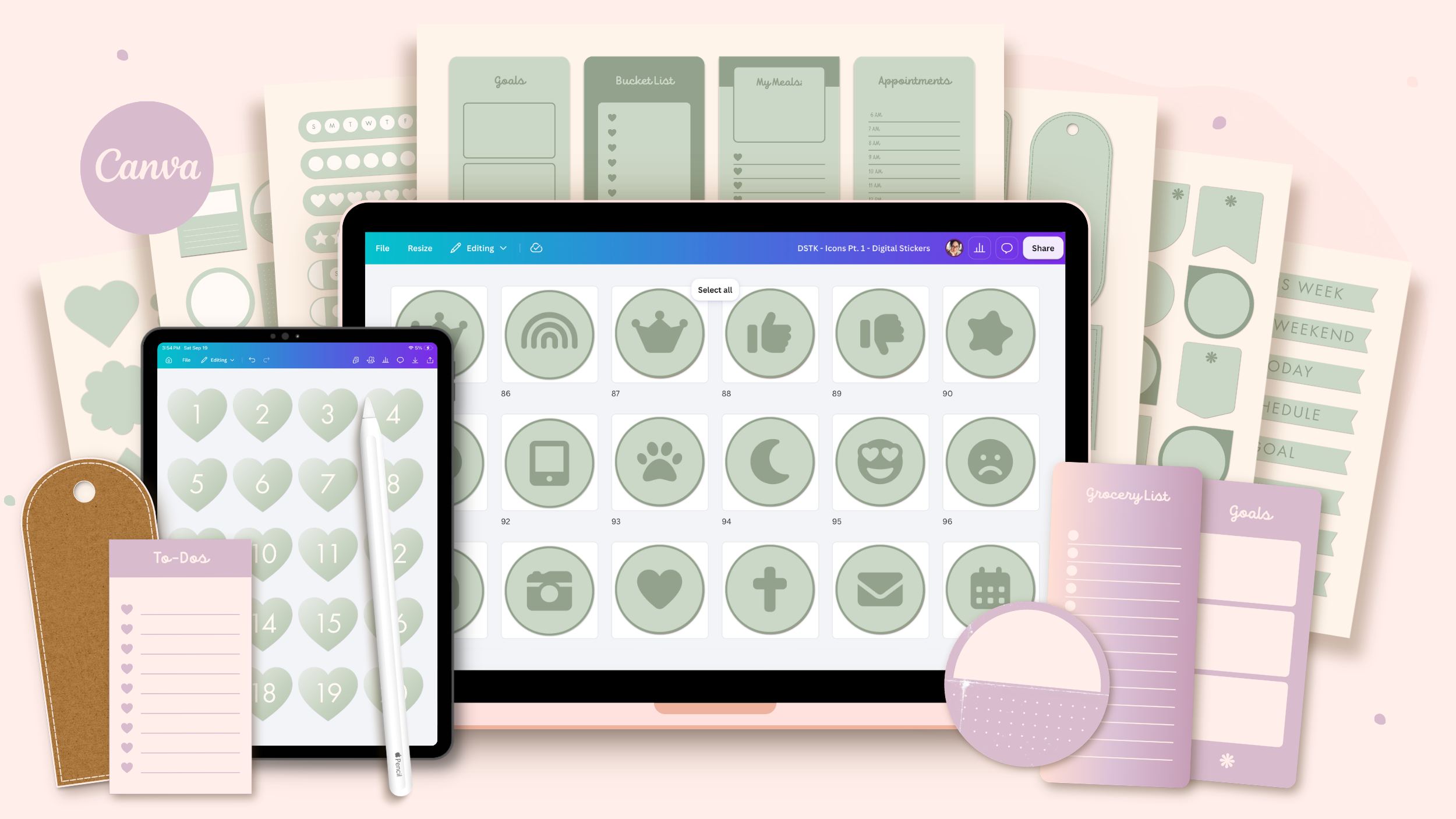
Inside each sticker category you’ll find options for:
- Solid Colors - Solid color versions of your sticker designs.
- Ombré Colors - Colorful ombré versions with the blended effect already built in.
- Patterns & Textures - Versions with drag-and-drop placeholders for adding your own patterns and textures.
- With or Without an Outline - Both outlined and non-outlined versions of your sticker designs.
- Different Checkbox Styles - Multiple checkbox variations included with your checklist, tracker, and calendar stickers.
Whether you’re creating one gorgeous coordinating sticker collection or an entire product line, you have a ton of options to work with.
Choose your favorites, add your own touches, and see just how different the same templates can look from one collection to the next!
Your digital sticker business could be open by Monday.
You bring the coffee. I’ll bring the templates and tutorials. By the end of the weekend, you could be open for business.
1. Customize Your Sticker Book
Customize the Sticker Book Templates in Canva with your colors, fonts, graphics, and other design details.
2. Customize Your Digital Stickers
Customize the Digital Sticker Templates to create a coordinating collection of pretty stickers.
3. Export Your Products
Export your finished sticker book as a PDF and your digital stickers as transparent PNGs.
4. Create a Goodnotes-Ready File
Optional: Add your finished stickers to your sticker book so customers can begin using them right away in Goodnotes.
5. Get Your Etsy Shop Ready
Customize the included Etsy banner and listing photo templates, then create your digital sticker listing.
6. Open for Business!
Publish your listing and open the doors to your new digital sticker business. And that's it. Easy as pie!
BONUS: Etsy Shop Templates
Your sticker products are gorgeous—your listings should be too. These Canva Pro templates make it easy to showcase your designs with clarity, confidence, and just the right amount of sparkle!
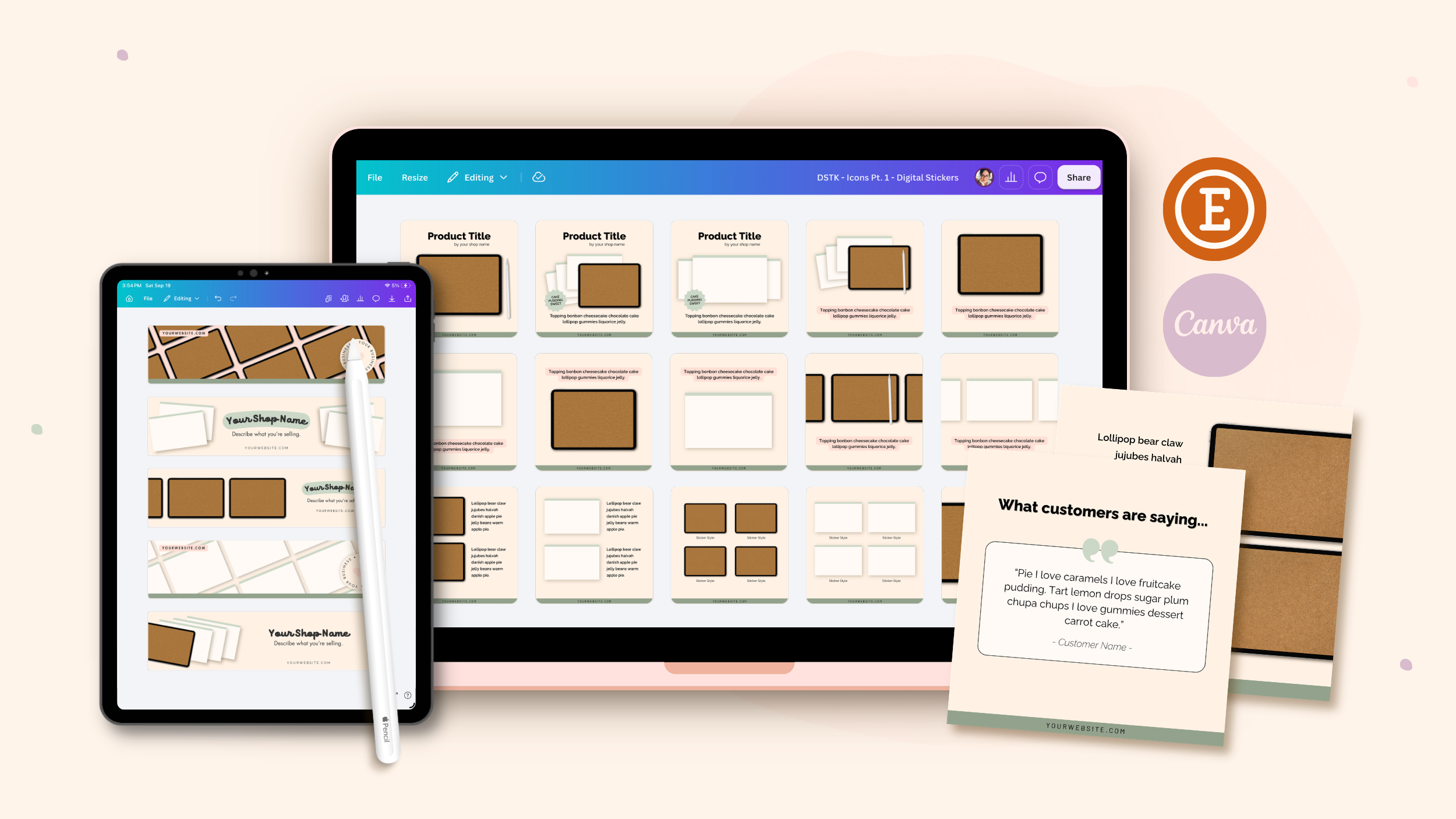
You’ll receive a collection of Canva templates designed to help your shop shine right from the start—Etsy shop banners, listing images, and download link PDFs you can customize to match your designs.
Use them to showcase your digital products, highlight your features clearly, and give your shop a beautiful, professional look without spending hours designing from scratch!

Hi, I'm Jayme!
I'm the designer, digital product educator, and founder of Cupcakes & Haystacks.
I help creative women build digital shops they’re proud of by teaching them how to design products their customers will adore.
I believe beautiful design is strategy. And that belief is what inspired this template kit. It’s designed to help you grow your passive income business with digital products you’ll love creating and your customers will love using.
When your designs are both lovely and intentional, your audience can’t help but be drawn in, and your products naturally shine!
Passive income isn’t magic—it’s math. Products listed, products selling, shop growing! This kit helps you get there faster, because you’re starting with a collection of digital products that are already built out and ready to customize in Canva.
It’s a smart place to start—or a natural next step. Simple enough to begin now, beautiful enough to sell proudly, and a lovely way to continue building out your digital product shop.
Ready to dive in?
What's included in your purchase...
- Digital Sticker Book Templates made to be customized inside Canva.
- 3000+ Digital Sticker Templates made to be customized inside Canva.
- Step-by-step Video Tutorials showing you how to customize your sticker book and digital stickers.
- Bonus Goodnotes Tutorial showing you how to create a Goodnotes-ready file.
- Bonus Canva Etsy Shop Templates with banners, listing images, and download link PDFs.
- Access to a Private Community for support, guidance, and troubleshooting.
- Lifetime access to your Template Hub so you can revisit your files anytime.
- A Commercial License to sell unlimited finished personal-use digital sticker books and stickers.
REFUND POLICY:
Because you receive instant access to your Template Hub upon purchase, all sales are final.
Please read the details on this page carefully before purchasing. If you’re unsure whether the templates are right for you, feel free to reach out with any questions before you buy—I’m happy to help.
Frequently Asked Questions
Ready to turn this weekend into the beginning of your digital sticker business?
Your templates are ready when you are—simple to customize, beautiful to work with, and designed to help your shop shine!
Don't miss the Special Early Bird Price!
For a limited time, grab your templates for just $79.